Your Browsing History
- Free 30-day Returns
$56.99
Meet Your Seller
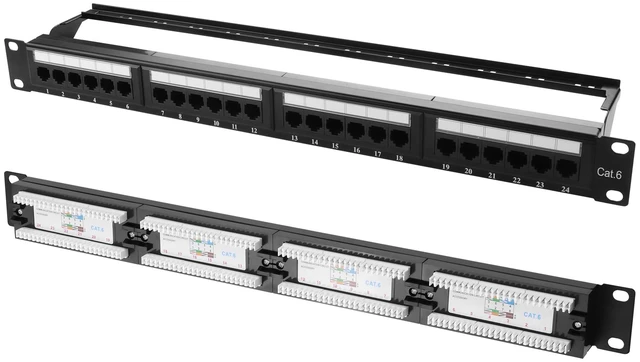
PNGKNYOCN 10Gbps Cat6 Patch Panel, 24-Port RJ45 Patch Panel for 19" Rackmount or Wall Mount Compatible Cat6, Cat5e, Cat5
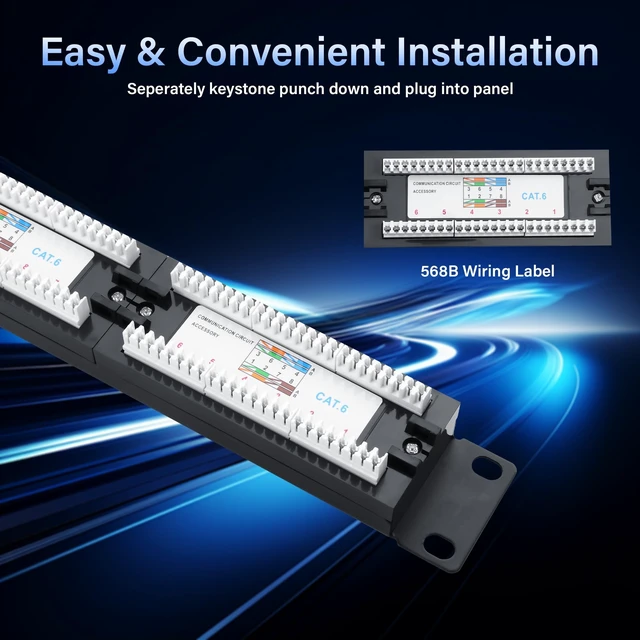
- 24-Port CAT6 Patch Panel: This patch panel allows for quick and easy cable connections. Simply plug Cat6 cables into its 24 front RJ45 ports and use 110 IDC terminations to reduce installation time.
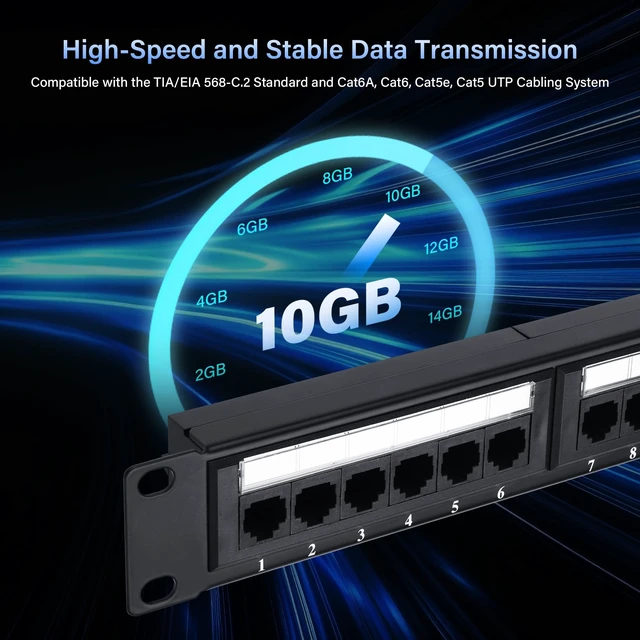
- High-Speed Performance: Supports transmission rates up to 10Gbps, with Cat6 standards providing up to 500 MHz of bandwidth. This patch panel is fully backward compatible with Cat5e and Cat5 cables, ensuring optimal performance for your network.
- Quality Material: Rack Mount CAT6 Fixed Patch Panel is made of cold rolled iron, providing superior performance for data networks that require maximum speed and bandwidth. Clear, replaceable label slots allow you to easily label and organise ports
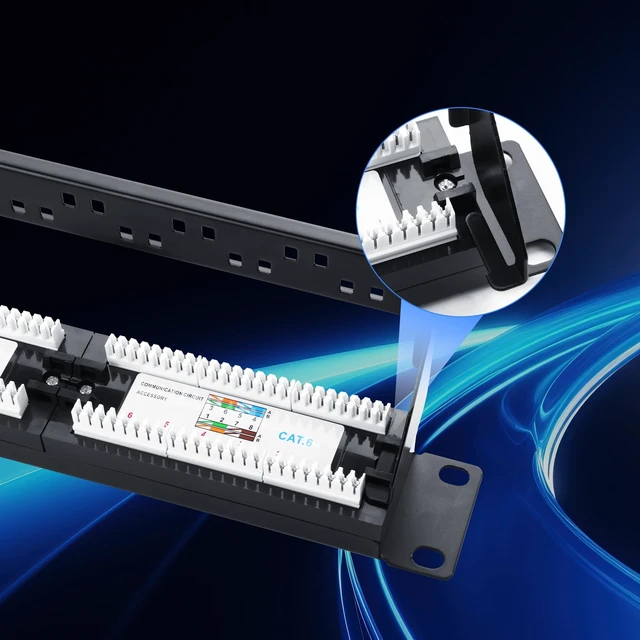
- Easy Installation: 1U Ethernet Patch Panel is designed for 19-inch network panels, wall-mounted or rack-mounted, quick and easy installation, ideal for home and professional settings.
- Installation Notes: The distribution frame can be used for 22AWG-24AWG copper wire snap-in, all snap-in wire seq
+
+
Overview
Specs
Reviews
Any questions? Our AI mode will help you find out quickly.
Try me now
Product Name: 24-Port Cat6 Patch Panel. Patch panels Cat6 wall mounted, support stable connections and ultra-high speed performance up to 10Gbps. Standard 19-inch 1u patch panel for rack, wall or cabinet mounting.
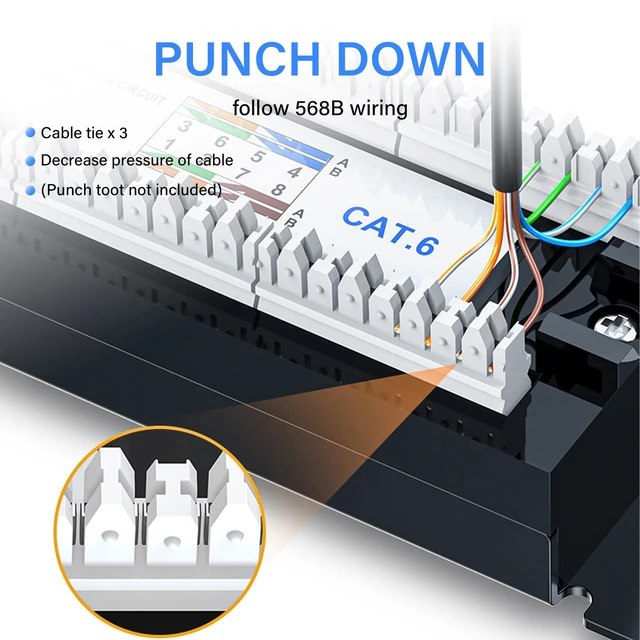
Product dimensions: 483mm x 95mm x 45mm. Installation Procedure. 1. The patch panel can be used for 22AWG-24AWG copper wire clamping. 2. Use wire stripping tool to strip the cable sheath, be careful not to damage the twisted pair cable. 3. Place the network cable in the back of the distribution frame, corresponding to the rear of the distribution frame in the order of the colour coding, the twisted pair of 4 pairs of cables in accordance with the upper and lower rows of the colour coding of the one-to-one correspondence with the IDE terminal slots. 4. Make the separation of the twisted pair cables as short as possible during installation. 5. Press the twisted pair into the slot by the 110-type wire punch tool and pierce the skin. 6. Cut off the excess twisted pair of wires at the IDE end and trim them. 7. Install the wiring rack in the cabinet. 8. Neatly bundle the network cable in the cable management bracket comes with the distribution frame. 9. All the card line sequence must be in accordance with the patch panel colour coding of the upper and lower rows of ANSI/TIA/EIA-568A or 568B.

Warranty & Returns
Warranty, Returns, And Additional Information
Warranty
- Please contact the Seller directly for warranty information. Warranty information may also be found on the Manufacturer's website.
- CONTACT
Return Policies
- Return for refund within: 30 days
- Return for replacement within: 30 days
- This item is covered by DuronTechnologies Return Policy
Manufacturer Contact Info
- For a directory of all our manufacturers, please click below.
- Manufacturers Directory
LOADING...