• $167.99
  • Free 30-day Returns
  • Price alert
    Shop it at NeweggBusiness.

    Meet Your Seller

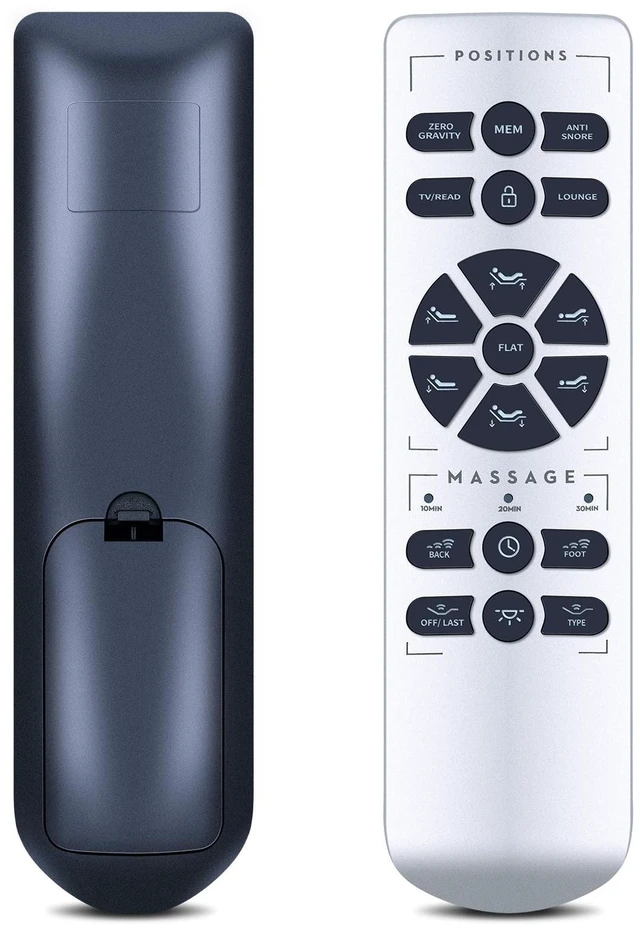
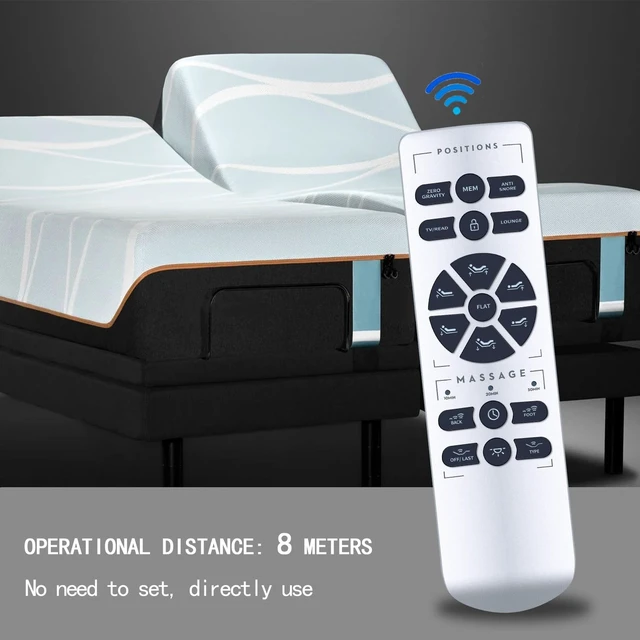
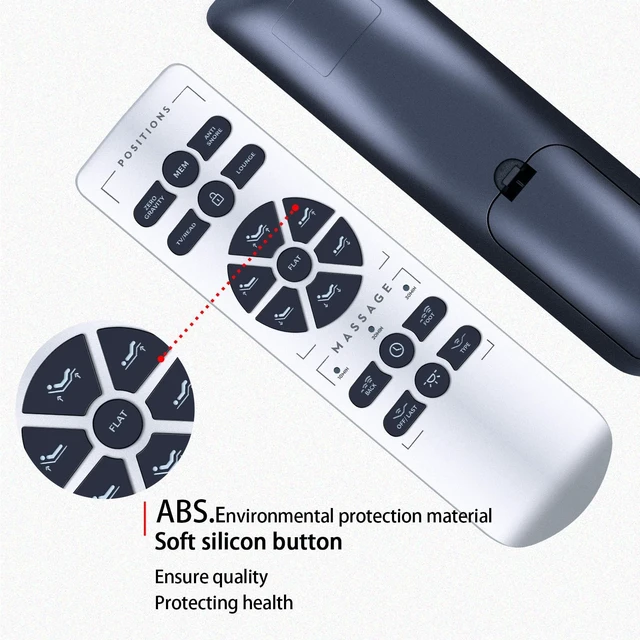
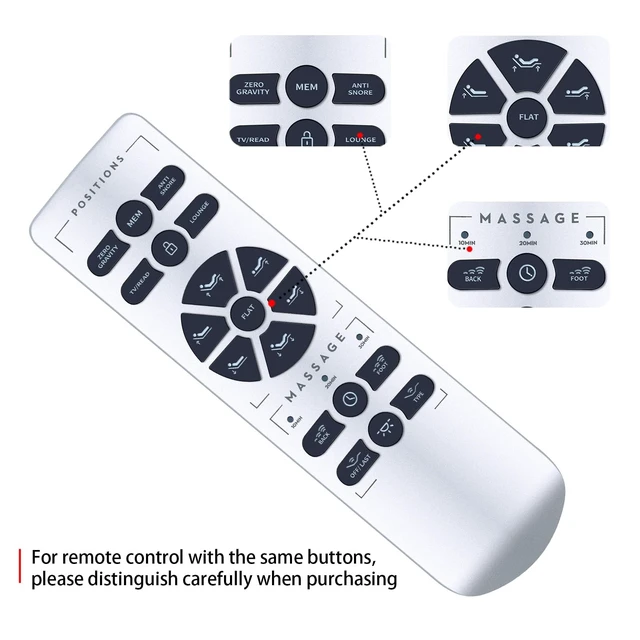
    WDZP New Replacement Remote Control fit for OKIN RF.50.19.02 Split Queen Malouf M555 Structures M550 Adjustable Bed Base

    • Compatibility RF.50.19.02 Split Queen Malouf M555 Structures M550 Adjustable bed base Replacement Remote Control
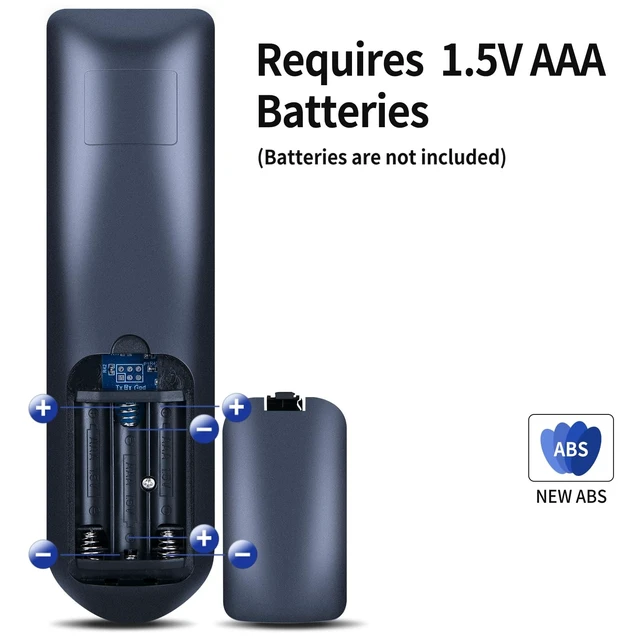
    • Remote Pairing Method 1 Step 1: Ensure the remote batteries are installed and are functioning. disconnect and reconnect the power cord from the wall.Step 2: Once the base is plugged in, the underbed LED lights will begin to flash. Press any button on the remote, and the LED lights should turn off (see image B). The remote is now paired.
    • Remote Pairing Method 2Step 1: Ensure the remote batteries are installed and are functioning.Step 2: Ensure the power cord is plugged into a powered source.Step 3: Press and hold the Head Up and Foot Up buttons simultaneously. Then also press and hold the "blue button" on the control box cord until you hear two beeps
    • Noted1. Please check the battery before operation 2. Check whether the child lock function is turned on (it cannot be operated normally when it is turned on) 3. If pairing does not work, please disconnect the device from
    +
    +
    Overview
    Specs
    Reviews
    avatar

    Any questions? Our AI mode will help you find out quickly.

    Compatibility RF. 50.19. 02 Split Queen Malouf M555 Structures M550 Adjustable bed base Replacement Remote Control ^^ Remote Pairing Method 1
    Step 1: Ensure the remote batteries are installed and are functioning. disconnect and reconnect the power cord from the wall.
    Step 2: Once the base is plugged in, the underbed LED lights will begin to flash. Press any button on the remote, and the LED lights should turn off (see image B). The remote is now paired. ^^ Remote Pairing
    Method 2Step 1: Ensure the remote batteries are installed and are functioning.
    Step 2: Ensure the power cord is plugged into a powered source.
    Step 3: Press and hold the Head Up and Foot Up buttons simultaneously. Then also press and hold the "blue button" on the control box cord until you hear two beeps ^^ Noted1. Please check the battery before operation 2. Check whether the child lock function is turned on (it cannot be operated normally when it is turned on) 3. If pairing does not work, please disconnect the device from the power supply for 1 minute and try again. ^^ Lifetime Warranty & Exceptional ServiceDoesn't match your equipment? Quality problem? Don't worry!! We offer 6-MONTH warranty, free exchange or refund))

    Warranty & Returns

    Warranty, Returns, And Additional Information

    Warranty

    • Please contact the Seller directly for warranty information. Warranty information may also be found on the Manufacturer's website.
    • CONTACT

    Return Policies

    • Return for refund within: 30 days
    • Return for replacement within: 30 days
    • This item is covered by ApexDash Return Policy

    Manufacturer Contact Info

    LOADING...