

Your Browsing History
- Free 30-day Returns
$135.99


Meet Your Seller

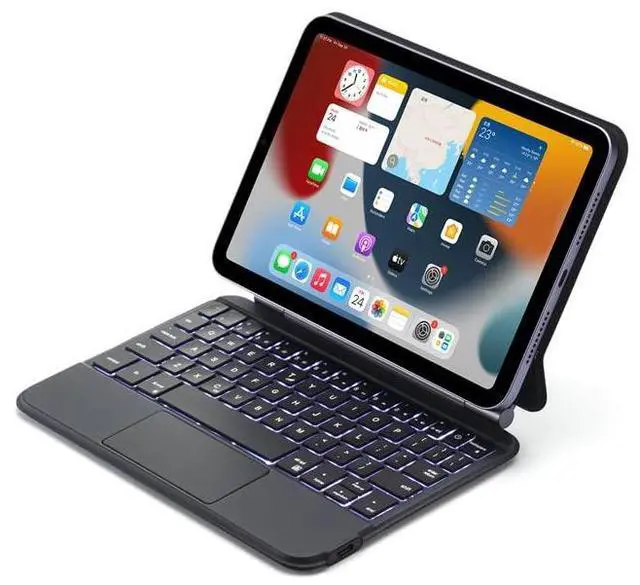
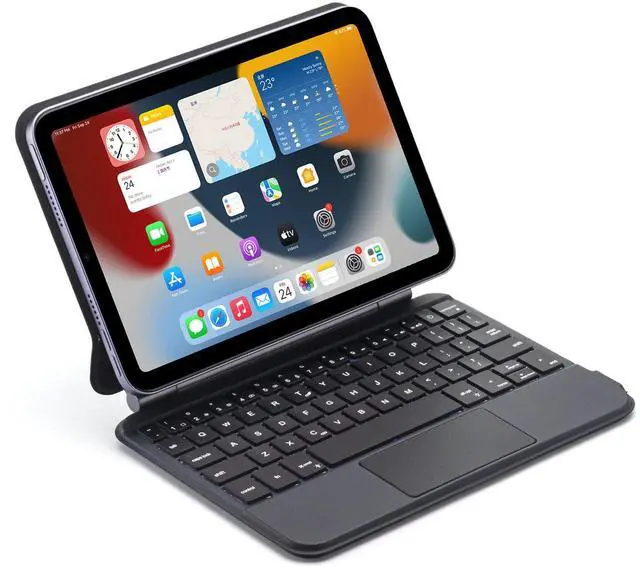
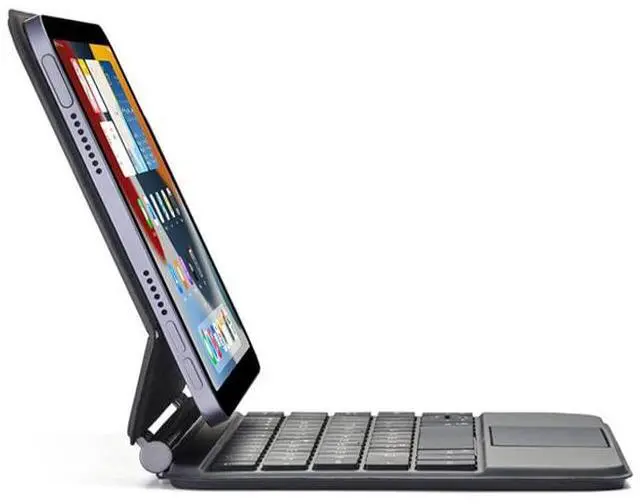
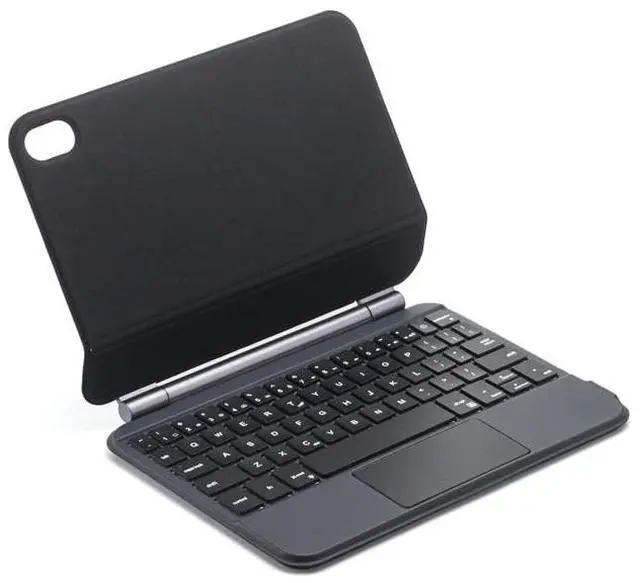
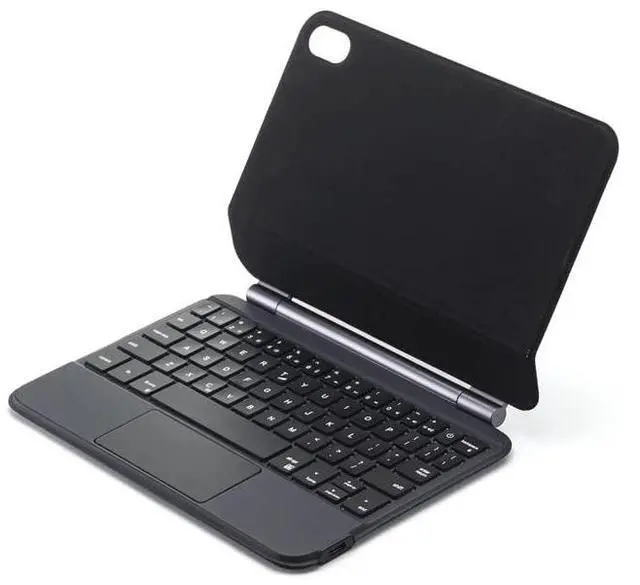


QYiiD Magic Keyboard Case for iPad Mini 7 (A17 Pro) 2024/iPad Mini 6 2021 8.3 Inch, 7 Colors Backlit Bluetooth Keyboard Case Cover with Multi-Touch Trackpad for iPad Mini 7th/6th Generation, Black
- [Compatible Models]: 360 Rotating Magnetic Keyboard Case for iPad Mini 7th Generation 8.3" 2024 (model number: A2993,A2995,A2996),iPad Mini 6th Generation 8.3" 2021 (model number: A2567,A2568, A2569); Accurate cutouts allow easy access to all ports and features.
- [Magnetically Attached Keyboard Case for iPad Mini]: The iPad Mini 6 keyboard built-in Powerful magnets back ensure a lock securely between the case & iPad. not only perfect designed to perfect match your iPad, easy to carry, With The leather cover, perfect protect iPad front, back and corner, also keep it safe from bumps, scratches and spills, with free-floating design, you can adjust the perfect viewing angle.
- [Keyboard Case for iPad Mini 6 8.3 inch with Trackpad]: Features a high-precision multi-touch trackpad and thoughtful palm rejection function,, with multi-gesture controls, swipe, pinch and scroll, you can precisely navigates your iPad by a totally new way, now you can edit documents, build presentations
+
+
Overview
Specs
Reviews

Any questions? Our AI mode will help you find out quickly.
Try me now
Features:
1. Standard 3.0 Bluetooth-compatible Solution
2. Effective distance 10 meters
3. Non-detachable keyboard
4.2 in onedesign, easily to carry and use.
Specification:
Battery: Rechargeable lithium battery
Keyboard Standard: Magnetic Keyboard Cover
Design foriPad Mini 6 2021 8.3 inch
Pencilbuilt in case and tablet on the product picture are NOT INCLUDED.
Standard Keyboard, English Version
If you need other language keyboard sticker ( Russian, Korean, Spanish, French (QWERTY), German (QWERTY), Italian, Japanese, Portuguese, Arabic, Thai, Hebrew ), please contact us before order or leave a message after order.
*Language settings: You need to connect the keyboard first, then look for the keyboard in the tablet settings, and set the language layout in the keyboard
Please press ' Ctrl+Space' or 'shift+ Space' (for IOS system) switch language
If you encounter any problems, please leave us a message, we will reply to you after we see the message
keyboard connection method:
1: Press and hold the power button on the keyboard to turn on the keyboard
2: Press; FN+C; on the keyboard to put the keyboard into Bluetooth-compatibility mode
3: Turn on the Bluetooth-compatible device on tablet you need to connect to
4: Find it in; my device; and click; connected;
1. Standard 3.0 Bluetooth-compatible Solution
2. Effective distance 10 meters
3. Non-detachable keyboard
4.2 in onedesign, easily to carry and use.
Specification:
Battery: Rechargeable lithium battery
Keyboard Standard: Magnetic Keyboard Cover
Design foriPad Mini 6 2021 8.3 inch
Pencilbuilt in case and tablet on the product picture are NOT INCLUDED.
Standard Keyboard, English Version
If you need other language keyboard sticker ( Russian, Korean, Spanish, French (QWERTY), German (QWERTY), Italian, Japanese, Portuguese, Arabic, Thai, Hebrew ), please contact us before order or leave a message after order.
*Language settings: You need to connect the keyboard first, then look for the keyboard in the tablet settings, and set the language layout in the keyboard
Please press ' Ctrl+Space' or 'shift+ Space' (for IOS system) switch language
If you encounter any problems, please leave us a message, we will reply to you after we see the message
keyboard connection method:
1: Press and hold the power button on the keyboard to turn on the keyboard
2: Press; FN+C; on the keyboard to put the keyboard into Bluetooth-compatibility mode
3: Turn on the Bluetooth-compatible device on tablet you need to connect to
4: Find it in; my device; and click; connected;
Warranty & Returns
Warranty, Returns, And Additional Information
Warranty
- Please contact the Seller directly for warranty information. Warranty information may also be found on the Manufacturer's website.
- CONTACT
Return Policies
- Return for refund within: 30 days
- Return for replacement within: 30 days
- This item is covered by HAIZHILANSTORE Return Policy
Manufacturer Contact Info
- For a directory of all our manufacturers, please click below.
- Manufacturers Directory
LOADING...