[SSD for
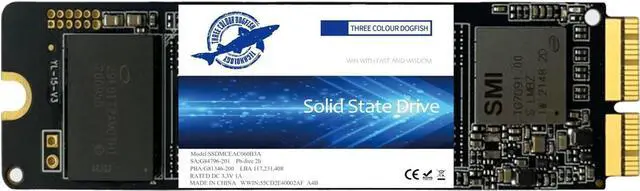
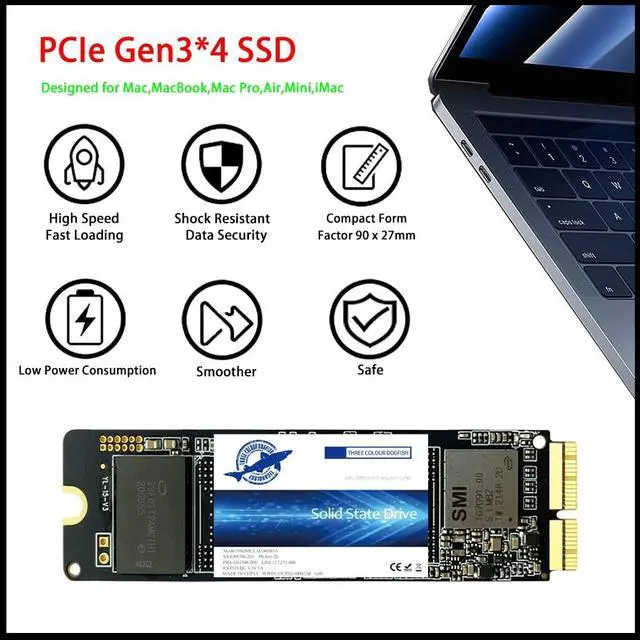
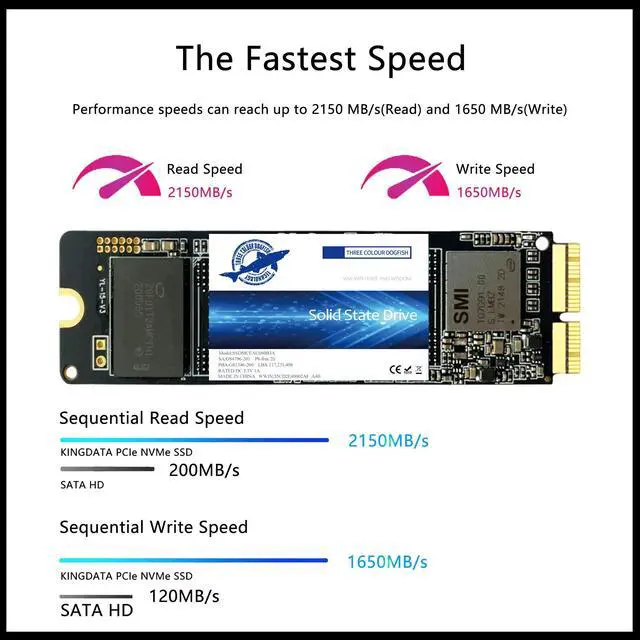
MacBook Upgrate]: Replace the SSD to increase the capacity and processing speed up to 2150MB/s.
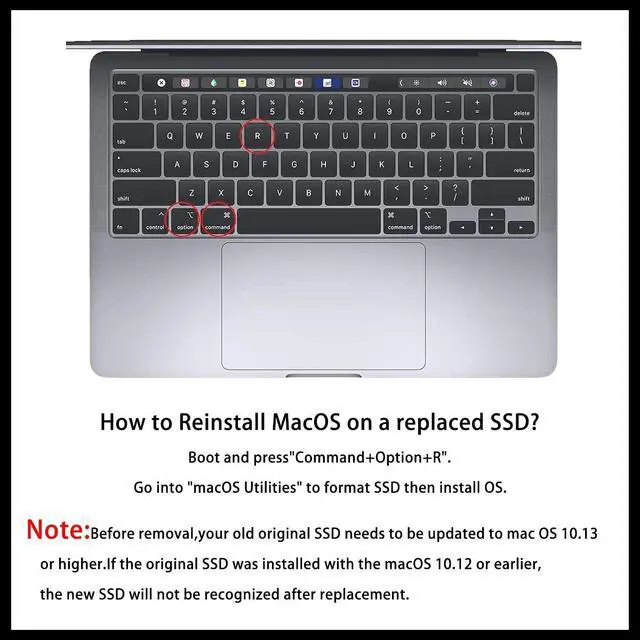
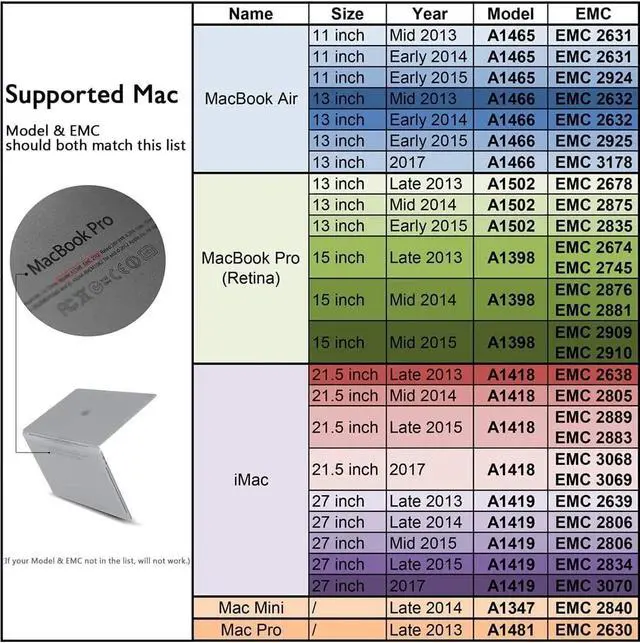
PNote: Model & EMC needs both match with our list, then will work, or will not work. ^^ [IMPORTANT NOTE] Before removal, Back up your original data to USB drive; and Updated your old original SSD to mac OS 10.13 High Sierra or Later version. If not, the new SSD will not be recognized after replacement. If your mac does not recognize the drive, then back to the step. ^^ [Reinstall MacOS] 3 ways to install macOS: From Time Machine Backup; Make USB Installer; From Internet Recovery. You can check some video on, or check our installation manual in listing documents, or there are simple steps in the product description below. Remember to Reformat (Erase) the new SSD before Restore the MacOS. ^^ [High Speed & Safety] With Dogfish PCIe NVMe SSD, greatly upgrade your Macbook 2013-2017, read speed is up to 2150 MB/s, write speed 1650 MB/s (1TB) ^^ Multiple Capacity Options Dogfish SSDs offer a variety of storage capacity options, such as 256GB, 512GB, 1TB, etc., to meet the needs of different users. Whether you are in the field of daily office, gaming and entertainment or professional design, you can choose the right capacity according to your actual needs.





 here!
here!