Your Browsing History
Meet Your Seller
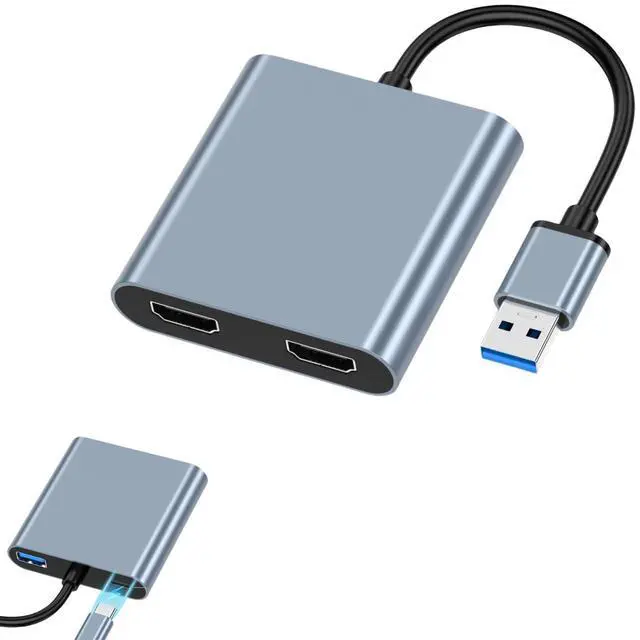
WJBCNEENT USB to Dual HDMI Adapter for 2 Monitors, USB3.0 to HDMI Splitter Adaptor 1080P 60Hz, Supports Windows and Mac OS Mirorring and Extending, Needs Install USB Driver
- Widely compatible: This USB HDMI adapter supports Windows 11,Windows 10, Windows 8.1, Windows 8, Windows 7, Mac OS. (Note: Linux/ Vista/ Chrome OS are not supported)
- Driver Installation Instructions: The adapter comes with a driver installation. Simply connects your laptop or PC and the installation window will automatically pop up. Please select the correct driver according to your computer OS.
- USB3.0 External Graphics Card: This USB HDMI adapter can connect a computer via USB interface to an HDTV, monitor, or projector with HDMI interface. It will deliver high-definition audio video sources in computer to your HDTV or monitor.
- 1080P Full HD: The high speed USB 3.0 to HDMI adapter cable provides up to 1920*1080 resolution images to the display. USB 2.0 devices also supports 1920*1080.
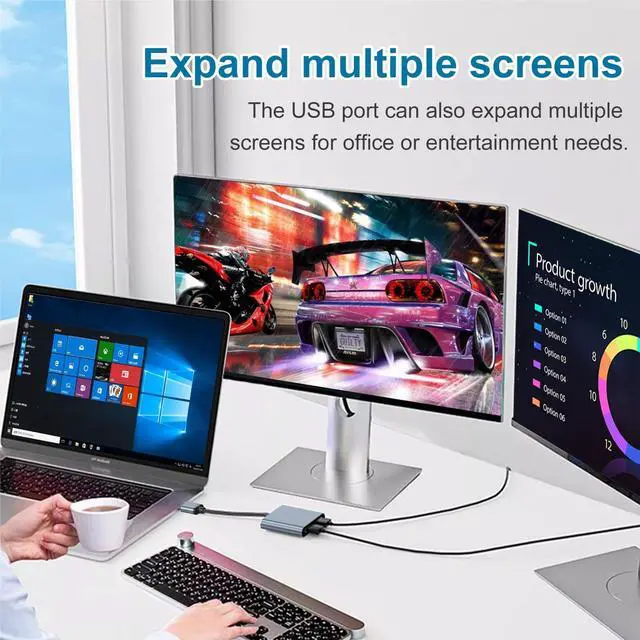
- Mirror and Extend Mode: This USB to HDMI converter have extend mode let your laptop for visibility of multiple tasks at the same time; Mirror mode gives your laptop to a large scree
+
+
Overview
Specs
Reviews
Any questions? Our AI beta will help you find out quickly.
Try me now
The USB to HDMI Adapter is used to transmit the video signal from the USB port of the computer to the HDMI port of the display device to realize the extended display and mirror display functions.
FEATURES
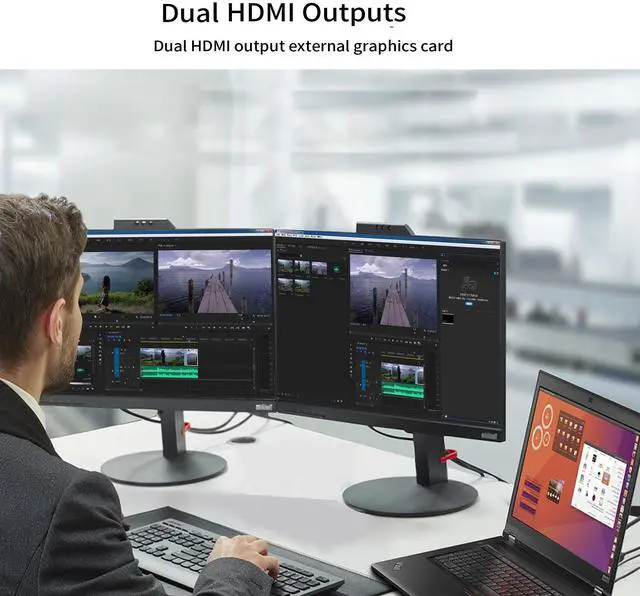
2*1080P (Full HD) display
Low power consumption, no heat
Multi-display mirror display
Multi-display extended display
HOW TO USE
1>Connect the HDMI adapter to the computer's USB port and connect it to the monitor with HDMI cable.
2>Extract the driver files from the adapter's internal flash drive and complete the installation
DRIVER FILES
Driver files are stored on the adapter's internal flash drive.
WinUSBDisplay_windows is only for Windows OS
UsbDisplay_MacOS is only for MAC OS
RESOLUTION
Video resolution via adapter supports up to 1920 x 1080P (Full HD)
NOTE
Transfer the video signal from the computer's USB to the display device's HDMI, not from HDMI to USB. It does not support chrome os / linux os / vista os / fire stick

FEATURES
2*1080P (Full HD) display
Low power consumption, no heat
Multi-display mirror display
Multi-display extended display
HOW TO USE
1>Connect the HDMI adapter to the computer's USB port and connect it to the monitor with HDMI cable.
2>Extract the driver files from the adapter's internal flash drive and complete the installation
DRIVER FILES
Driver files are stored on the adapter's internal flash drive.
WinUSBDisplay_windows is only for Windows OS
UsbDisplay_MacOS is only for MAC OS
RESOLUTION
Video resolution via adapter supports up to 1920 x 1080P (Full HD)
NOTE
Transfer the video signal from the computer's USB to the display device's HDMI, not from HDMI to USB. It does not support chrome os / linux os / vista os / fire stick
Warranty & Returns
Warranty, Returns, And Additional Information
Warranty
- Please contact the Seller directly for warranty information. Warranty information may also be found on the Manufacturer's website.
- CONTACT
Return Policies
- Return for refund within: 30 days
- Return for replacement within: 30 days
- This item is covered by LingGo Return Policy
Manufacturer Contact Info
- For a directory of all our manufacturers, please click below.
- Manufacturers Directory
LOADING...