

Your Browsing History
- Free 30-day Returns
$171.50
Ships from China.

Meet Your Seller

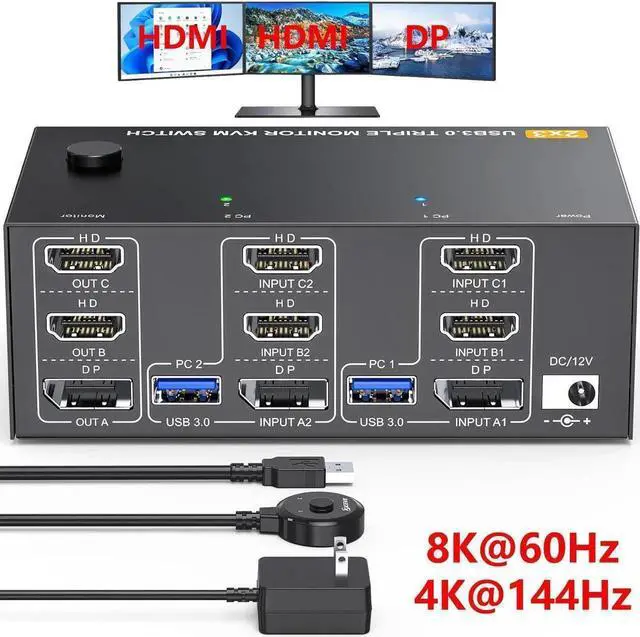


Triple Monitor 2 HDMI + Displayport KVM Switch, 8K@60Hz 4K@144Hz HDMI+DP USB 3.0 Switch Extended Display 3 Monitors 2 Computers KVM Switches 2 in 3 Out, with USB 3.0 Cables Wired Controller
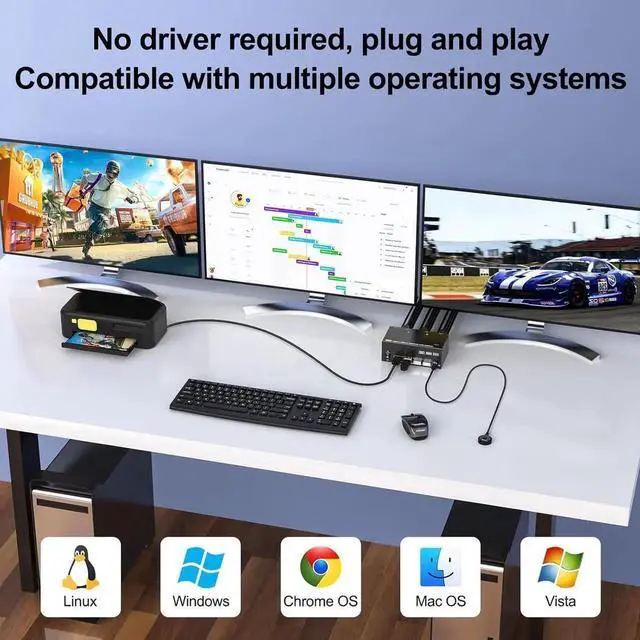
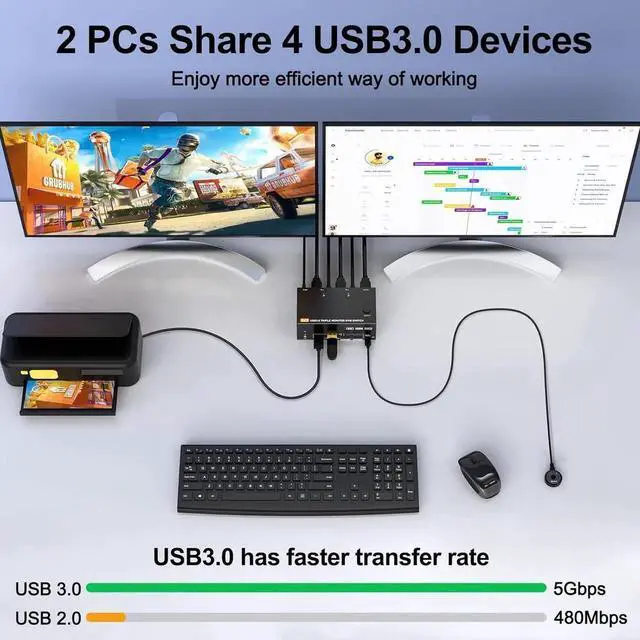
- [KVM Switch 2 PC 3 Monitors] This 2 HDMI+DisplayPort KVM switch can control 2 computers or laptops with 1 set of keyboard and mouse share 3 monitors and 4 USB3.0 hub. It is the best KVM switch to improve your productivity and make your workspace tidier.
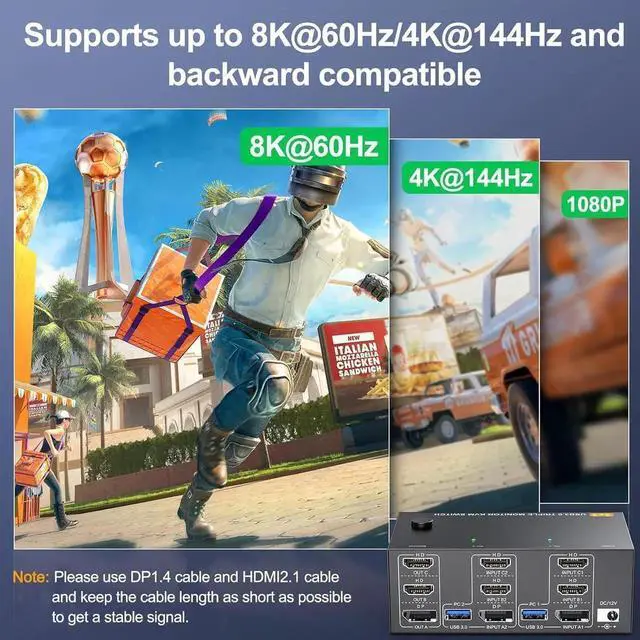
- [8K visual HD experience] KVM switch DisplayPort: supports resolutions up to 8K@30Hz/4K@144Hz; HDMI: supports resolutions up to 8K@60Hz/4K@120Hz and is with low higher resolutions.
- [with 4 USB 3.0 Ports] with 4 USB 3.0 ports, supports ultra-fast 5Gbps data transfer, 10x faster than USB 2.0, for connecting RGB keyboard, mouse, printers, hard drives etc. backwards compatible with USB 2.0/1.1 devices.
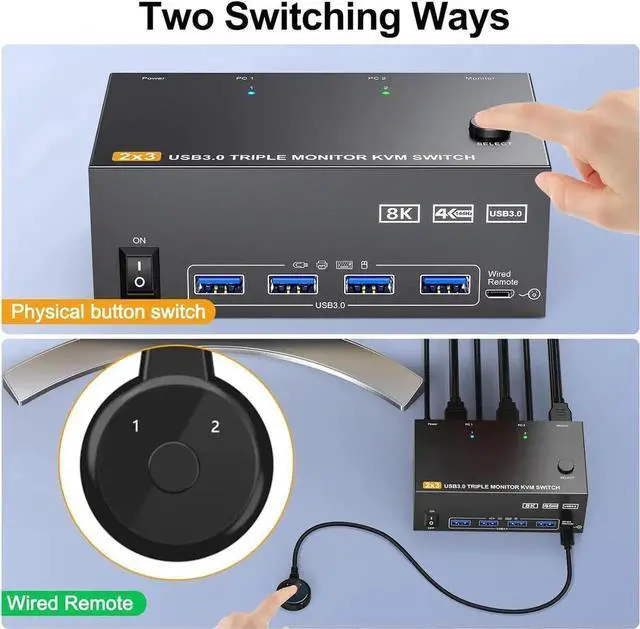
- [Easy to switch] Two switching options, you can use panel button or wired remote to switch freely between two computers. LED indicators show which computer is running. Note: Hotkey switching is not supported.
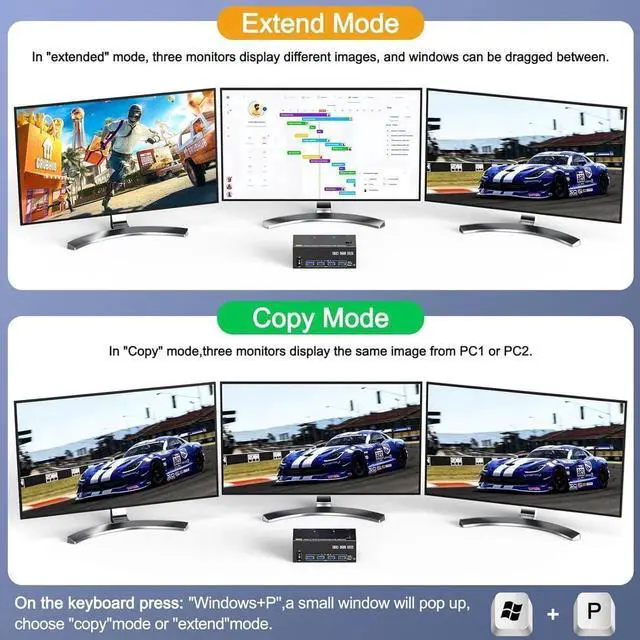
- [Advanced Display] Supports mirror, extended and splicing display modes (click on "Windows+P" to select the display mode).
+
+
Overview
Specs
Reviews

Any questions? Our AI mode will help you find out quickly.
Try me now
2 PC share 3 Monitor and 4 USB 3.0 Devices
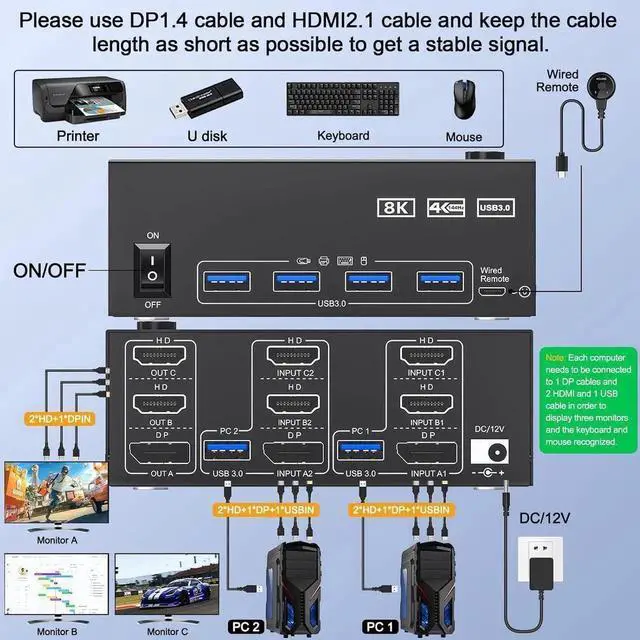
Connection diagram of 3 monitors KVM switch
The input and output of this machine are one-to-one. Input A is connected to the KVM, so output A can receive the signal. And you need to connect the USB port of the input end to the KVM and the computer so that the keyboard and mouse can be recognized.
If you need all three monitors to work, you need to use two DP cables and one HD-MI cable to connect the computer and KVM.
Warranty & Returns
Warranty, Returns, And Additional Information
Warranty
- Please contact the Seller directly for warranty information. Warranty information may also be found on the Manufacturer's website.
- CONTACT
Return Policies
- Return for refund within: 30 days
- Return for replacement within: 30 days
- This item is covered by Smart core Return Policy
Manufacturer Contact Info
- For a directory of all our manufacturers, please click below.
- Manufacturers Directory
LOADING...