Using the steps
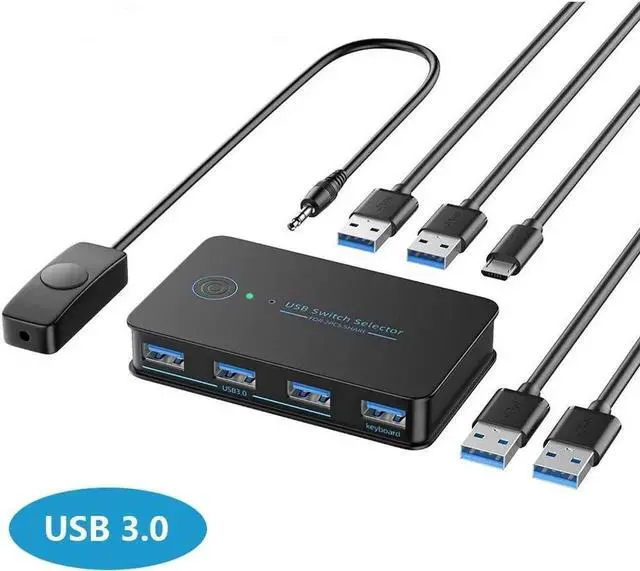
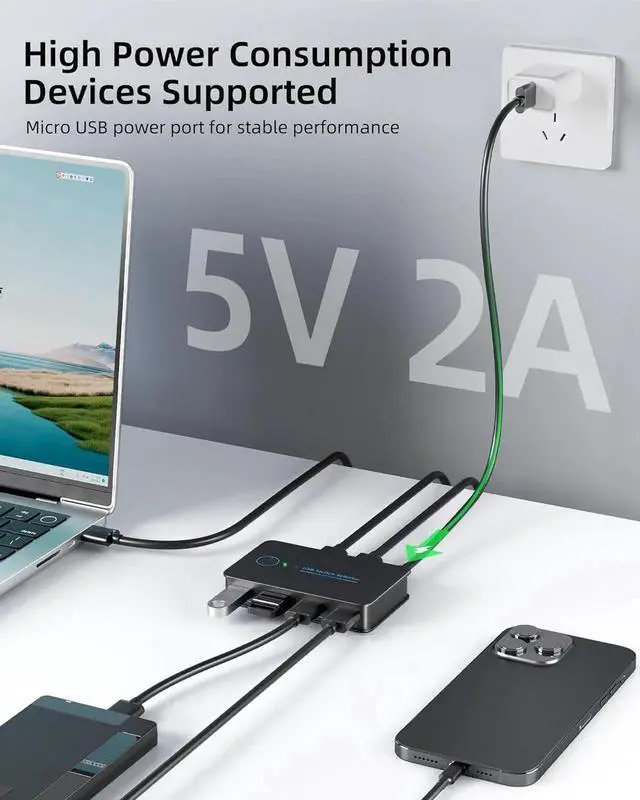
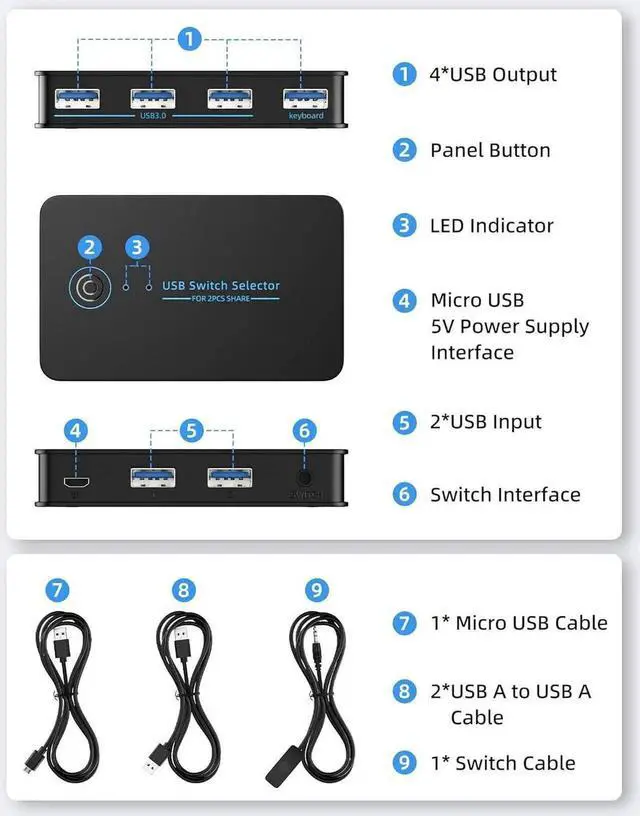
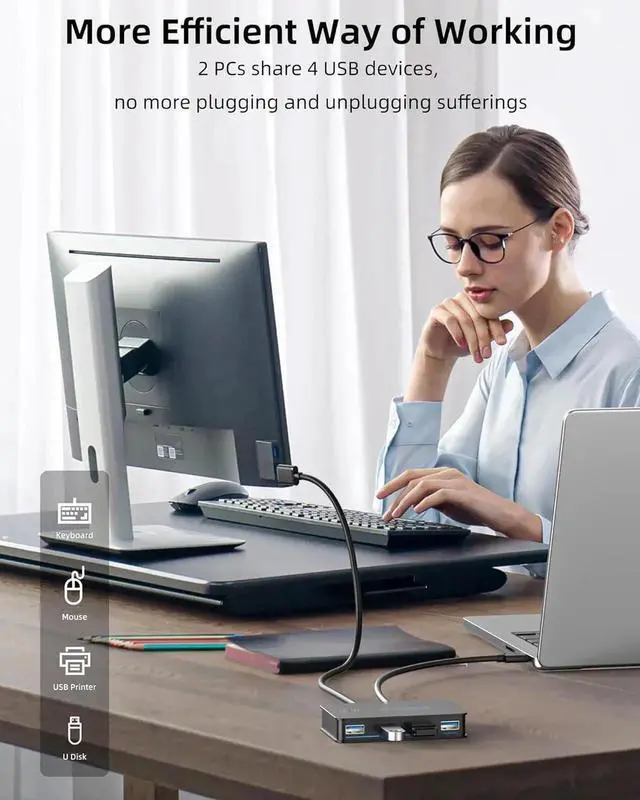
- 1. Connect the USB switch input ports to your PC or laptop with the USB To Cables.
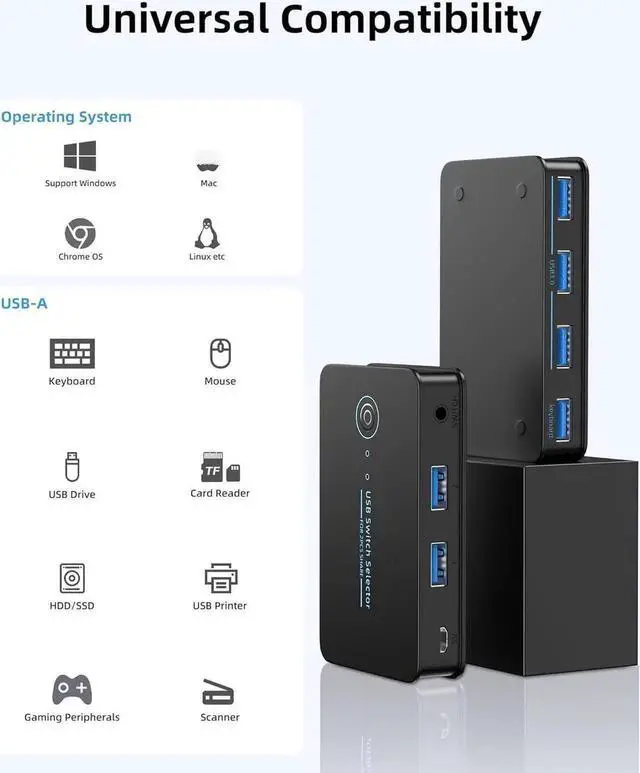
- 2. connect your external USB devices to the USB switch output ports.
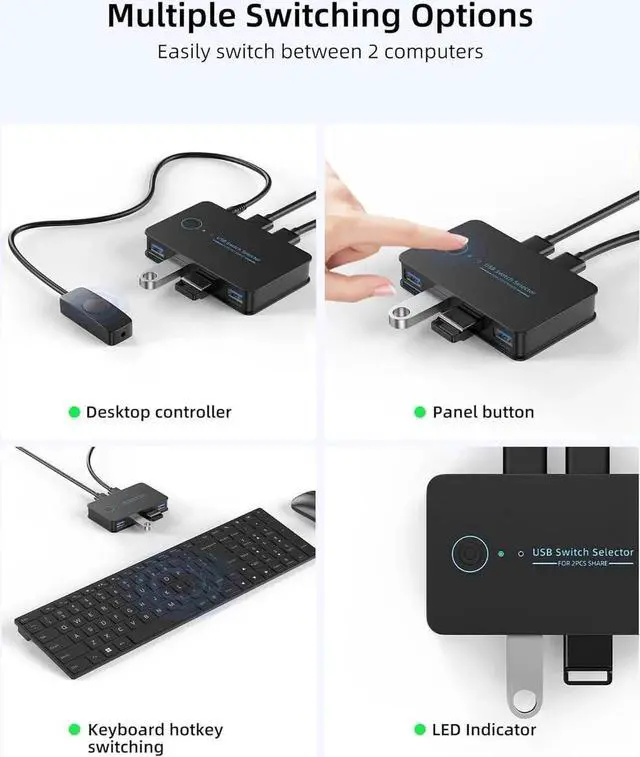
- 3. Press the switch button to select the input computer.
- 4. Turn on the switch through the USB port to access devices like external HDD, digital video cameras and more.
Hotkey operation instructions
- 1. When using the keyboard switching function, ensure that the keyboard is connected to the keyboard port of the KVM switcher. The keyboard switching function is unavailable on other USB ports.
- 2. On or off the hot key: Double-click the right CTRL+A key on the big keyboard to open the hot key.The default state is on. If it is not closed, you do not need to perform this operation.Double-click the right CTRL +B key on the big keyboard to close the hotkey.You can press this operation to close the hotkey when it is not in use.
- 3. Switching mode: Double-click the right CTRL key +1/2 on the big keyboard to switch to the 1/2 host; You can also double-click the*key +1/2 on the right kepad to switch to the 1/2 host.





 here!
here!