here!
I’m your shopping assistant for PC builds, upgrades, and everything tech.
Got questions? Ask away!
Start a conversation
here!
I’m your shopping assistant for PC builds, upgrades, and everything tech.
Got questions? Ask away!
Start a conversation



Any questions? Ask CelesteSM will help you find out quickly.
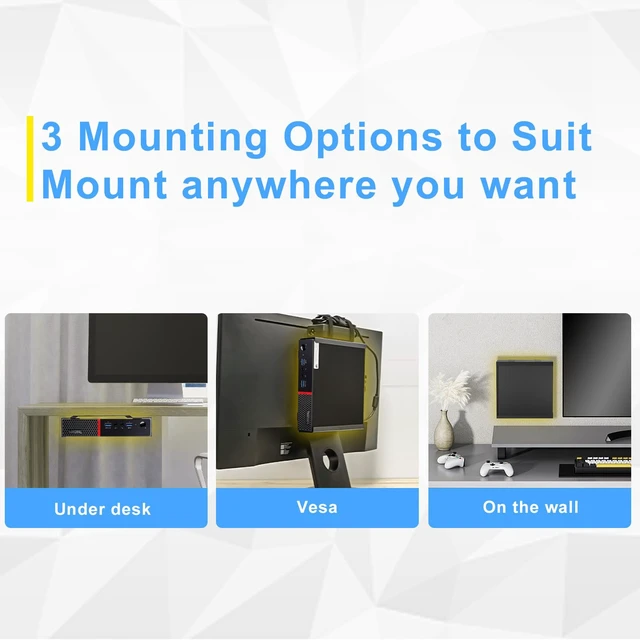
Under Desk PC Mount for Lenovo ThinkCentre Tiny PC Desktop
Mini PC Wall Mount for Lenovo ThinkCentre Tiny PC Desktop
Mini PC Vesa Mount for Lenovo ThinkCentre Tiny PC Desktop
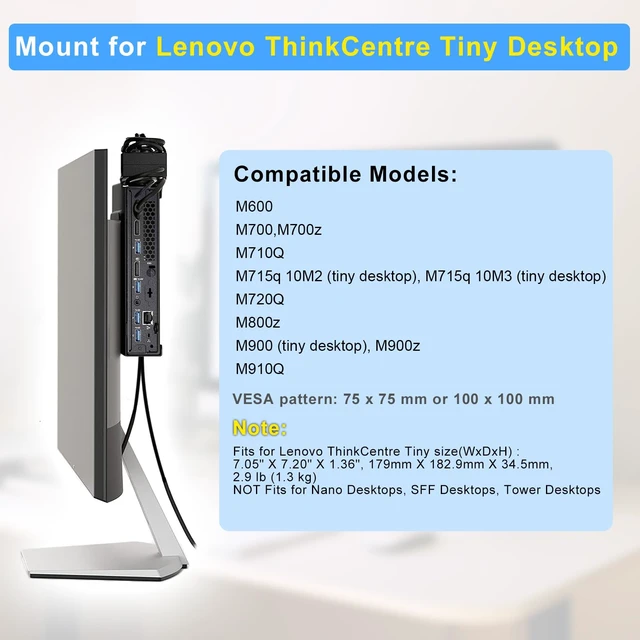
Compatible Models:
Mount for Lenovo ThinkCentre Tiny Desktop computers
M600
M700, M700z, M710Q, M715q 10M2 (tiny desktop), M715q 10M3 (tiny desktop), M720Q
M800z,
M900 (tiny desktop), M900z
M910Q
Fits for Lenovo ThinkCentre Tiny size(WxDxH) : 7.05" X 7.20" X 1.36", 179mm X 182.9mm X 34.5mm, 2.9 lb (1.3 kg).
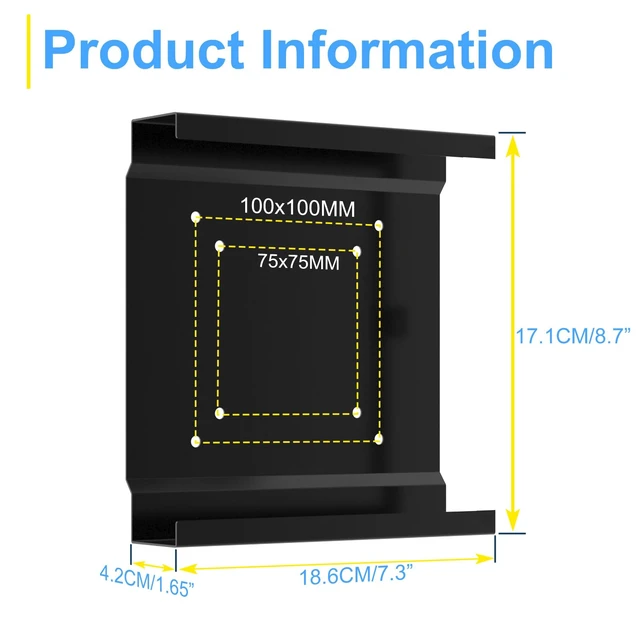
VESA pattern: 75 x 75 mm or 100 x 100 mm
NOT Fits for Nano Desktops SFF Desktops Tower Desktops
Features:
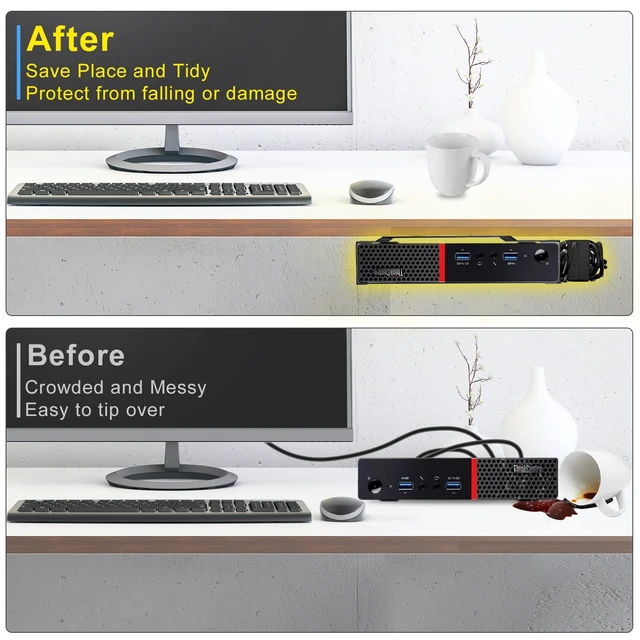
1. Protect Your ThinkCentre Tiny PC: Whether it's on the back of the computer, on a wall, or under a desk, mounting your ThinkCentre Tiny is a superior option compared to placing it on a table without protection. This not only safeguards your device but also saves you time, space and money in the long run.
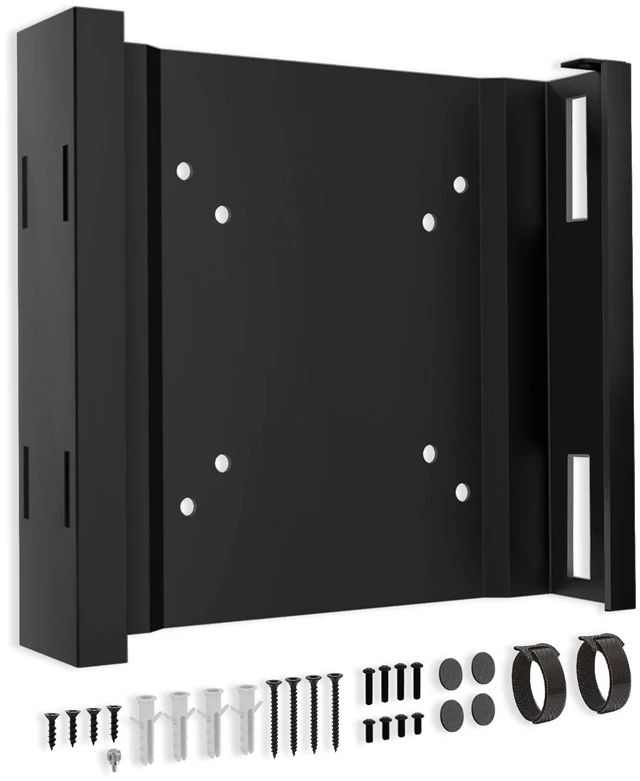
2. Improved Protection-with Anti-scratch Rubber Mat: We have included a rubber mat on the mount, so you can rest assured that it won't cause any scratches on your ThinkCentre Tiny. No need to worry about potential damage to your device.
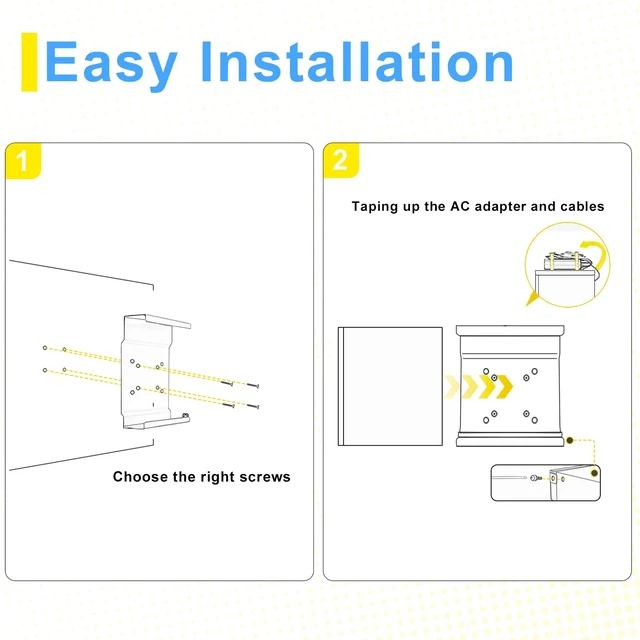
3. Power Adapter Bracket: This mount comes with two Velcro straps designed to securely fasten the ThinkCentre Tiny power adapter to the top of the bracket. Keep your cables neat and organized in any mounting environment, whether it's ThinkCentre Tiny Wall Mount, ThinkCentre Tiny VESA, or ThinkCentre Tiny under desk.
4. More Mounting Options: You can mount it behind the monitor, on the wall or under the table to meet your different needs. No need to worry about limited space or home decor style. Classic black color suits almost all styles.
5. Easy to Install: No complicated Steps, just needs 3 steps in 10 minutes and then you will finish installation, easy and quick.
Package Included:
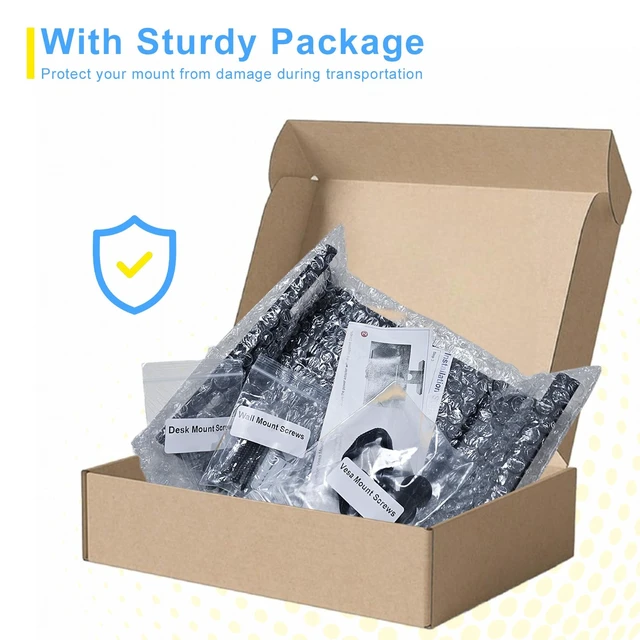
1x Mount for Lenovo ThinkCentre Tiny PC Desktops
1x hardware set
1x Instruction manual