here!
I’m your shopping assistant for PC builds, upgrades, and everything tech.
Got questions? Ask away!
Start a conversation
here!
I’m your shopping assistant for PC builds, upgrades, and everything tech.
Got questions? Ask away!
Start a conversation



Any questions? Ask CelesteSM will help you find out quickly.
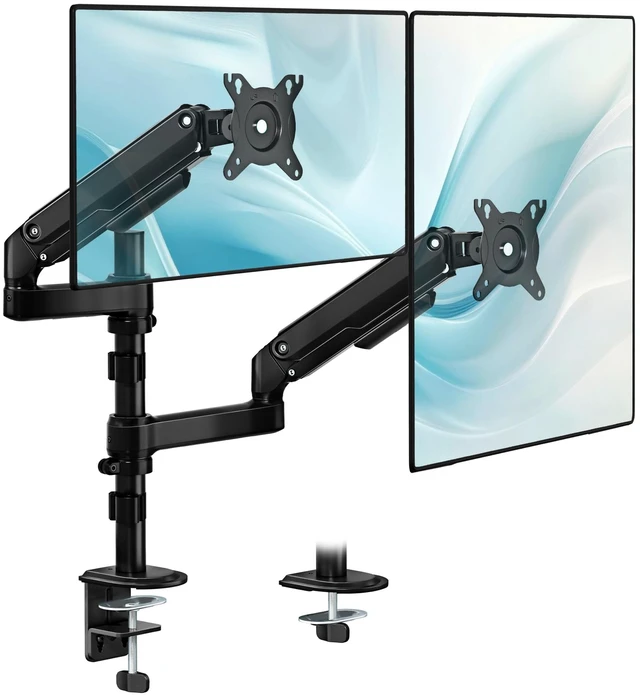
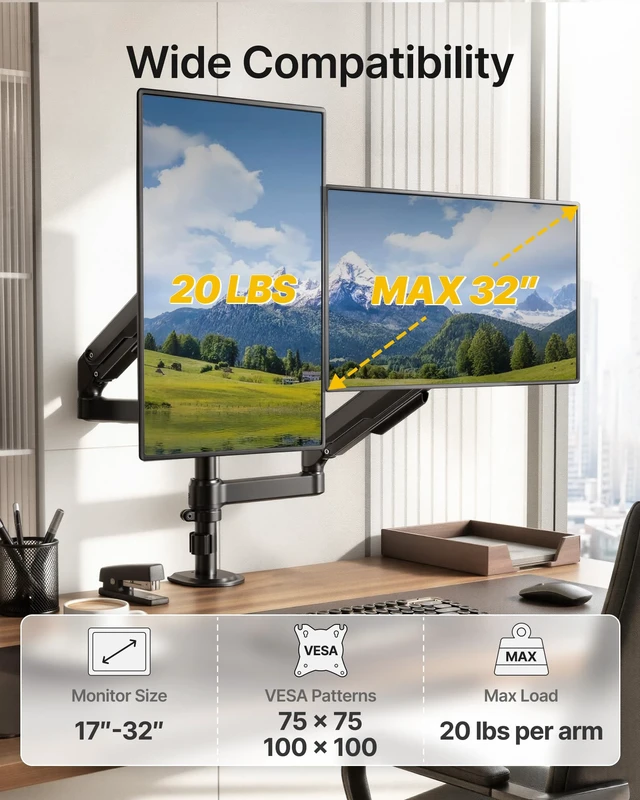
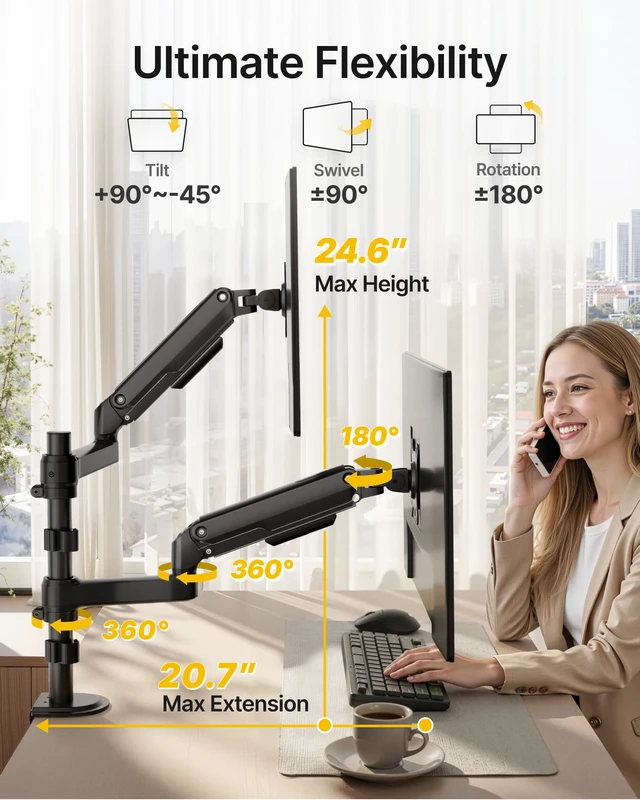
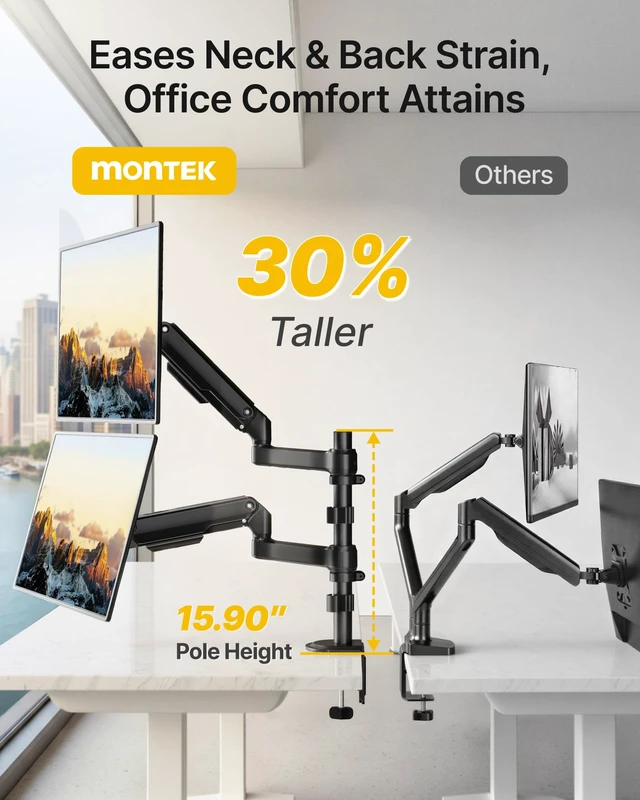
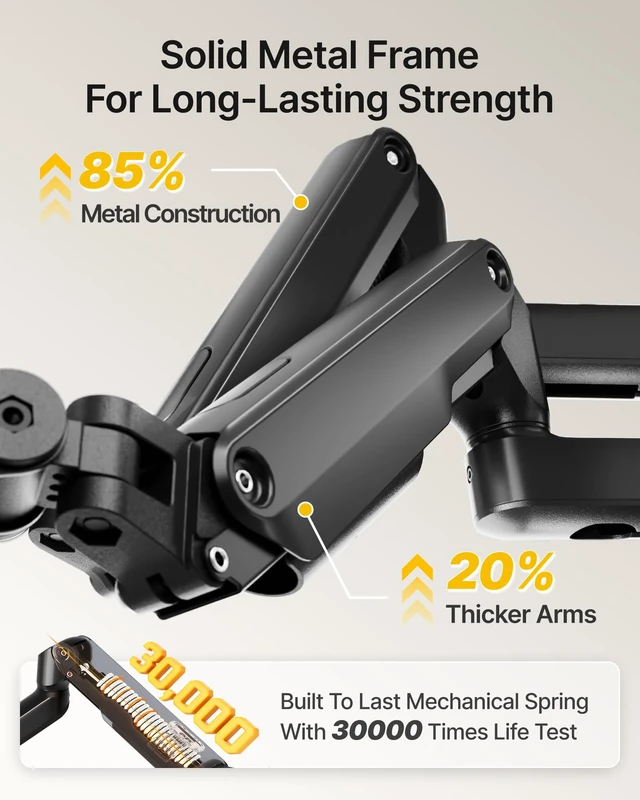
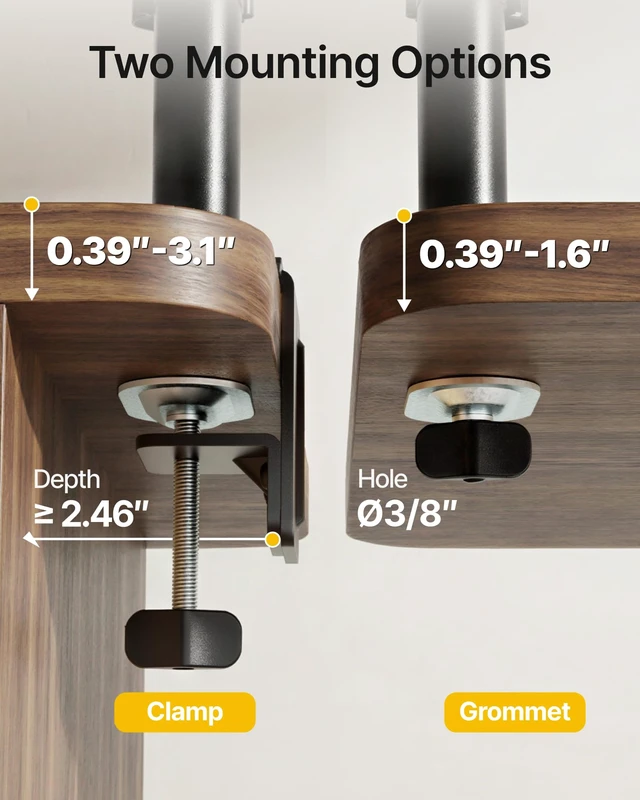
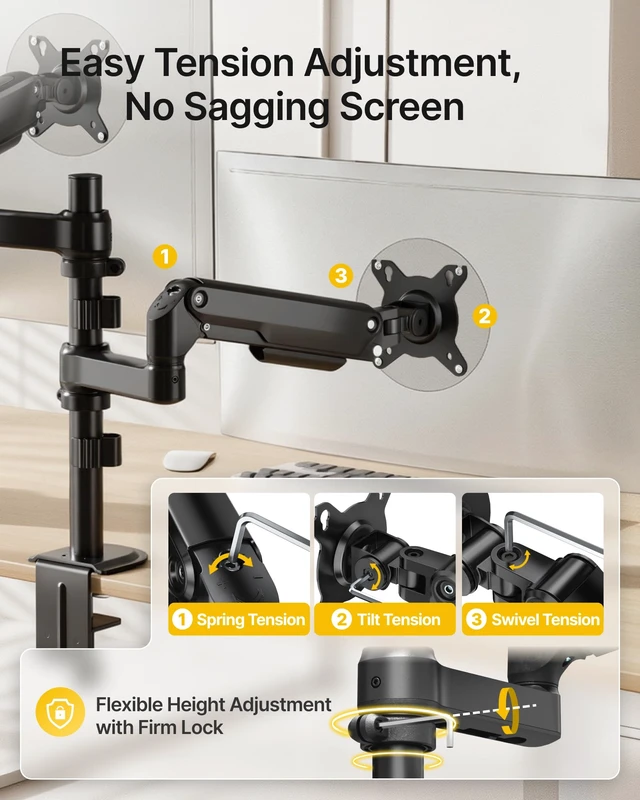
ONE STAND, TWO LAYOUTS Most dual monitor stands lock you into one arrangement. This one lets you choose: stack the two screens one above the other to save desk width, or swing the arms out side by side for a wide, even view. Same stand, two different desk setups, and you can switch later without buying anything new. WHEN TO STACK, WHEN TO GO SIDE BY SIDE Stacked saves space: two 17-32 inch monitors take up roughly the footprint of one, often the only way a second screen fits a narrow or corner desk. Side by side gives you one continuous horizontal span, which suits spreadsheets, video editing, racing and flight sims. WHAT IT HOLDS Two flat or curved monitors from 17 to 32 inches, 4.4 to 19.8 lbs per arm, VESA 75x75mm or 100x100mm. The upper arm reaches 24.59 inches at full height and extends 19.96 inches, so the top screen sits at eye level, not above your field of view. EACH ARM MOVES ON ITS OWN Tilt +90 to -45 degrees, swivel 90 degrees, rotate 360 degrees per arm. One screen stays landscape for a spreadsheet while the other turns portrait for code or chat, and adjusting one arm does not knock the other out of place. TWO WAYS TO MOUNT C-clamp on the desk edge or grommet base through a cable hole, both in the box. The steel column and dual arms use fewer plastic parts than a typical mount, which keeps both screens steady when you type. BEFORE YOU ORDER Check each screen: 17-32 inch, 4.4-19.8 lbs, VESA 75x75 or 100x100mm. For stacking, measure the space above your desk. For side by side, check your desk width. Unsure? Send us your monitor models and we will confirm. QUICK ANSWERS Stacked and side by side? Yes, both, and you can switch later. Two 32 inch monitors? Yes, up to 19.8 lbs per arm. Standing desk? Yes, if the desk edge takes a C-clamp.