Your Browsing History
- Free 30-day Returns
$17.26
Ships from China.
Sold by StarVelocity Technology
Shipped by StarVelocity Technology
Meet Your Seller
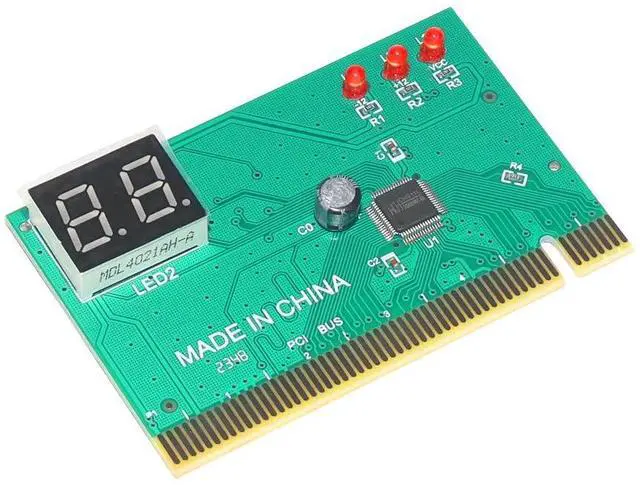
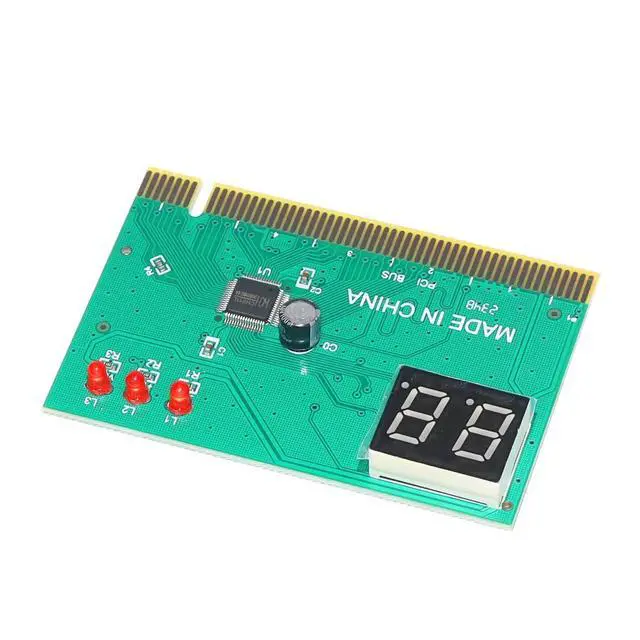
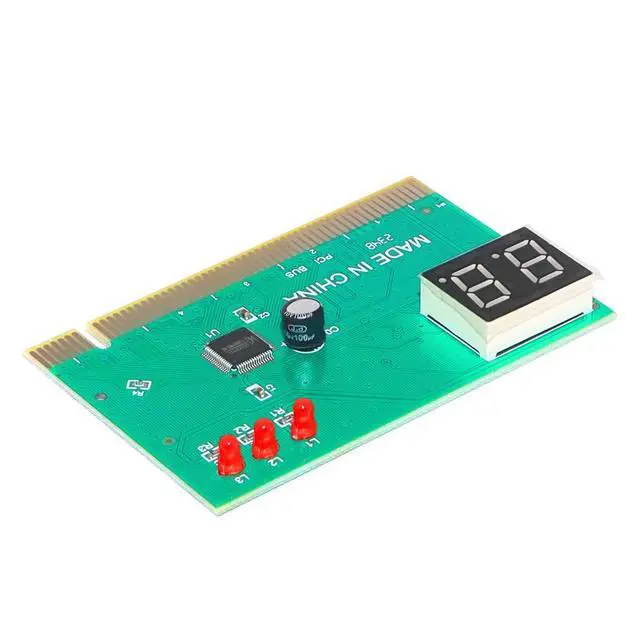
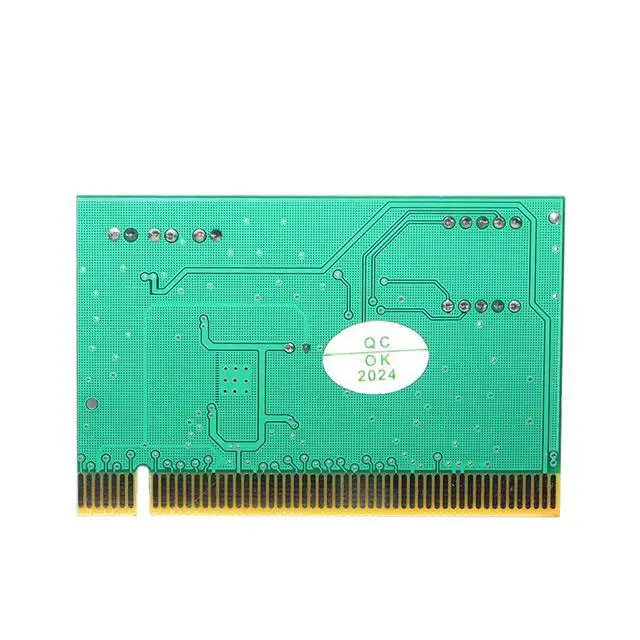
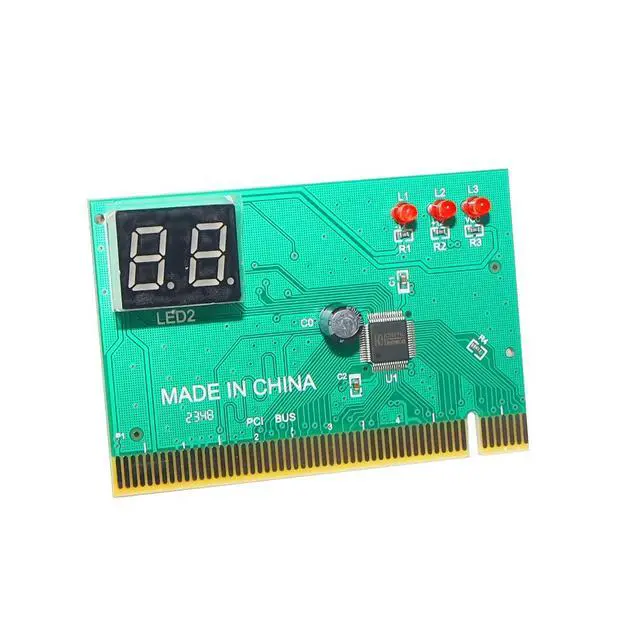
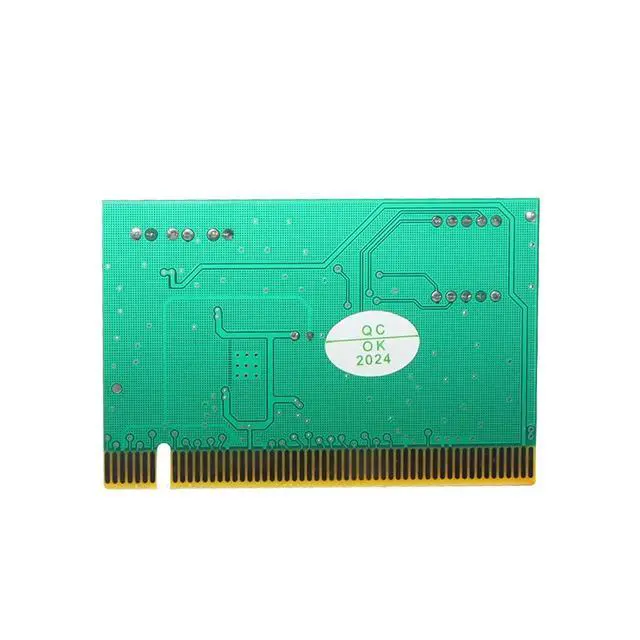
PCI PC Diagnostic 2-Digit Card Motherboard Post Tester Analyzer Post Code Checker for Laptop Computer PC
- A nice quick handy helper tool kit for getting started in troubleshooting desktop PC, Laptop and Server computers.; It is easy installation, just plug into the PCI interface; LED displays shows diagnosis result of motherboard.; Detailed & precise LED function table and code Indication table, convenient for you consulting; Suitable for all computers with PCI or ISA interface.
+
+
Overview
Specs
Reviews
Any questions? Our AI mode will help you find out quickly.
Try me now
Introduction: The motherboard diagnostic card is also called a POST card (Power On Self Test) or a PC analyzer. It is a code that displays the motherboard BIOS self-test procedure. When combined with the meaning of the POST code in the manual, you can quickly know where the computer is malfunctioning. Especially when the PC cannot boot the operating system, the black screen, and the buzzer is not called, it is more convenient to use this card, so that you can do more with less! Therefore, almost everyone who installs and repairs computers must have this card.
System: for Windows 98 SE/ ME/ NT/ 2000/ XP /
VISTA Size: Approx. 63cm x 47cm (L*W) Support for desktop computers With the world's only motherboard operating indicator; The use of patch components does not hurt hands; The content of the manual has been updated, and Chinese or English can be selected; This card can be inserted into ISA or PCI; Plug in the wrong slot or reverse insertion will not burn any parts; Able to display the crash of repeated automatic reset under a black screen; You can diagnose the failures in the board without plugging in the CPU and other empty boards. Suitable for all computers with PCI or ISA interface.
Installation guide: Insert the diagnostic card into the PCI or ISA slot of the computer motherboard. According to the digital code displayed on the diagnostic card after turning on the power, you can check the meaning of the code in the "Instruction Manual" delivered, and you can know what part of the hardware is faulty. From now on, you don't need to replace the monitor and graphics card The faulty components can be determined by successive generations of memory, memory, and CPU.
Package contains:
1. Diagnostic test card;
2. Instruction manual;

Specifications
:System: for Windows 98 SE/ ME/ NT/ 2000/ XP /
VISTA Size: Approx. 63cm x 47cm (L*W) Support for desktop computers With the world's only motherboard operating indicator; The use of patch components does not hurt hands; The content of the manual has been updated, and Chinese or English can be selected; This card can be inserted into ISA or PCI; Plug in the wrong slot or reverse insertion will not burn any parts; Able to display the crash of repeated automatic reset under a black screen; You can diagnose the failures in the board without plugging in the CPU and other empty boards. Suitable for all computers with PCI or ISA interface.
Installation guide: Insert the diagnostic card into the PCI or ISA slot of the computer motherboard. According to the digital code displayed on the diagnostic card after turning on the power, you can check the meaning of the code in the "Instruction Manual" delivered, and you can know what part of the hardware is faulty. From now on, you don't need to replace the monitor and graphics card The faulty components can be determined by successive generations of memory, memory, and CPU.
Package contains:
1. Diagnostic test card;
2. Instruction manual;
Warranty & Returns
Warranty, Returns, And Additional Information
Warranty
- Please contact the Seller directly for warranty information. Warranty information may also be found on the Manufacturer's website.
- CONTACT
Return Policies
- Return for refund within: 30 days
- Return for replacement within: 30 days
- This item is covered by StarVelocity Technology Return Policy
Manufacturer Contact Info
- For a directory of all our manufacturers, please click below.
- Manufacturers Directory
LOADING...