Your Browsing History
Meet Your Seller
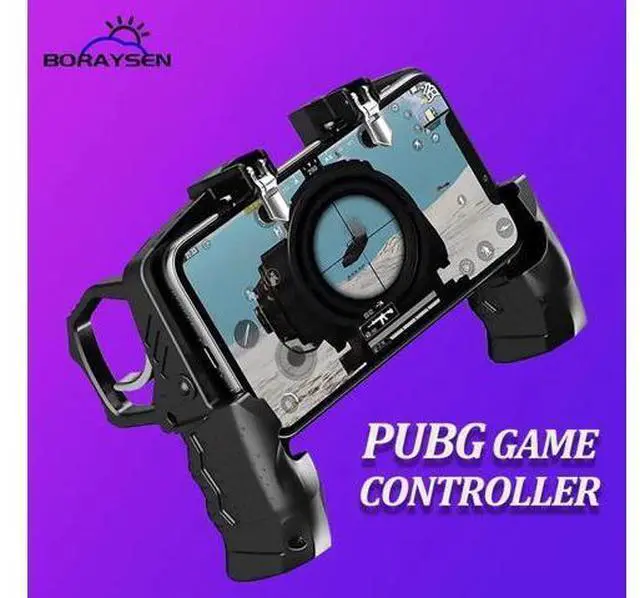
Trigger Controller for PUBG Gamepad L1 R1 Game Shooter Fire Button Triggers Joystick Equipment For iPhone Android Phone
- Enjoy Your Shopping
+
+
Overview
Specs
Reviews
Any questions? Our AI beta will help you find out quickly.
Try me now
Trigger Controller for PUBG Gamepad L1 R1 Game Shooter Fire Button Triggers Joystick Equipment For iPhone Android Phone
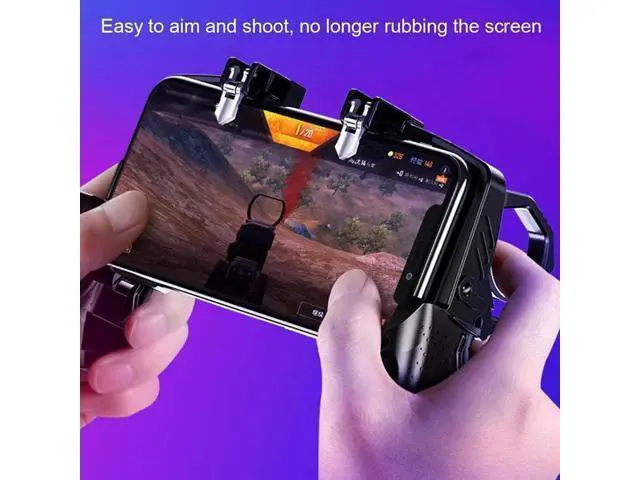
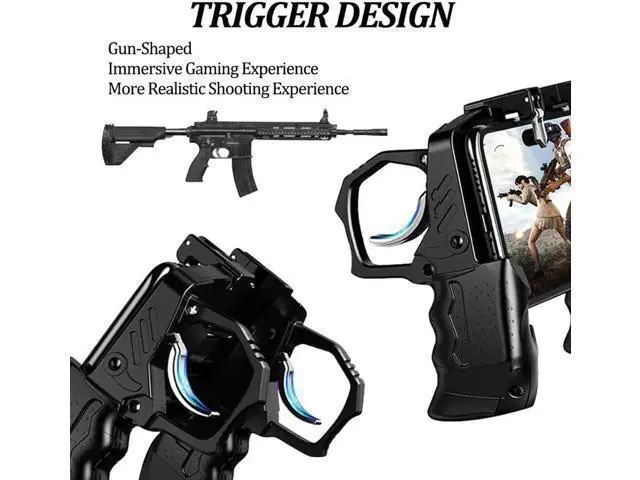
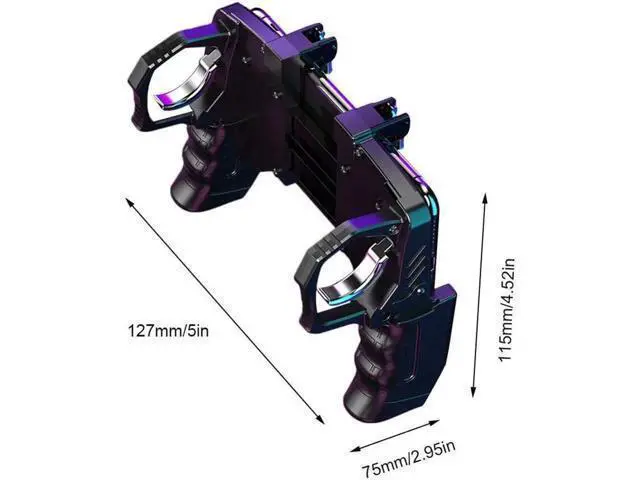
Product Description: 1. The controller handle is ergonomically designed and the handle fits perfectly on the hand, making it easy to hold even when used for long periods of time without fatigue.
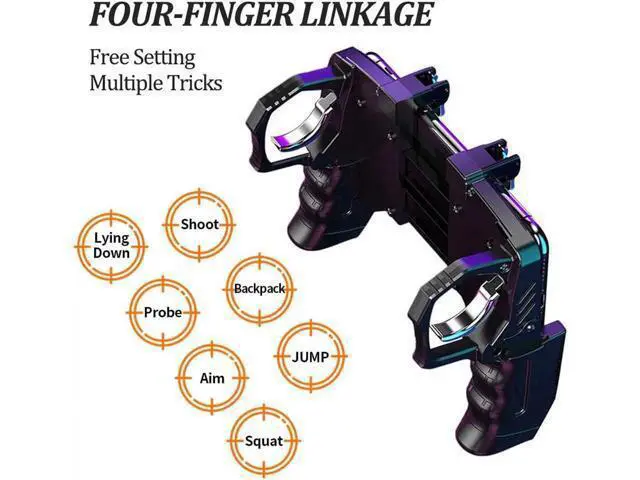
2. Four-finger operation, easy to eat chicken,, backpack, jump, squat, open mirror, probe, lying down.
3. Support for all models of 4.7 - 6.5 inch phones
4. The side of the full hollow design, charging plug headphones are correct, the game does not stop.
Item type: PUBG
Gamepad Material: ABS + zinc alloy
Applicable products: smart phone
Color: black
Game machine accessories type: game rocker How to use it? 1. Start the game and click Settings - Control - Customize.
2. Move the AIM to the upper left corner.
3. Move the Fire button to the top right corner. [You can adjust these according to your own habits. ]
4. Adjust the shooting and target buttons under the touchpad of the game controller.
5. Save your settings.
Package List: 1 x Gamepad 1 x Manual 1 x box packaging

Product Description: 1. The controller handle is ergonomically designed and the handle fits perfectly on the hand, making it easy to hold even when used for long periods of time without fatigue.
2. Four-finger operation, easy to eat chicken,, backpack, jump, squat, open mirror, probe, lying down.
3. Support for all models of 4.7 - 6.5 inch phones
4. The side of the full hollow design, charging plug headphones are correct, the game does not stop.
Item type: PUBG
Gamepad Material: ABS + zinc alloy
Applicable products: smart phone
Color: black
Game machine accessories type: game rocker How to use it? 1. Start the game and click Settings - Control - Customize.
2. Move the AIM to the upper left corner.
3. Move the Fire button to the top right corner. [You can adjust these according to your own habits. ]
4. Adjust the shooting and target buttons under the touchpad of the game controller.
5. Save your settings.
Package List: 1 x Gamepad 1 x Manual 1 x box packaging
Warranty & Returns
Warranty, Returns, And Additional Information
Warranty
- Please contact the Seller directly for warranty information. Warranty information may also be found on the Manufacturer's website.
- CONTACT
Return Policies
- Return for refund within: 30 days
- Return for replacement within: 30 days
- This item is covered by Kepler Forge Return Policy
Manufacturer Contact Info
- For a directory of all our manufacturers, please click below.
- Manufacturers Directory
LOADING...