Your Browsing History
Meet Your Seller
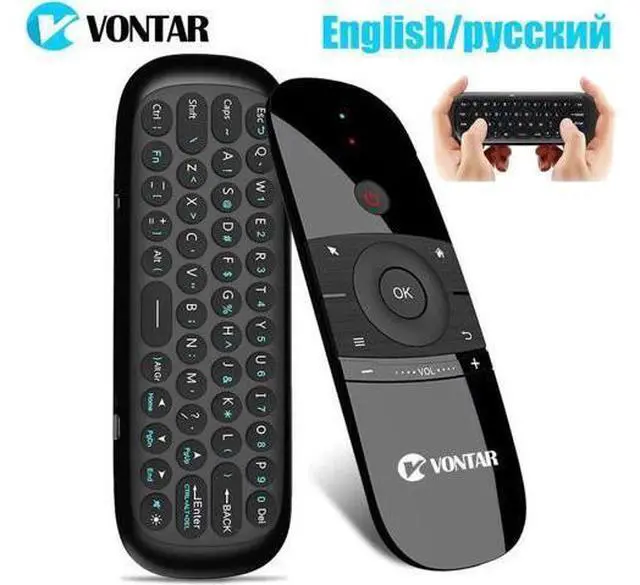
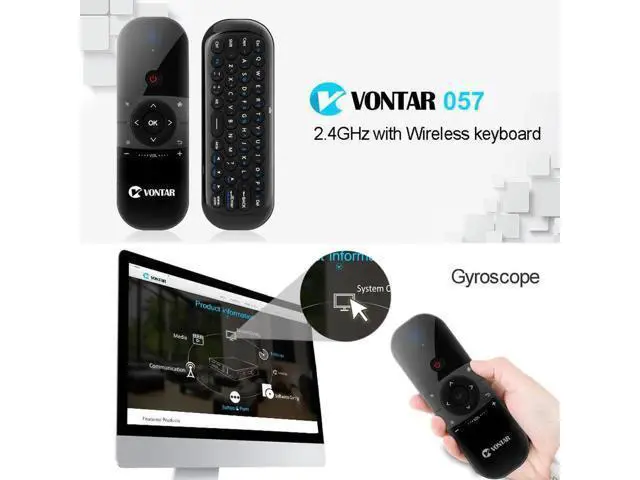
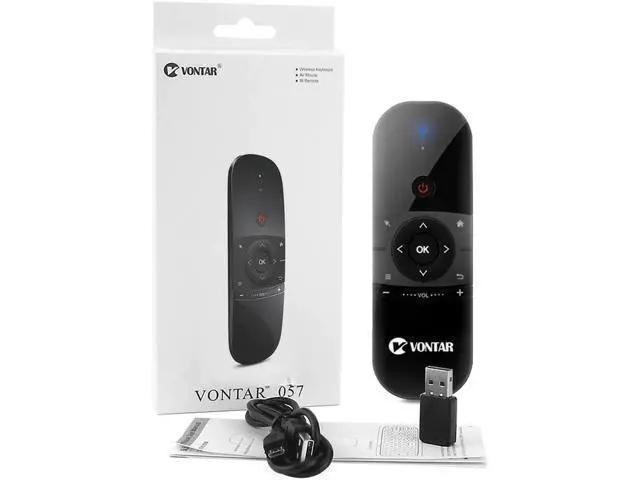
2.4Ghz Air Mouse Mini Wireless Keyboard English/ with Gyro Sensing IR Learning Remote Control for Android TV BOX/Mini PC
Limited time offer, ends 07/19 By Kepler Forge
- Enjoy Your Shopping
+
+
Overview
Specs
Reviews
Any questions? Our AI beta will help you find out quickly.
Try me now
2.4G hz Air Mouse Mini Wireless Keyboard English/ with Gyro Sensing IR Learning Remote Control for Android TV BOX/Mini PC Please note: this
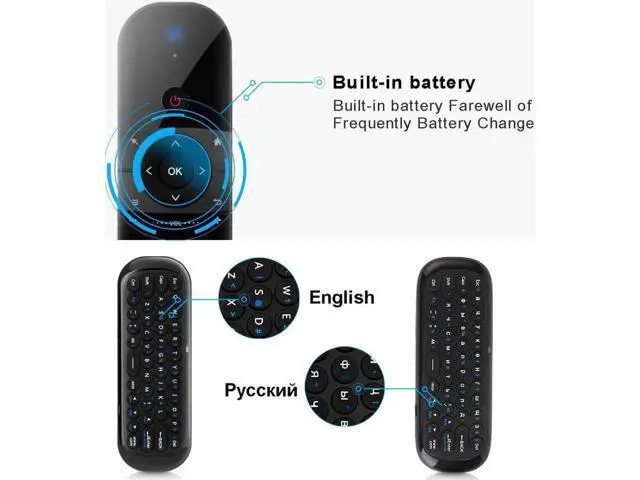
keyboard has two versions: English version or version, you can choose what you need. There is only letters on keyboard Highlights Wireless mouse 2.4G
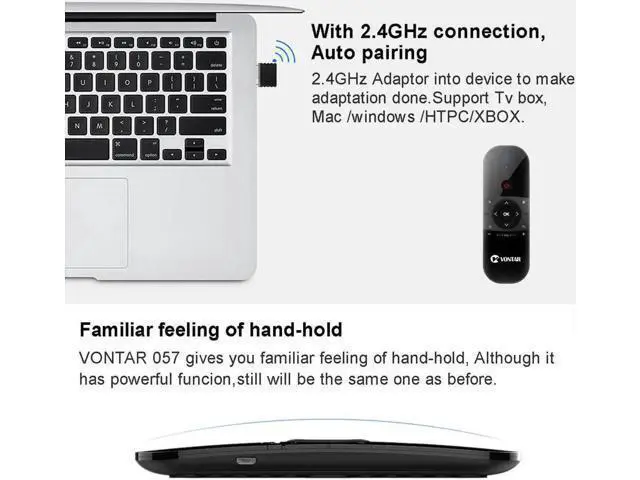
Wireless Connection Range: Radius 3 m 6-Axis Inertla Sensors, Support the motlonsensing game Infrared remote control-IR learing Mouse cursor on/ off (Air mouse) Up to 3-5 Meters Low Power reminder
Warm tips: When you need to use white and blue letters of the mini keyboard, please press FN to implement it function.
CPI adjustment: Increases the speed of the air mouse: press the [OK]+[Volume +] Key FOR ABOUT 3 Seconds, the work indicator flashes twice and then release the CPI on the original basis increase of 1 file. the mouse speed slow down: Press the [OK]+[Volume -] Key for about 3 seconds, the work indicator flashes twice after the release, CPI on the basis of the orginal reduction of 1 file. How to change language to on
TV BOX: Please choose Settings more setting Languages & input options physical Keyboard AUTAXIN AUTAXIN Wireless Device change two options language into
IR Learning Function: Step
1: Press the "OK" and "Power" button at the same time for 3 seconds to keep the blue indicator light long bright.
Step 2: Press the 057 remote control "Power"button one time and its blue indicator flickersat this moment the air mouse into IR learning model. Picture Shows Built-in battery Built-in battery Farewell of Frequently Battery Change Function & Features

keyboard has two versions: English version or version, you can choose what you need. There is only letters on keyboard Highlights Wireless mouse 2.4G
Wireless Connection Range: Radius 3 m 6-Axis Inertla Sensors, Support the motlonsensing game Infrared remote control-IR learing Mouse cursor on/ off (Air mouse) Up to 3-5 Meters Low Power reminder
Warm tips: When you need to use white and blue letters of the mini keyboard, please press FN to implement it function.
CPI adjustment: Increases the speed of the air mouse: press the [OK]+[Volume +] Key FOR ABOUT 3 Seconds, the work indicator flashes twice and then release the CPI on the original basis increase of 1 file. the mouse speed slow down: Press the [OK]+[Volume -] Key for about 3 seconds, the work indicator flashes twice after the release, CPI on the basis of the orginal reduction of 1 file. How to change language to on
TV BOX: Please choose Settings more setting Languages & input options physical Keyboard AUTAXIN AUTAXIN Wireless Device change two options language into
IR Learning Function: Step
1: Press the "OK" and "Power" button at the same time for 3 seconds to keep the blue indicator light long bright.
Step 2: Press the 057 remote control "Power"button one time and its blue indicator flickersat this moment the air mouse into IR learning model. Picture Shows Built-in battery Built-in battery Farewell of Frequently Battery Change Function & Features
Warranty & Returns
Warranty, Returns, And Additional Information
Warranty
- Please contact the Seller directly for warranty information. Warranty information may also be found on the Manufacturer's website.
- CONTACT
Return Policies
- Return for refund within: 30 days
- Return for replacement within: 30 days
- This item is covered by Kepler Forge Return Policy
Manufacturer Contact Info
- For a directory of all our manufacturers, please click below.
- Manufacturers Directory
LOADING...