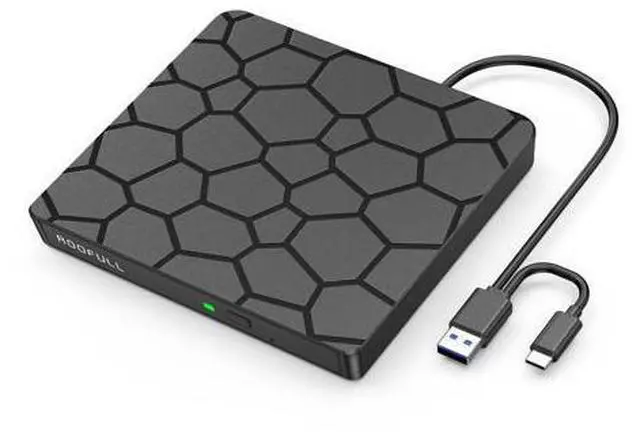
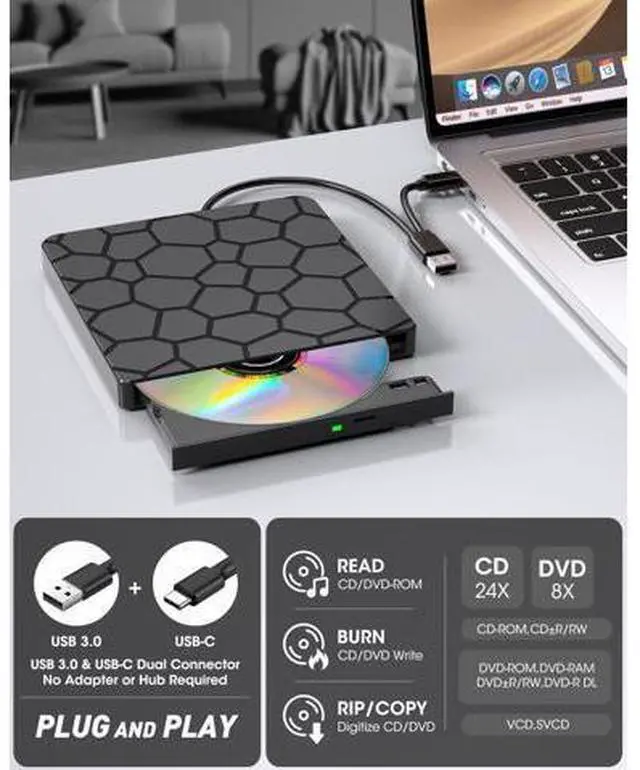
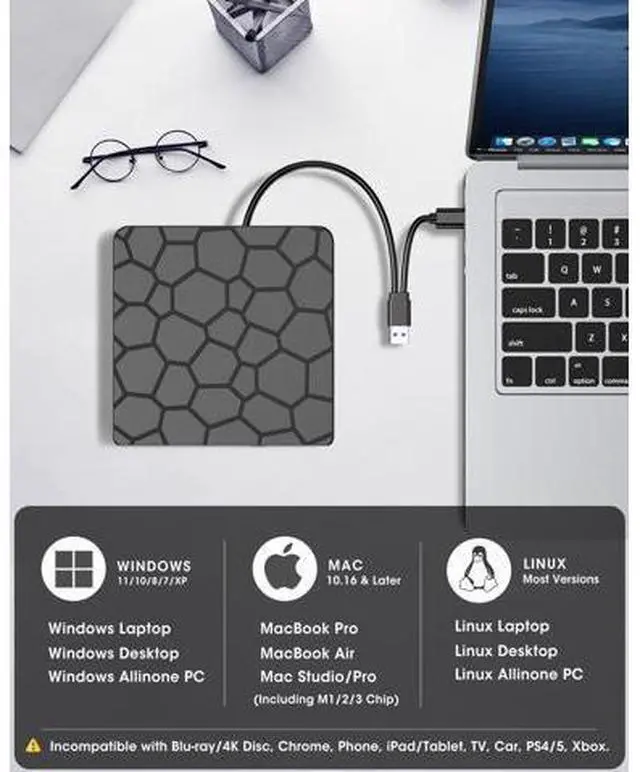
Previous page Next page Works with Windows 11/10/ 8.1 /8/7/Vista/XP, macOS 10.6 + (M1/M2/M3), and Linux.
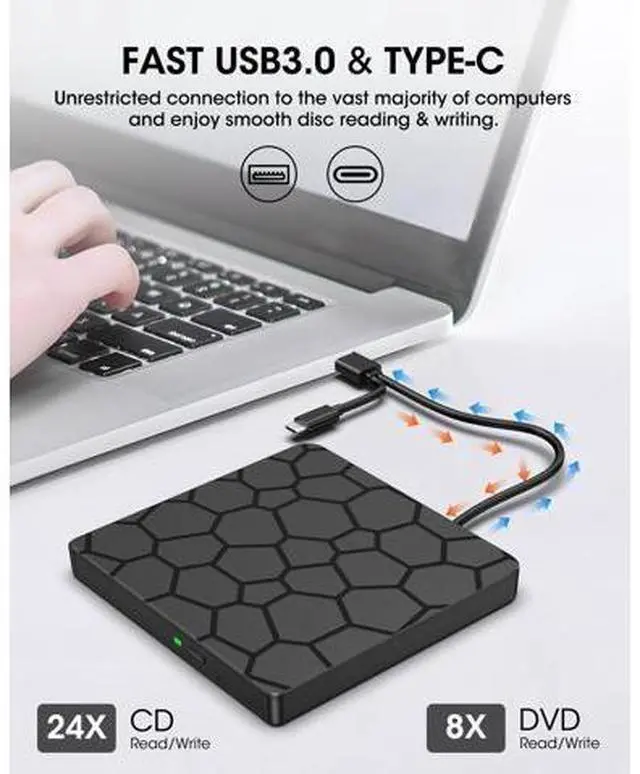
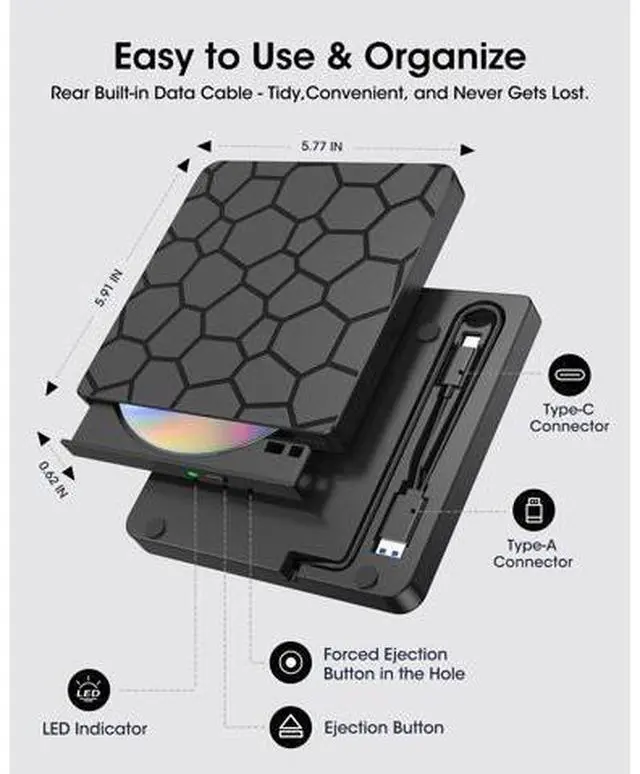
Not supported: TVs, cars, tablets, iPads, Chromebooks, Surface Pro, consoles, or Blu-ray/4K/3D discs. ROOFULL F868 CD/DVD Drive User Guide & Notes CONNECTION: Powered directly via USB 3.0 /USB-C, no extra cable needed. For best results, use built-in USB ports (rear ports on desktops recommended). Avoid hubs or long extension cables.
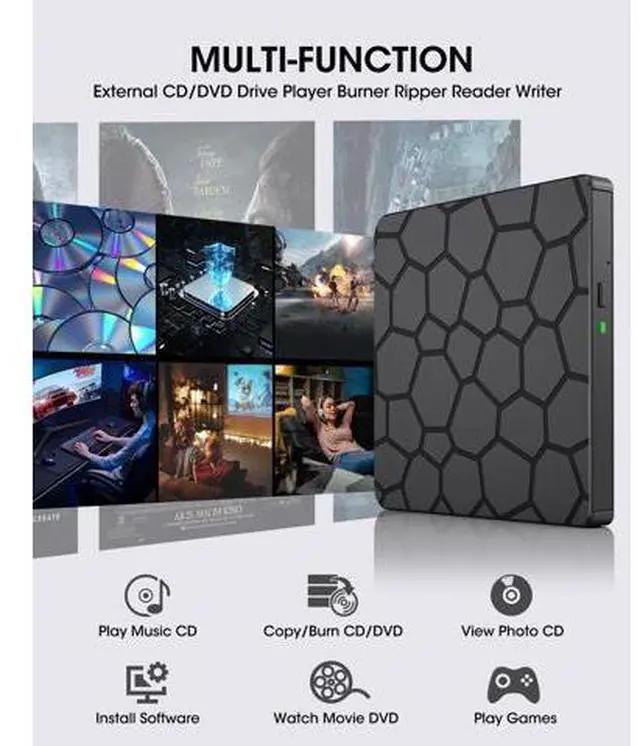
PLAY DISCS: Windows Media Player (audio CDs), VLC (video DVDs). On Mac, CDs open in Music; use VLC for DVDs.
Linux: VLC works for both.
BURN & RIP/COPY DISCS: (You can create data, music, or video discs, copy discs, rip music to digital files, and back up photos or videos. ) *
Choose trusted software (Windows: ImgBurn, BurnAware, CDBurnerXP;
Mac: Burn, Express Burn, HandBrake, MakeMKV;
Linux: K3b). * Always check that your BLANK disc has ENOUGH space for the files.
Write speed matters: use SLOWER speeds (CD =10X, DVD =8X) to reduce errors. Before burning, convert video files to DVD-compatible formats (e. g., MPEG-2) or audio files to CD-compatible formats (e. g., WAV or MP3).
TROUBLESHOOTING: *
Drive not recognized: connect directly, try another port, restart, or reinstall drivers.
* DVD wont play: install VLC and check Region Code (To play video/movie DVDs, please check the region code setting: On
Windows:: Go to This PC > right-click DVD drive > Properties > Hardware > Properties > DVD Region, then set the correct region (USA = Region 1).
On Mac:





 here!
here!