

Your Browsing History
- Free 30-day Returns
$39.85
Ships from China.

Meet Your Seller


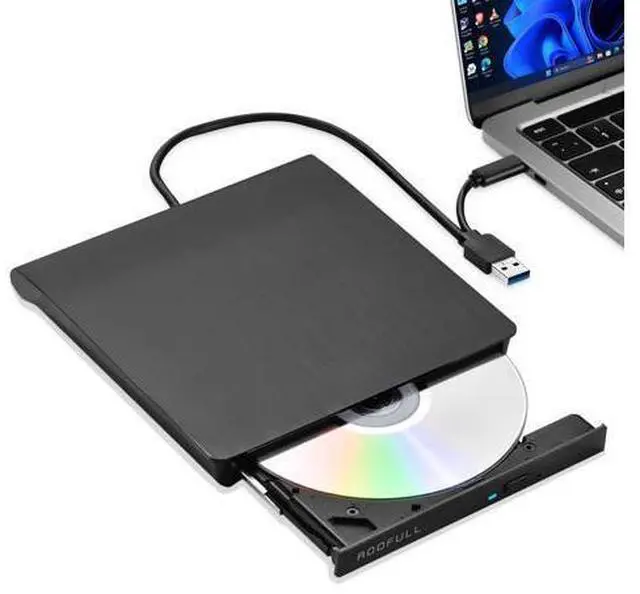
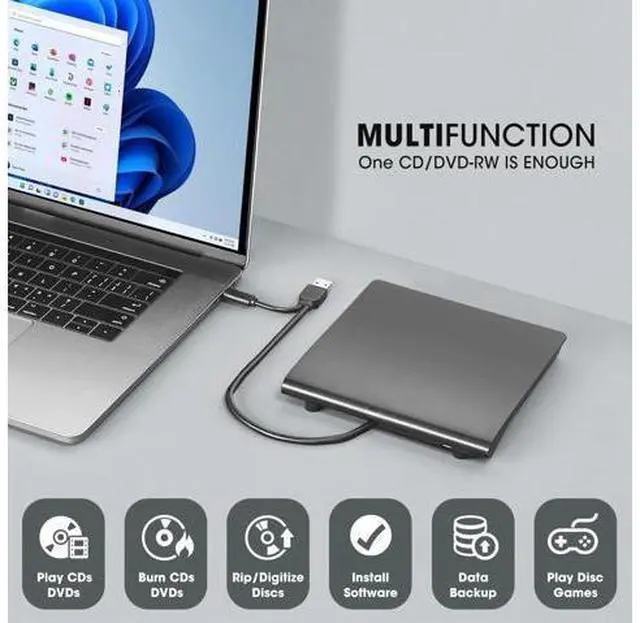


External CD DVD Drive for Windows 11/10/7 Laptop PC, USB 3.0 & USB-C CD DVD ROM Reader Writer +/-RW Disc Drive Burner Player Compatible for Windows OS Laptop Desktop Computer
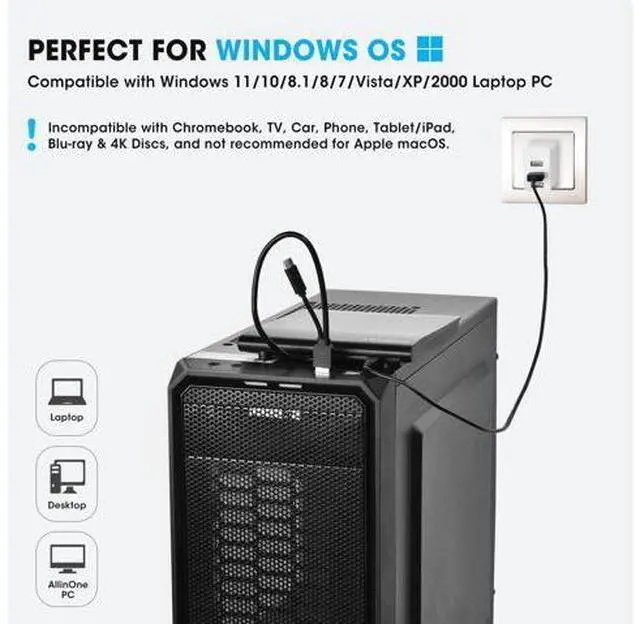
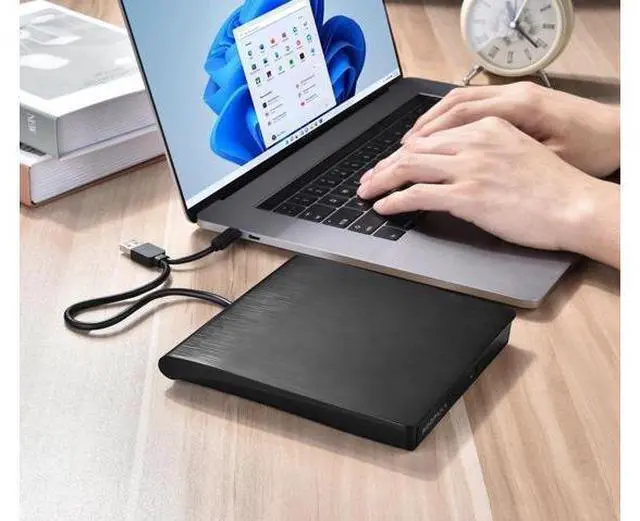
- Best External CD/DVD Drive for Windows 11/10 LaptopIf your Windows laptop or desktop has no internal CD/DVD drive, this USB 3.0 & USB-C external CD/DVD drive is the best solution for reading and burning your CDs and DVDs. Just plug this external CD/DVD RW drive into your Windows laptop or desktop PC, it will be recognized automatically (you can see a DVD RW icon in Windows File Explorer), you can then insert your CDs or DVDs and use a media player (such as VLC), burning, or ripping software to read, write, and rip your CDs and DVDs. No complex settings, as easily as a built-in optical drive, plug and play!; Perfectly for Windows OSThis USB external CD/DVD drive is designed for all brands of Windows 11/ 10/ 8.1/ 8/ 7/ Vista/ XP/ 2000/ 98 laptops, desktops, and all-in-one PCs including HP, LG, Dell, MS, Acer, Thinkpad, Samsung, Microsoft without restrictions as long as the system matches.Kindly NoteThis drive can not work with Chromebook, Android phone/tablet, TV, iPad, iPhone, projectors, trucks, cars, PS4/5, Xbox, or Blu-ray/4K discs, and It's supported but not recommended for use on macOS!
+
+
Overview
Specs
Reviews

Any questions? Our AI mode will help you find out quickly.
Try me now
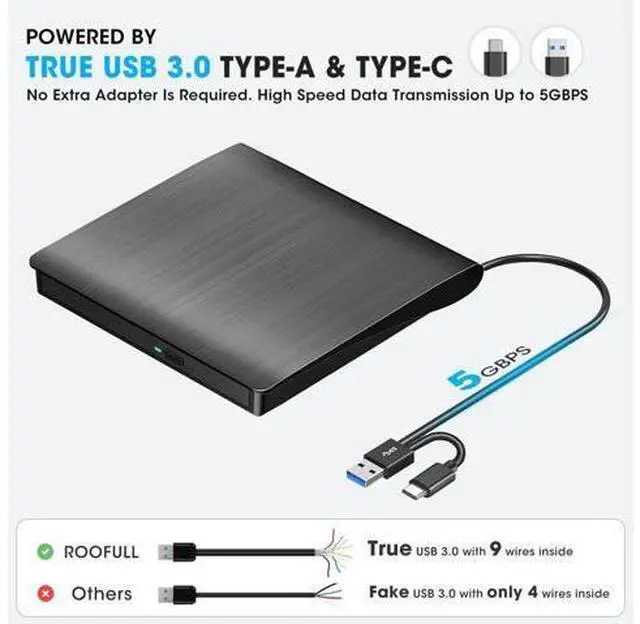
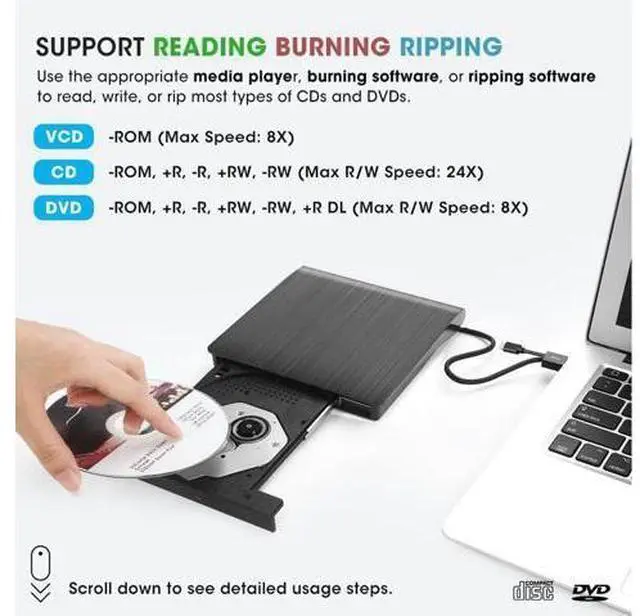
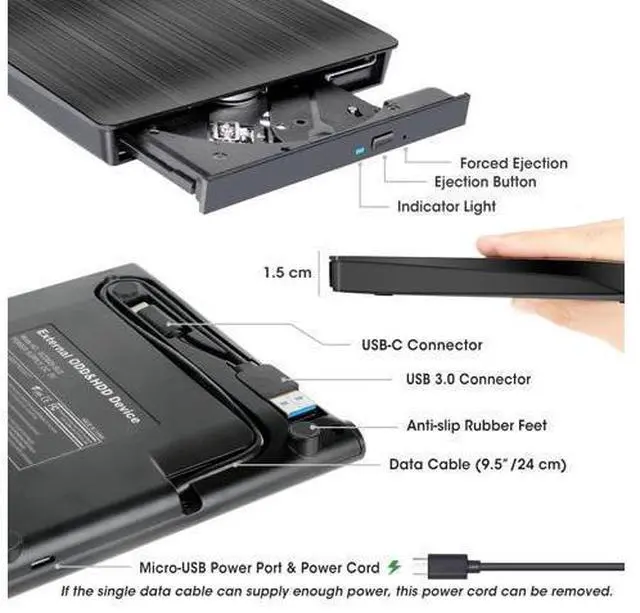
Best USB 3.0 external CD and DVD player burner ripperdesigned for all new & old Windows laptops and desktop computers! USB-A and USB-C 2 kinds of connectors make it easier to connect all kinds of computers without an adapter or hub required. USB 3.0 high-speed technology ensures a smooth operating experience. The max reading & writing speed is up to
CD: 24X and
DVD: 8X. Perfectly compatible with most Windows laptops, desktops, and all-in-one PCs. Including Windows 11, Windows 10, Windows 8.1 /8, Windows 7, Windows Vista, Windows 2008, and Windows 2003. If the USB ports on your laptop or desktop PC cannot supply sufficient power for this drive through a single data cable, please connect the separate power supply cord to a USB power adapter or power bank to get extra power. Previous page Next page 1 Reading Disc 2 Burning Disc 3 Ripping Disc 4 Install Program Best Things to Know Before Buying How to Use it on Windows PC? Prepare software based on your needs and network connection > Plug the data cable (located under the drive) into your computer's USB port directly. If needed, connect the power supply cord to a USB power adapter or bank to ensure sufficient power supply > You will see a DVD RW icon in Windows Explorer > For video DVDs, set the region code to number #1 to play US or CA DVDs (CDs do not have region code) > Insert your CDs or DVDs > Use the software youve prepared to play, burn, or rip the disc.
Change Region Code For video DVDs, make sure to set the DVD region
CD: 24X and
DVD: 8X. Perfectly compatible with most Windows laptops, desktops, and all-in-one PCs. Including Windows 11, Windows 10, Windows 8.1 /8, Windows 7, Windows Vista, Windows 2008, and Windows 2003. If the USB ports on your laptop or desktop PC cannot supply sufficient power for this drive through a single data cable, please connect the separate power supply cord to a USB power adapter or power bank to get extra power. Previous page Next page 1 Reading Disc 2 Burning Disc 3 Ripping Disc 4 Install Program Best Things to Know Before Buying How to Use it on Windows PC? Prepare software based on your needs and network connection > Plug the data cable (located under the drive) into your computer's USB port directly. If needed, connect the power supply cord to a USB power adapter or bank to ensure sufficient power supply > You will see a DVD RW icon in Windows Explorer > For video DVDs, set the region code to number #1 to play US or CA DVDs (CDs do not have region code) > Insert your CDs or DVDs > Use the software youve prepared to play, burn, or rip the disc.
Change Region Code For video DVDs, make sure to set the DVD region
Warranty & Returns
Warranty, Returns, And Additional Information
Warranty
- Please contact the Seller directly for warranty information. Warranty information may also be found on the Manufacturer's website.
- CONTACT
Return Policies
- Return for refund within: 30 days
- Return for replacement within: 30 days
- This item is covered by NovaStar Tech Return Policy
Manufacturer Contact Info
- For a directory of all our manufacturers, please click below.
- Manufacturers Directory
LOADING...