

Your Browsing History
- Free 30-day Returns
$39.85
Ships from China.

Meet Your Seller

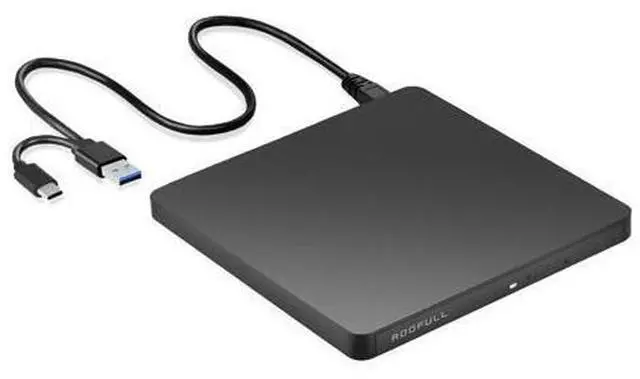
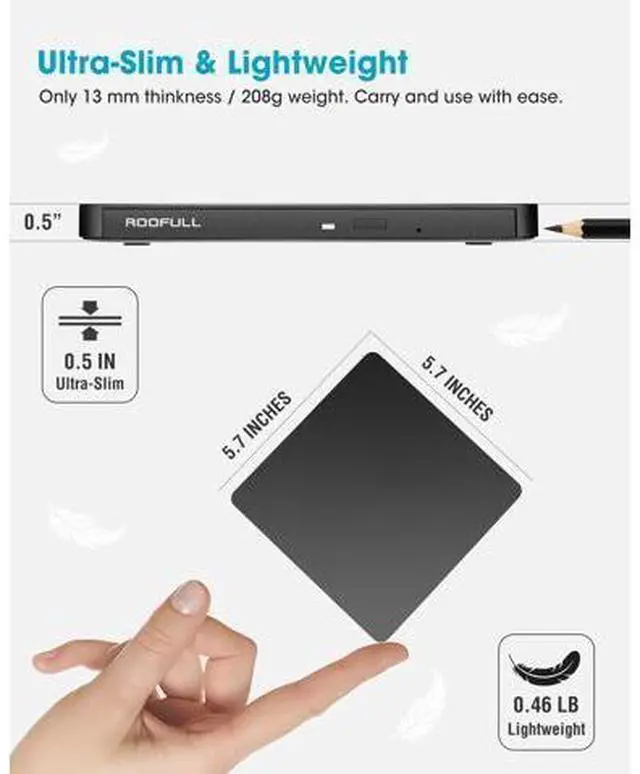
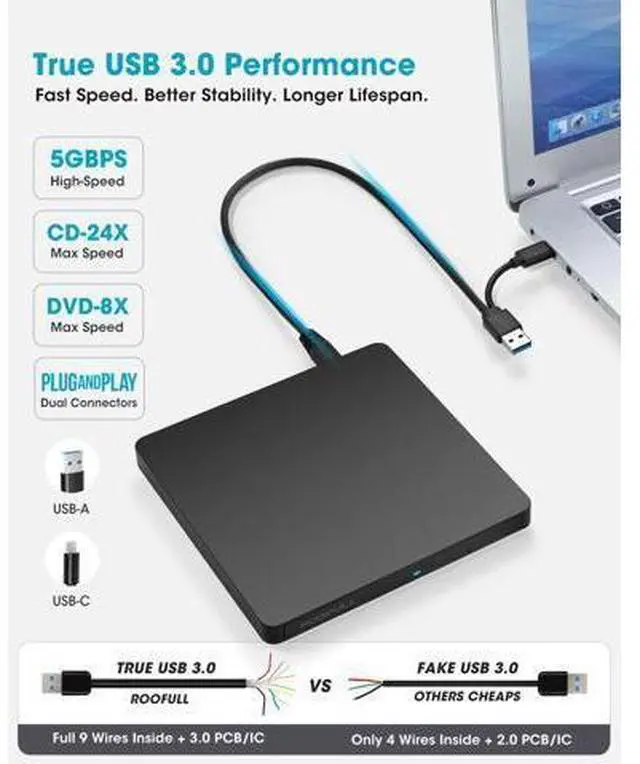
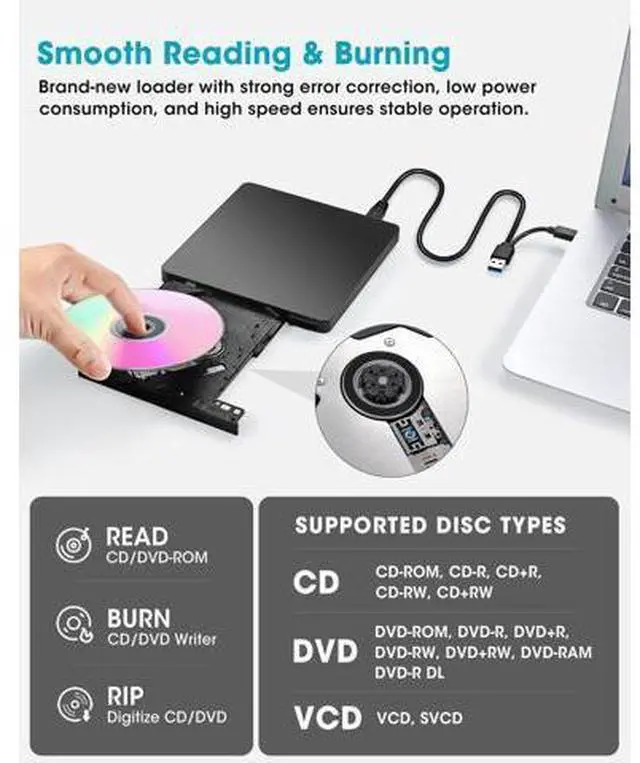
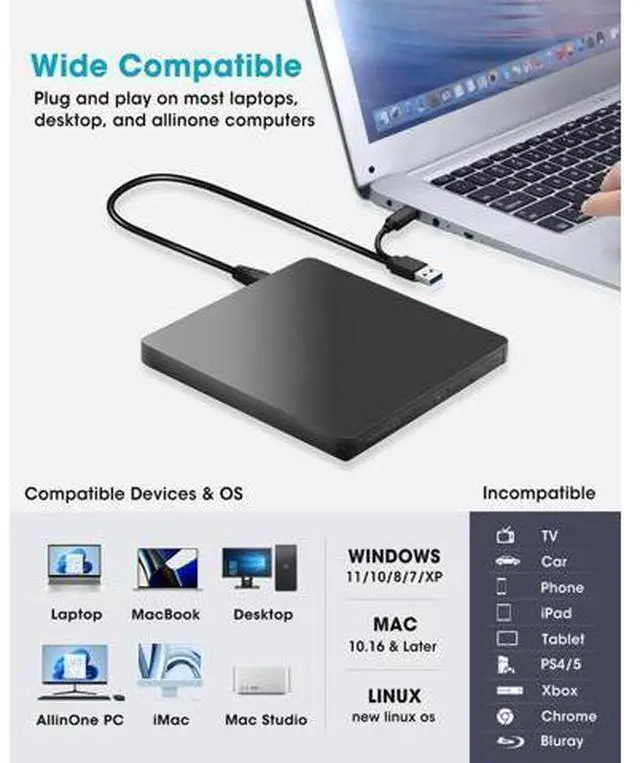


External CD/DVD Drive USB 3.0 & USB-C, Ultra-Slim 0.5" High-Speed CD DVD Player Burner Reader Writer for Laptop, Windows 11/10, Mac MacBook, Linux OS
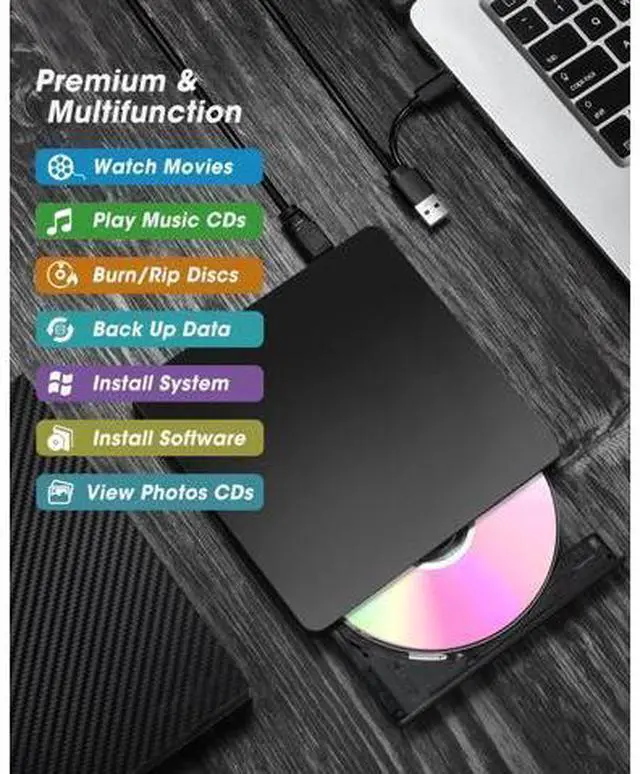
- Modern CD/DVD External Drive for LaptopLooking for a ultra-slim & durable external CD DVD drive for your notebook or Mac? This compact mini DVD drive with reliable performance is an ideal solution for all your disc-related needs. Simply connect the USB external DVD drive to your computer via USB 3.0 or USB-C connector, and this CD drive will be recognized by your computer (Tip: On Mac, the drive icon will appear on the desktop after a disc is inserted and successfully read.) You can then easily read, burn, or rip discs using your preferred software easy to set up, just like using an internal drive! (Scroll down for detailed setup instructions and recommended software.); Not Just a CD/DVD-ROMThis drive is not only a CD/DVD reader, but also a burner, writer, rewriter, and ripper. You can use media players like VLC to enjoy music CDs or movie DVDs, or use burning software to create your own music, video, photo, or data discs. Need to digitize old discs? Easily rip and convert media to digital files for storage on your computer. Its also perfect for installing software or games directly from CDs/DVDs. Supports a wide range of disc formats, including CD-ROM, CD-R, CD+R, CD-RW, CD+RW, DVD-ROM, DVD-R, DVD+R, DVD-RW, DVD+RW, DVD-RAM, DVD+R DL, DVD-R DL, and VCD. (Note: Blu-ray and 4K discs are not supported.)
+
+
Overview
Specs
Reviews

Any questions? Our AI mode will help you find out quickly.
Try me now
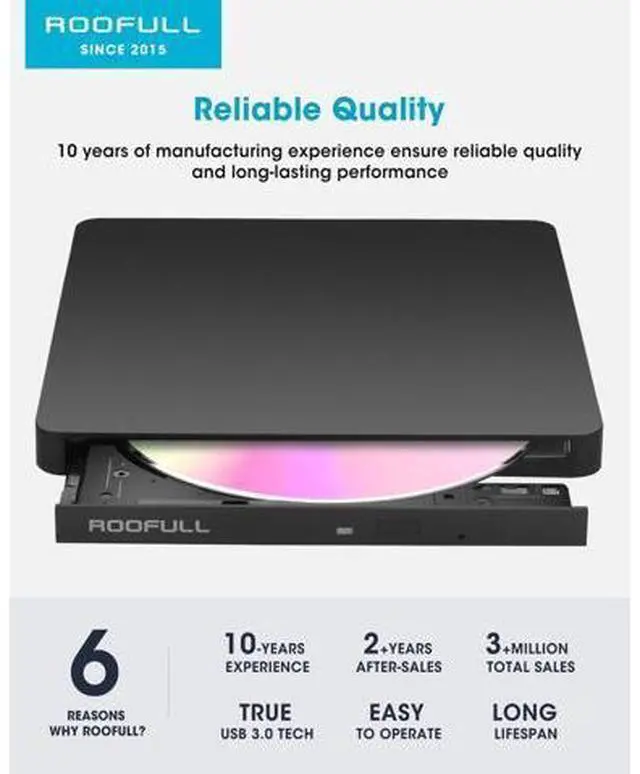
Bring Optical Media Back to Life with ROOFULL? RF61-MAS Ultra Slim USB 3.0 External CD/DVD-RW Drive As laptops and desktops become thinner and more compact, most no longer include built-in CD/DVD drives. However, many of us still need to use discs from time to timewhether it's revisiting a collection of old music CDs or movie DVDs, viewing precious family photos and videos stored on discs, or burning a custom music CD. In these moments, a compact external CD/DVD drive is the perfect solution. The ROOFULL ultra-slim external CD/DVD reader and writer makes it easy to: Play commercial CDs and DVDs Burn music, videos, photos, or files onto blank discs Rip audio or video from discs and convert them into popular formats like MP3 or WMA Install software, drivers, games, or even operating systems Access medical CDs and legacy backups Back up important data for long-term storage or sharing Plug and Play? Yes. No extra driver installation or complicated setup required. Just plug the USB 3.0 type-A or type-C connector on the data cable into your computer, and it will be automatically recognized. Then simply insert a disc and use your preferred media player, burning, or ripping software (yes, software is required) to read, write, or digitize your disks. Its just as easy to use as the built-in drives we used to rely on.
Tips: On Mac, the disc icon won't appear on the desktop until the disc is inserted and successfully read. Due to macOS limitations, the tray cannot be opened via the
Tips: On Mac, the disc icon won't appear on the desktop until the disc is inserted and successfully read. Due to macOS limitations, the tray cannot be opened via the
Warranty & Returns
Warranty, Returns, And Additional Information
Warranty
- Please contact the Seller directly for warranty information. Warranty information may also be found on the Manufacturer's website.
- CONTACT
Return Policies
- Return for refund within: 30 days
- Return for replacement within: 30 days
- This item is covered by NovaStar Tech Return Policy
Manufacturer Contact Info
- For a directory of all our manufacturers, please click below.
- Manufacturers Directory
LOADING...