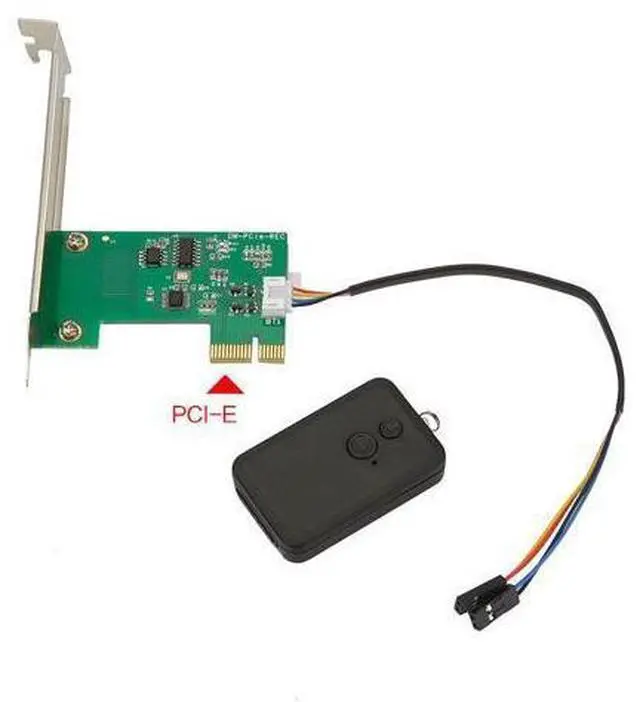
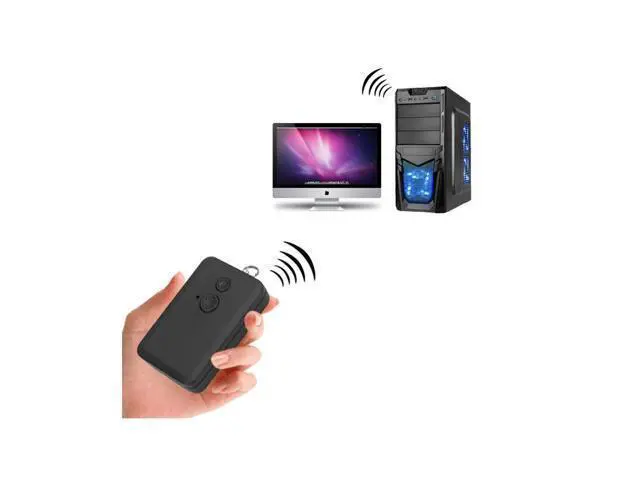
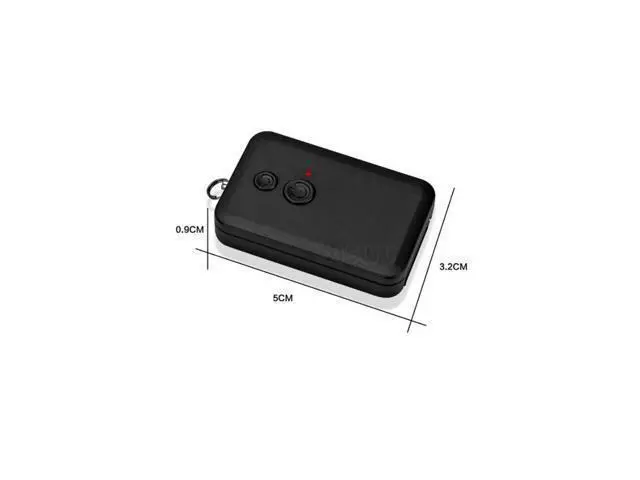
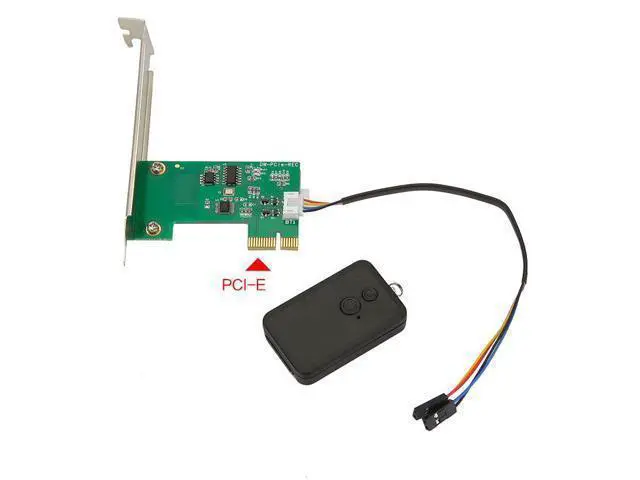
Wireless remote control, freeing your hands No need to bend over to press the power button on the chassis The effective distance can reach several tens of meters (depending on the environment) The remote control is small and lightweight, and can be placed on the table or hung on a keychain. 4. Plug-and-play, no drivers required Pure hardware control, not dependent on any operating system It can be used directly after installation. No drivers or software need to be installed. Supports all systems including Windows, Linux, and macOS. 5.
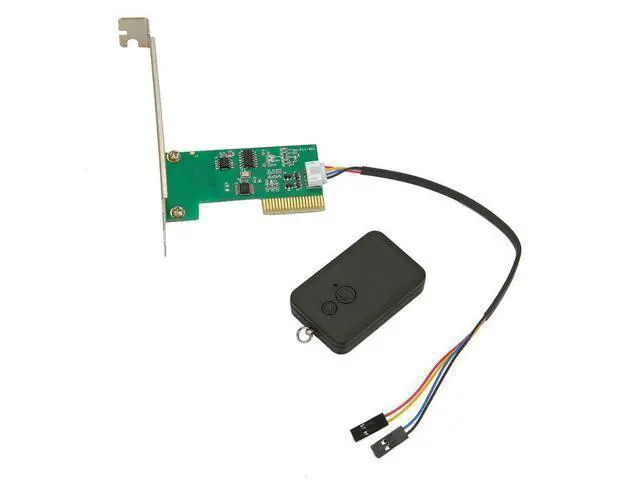
Wide application scenarios Scenario Explanation Internet cafes/E-sports hotels Remote management of hosts by network administrators, no need to go to each machine Home users An effortless device for lazy people, remote control of computer from sofa/bed Workshops/Occupations Centralized management of multiple computers, one-click switch Server rooms Remote restart of dead servers Industrial control equipment Scenarios where it is inconvenient to access the chassis HTPC/Living room computers Remote control of computer from sofa to create a home theater 6. Simple installation Insert the adapter card into the PCIe or PCI slot on the motherboard Connect the power switch cable (POWER SW) of the chassis to the adapter card.
Connect the adapter card's supporting cables to the power jumpers on the motherboard. It can be controlled to turn on or off the computer using the remote control.





 here!
here!