

Your Browsing History
- Free 30-day Returns
$22.86
Ships from China.

Meet Your Seller


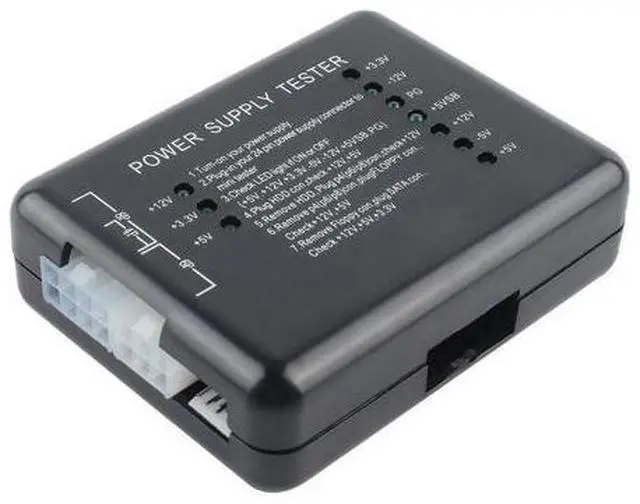
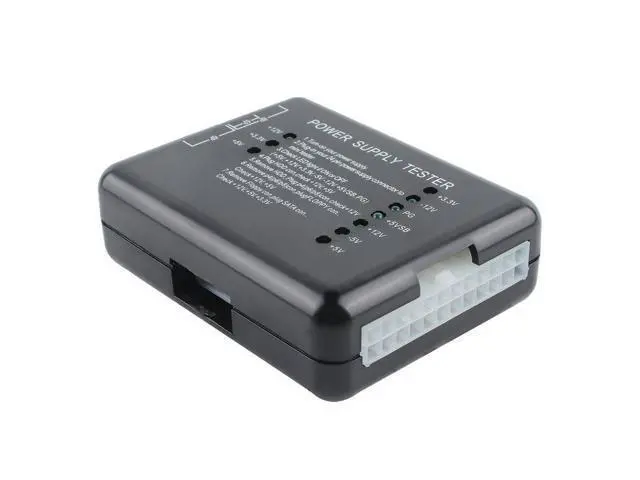
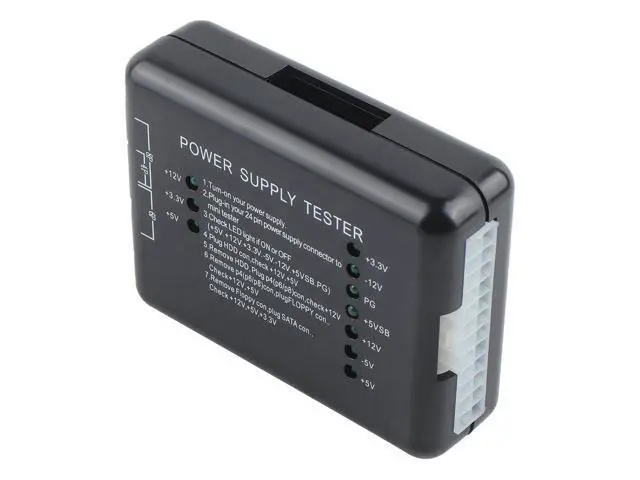
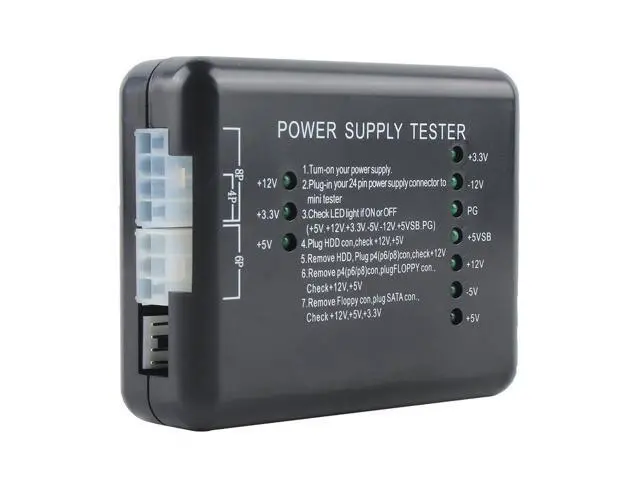
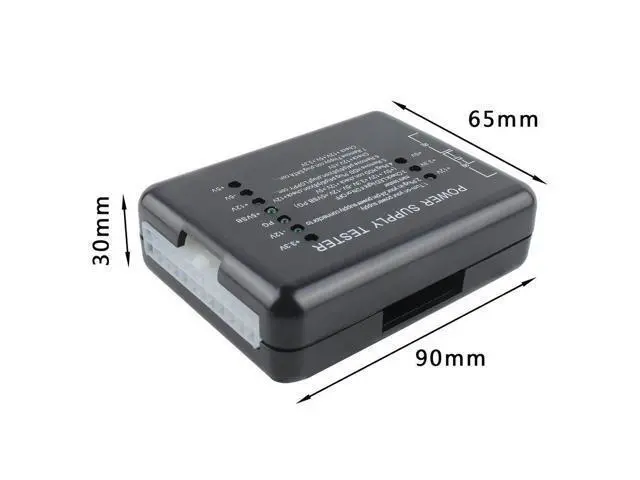


Computer Power Supply Tester, ATX Power Supply Diagnostic Tester, PC Power Supply Tester for Desktop Computer
Limited time offer, ends 10/07 By ProGear Haven
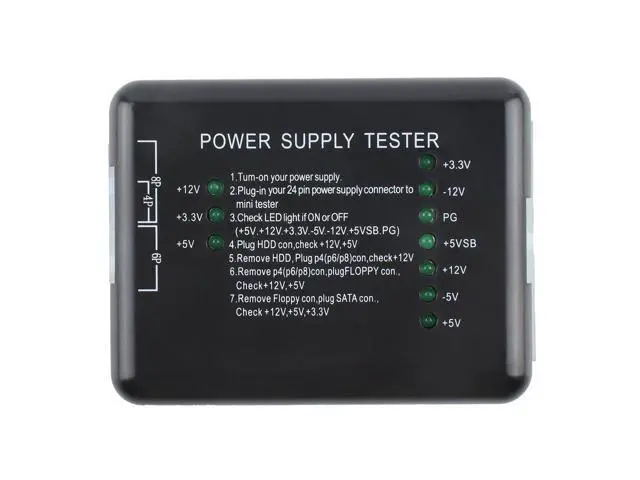
- Product Introduction; The chassis power tester is a powerful power detection device that can test ATX, BTX and ITX computer power supplies, and can display the voltages of each group as well as the PG value. It is a tool for quickly detecting computer power supplies.; Operation method; Supply power to the device under test.; 2. Insert the 24P (20P) plug of the device to be tested into the corresponding 24P (20P) socket of the power tester.; 3. Check if the seven lights on the right ( +3.3V, -12V, PG, +5VSB, +12V, -5V, +5V ) are all on. A full-on state is preferable.; 4. Insert the HDD plug of the device to be tested into the HDD socket of the power tester. Check if the two lights on the left (+12V and +5V) are on. They should all be on for a successful test.; 5. Remove the HDD plug from the power tester, then insert the P4 (P6/P8) plug into the corresponding P4 (P6/P8) socket. Check if the light on the left (+12V) is on. If it is on, it indicates a successful connection.; 6. Remove the P4 (P6/P8) plug from the power tester, then insert the FLOPPY plug into the corresponding FLOPPY socket. Check if the two left lights (+12V, +5V) are on. They should be fully illuminated for a successful operation.; 7. Remove the FLOPPY plug from the power tester and insert the SATA plug into the corresponding SATA socket. Check if the three lights on the left (+12V, +3.3V, +5V) are on. All on is ideal.
+
+
Overview
Specs
Reviews

Any questions? Our AI mode will help you find out quickly.
Try me now
Input port: 20/24-pin (ATX connector)
Voltage detection: +12V, -12V, +5V, -5V, + 3.3V, 5V. Standby (SB) 12V, power Good (PG)
Connection ports: Floppy, HDD, CDROM, SATA, 4 pin (P4), 8 pin (Dual-CPU), 6 pin (PCI-Express)
Voltage detection: +12V, -12V, +5V, -5V, + 3.3V, 5V. Standby (SB) 12V, power Good (PG)
Connection ports: Floppy, HDD, CDROM, SATA, 4 pin (P4), 8 pin (Dual-CPU), 6 pin (PCI-Express)
Warranty & Returns
Warranty, Returns, And Additional Information
Warranty
- Please contact the Seller directly for warranty information. Warranty information may also be found on the Manufacturer's website.
- CONTACT
Return Policies
- Return for refund within: 30 days
- Return for replacement within: 30 days
- This item is covered by ProGear Haven Return Policy
Manufacturer Contact Info
- For a directory of all our manufacturers, please click below.
- Manufacturers Directory
LOADING...