Your Browsing History
Meet Your Seller
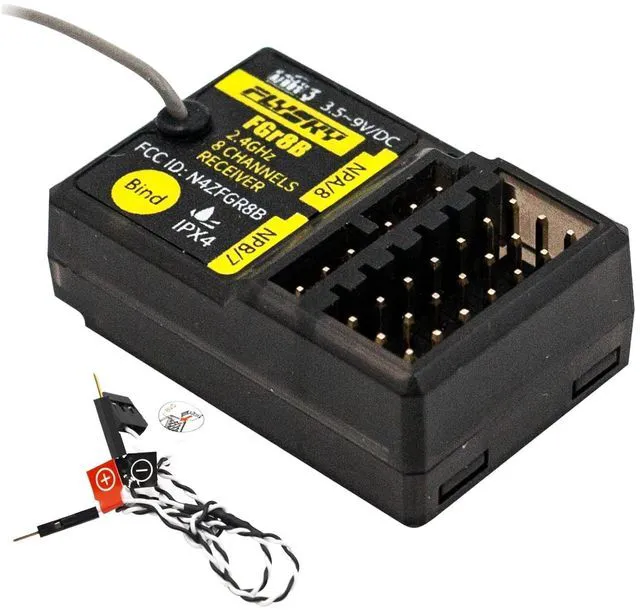
HTLNUZD Flysky FGR8B 2.4GHz 8CH Remote Control Receiver, Output AFHDS 3 PWM/PPM/i-Bus RF Modules Compatible FS PL18 / Noble NB4 Pro / NB4 Lite/ FRM302 Transmitters for Rc Car Boat
Limited time offer, ends 09/19 By Kepler Forge
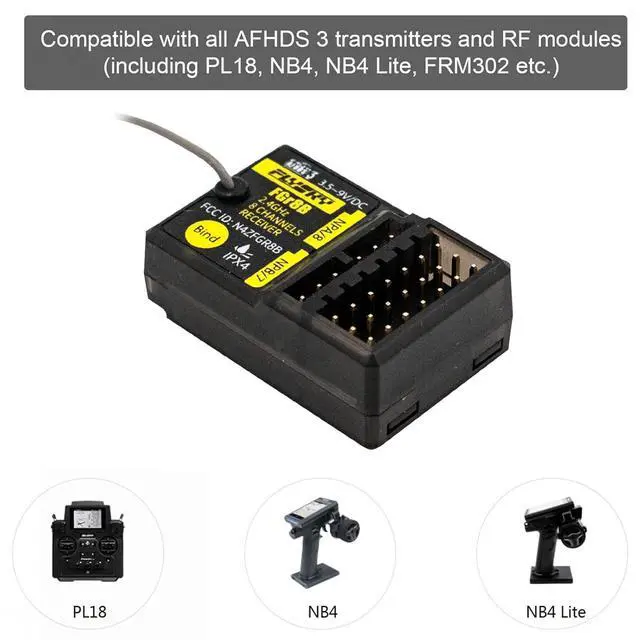
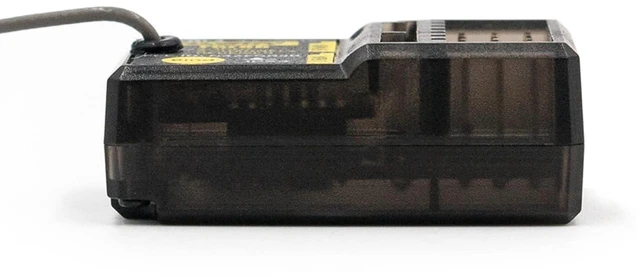
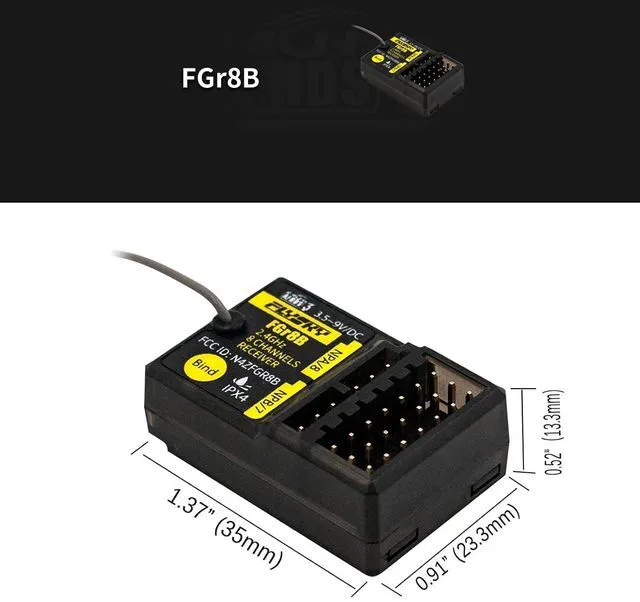
- size & weight1.37*0.91*0.52 inch (35*23.3*13.3mm) Weight: 9.4g.; Good compatibilityCompatible with all AFHDS 3 transmitters and RF modules including PL18, NB4, NB4 Lite, FRM302, etc.; High configurationThe FGr8B receiver adopts Flysky's third-generation automatic frequency hopping digital system (AFHDS 3).; Convenient storageWith a compact size and light-weight, no worry to give any burden to your RC Model, Very convenient for storage and storage.; Data OutputIt uses a single-antenna bidirectional transmission system and is uniquely designed to install and output PWM/ 8 Channels/PPM/i-bus in signals.
+
+
Overview
Specs
Reviews
Any questions? Our AI mode will help you find out quickly.
Try me now
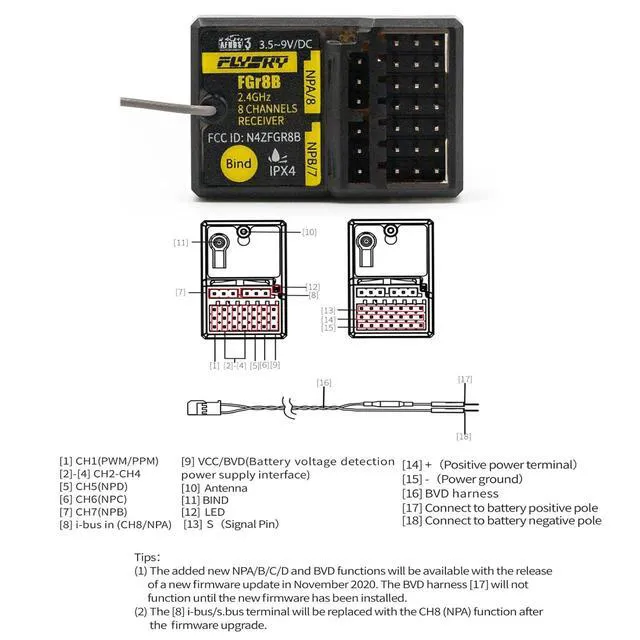
Binding instruction and hard update firmware Put the transmitter into bind mode. The binding process is complete when the LED on the receiver stops flashing and is on continuously. Press and hold the receiver BIND button [11] while powering on the receiver, release the BIND button after receiver is powered on, the LED [12] on the receiver will flash rapidly. If a transmitter that has had its radio frequency (RF Standard) set to AFHDS3 1 way (please refer to your transmitter user manual) enters bind mode, the receiver LED will instead flash slowly.
Exit bind mode on the transmitter and if the receiver LED stops flashing and is on continuously, the binding process is complete. Check to make sure the transmitter and receiver functions are working correctly, repeat steps 1 to 3 (binding process) if any problems arise Hard update firmware If after a firmware update is performed and the transmitter is unable to bind to the receiver, the receiver may need to be put into forced update times. Power on the receiver while pressing the BIND button [11] for then approximately ten seconds until the LED [12] flashes three times, release the BIND button.
Go to the RX Setup menu on your transmitter and selectRX Update. When the receiver LED flashes slowly, the update is successful.
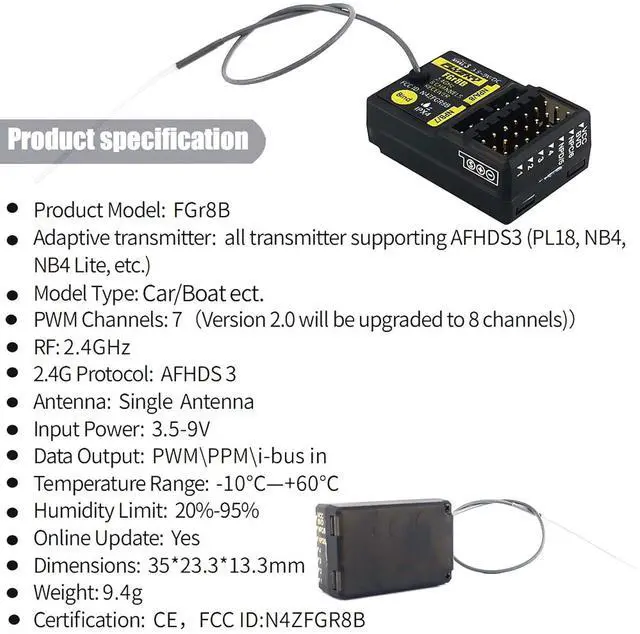
Product Model: FGr8B
Adaptive transmitter: all transmitter supporting AFHDS3 (PL18, NB4, NB4 Lite, etc. )
Model Type: Car/Boat ect.
PWM Channels: 8
RF: 2.4GH z 2.4G
Protocol: AFHDS 3
Antenna: Single Antenna
Input Power: 3.5 -9V
Data Output: PWM\PPM\i-busin
Temperature Range: -10+60
Humidity Limit: 20%-95%
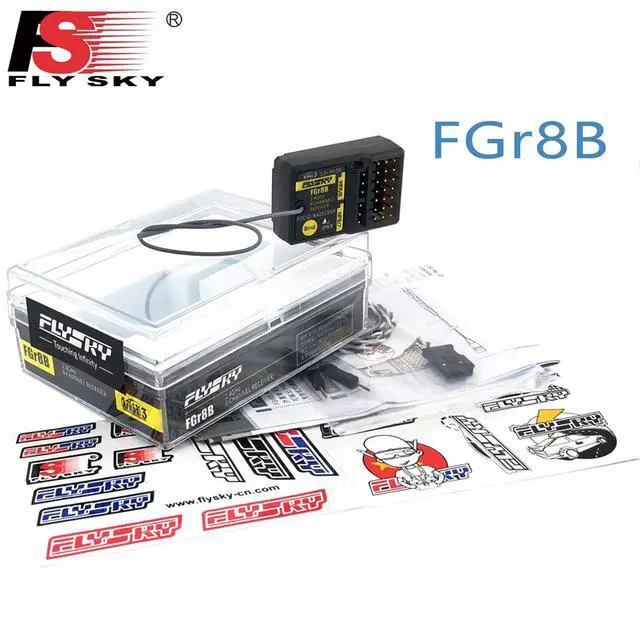
Package: 1 x FGr8B Receiver

Exit bind mode on the transmitter and if the receiver LED stops flashing and is on continuously, the binding process is complete. Check to make sure the transmitter and receiver functions are working correctly, repeat steps 1 to 3 (binding process) if any problems arise Hard update firmware If after a firmware update is performed and the transmitter is unable to bind to the receiver, the receiver may need to be put into forced update times. Power on the receiver while pressing the BIND button [11] for then approximately ten seconds until the LED [12] flashes three times, release the BIND button.
Go to the RX Setup menu on your transmitter and selectRX Update. When the receiver LED flashes slowly, the update is successful.
Product Model: FGr8B
Adaptive transmitter: all transmitter supporting AFHDS3 (PL18, NB4, NB4 Lite, etc. )
Model Type: Car/Boat ect.
PWM Channels: 8
RF: 2.4GH z 2.4G
Protocol: AFHDS 3
Antenna: Single Antenna
Input Power: 3.5 -9V
Data Output: PWM\PPM\i-busin
Temperature Range: -10+60
Humidity Limit: 20%-95%
Package: 1 x FGr8B Receiver
Warranty & Returns
Warranty, Returns, And Additional Information
Warranty
- Please contact the Seller directly for warranty information. Warranty information may also be found on the Manufacturer's website.
- CONTACT
Return Policies
- Return for refund within: 30 days
- Return for replacement within: 30 days
- This item is covered by Kepler Forge Return Policy
Manufacturer Contact Info
- For a directory of all our manufacturers, please click below.
- Manufacturers Directory
LOADING...