Specifications
: Input
Voltage: DC 6V-32VOutput
Voltage: DC 0-30V (continuously adjustable)
Output Current: Max. 5A(Adjustable, please strengthen the heat dissipation when the temperature exceeds 60 degrees.
)Efficiency: Max.
95%Power: Max. 160W ( recommended to be used in 120W)
Operating Temperature:
-10~75Resolution: 0.01V (Voltage), 0.01A (Current)
Short Circuit Protection: YesReverse
Input Protection: YesOutput
Backflow Protection: No, add a diode if use for chargingSize: as
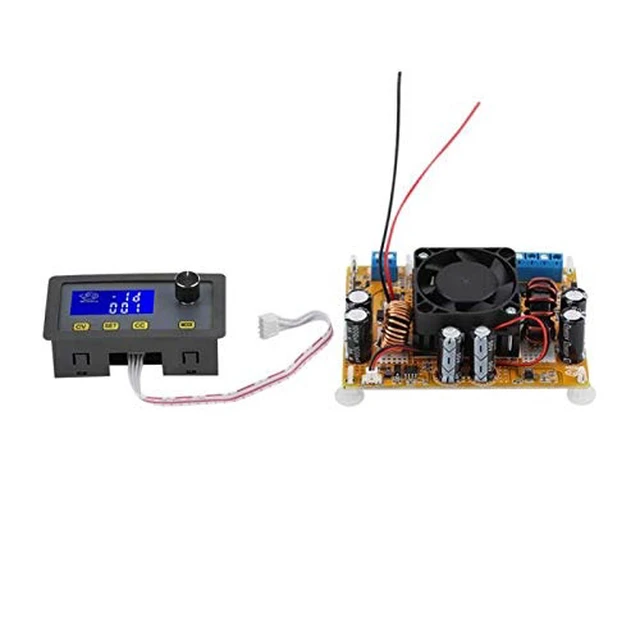
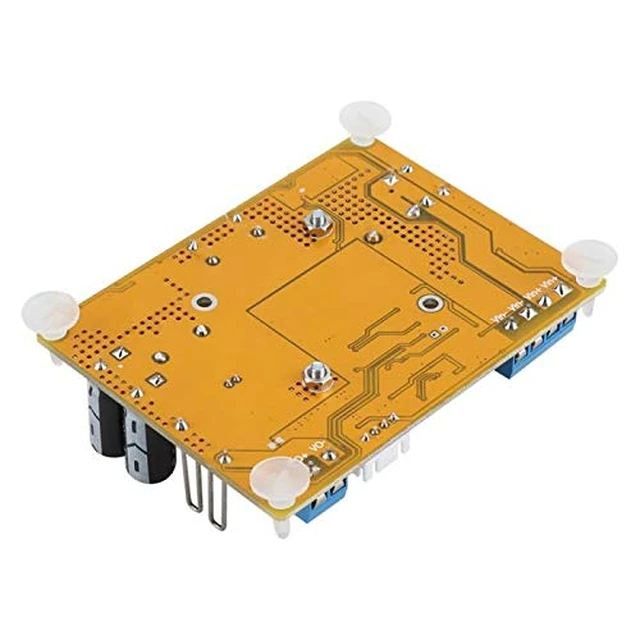
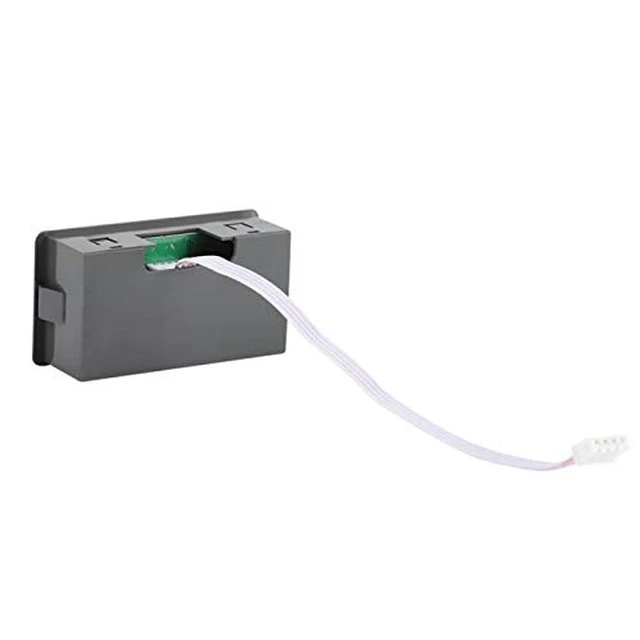
the pictureConnection mode: terminal
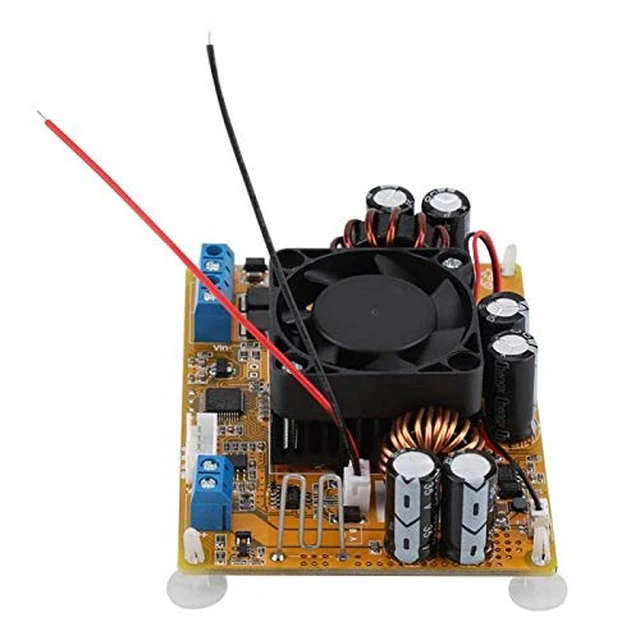
VI+: input +, VO+: output
+Black wire: RS485 A, Red
wire: RS485
BSettings: 1.
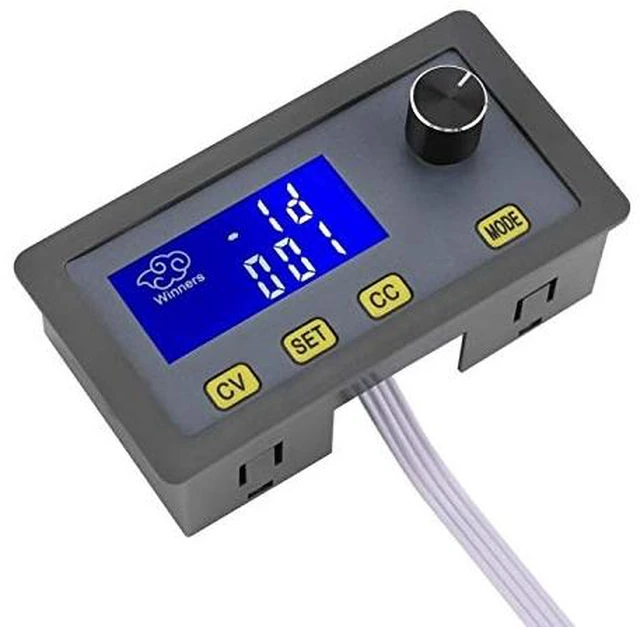
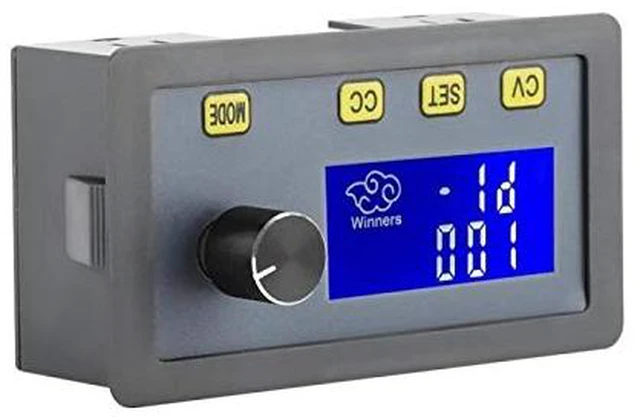
Output voltage setting: short press "CV" button, enter the voltage setting mode, turn potentiometer to adjust the current voltage value, press the potentiometer can switch to the voltage value of decimal point before or after the decimal point to adjust, after the adjustment, short press "CV"again to save and exit2.
Output current setting: short press "CC" button, enter the current setting mode, turn potentiometer to adjust the current value, press the potentiometer can switch to the decimal point before or after the decimal point of current value to adjust, after the adjustment, short press "CC"again to save and exit. 3.
Display MODE setting: short press "MODE", switch display mode, IN: display input voltage, OUT: display output voltage4.
Switch output setting: directly short press the potentiometer key, open or close the output terminal voltage, and the current position will display OFF when closing. 5. Ad...




 here!