Your Browsing History
- Free 30-day Returns
$207.86
Ships from China.
Sold by StarVelocity Technology
Shipped by StarVelocity Technology
Meet Your Seller
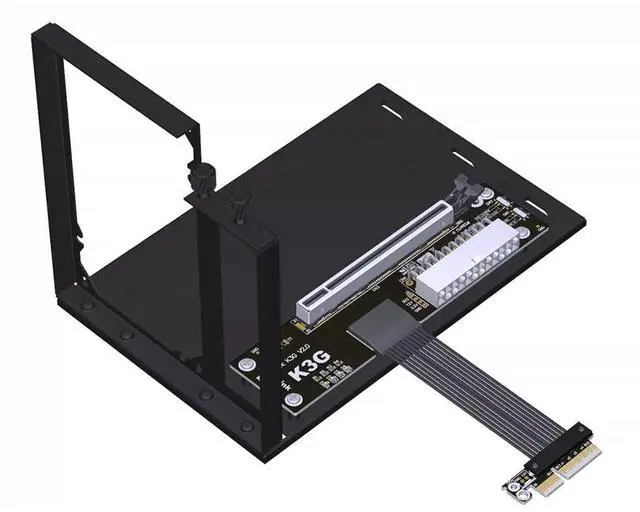
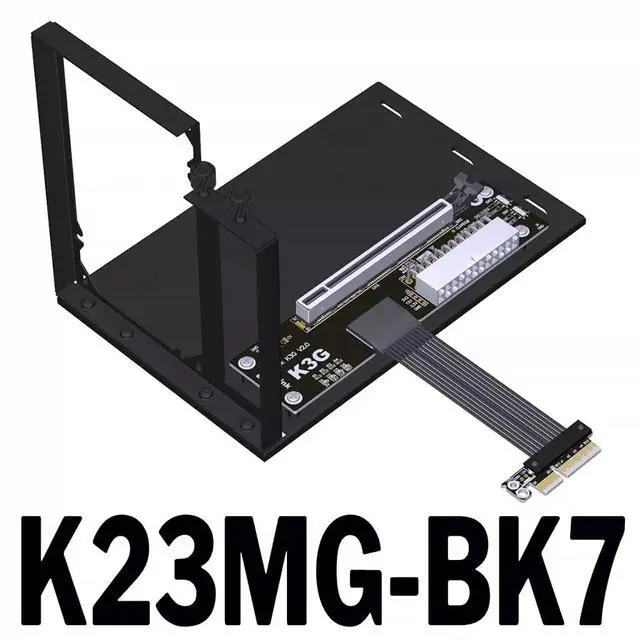
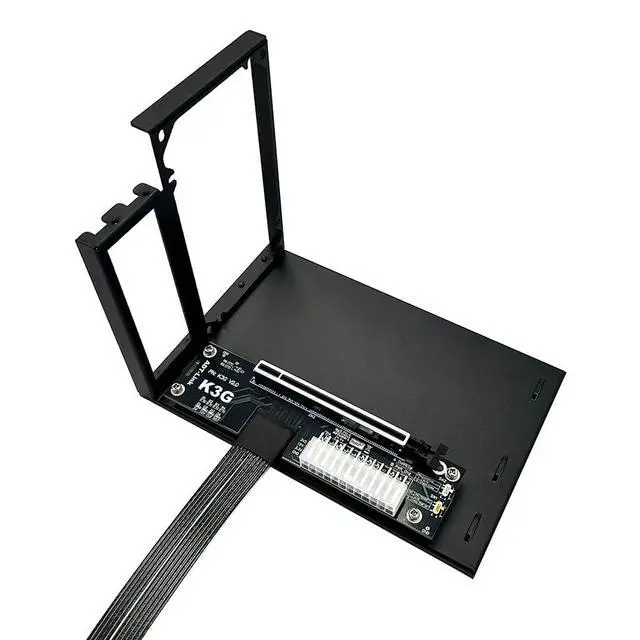
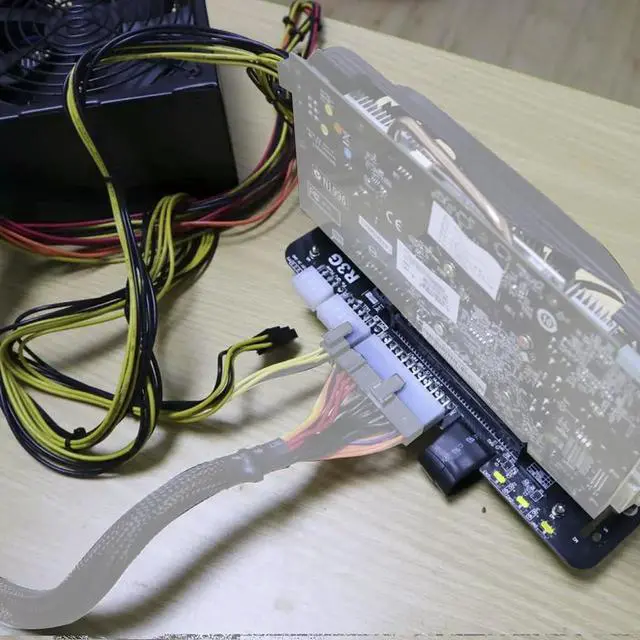
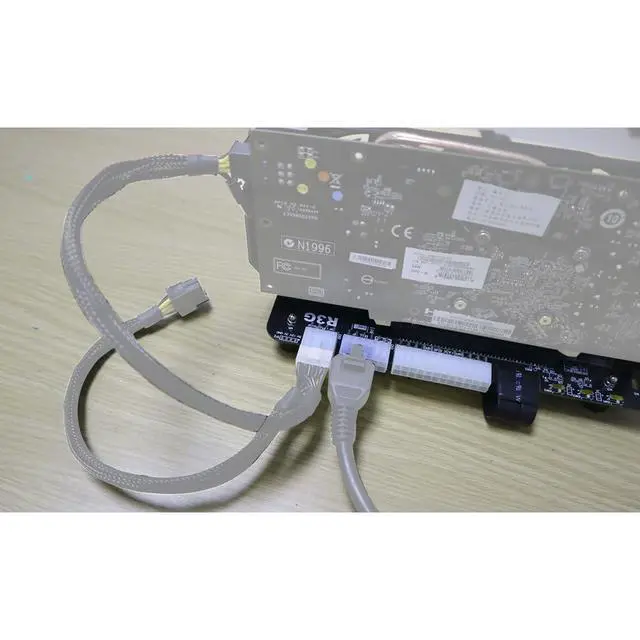
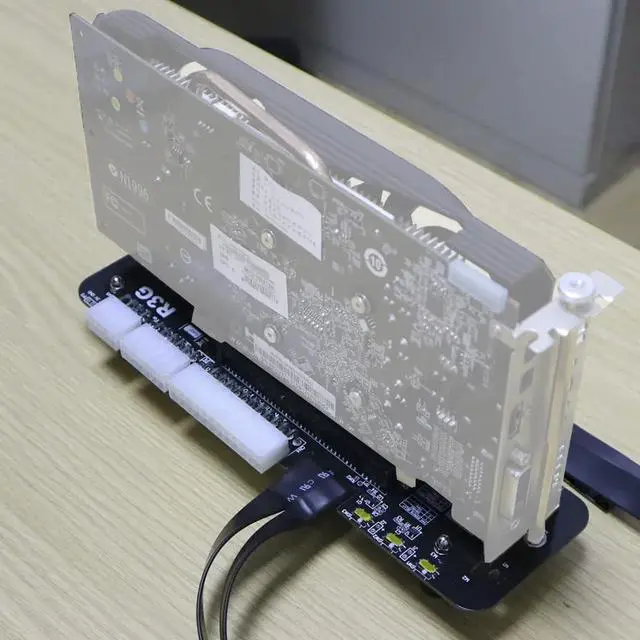
ADT-K23MG-BK7 PCIe 5.0 x4 to X16 GPU External Adapter Card Support Notebook ITX/STX NUC and GPU After 2015 with PCIe x4 Interface (25CM)
- K23MG-BK7 PCIe x4 to x16 5.0 Extension CableSupports External Graphics Cards for LaptopsSlim-ProfileBandwidth PCIe 5.0 x4.; In addition to laptops, this product is compatible with NUC motherboards, STX motherboards, and ITX motherboards for external graphics card connections. A PCIe x4 interface is required for use.; Graphics Card Compatibility: Supports newer graphics cards manufactured after 2015 (older graphics cards manufactured before 2015 are not supported).; Motherboard Compatibility: Compatible with notebooks, ITX/STX , and NUCs. Supports only PCIe x4 interfaces; does not support M.2 SATA, M.2 Wi Fi, M.2 WWAN, or USB interfaces.; Power Supply Specifications: Supports standard ATX power supplies rated at 500W or higher. Not included..
+
+
Overview
Specs
Reviews
Any questions? Our AI mode will help you find out quickly.
Try me now
ADT-K23MG-BK7 PCIe 5.0 x4 to X16 GPU External Adapter Card Support Notebook ITX/STX NUC and GPU After 2015 with PCIe x4
Interface Model Description: K23MG-BK7 PCIe x4 to x16 5.0 Extension CableSupports External Graphics Cards for LaptopsSlim-ProfileBandwidth PCIe 5.0 x4
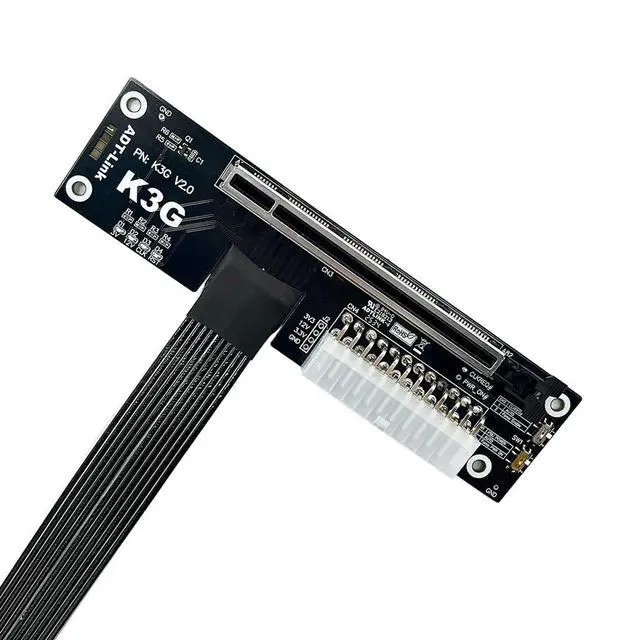
Included Accessories: Graphics card power cable. Switch Instructions SW1, Power-On
Force Switch: 1 = Auto-Start, 2 = Force Start. Please set to 1 for auto-start. SW2, PERST#
Signal Delay Switch: 1 = 2.2 -second delay, 2 = 4.5 -second delay. Used in conjunction with eGPU software to optimize graphics card compatibility. Currently unsupported by software; please set to 1.
SW3: CLKRUN# Signal Delay Switch. 1 = Off; 2 = 9-second delay. Used with eGPU software for GPU compatibility optimization. Currently unsupported by software; please set to 1.
J1: PERST# Signal Delay Switch. OPEN enables delay; SHORT disables delay. Currently unsupported by software; please SHORT by inserting a jumper cap. J2, CLKRUN#
Capacitor Delay: Currently not supported by the software; intended solely for R&D engineers to insert capacitors for delay testing. Inserting a 1uF capacitor results in approximately 2.2 seconds of delay; inserting a 2.2 uF capacitor results in approximately 5 seconds of delay, and so on. What should I do if the CLKREQ indicator light is not lit? This is due to a hardware design issue with the graphics card. A small number of graphics cards from 5 years ago do not support the CLKREQ signal. If you encounter a situation where the CLKREQ indicator light is not lit, you can disable the PCIe power-saving feature in the system or BIOS.

Interface Model Description: K23MG-BK7 PCIe x4 to x16 5.0 Extension CableSupports External Graphics Cards for LaptopsSlim-ProfileBandwidth PCIe 5.0 x4
Included Accessories: Graphics card power cable. Switch Instructions SW1, Power-On
Force Switch: 1 = Auto-Start, 2 = Force Start. Please set to 1 for auto-start. SW2, PERST#
Signal Delay Switch: 1 = 2.2 -second delay, 2 = 4.5 -second delay. Used in conjunction with eGPU software to optimize graphics card compatibility. Currently unsupported by software; please set to 1.
SW3: CLKRUN# Signal Delay Switch. 1 = Off; 2 = 9-second delay. Used with eGPU software for GPU compatibility optimization. Currently unsupported by software; please set to 1.
J1: PERST# Signal Delay Switch. OPEN enables delay; SHORT disables delay. Currently unsupported by software; please SHORT by inserting a jumper cap. J2, CLKRUN#
Capacitor Delay: Currently not supported by the software; intended solely for R&D engineers to insert capacitors for delay testing. Inserting a 1uF capacitor results in approximately 2.2 seconds of delay; inserting a 2.2 uF capacitor results in approximately 5 seconds of delay, and so on. What should I do if the CLKREQ indicator light is not lit? This is due to a hardware design issue with the graphics card. A small number of graphics cards from 5 years ago do not support the CLKREQ signal. If you encounter a situation where the CLKREQ indicator light is not lit, you can disable the PCIe power-saving feature in the system or BIOS.
Warranty & Returns
Warranty, Returns, And Additional Information
Warranty
- Please contact the Seller directly for warranty information. Warranty information may also be found on the Manufacturer's website.
- CONTACT
Return Policies
- Return for refund within: 30 days
- Return for replacement within: 30 days
- This item is covered by StarVelocity Technology Return Policy
Manufacturer Contact Info
- For a directory of all our manufacturers, please click below.
- Manufacturers Directory
LOADING...