




 here!
I’m your shopping assistant for PC builds, upgrades, and everything tech.
Got questions? Ask away!
Start a conversation
here!
I’m your shopping assistant for PC builds, upgrades, and everything tech.
Got questions? Ask away!
Start a conversation
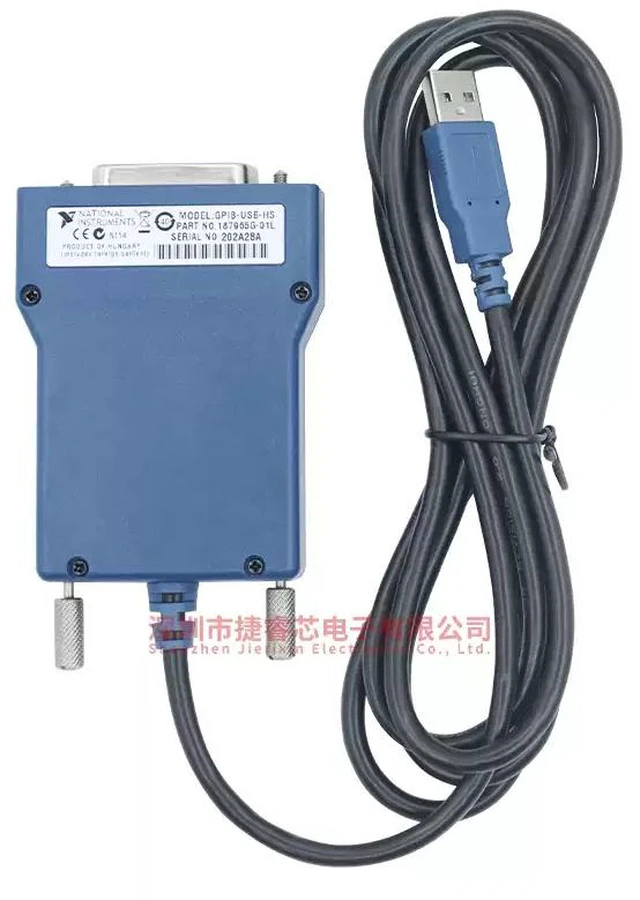
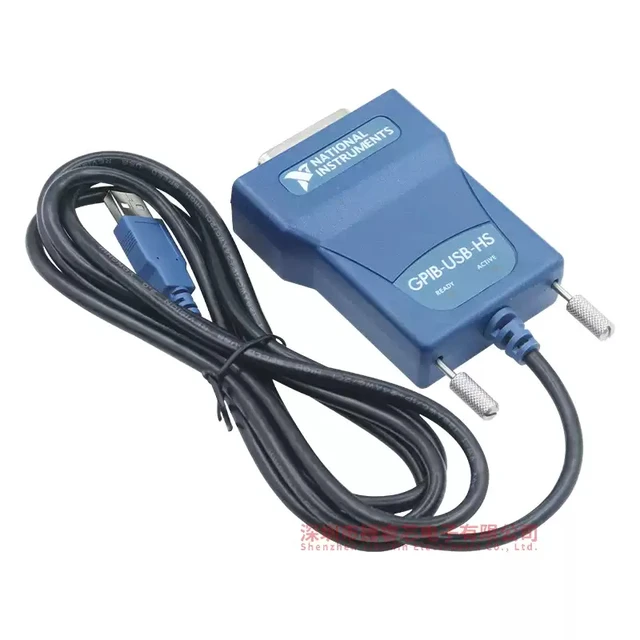
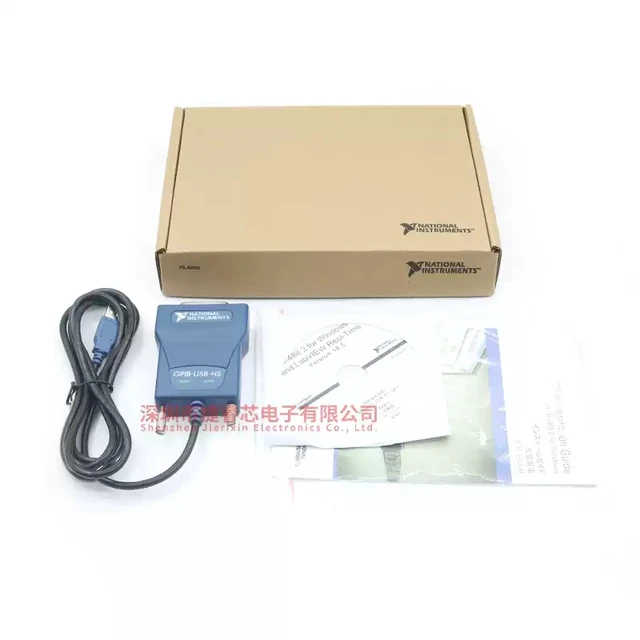



Any questions? Ask CelesteSM will help you find out quickly.
Installation
Notice Ground loops create an electric shock hazard and can causedamage to your GPIB-USB hardware, your computer, and other systemcomponents. A ground loop can occur when your computer and one ormore connected instruments do not share the same ground potential.
any of the following:
To prevent damage to your GPiB-USB hardware and other system components, do
Ensure that your system and all instruments connected to it share the sameground potential. This eliminates the possibility of voltage differential runningthrough your system.Use a GPIB-120B Bus Isolator/Expander to isolate GPIB systems and expandthe GPIB interface up to 28 devices. Use a pair of GPIB-140A High-Speed Fiber-Optic Bus Extenders. Thistransforms the GPIB signals at each end into fiber optic signals, allowing eachunit to reside at a different ground potential.- Use anisolated USB hub.
1. Connect the USB connector from the GPIB-USB interface to an available USBType A port on your computer.2. Before connecting the GPIB-USB interface to GPIB devices, ensure that thecomputer and the GPIB devices are at the same ground potential. The GPIB-USB interface connects directly to most GPIB devices without requiring a GPIB
cable.
3. If your computer is already running, the operating system automaticallydetects the GPIB interface. Otherwise, the GPiB interface is detected when youstart your computer.


