• $249.99
  • Free 30-day Returns
  • Price alert
    Shop it at NeweggBusiness.

    Meet Your Seller

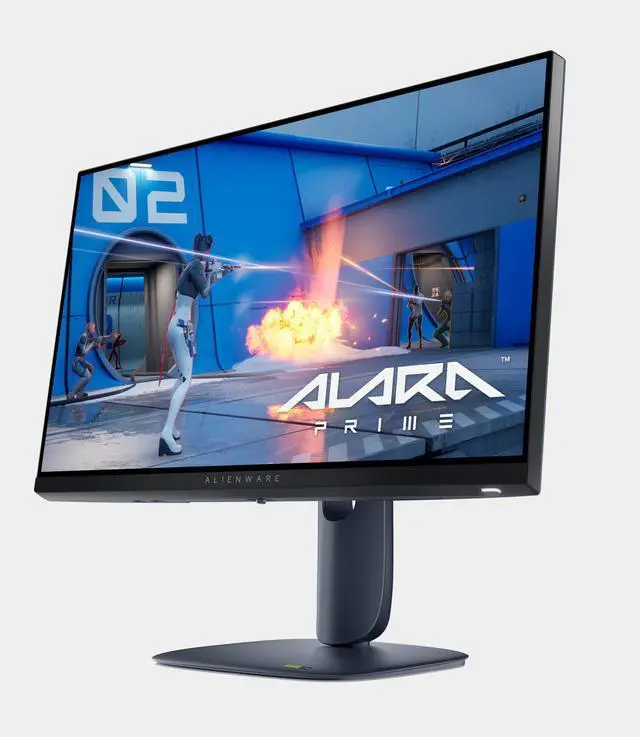
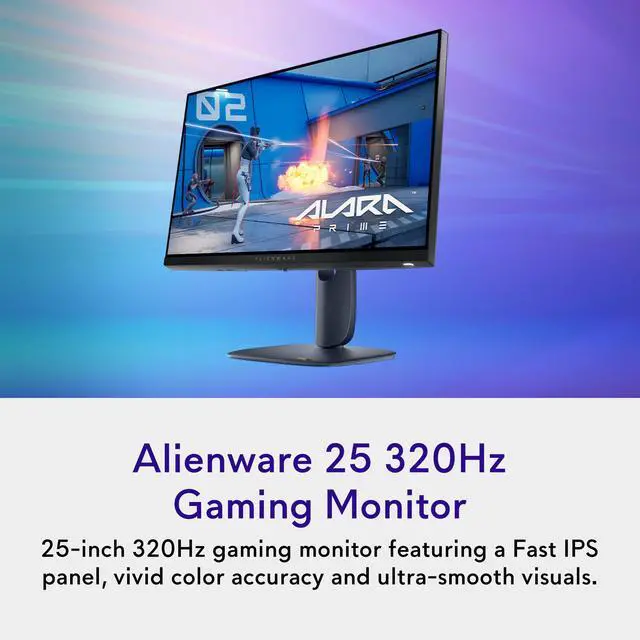
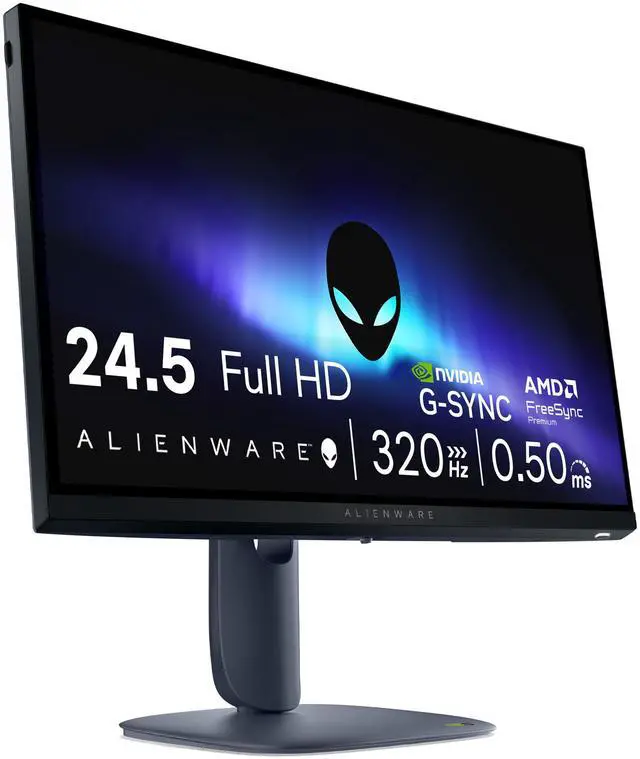
    Alienware - AW2525HM 25" LCD FHD 320Hz 0.5-ms FreeSync and G-SYNC Gaming Monitor (HDMI, DisplayPort) - Black

    • Refresh Rate
    • 320Hz
    • Maximum Resolution
    • 1920 x 1080
    • Response Time
    • 0.5 milliseconds
    • Panel Type
    • IPS
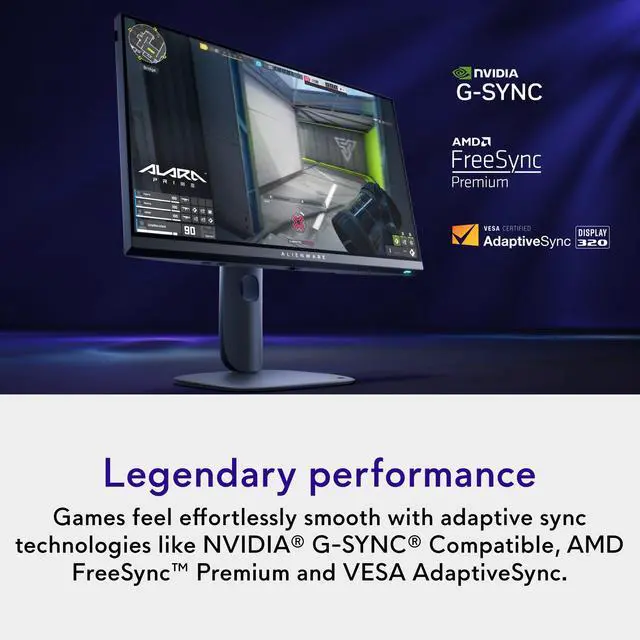
    • Synchronization Technology
    • FreeSync Premium (AMD Adaptive Sync), G-SYNC (NVIDIA Adaptive Sync)
    • Screen Size
    • 24.5 inches
    • Display Connector(s)
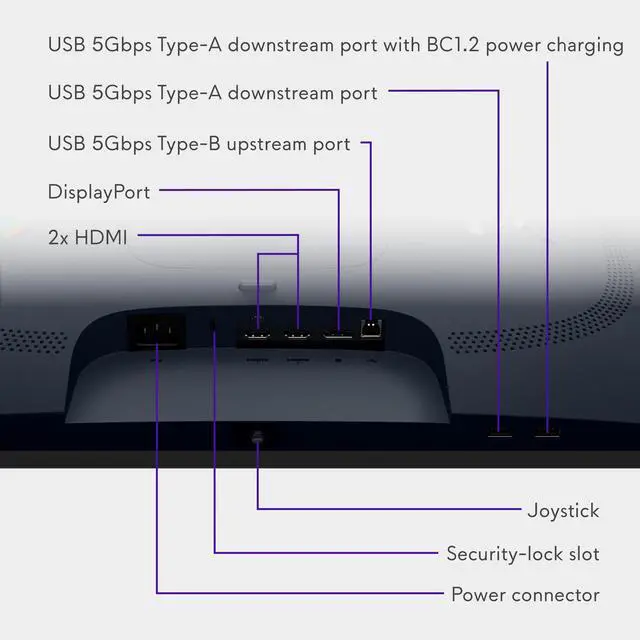
    • 1 x DisplayPort 1.4, 2 x HDMI 2.1
    • General
    • Brand
    • Alienware
    • Model Number
    • AW2525HM
    • Product Name
    • AW2525HM 25" LCD FHD 320Hz 0.5-ms FreeSync and G-SYNC Gaming Monitor (HDMI, DisplayPort)
    • Color
    • Black
    • Operating System Compatibility
    • Windows
    +
    +
    Overview
    Specs
    Reviews

    Any questions? Ask CelesteSM will help you find out quickly.

    Key Specs
    1. Refresh Rate

    2. 320Hz
    3. Maximum Resolution

    4. 1920 x 1080
    5. Response Time

    6. 0.5 milliseconds
    7. Panel Type

    8. IPS
    9. Synchronization Technology

    10. FreeSync Premium (AMD Adaptive Sync), G-SYNC (NVIDIA Adaptive Sync)
    11. Screen Size

    12. 24.5 inches
    13. Display Connector(s)

    14. 1 x DisplayPort 1.4, 2 x HDMI 2.1
    General
    1. Brand
    2. Alienware
    3. Model Number
    4. AW2525HM
    5. Product Name
    6. AW2525HM 25" LCD FHD 320Hz 0.5-ms FreeSync and G-SYNC Gaming Monitor (HDMI, DisplayPort)
    7. Color
    8. Black
    9. Operating System Compatibility
    10. Windows
    Display
    1. Refresh Rate

    2. 320Hz
    3. Maximum Resolution

    4. 1920 x 1080
    5. Contrast Ratio

    6. 1000:1
    7. Response Time

    8. 0.5 milliseconds
    9. Display Type
    10. LCD
    11. Panel Type

    12. IPS
    13. Synchronization Technology

    14. FreeSync Premium (AMD Adaptive Sync), G-SYNC (NVIDIA Adaptive Sync)
    15. Aspect Ratio

    16. 16:9
    17. Curved Screen
    18. No
    19. Pixel Density

    20. 90 pixels per inch
    21. Brightness

    22. 400 candela per square meter
    23. Screen Size

    24. 24.5 inches
    25. High Dynamic Range (HDR)

    26. No
    27. Horizontal Viewing Angle

    28. 178 degrees
    29. Vertical Viewing Angle

    30. 178 degrees
    31. Touch Screen

    32. No
    33. Display Surface
    34. Anti-glare
    35. Color Gamut (NTSC)
    36. 99 percent
    Connectivity
    1. Number of DisplayPort Inputs (Total)
    2. 3
    3. Number of HDMI Inputs (Total)
    4. 2
    5. Display Connector(s)

    6. 1 x DisplayPort 1.4, 2 x HDMI 2.1
    7. Number of USB Ports (Total)
    8. 5
    9. USB Ports

    10. 1 x USB-B, 3 x USB-A, 1 x USB-C
    11. Number of USB-C Charging Ports
    12. 1
    13. Number of USB-B Ports
    14. 1
    Compatibility
    1. Wall Mountable

    2. Yes
    3. VESA Wall Mount Standard

    4. 100mm x 100mm
    Features
    1. Adjustable Stand Height
    2. Yes
    3. Anti-Glare

    4. Yes
    5. Eye Relief Features
    6. Anti-glare
    7. Built-In Webcam
    8. No
    9. Integrated Speaker(s)
    10. No
    Dimensions
    1. Product Height With Stand
    2. 15.38 inches
    3. Product Height Without Stand
    4. 12.97 inches
    5. Product Width

    6. 21.87 inches
    7. Product Depth (With Stand)
    8. 8.11 inches
    9. Product Depth Without Stand
    10. 2.71 inches
    11. Product Weight

    12. 13.38 pounds
    13. Stand Included
    14. Yes
    Power
    1. Power Consumption
    2. 18.1 watts
    3. Power Saving/Off Mode

    4. 0.3 watts
    Certifications Listings & Approvals
    1. ENERGY STAR Certified

    2. No
    3. EPEAT Qualified

    4. No
    Warranty
    1. Warranty - Parts
    2. 3 Years Limited Hardware and Advanced Exchanged Service
    3. Warranty - Labor
    4. 3 Years Limited Hardware and Advanced Exchanged Service


    Warranty & Returns

    Warranty, Returns, And Additional Information

    Warranty

    • Please contact the Seller directly for warranty information. Warranty information may also be found on the Manufacturer's website.
    • Read full details
    • CONTACT

    Return Policies

    Manufacturer Contact Info

    LOADING...

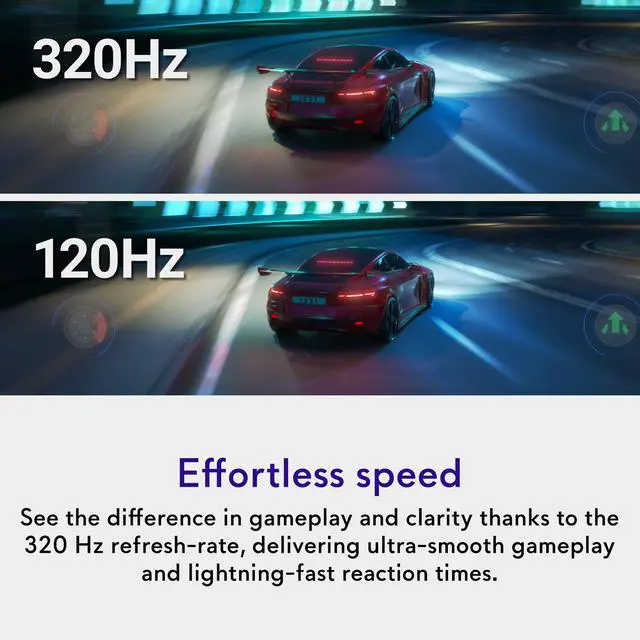
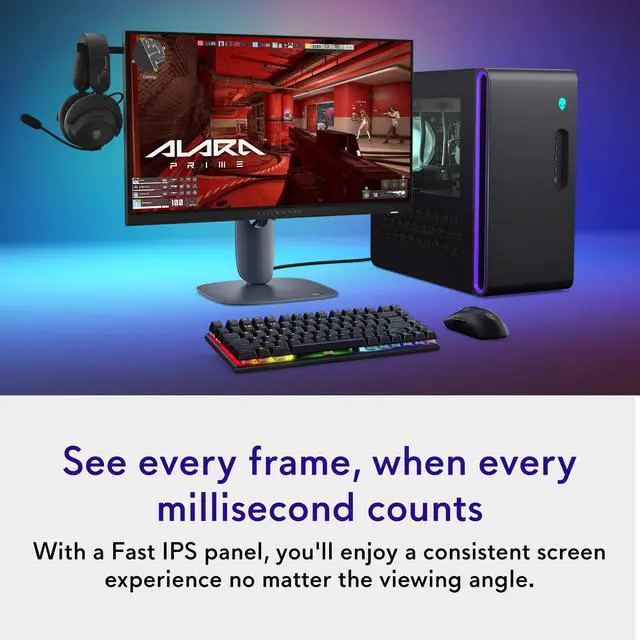
    The Alienware AW2525HM is a 24.5-inch Full HD IPS gaming monitor with a 320Hz refresh rate and listed 0.5ms response time, suited to competitive players who prioritize fast, fluid gameplay at 1920 × 1080.

    Recommended For

    • Competitive FPS players moving from a 144Hz or 165Hz monitor who want smoother motion and faster-feeling controls, especially if they play at 1080p and can run games at very high frame rates.
    • Budget-conscious PC gamers whose systems can deliver close to 300 FPS or more in their main games and who value high refresh rate over a sharper 1440p image.
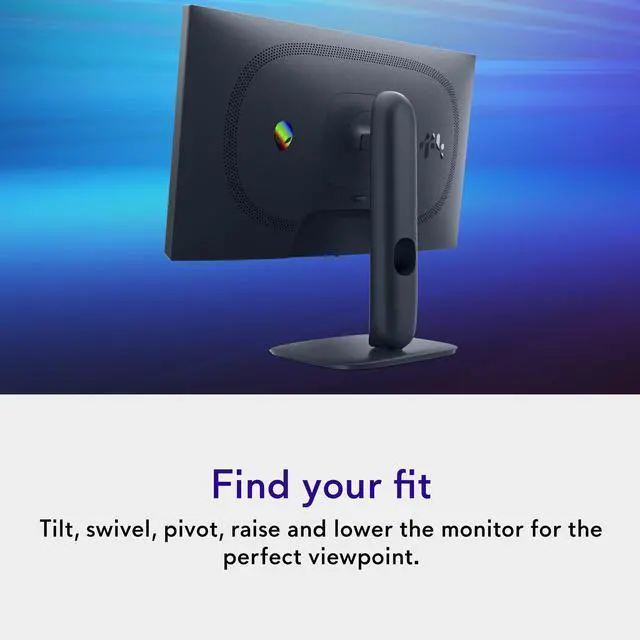
    • Players who want one compact monitor for high-refresh-rate gaming and everyday desk work, with height, tilt, swivel, and portrait adjustment.
    • Gamers who prefer a 24.5-inch 1080p screen and want high refresh rates for fast-paced games without prioritizing 1440p or 4K detail.

    Real-World Use Scenarios

    • Playing competitive PC shooters such as Counter-Strike 2 on a system that can deliver very high frame rates, players can follow fast movement more smoothly and see enemy animations more clearly; the benefit depends on the game and PC keeping frame rates high.
    • Upgrading from a 144 Hz or 165 Hz gaming monitor, competitive players are likely to notice smoother aiming and motion in fast matches, especially when their PC can make use of the higher refresh rate.
    • For fast-paced games on a modest gaming PC, the 1080p resolution is a practical choice when the goal is to reach high frame rates rather than maximize fine image detail; the trade-off is a less sharp picture than higher-resolution monitors.
    • Switching between shooters and casual or single-player games, users get smooth motion and an IPS image with good color, but the 1080p resolution and limited HDR make it less suited to prioritizing fine detail or cinematic HDR effects.
    • In competitive games with shadowed areas, enabling the monitor’s darkness-stabilization setting can make dark parts of the scene easier to see; players who prefer natural contrast may want to leave it off outside those matches.