




 here!
here!
I’m your shopping assistant for PC builds, upgrades, and everything tech.
Got questions? Ask away!
Start a conversation
here!
I’m your shopping assistant for PC builds, upgrades, and everything tech.
Got questions? Ask away!
Start a conversation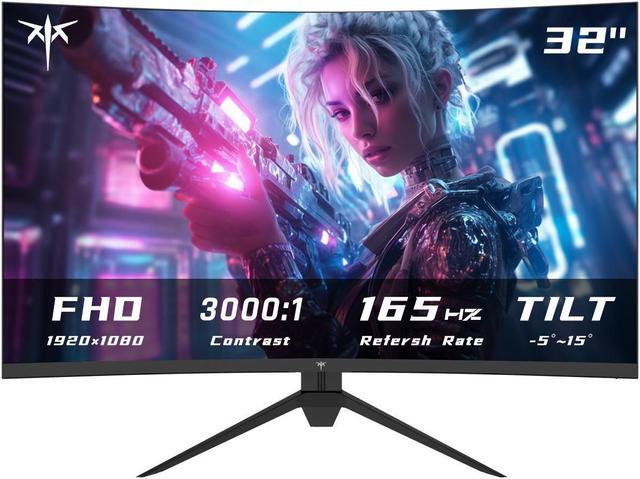



Any questions? Ask CelesteSM will help you find out quickly.


The KTC H32S17C is a 32-inch FHD curved gaming monitor with a 165Hz refresh rate, 1ms response time, HDR10, and FreeSync/G-Sync support. It suits PC gamers who want smooth gameplay and an immersive 1500R display for fast-paced titles.
| Attribute | Value |
|---|---|
| Best For | Gaming and desktop entertainment with a 32-inch curved VA display, FHD resolution, 165Hz refresh rate, and 1ms response time |
| Panel And Resolution | 32-inch VA panel with a 16:9 widescreen aspect ratio, 1920 × 1080 resolution, anti-glare surface, 89° horizontal and vertical viewing angles, and 0.0567 mm × 0.1701 mm pixel density |
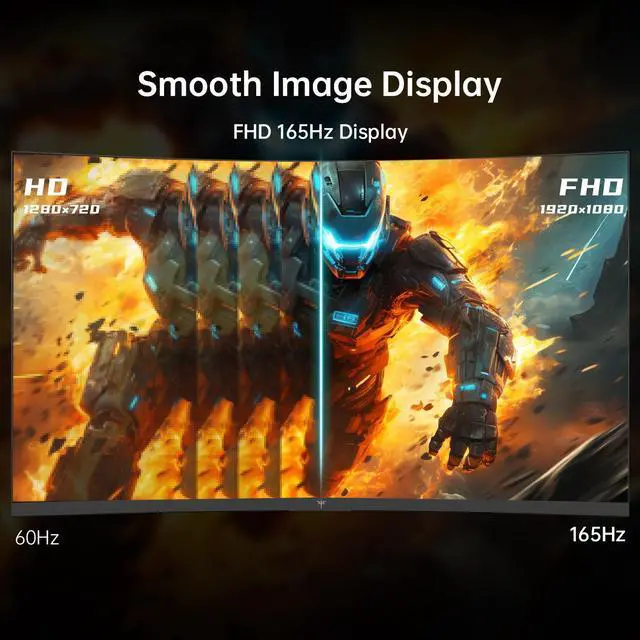
| Refresh Rate And Response | 165Hz refresh rate with a 1ms response time for smoother motion in fast-moving content |
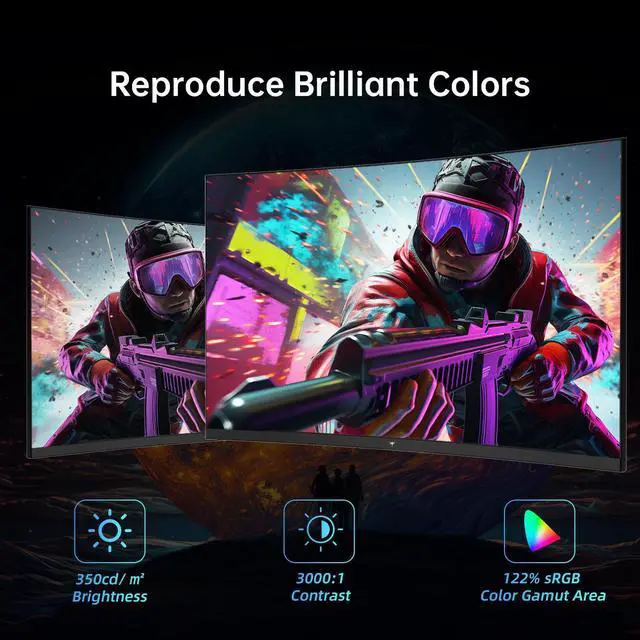
| Color And HDR | 350 cd/m² brightness, 3000:1 contrast ratio, 99% sRGB color gamut, 16.7 million display colors, and HDR10 support |
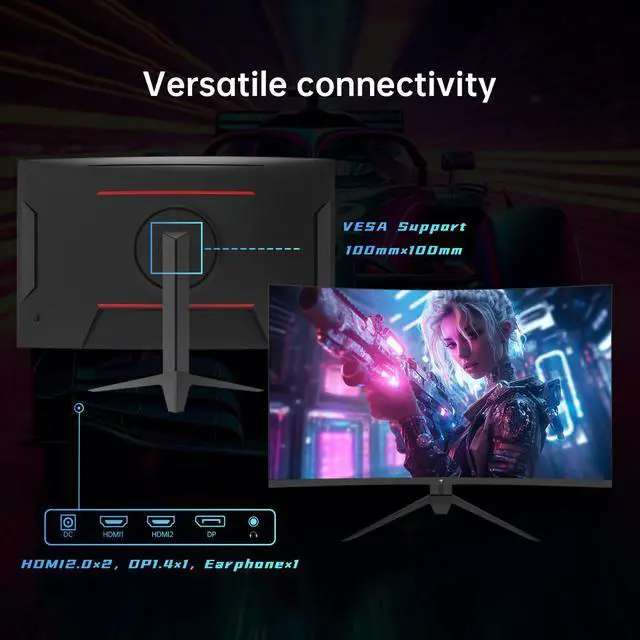
| Ports And Connectivity | Two HDMI 2.0 inputs and one DisplayPort 1.4 input for connecting computers and compatible video sources |
| Audio Setup | No built-in speakers |
| Stand And Mounting | 1500R curved screen with 100 × 100 mm VESA mounting compatibility |
| Power And Physical | Measures 790 × 170 × 535 mm, weighs 8.2 kg, and supports 100–240 VAC at 50/60Hz |
Q: Is the KTC H32S17C better than a 27-inch 1080p 165Hz monitor?
A: Choose the KTC H32S17C when you want a larger, more immersive gaming screen and have enough desk depth for a 32-inch curved display. Choose a 27-inch 1080p monitor when sharper text and finer image detail matter more: 27-inch 1080p screens typically provide about 82 PPI, while this 32-inch 1080p format is about 69 PPI. Both can provide similar 165Hz-class gaming smoothness.
Q: Should I buy the KTC H32S17C or upgrade to the KTC H32S17 1440p monitor?
A: Choose the KTC H32S17C when lower GPU demand and a lower-cost 32-inch gaming setup are the priority. Choose the KTC H32S17 when you want noticeably sharper text, desktop detail, and game imagery: it uses a 2560×1440 resolution at up to 180Hz, compared with the H32S17C's 1920×1080 resolution and 165Hz. The 1440p model requires more graphics performance to maintain high frame rates.
Q: Is the KTC H32S17C a good choice for competitive FPS gaming compared with a smaller 24-inch monitor?
A: Choose the KTC H32S17C for a larger field of view and more immersive casual or single-player gaming. Choose a 24-inch 1080p monitor when competitive FPS play, close viewing distance, and quick visual scanning are the priority. The KTC provides a 165Hz refresh rate and adaptive-sync support, but its 32-inch 1080p panel has lower pixel density than a smaller 1080p display.
Q: Should I choose the KTC H32S17C or a portable monitor for gaming?
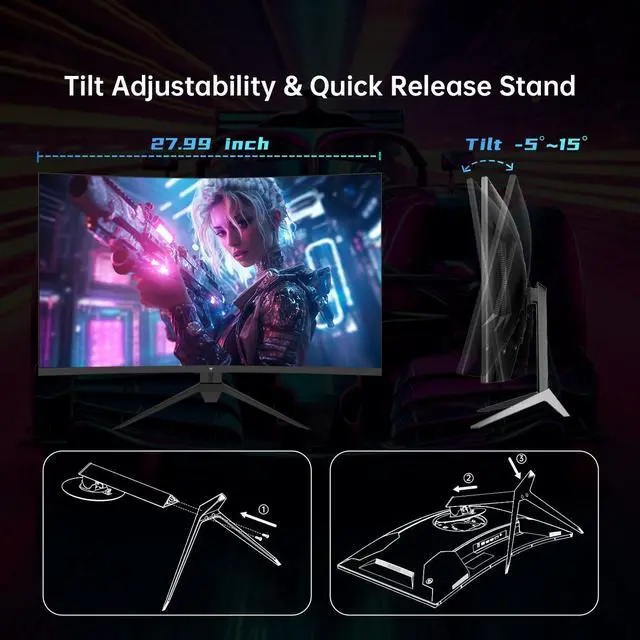
A: Choose the KTC H32S17C for a permanent desk setup where screen size, 165Hz gaming, VA contrast, and multiple HDMI/DisplayPort inputs matter. Choose a portable monitor when low weight, compact storage, and use with laptops or travel devices are more important. The H32S17C is a stationary 32-inch display with VESA support and tilt adjustment rather than a mobility-focused monitor.
Q: Does this monitor have built-in speakers, or do I need separate audio?
A: The KTC H32S17C does not have built-in speakers. You will need headphones or external speakers connected to the computer, console, or the monitor's earphone output.
Q: Can this monitor be mounted on a wall or monitor arm?
A: Yes. The monitor supports a standard 100 x 100 mm VESA mount. A compatible wall mount or monitor arm is typically purchased separately.
Q: Is this monitor suitable for office work, note-taking, meetings, and studying?
A: It is suitable for general office work, note-taking, studying, and video meetings when connected to a computer. The 32-inch screen provides a large workspace, but its 1920 x 1080 resolution is less text-dense than a higher-resolution monitor of the same size. It also has no built-in speakers, webcam, or microphone, so those functions must come from connected devices.
Q: Can I use this monitor with a gaming console or laptop?
A: Yes. It can connect to compatible consoles, desktop computers, and laptops through its two HDMI 2.0 ports or DisplayPort 1.4. The actual resolution and refresh rate depend on the connected device, its graphics hardware, and the cable or adapter used. Laptops with only USB-C may require a compatible USB-C video adapter or dock.
Q: Is a 32-inch curved FHD monitor a good choice for gaming?
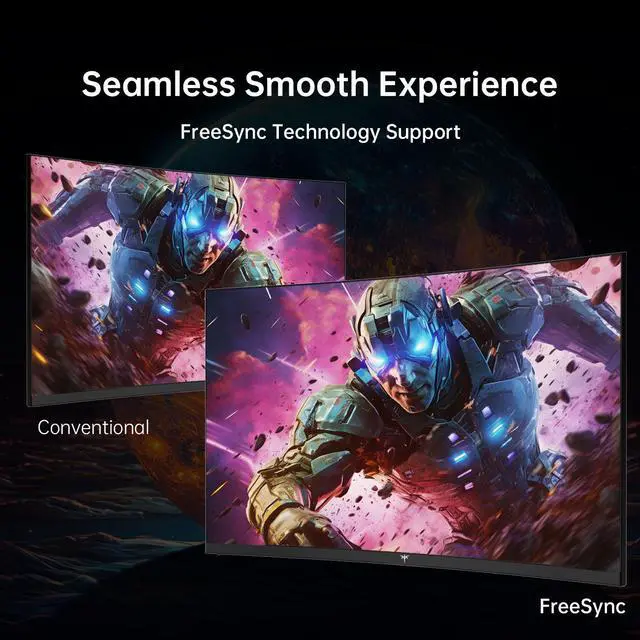
A: It is a good fit for users who want a large, immersive gaming display with smooth motion. The VA panel, 165Hz refresh rate, 1ms response time, FreeSync Premium, HDR10, and 1500R curvature support fast-paced gaming. The main trade-off is that 1920 x 1080 resolution is relatively modest for a 32-inch screen, so users who prioritize very sharp text or fine image detail may prefer a smaller FHD display or a higher-resolution monitor.
Q: Is 1080p good enough for a 32-inch monitor?
A: It depends on viewing distance and use. The 32-inch FHD panel provides a large gaming image, but its lower pixel density can make text and desktop details look less sharp than on a 27-inch 1080p or 32-inch 1440p monitor. It is better suited to gaming at a distance than to text-heavy work.
Q: Who is the KTC H32S17C best suited for?
A: It is best suited for budget-conscious PC gamers who want a large curved screen, high refresh rate, and 1080p resolution. The 165Hz refresh rate, FreeSync support, and VA contrast favor gaming, while the lack of built-in speakers and limited stand adjustment may matter for some desk setups.
Q: Does G-Sync work reliably with the H32S17C over HDMI?
A: NVIDIA variable-refresh support may depend on the connection and graphics hardware. One H32S17C user reported that the G-Sync option did not appear over HDMI and suspected DisplayPort might be required. If G-Sync is important, verify compatibility with the specific laptop or GPU and prefer DisplayPort when available.
Q: What are the main trade-offs of buying this monitor?
A: The main trade-off is pairing a large 32-inch screen with 1920×1080 resolution: gaming can look spacious and smooth, but fine text and desktop elements may appear less sharp. Other trade-offs include VA-panel viewing characteristics, a tilt-only stand, no built-in speakers, and limited evidence about long-term reliability from community reports.




