




 here!
here!
I’m your shopping assistant for PC builds, upgrades, and everything tech.
Got questions? Ask away!
Start a conversation
here!
I’m your shopping assistant for PC builds, upgrades, and everything tech.
Got questions? Ask away!
Start a conversation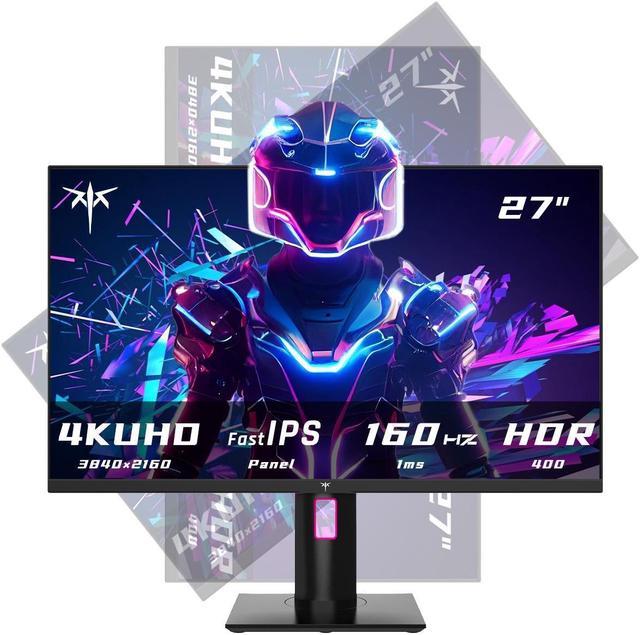



Any questions? Ask CelesteSM will help you find out quickly.




The KTC H27P22S is a 27-inch 4K UHD gaming monitor with a Fast IPS panel, 160Hz refresh rate, 1ms MPRT response time, and DisplayHDR 400. It suits PC gamers who want sharp image detail, smooth competitive gameplay, and wide viewing angles in a height-adjustable display.
| Attribute | Value |
|---|---|
| Best For | PC gaming and console play with 4K UHD clarity, high refresh-rate motion, and broad connectivity through HDMI 2.1 and DisplayPort 1.4 |
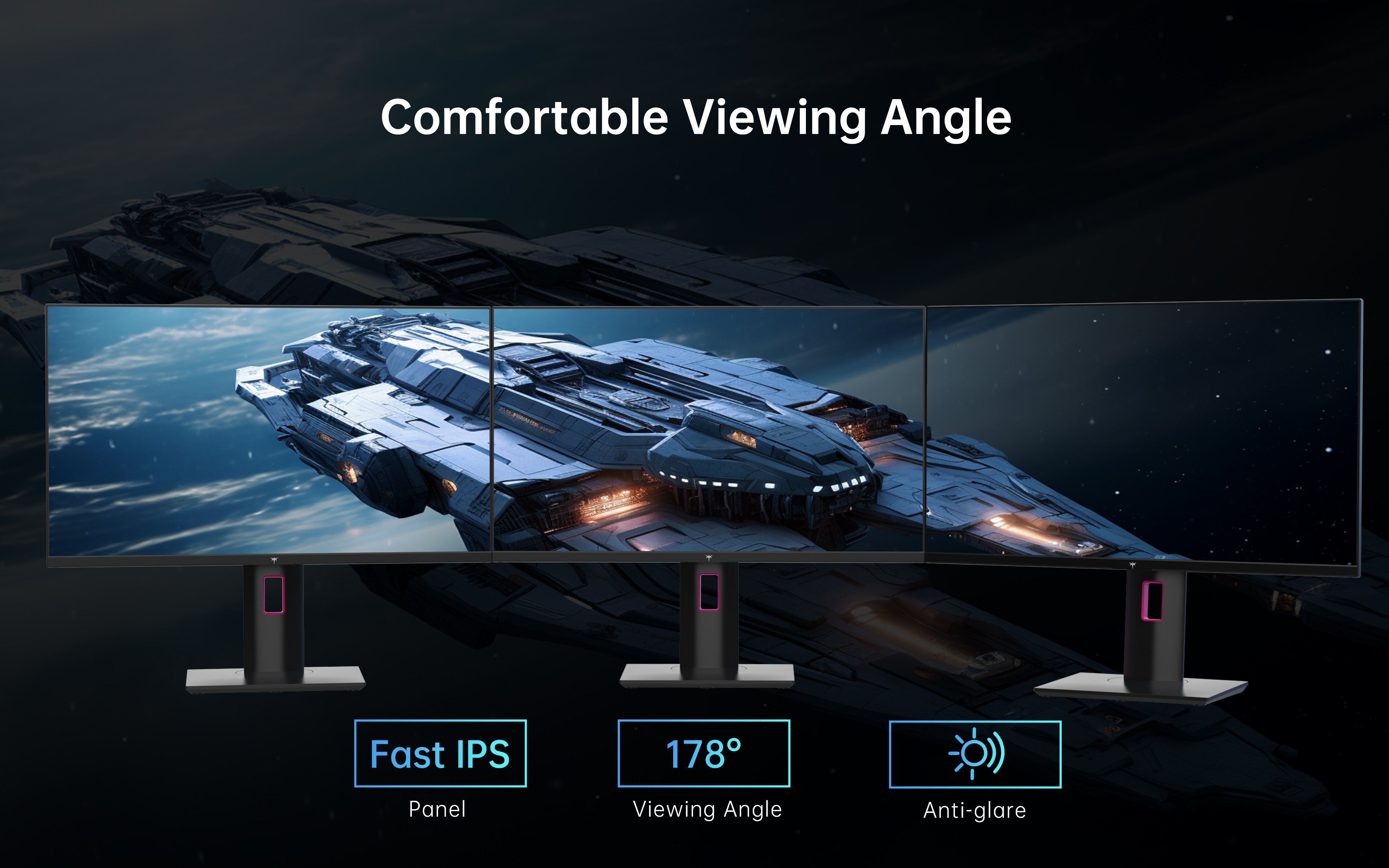
| Panel And Resolution | 26.9-inch 16:9 UHD Fast IPS display with 3840 x 2160 (4K) resolution, anti-glare surface, 178° horizontal and vertical viewing angles, 400 cd/m² brightness, 1,000:1 contrast, 99% sRGB coverage, 16.7 million colors, and 0.15525mm pixel density |
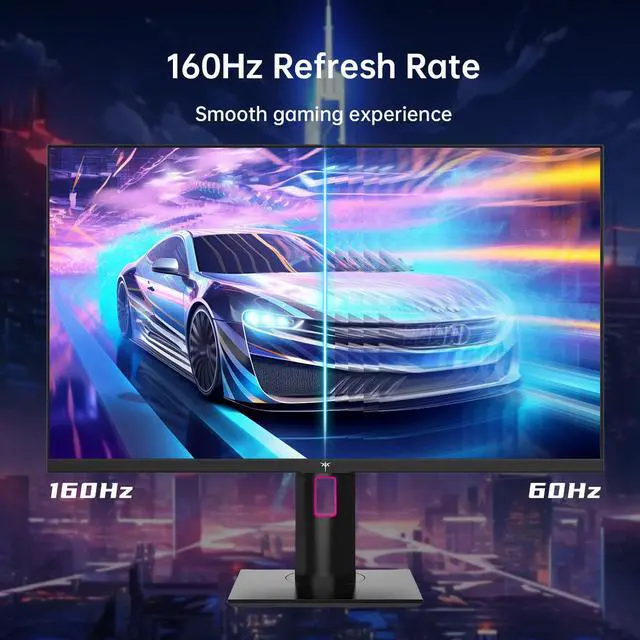
| Refresh Rate And Response | 160Hz refresh rate with a 1ms response time for smooth, responsive motion in fast-moving content |
| Ports And Connectivity | Two HDMI 2.1 ports and two DisplayPort 1.4 inputs support connection to gaming PCs, consoles, and other compatible video sources |
| HDR And Audio | HDR400 support for compatible high-dynamic-range content; no built-in speakers |
| Physical Design And Power | Black cabinet measuring 780mm × 180mm × 485mm and weighing 8.3kg, with a 100–240 VAC, 50/60Hz power supply |
Q: Should I buy the KTC H27P22S or Gigabyte M27U?
A: Choose the KTC H27P22S if you want a straightforward 27-inch 4K IPS gaming monitor with 160Hz refresh, HDMI 2.1, DisplayPort 1.4, and an adjustable stand. Choose the Gigabyte M27U if you also need USB-C connectivity, a KVM switch, and more productivity-oriented device switching. Gaming specifications are broadly similar, so the better choice depends mainly on connectivity and price.
Q: Is the KTC H27P22S better than a 27-inch 4K 144Hz monitor such as the MSI MAG 274UPF?
A: The KTC H27P22S is the better fit if you want a 160Hz refresh rate and a monitor centered on desktop PC and console gaming. The MSI MAG 274UPF is more suitable for a mixed work-and-gaming setup because it adds USB-C connectivity with up to 65W power delivery and a KVM switch, although its standard version is rated at 144Hz. Both use a 27-inch 4K IPS format with HDMI 2.1 support.
Q: Should I choose the KTC H27P22S or a cheaper 27-inch 1440p high-refresh monitor?
A: Choose the KTC H27P22S when sharper text, more detailed game images, 4K console support, and a 160Hz refresh rate are more important than maximizing frame rates. Choose a 1440p monitor when your graphics card is better suited to higher frame rates at 2560×1440 or when the lower resolution provides a better price-to-performance fit. The KTC is the more suitable option for users who want one display for 4K gaming and productivity.
Q: Is a 27-inch 4K OLED monitor worth upgrading to from the KTC H27P22S?
A: Upgrade to a 27-inch 4K OLED if HDR contrast, true black levels, near-instantaneous pixel response, and refresh rates above 160Hz are the main priorities. Stay with the KTC H27P22S if you prefer a 4K IPS display for general desktop use and gaming, and its 160Hz refresh rate already meets your performance target. The OLED option provides a more substantial upgrade in contrast and motion clarity than in resolution.
Q: Should I use the KTC H27P22S or a portable monitor for travel?
A: Choose a portable monitor for travel, temporary workspaces, or laptop use where low weight and compact size matter. Choose the KTC H27P22S for a permanent desk setup where 27-inch 4K image quality, 160Hz gaming, HDMI 2.1, DisplayPort 1.4, and a height-adjustable stand are more important than portability. These products serve different use cases rather than replacing each other directly.
Q: Can I use this monitor with a PS5 or Xbox Series X|S at 4K and 120Hz?
A: Yes. The monitor has two HDMI 2.1 inputs and supports console gaming at up to 120Hz, but the actual resolution and refresh rate depend on the console, game, cable, and console settings. ([bestbuy.com](https://www.bestbuy.com/site/questions/aoc-31-5-ag326ud-qd-oled-uhd-165hz-gaming-monitor-black/6617198/question/ad63761c-7f3b-390a-9bcf-b56df50b8574?utm_source=openai))
Q: How do I get the full 160Hz refresh rate from this monitor?
A: Use a DisplayPort 1.4 connection with a compatible graphics card and cable; the product specifications identify DisplayPort 1.4 as the connection for 160Hz operation. Actual performance also depends on the computer's GPU, resolution settings, and game workload. ([bestbuy.com](https://www.bestbuy.com/site/questions/asus-tuf-28-fast-ips-4k-144hz-hdmi-2-1-1ms-g-sync-freesync-gaming-monitor-with-hdr-displayportusb-black/6482012?includeAiContent=true&page=2&pageSize=20&sku=6482012&utm_source=openai))
Q: Is this monitor suitable for office work, note-taking, and meetings?
A: Yes, it is suitable for office work and note-taking because its 27-inch 4K IPS display provides sharp text, wide viewing angles, and an anti-glare surface. The height-adjustable stand can improve desk ergonomics. However, it has no built-in speakers and no USB-C input is listed, so laptop docking, webcam, and audio may require separate accessories. ([bestbuy.com](https://www.bestbuy.com/site/questions/samsung-odyssey-gaming-crg5-series-24-led-curved-fhd-freesync-monitor-black/6395561?page=2&pageSize=20&sku=6395561&sort=MOST_HELPFUL_ANSWERS&utm_source=openai))
Q: Does this monitor have built-in speakers?
A: No. The monitor does not include built-in speakers, so sound requires headphones, external speakers, or an audio device connected through the computer or console setup. ([bestbuy.com](https://www.bestbuy.com/site/questions/aoc-27-q27g40xmn-mini-led-qhd-180hz-gaming-monitor-black/6617199?utm_source=openai))
Q: Is this a good monitor for a portable or travel work setup?
A: It is better suited to a permanent desk than frequent travel. The 26.9-inch screen, 8.3 kg weight, and approximately 780 × 180 × 485 mm dimensions make it relatively bulky to transport, and the listed connections are DisplayPort and HDMI rather than USB-C. Its 4K resolution and height-adjustable stand are useful for desk-based work, but portability is not a primary strength. ([bestbuy.com](https://www.bestbuy.com/site/questions/samsung-odyssey-gaming-crg5-series-24-led-curved-fhd-freesync-monitor-black/6395561?page=2&pageSize=20&sku=6395561&sort=MOST_HELPFUL_ANSWERS&utm_source=openai))
Q: Is the KTC H27P22S worth buying for 4K PC gaming?
A: It is a strong fit for users who want a 27-inch 4K monitor with high refresh rate. The Fast IPS panel supports 3840×2160 resolution at up to 160Hz through DisplayPort, while HDMI 2.1 supports high-refresh console use. The main trade-off is that achieving high frame rates at native 4K requires a sufficiently powerful graphics card.
Q: Is the KTC H27P22S suitable for PS5 or PS5 Pro gaming?
A: Yes, it is suitable for consoles that support 4K at up to 120Hz. The monitor includes HDMI 2.1 ports and is discussed by users as a budget 4K option for PS5-family consoles. It is better suited to users who prioritize 4K detail and 120Hz support than users seeking OLED contrast or premium HDR performance.
Q: Is the KTC H27P22S good for work, reading, and text-heavy use?
A: It is suitable for work and reading when a sharp 27-inch 4K image is preferred. A YouTube review specifically describes the display as effective for text-based use and work. The 16:9 format and 27-inch size provide high pixel density, but users who need extensive multitasking may prefer a larger or ultrawide monitor.
Q: What are the main trade-offs of the KTC H27P22S?
A: The monitor prioritizes resolution, refresh rate, and connectivity over premium features. It has HDR400 rather than advanced local dimming or OLED contrast, no built-in speakers, and no USB-C display input or KVM listed in the specifications. Reddit users have also reported isolated flashing and multi-monitor detection issues, so buyers should test the unit, cables, and connected devices during the return period.




