




 here!
I’m your shopping assistant for PC builds, upgrades, and everything tech.
Got questions? Ask away!
Start a conversation
here!
I’m your shopping assistant for PC builds, upgrades, and everything tech.
Got questions? Ask away!
Start a conversation



Any questions? Ask CelesteSM will help you find out quickly.


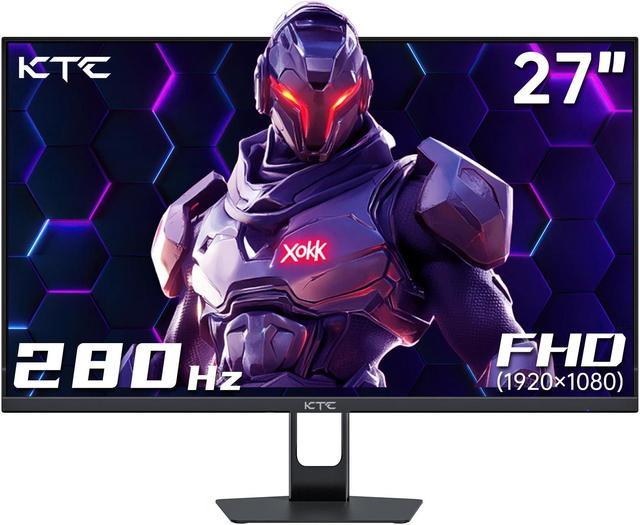
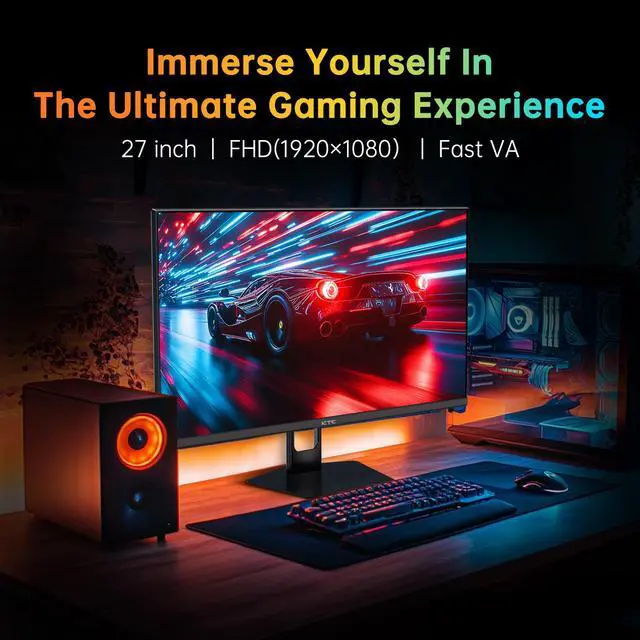
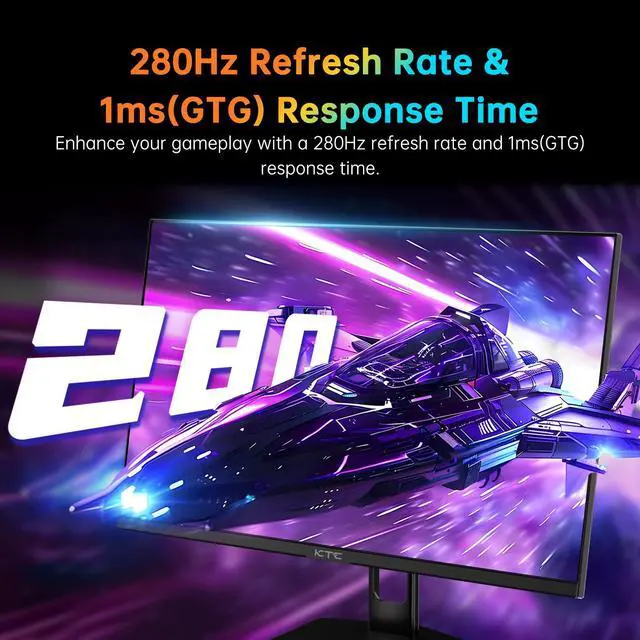
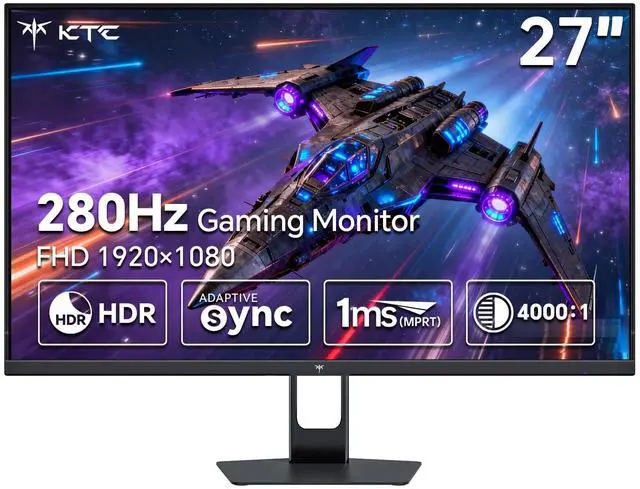
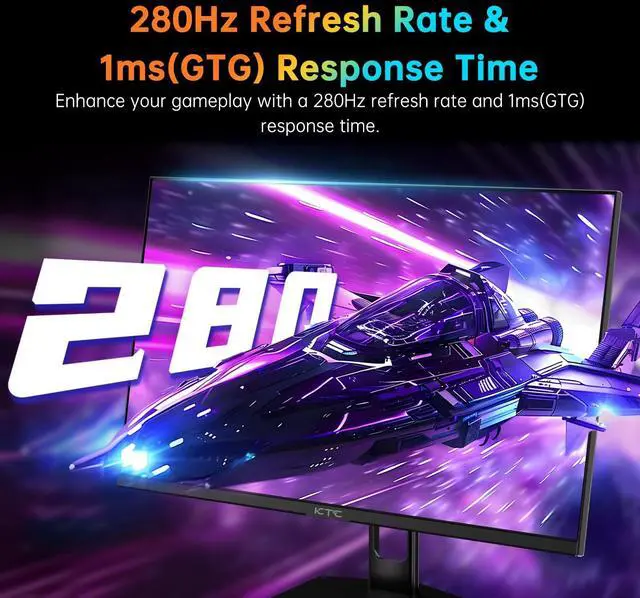
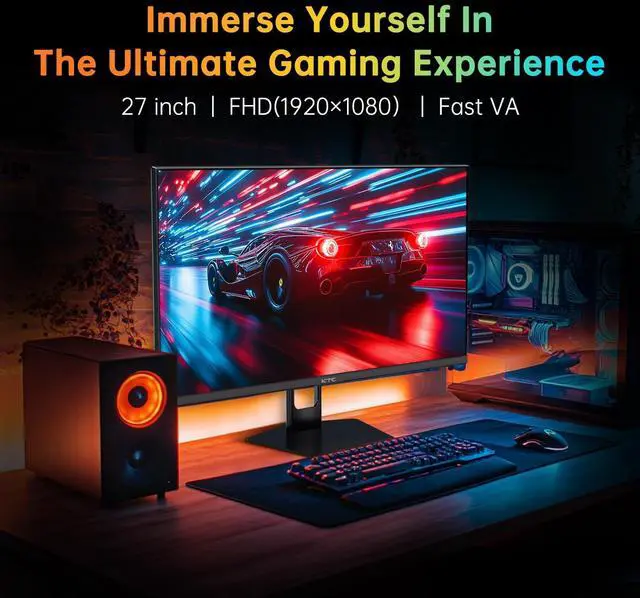
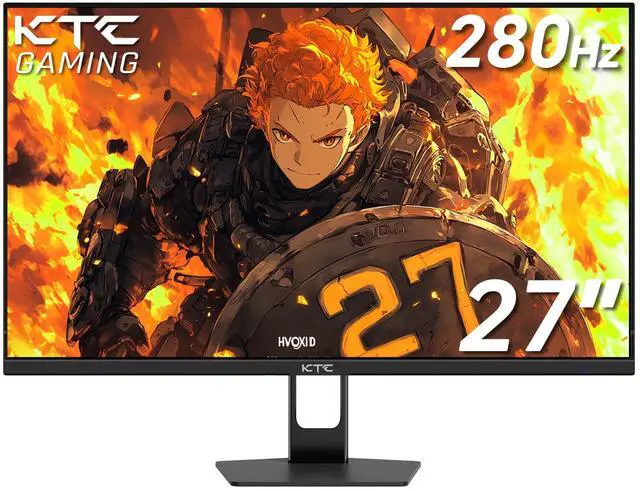
The KTC H27E22P is a 27-inch Full HD gaming monitor with a Fast VA panel, up to a 280Hz refresh rate via DisplayPort, and a 1ms GTG response time. It is suitable for competitive PC gamers who prioritize smooth motion and responsive gameplay at 1920×1080 resolution.
| Attribute | Value |
|---|---|
| Best For | High-refresh 1080p gaming and fast-motion content, with a Fast VA panel, 280Hz refresh rate, 1ms response time, and Adaptive Sync support |
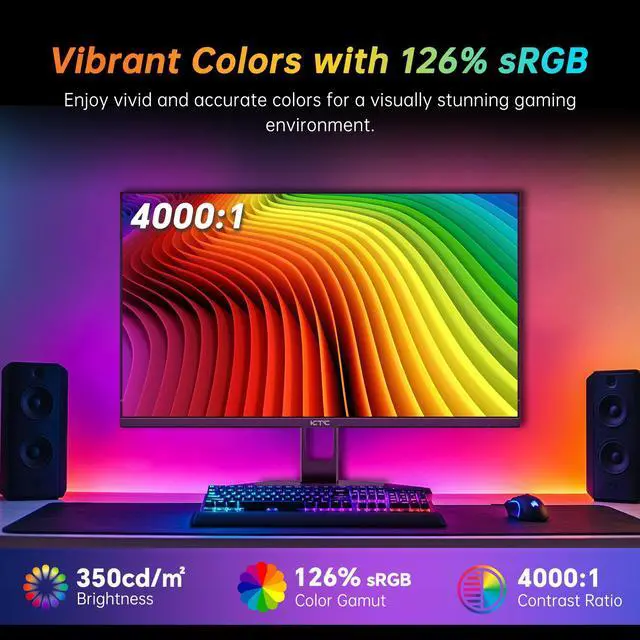
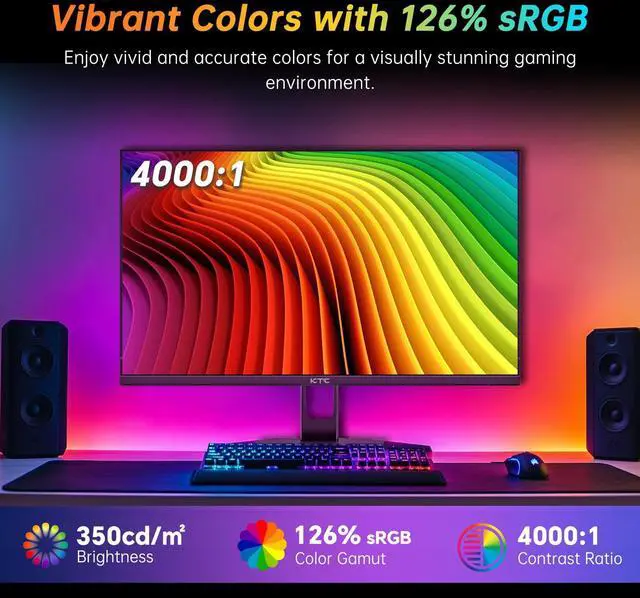
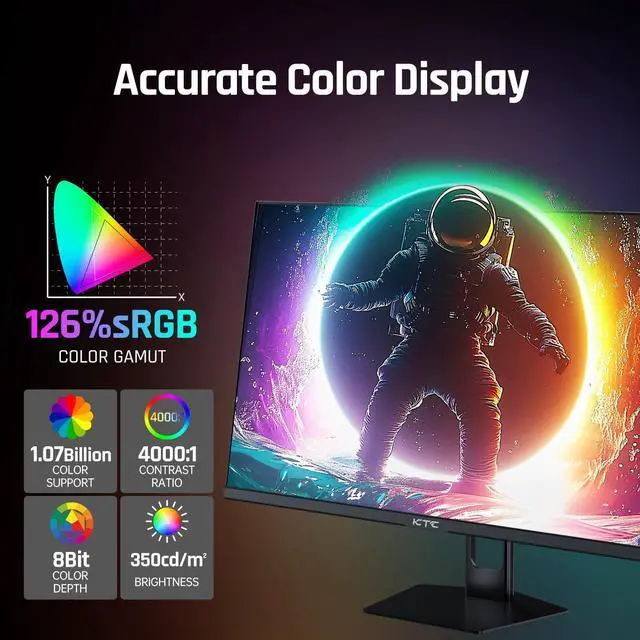
| Panel And Resolution | 27-inch flat Fast VA LCD panel with 1920 x 1080 Full HD resolution, 16:9 aspect ratio, 8-bit 1.07-billion-color output, 99% sRGB coverage, 350 cd/m² brightness, and a 4000:1 contrast ratio |
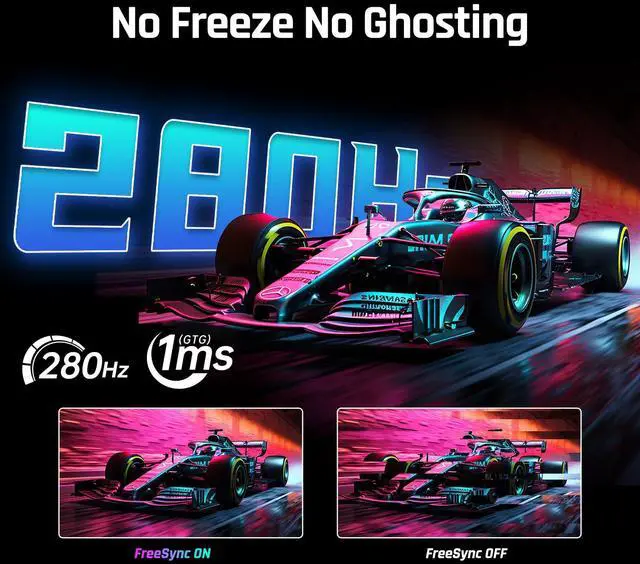
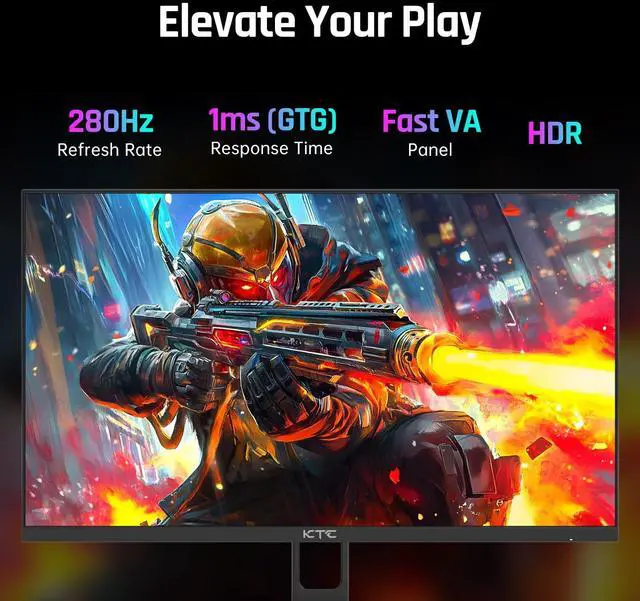
| Refresh Rate And Response | 280Hz refresh rate with a 1ms response time for smooth motion and responsive gameplay |
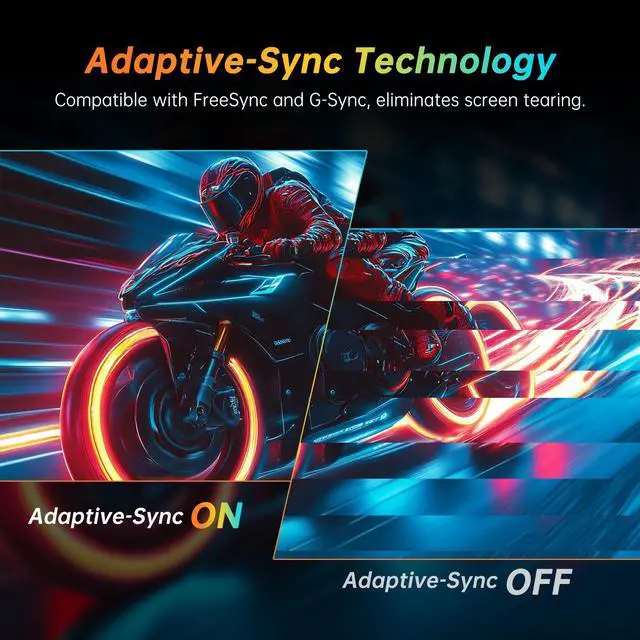
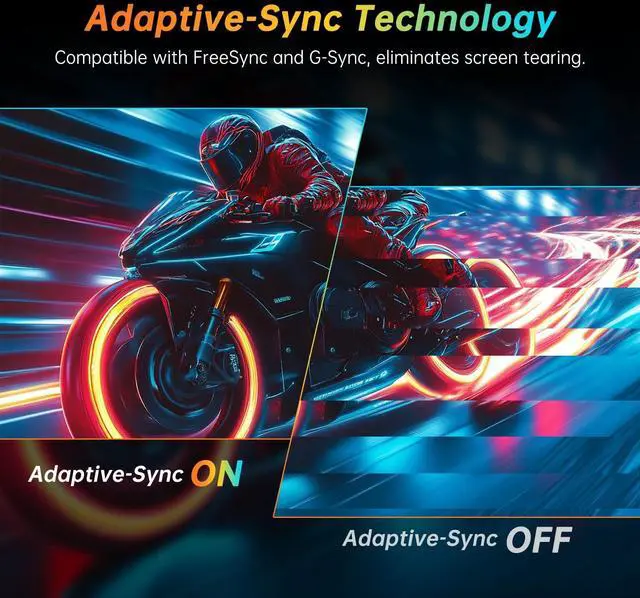
| HDR And Adaptive Sync | HDR10 support with Adaptive Sync for compatible variable-refresh gaming |
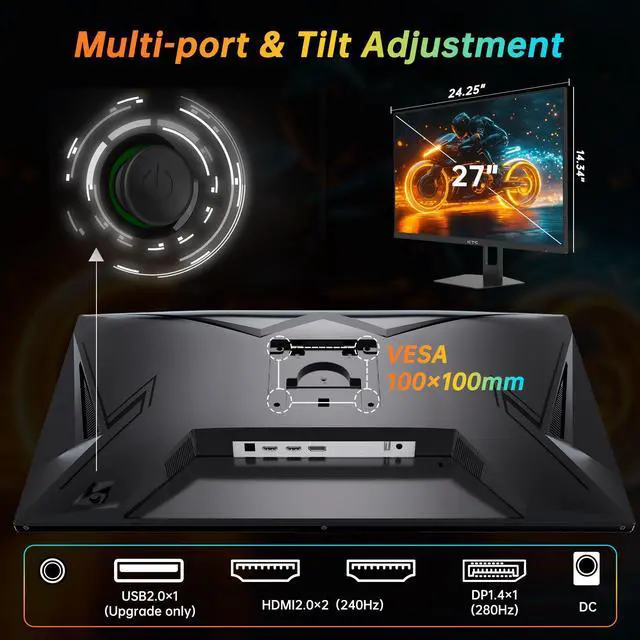
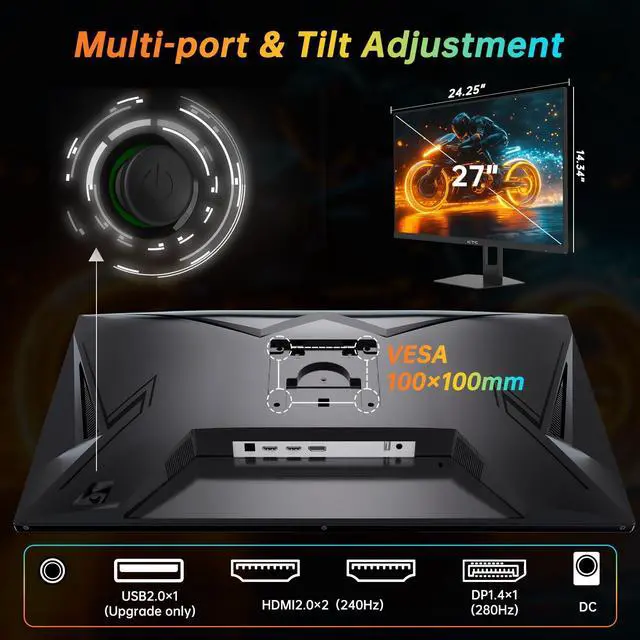
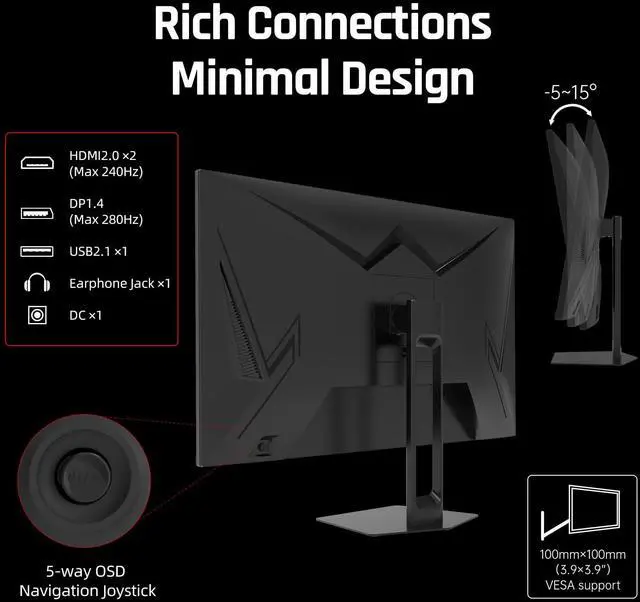
| Ports And Connectivity | Two HDMI 2.0 inputs, one DisplayPort 1.4 input, and one USB 2.0 port |
| Stand And Ergonomics | Tilt-adjustable stand with a matte, frameless display finish |
| Power | Operates on 100–240V AC at 50/60Hz with 48W power consumption |
| Model Identifiers | KTC H27E22P |
Q: KTC H27E22P vs AOC 27G4ZR: which 27-inch 1080p monitor is better for competitive gaming?
A: Choose the KTC H27E22P when you want the higher rated refresh rate and stronger VA contrast at 27 inches. It supports up to 280Hz through DisplayPort, while the AOC 27G4ZR uses a Fast IPS panel with 240Hz native and 260Hz overclocked operation. Choose the AOC when IPS viewing angles, motion tuning, and a height-adjustable esports stand are more important than the KTC’s 280Hz rating and deeper VA blacks.
Q: Is the KTC H27E22P worth choosing over a 27-inch 180Hz IPS monitor?
A: Choose the KTC H27E22P if your priority is high-frame-rate competitive gaming and you can use DisplayPort for 280Hz. A 27-inch 180Hz IPS monitor such as the AOC 27G4X or LG 27GS60F-B is a better fit when you prefer IPS viewing angles, general-purpose image quality, or more polished ergonomics. The gaming difference between 180Hz and 280Hz is most relevant when the PC can consistently render well above 180 frames per second.
Q: Should I buy the KTC H27E22P or a smaller 24.5-inch 1080p gaming monitor?
A: Choose the KTC H27E22P for a larger 27-inch viewing area and a 280Hz DisplayPort mode. Choose a 24.5-inch 1080p monitor when sharper pixel density, a more compact desk footprint, and a closer esports-style viewing setup matter more. Both use the same 1920×1080 resolution class, but 24.5-inch models present the pixels more densely than the KTC’s 27-inch panel.
Q: Is a 27-inch 1440p 240Hz monitor a worthwhile upgrade from the KTC H27E22P?
A: Choose a 27-inch 1440p 240Hz monitor when sharper text, finer game details, and more desktop space are worth the higher GPU demand. The KTC H27E22P remains the more practical choice for maximizing frame rates at 1080p, especially in competitive games where a mid-range graphics card can drive very high refresh rates. At 27 inches, 1440p provides roughly 108 pixels per inch compared with about 81 pixels per inch for the KTC’s 1080p panel.
Q: Is this monitor suitable for competitive PC gaming?
A: Yes. It is best suited to competitive PC gaming because it combines a 280Hz maximum refresh rate, 1ms GTG response time, FHD resolution, and Adaptive Sync support. The advertised 280Hz mode requires DisplayPort, and the 27-inch 1080p panel prioritizes high frame rates over maximum image sharpness. ([bestbuy.com](https://www.bestbuy.com/site/questions/hp-omen-27-ips-led-qhd-240hz-freesync-and-g-sync-compatible-gaming-monitor-with-hdr-displayport-hdmi-usb-black/6536814?utm_source=openai))
Q: Can this monitor run at 280Hz through HDMI?
A: For the advertised 280Hz refresh rate, use DisplayPort. The product data lists one DisplayPort 1.4 input and two HDMI 2.0 inputs, but it specifically identifies 280Hz as a DisplayPort mode and does not state the maximum HDMI refresh rate. ([bestbuy.com](https://www.bestbuy.com/site/questions/lg-ultragear-27-oled-qhd-240hz-0-03ms-freesync-and-nvidia-g-sync-compatible-gaming-monitor-with-hdr400-black/12587981?includeAiContent=true&page=2&pageSize=20&sku=12587981&utm_source=openai))
Q: Is this monitor good for office work, meetings, and note-taking?
A: Yes, for a stationary desk setup. The 27-inch flat screen provides useful space for documents, spreadsheets, and side-by-side windows, while the matte finish can help reduce reflections. However, the stand offers tilt adjustment only, and the product information does not list a webcam, microphone, USB-C connectivity, or built-in speakers, so separate meeting peripherals may be needed. ([bestbuy.com](https://www.bestbuy.com/site/questions/lg-ultragear-27-ips-qhd-200hz-gaming-monitor-with-displayhdr-400-hdmi-displayport-black/6641769/question/27bfeb47-1cff-3fc7-a7cd-e433b2f7b5ca?utm_source=openai))
Q: Is this monitor a good choice for a PS5 or Xbox?
A: It can work as a console display at FHD resolution, but it is primarily designed for high-frame-rate PC gaming. Consoles generally cannot use the full 280Hz capability, and the product data lists HDMI 2.0 rather than HDMI 2.1, so it is not intended for 4K 120Hz console gaming. ([bestbuy.com](https://www.bestbuy.com/site/questions/asus-23-8-ips-lcd-fhd-freesync-gaming-monitor-displayport-dvi-hdmi-black/6395359/question/f58d5ed3-3334-3204-965f-24ed20f889f5?utm_source=openai))
Q: Does this monitor provide strong HDR performance?
A: It supports HDR10, but buyers should treat HDR as a secondary feature rather than its main strength. The listed 350 cd/m² brightness and lack of stated local dimming indicate that HDR impact will likely be more modest than on displays designed specifically for high-end HDR. Its Fast VA panel and 4000:1 contrast ratio are more relevant to dark-scene performance in standard gaming use. ([bestbuy.com](https://www.bestbuy.com/site/questions/hp-omen-27-ips-led-qhd-240hz-freesync-and-g-sync-compatible-gaming-monitor-with-hdr-displayport-hdmi-usb-black/6536814?utm_source=openai))
Q: Is the KTC H27E22P worth buying for high-refresh-rate gaming?
A: It is a reasonable choice for budget-focused PC gamers who prioritize very high refresh rates over resolution. The monitor provides up to 280Hz at 1080p through DisplayPort, but its value is less compelling if you prefer sharper 1440p image quality or use the monitor mainly for productivity.
Q: Is 27-inch 1080p a good combination for this monitor?
A: The 27-inch 1920×1080 format gives you a larger gaming image, but it has lower pixel density than a 24-inch 1080p monitor or a 27-inch 1440p monitor. Reddit discussions commonly identify softer or grainier text as the main trade-off, especially for reading, chat, and other text-heavy work.
Q: Who is the KTC H27E22P best suited for?
A: It is best suited for competitive PC gaming, particularly when a system can produce very high frame rates at 1080p. The 280Hz refresh rate, 1ms GTG specification, Adaptive-Sync support, and DisplayPort 1.4 connection target fast-paced gaming; users seeking a general-purpose work monitor may benefit more from a higher-resolution display.
Q: What are the main trade-offs of the H27E22P's Fast VA panel?
A: The Fast VA panel offers a high listed contrast ratio of 4000:1 and deeper blacks than typical IPS displays, which can benefit dark game scenes and video. The trade-off is that VA panels can require more careful overdrive tuning to minimize motion artifacts such as ghosting or inverse ghosting; the 1ms GTG rating alone does not guarantee identical motion performance in every transition.
Q: Do you need DisplayPort to use the monitor's full 280Hz refresh rate?
A: Yes. According to the product discussion and listed specifications, the full 280Hz mode is available through DisplayPort 1.4, while HDMI 2.0 supports up to 240Hz. DisplayPort is therefore the appropriate connection for a PC setup that is intended to use the monitor's maximum refresh rate.


