




 here!
I’m your shopping assistant for PC builds, upgrades, and everything tech.
Got questions? Ask away!
Start a conversation
here!
I’m your shopping assistant for PC builds, upgrades, and everything tech.
Got questions? Ask away!
Start a conversation



Any questions? Ask CelesteSM will help you find out quickly.


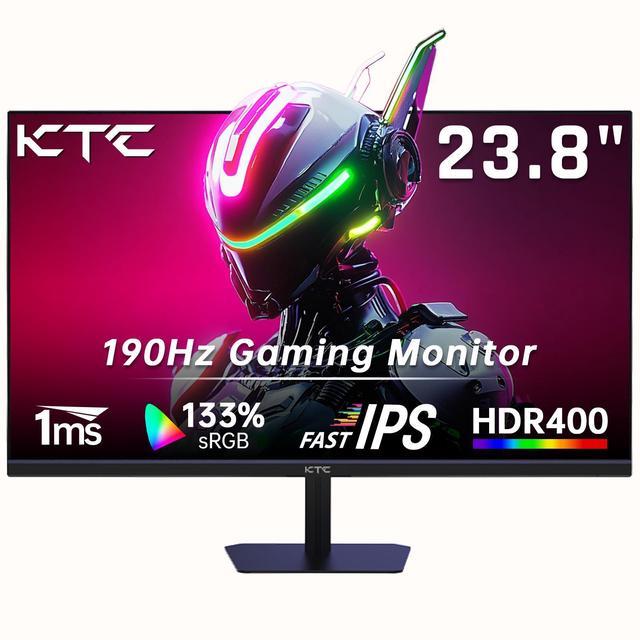
The KTC H24F8 is a 23.8-inch FHD gaming monitor with a Fast IPS panel, up to 190Hz refresh rate, and 1ms response time. It suits PC gamers who want smooth, responsive gameplay, accurate color, and broad viewing angles for competitive and immersive gaming.
| Attribute | Value |
|---|---|
| Best For | High-refresh 1080p gaming with smooth motion from the Fast IPS panel and 1 ms response time |
| Panel And Resolution | 23.8-inch Fast IPS display with 1920 x 1080 resolution and a 16:9 aspect ratio |
| Refresh Rate And Response | 180Hz refresh rate, configurable up to 190Hz, with a 1 ms response time for responsive motion |
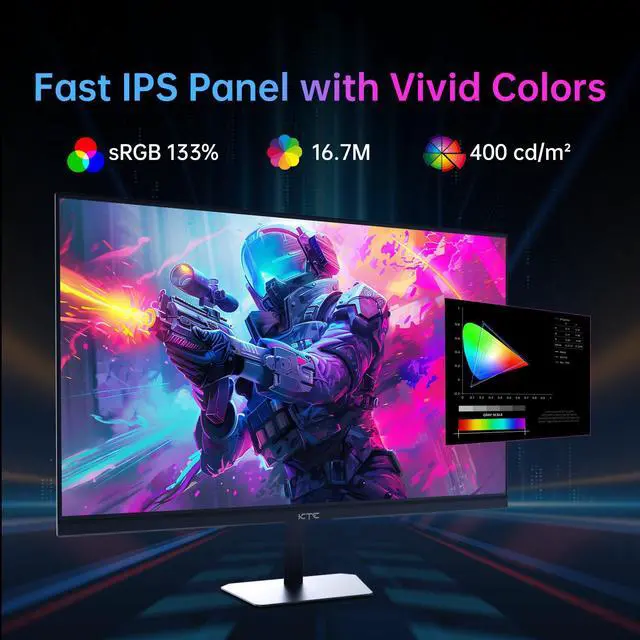
| Brightness And Contrast | 400 cd/m² brightness with a 1000:1 contrast ratio |
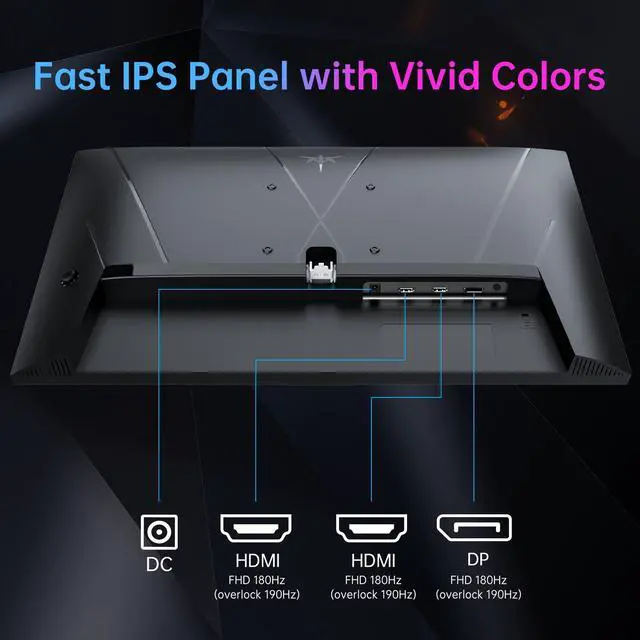
| Ports And Connectivity | Two HDMI 2.0 inputs, one DisplayPort 1.4 input, and a headphone output for PC and peripheral connectivity |
| Model Identifiers | KTC H24F8 |
Q: Should I buy the KTC H24F8 or AOC 24G4?
A: Choose the KTC H24F8 if you want two HDMI 2.0 ports, a stated 400 cd/m² brightness rating, and up to 190Hz at 1080p. Choose the AOC 24G4 if you prioritize its height-adjustable stand and independently tested color calibration and motion performance. Both are 23.8-inch 1080p IPS gaming monitors around 180Hz, so the practical gaming difference is relatively small; ports, stand adjustment, tested tuning, and price should drive the decision.
Q: Is the KTC H24F8 better than the KTC H24T7?
A: Choose the H24F8 for 1080p esports gaming when you want a lower-resolution workload that is easier for a midrange graphics card to drive at high frame rates. Choose the H24T7 when sharper text and higher image detail matter more: it uses a 2560×1440 Fast IPS panel at up to 180Hz and adds height, pivot, and tilt adjustment. The H24T7 is the more suitable choice for mixed gaming and productivity, while the H24F8 is the simpler performance-first option for 1080p gaming.
Q: Should I choose the KTC H24F8 or a basic 100Hz monitor such as the KTC H25B7?
A: Choose the KTC H24F8 if gaming responsiveness is important: its Fast IPS panel supports up to 180Hz or 190Hz, compared with the H25B7's 100Hz IPS design. Choose the H25B7 for office work, streaming, and casual gaming when a 100Hz refresh rate and basic connectivity are sufficient. The H24F8 is the better upgrade for fast shooters and games that can produce more than 100 frames per second.
Q: Is the KTC H24F8 or a portable monitor better for laptop gaming?
A: Choose the KTC H24F8 for a stationary gaming setup because its 23.8-inch Fast IPS display, DisplayPort 1.4, dual HDMI 2.0, and up to 190Hz refresh rate favor high-frame-rate gaming. Choose a portable model such as the KTC H15F8 when the monitor must fit in a backpack or connect directly through USB-C. The portable H15F8 is easier to travel with and includes speakers, but its 15.6-inch 60Hz display is designed for mobility and secondary-screen use rather than competitive gaming.
Q: Is this monitor good for office work, note-taking, meetings, and everyday productivity?
A: Yes. The 23.8-inch Full HD Fast IPS display is suitable for documents, spreadsheets, browsing, video playback, and general office work. Its flicker-free operation and blue-light filter may improve viewing comfort during long sessions. It is a monitor rather than a complete meeting system, so users may still need separate webcam and microphone equipment.
Q: Who is this monitor best suited for?
A: It is best suited for PC gamers, students, and general users who want smooth motion at 1080p. The 180Hz refresh rate, up to 190Hz mode, 1ms response time, and FreeSync compatibility favor fast-paced gaming. Users who prioritize 1440p or 4K detail, professional color-critical work, or a built-in webcam, speakers, or USB hub should consider a different type of display.
Q: Can I use this monitor with a laptop, desktop PC, or gaming console?
A: Yes, provided the source device has a compatible HDMI or DisplayPort video output. The monitor has two HDMI 2.0 inputs and one DisplayPort 1.4 input, so it can support PCs, many laptops, and HDMI-equipped consoles. A laptop with only USB-C may require a USB-C video adapter or dock that supports video output.
Q: Is this monitor suitable for travel or portable work?
A: No. It is better suited to a permanent desk setup than frequent travel. The 23.8-inch screen is larger than typical portable monitors, and its listed connections are HDMI and DisplayPort rather than single-cable USB-C video and power. Choose it for a home, office, or gaming desk rather than laptop-bag portability.
Q: Can this monitor be mounted on a wall or monitor arm?
A: Yes. The product is described as wall-mountable, so it can be used with a compatible mounting solution. Because the provided specifications do not state the exact VESA hole pattern or screw size, verify those details with the seller or manual before buying a specific arm or wall mount.
Q: Is the KTC H24F8 worth buying for budget gaming?
A: It is a reasonable budget choice if you want a 23.8-inch 1080p Fast IPS monitor with a high refresh rate. Its main trade-offs are the lesser-known brand and less established long-term reliability compared with major brands. Buy it when the price is substantially lower and the seller offers a clear return policy.
Q: Who is the KTC H24F8 best suited for?
A: It is best suited for budget PC gamers, esports players, and users who want smooth motion at 1080p. The 180Hz-to-190Hz refresh rate is most useful when the computer can produce high frame rates. It is less suitable for buyers who specifically want 1440p resolution or premium build quality.
Q: Is the H24F8 a good second monitor for work, studying, or Discord?
A: Yes, it can work well as a second display because it provides a compact 23.8-inch FHD workspace and IPS viewing angles. However, its 180Hz-to-190Hz refresh rate is unnecessary for documents, studying, Discord, or media playback; a cheaper 75Hz-to-120Hz monitor may provide better value for those uses.
Q: Is the KTC H24F8 suitable for a PS5 or other console?
A: It is suitable if you are comfortable gaming at 1920×1080, since that is the monitor's maximum resolution. Its HDMI 2.0 inputs support console connectivity, but this is not the right choice if you want 1440p or 4K console output.
Q: What are the main trade-offs of choosing the KTC H24F8?
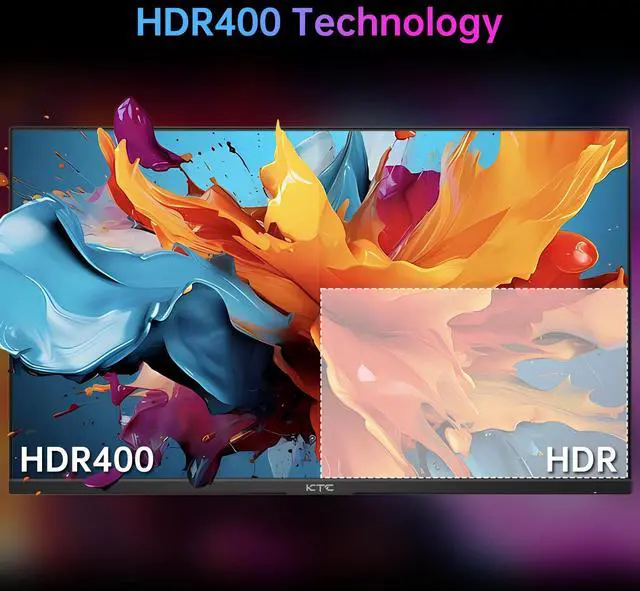
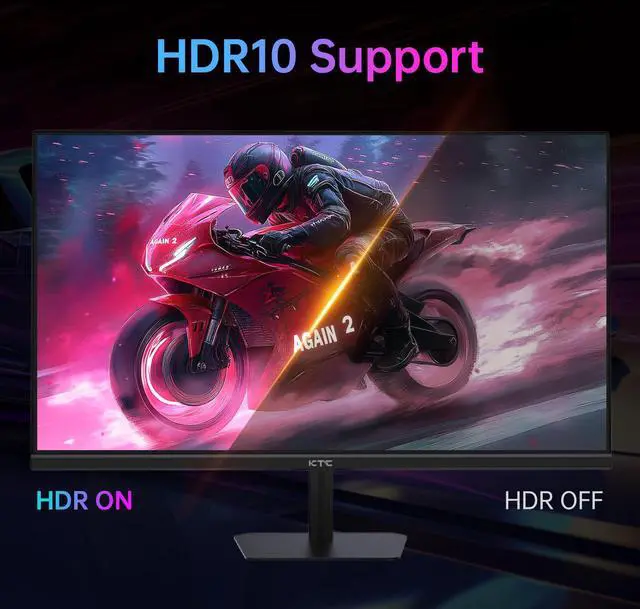
A: The monitor offers high refresh rate, IPS viewing angles, wide-gamut color coverage, and flexible HDMI/DisplayPort connectivity at a budget-oriented specification level. The trade-offs discussed by users include uncertainty about long-term reliability, possible dead-pixel concerns, and the need to verify the seller's return support. HDR400 should also be treated as an added feature rather than a reason to expect premium HDR performance.


