




 here!
I’m your shopping assistant for PC builds, upgrades, and everything tech.
Got questions? Ask away!
Start a conversation
here!
I’m your shopping assistant for PC builds, upgrades, and everything tech.
Got questions? Ask away!
Start a conversation



Any questions? Ask CelesteSM will help you find out quickly.
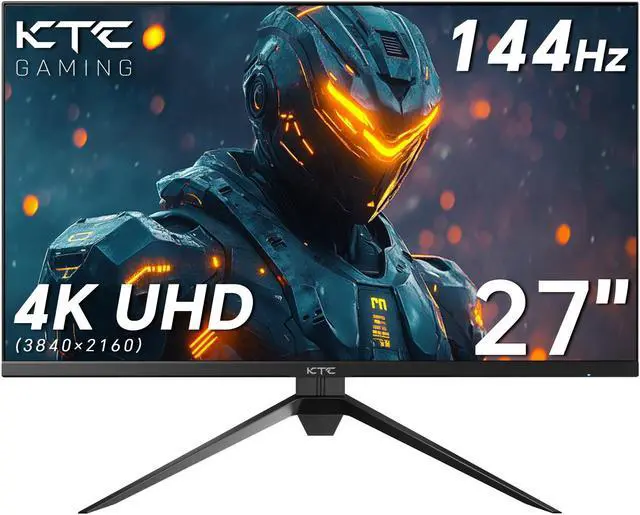
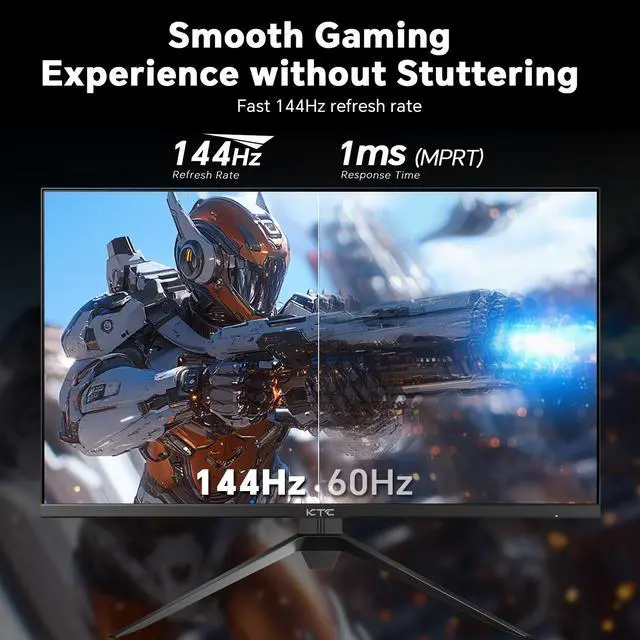
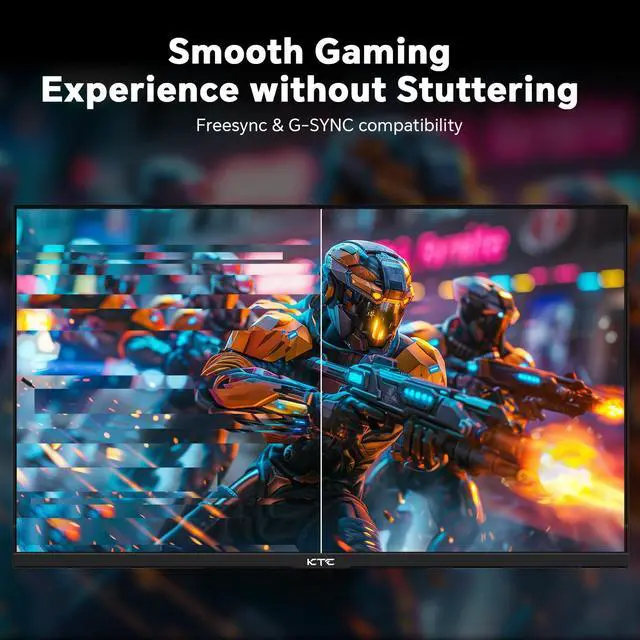
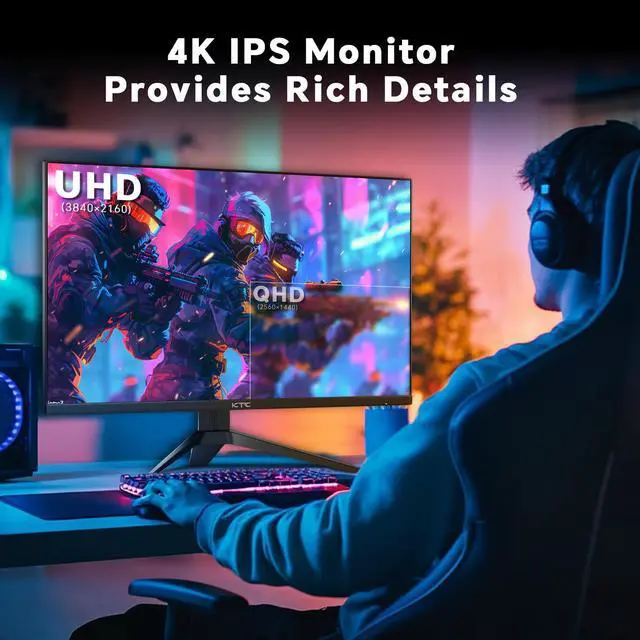
The KTC H27P22 is a 27-inch 4K UHD IPS gaming monitor with a 144Hz refresh rate, 1ms MPRT response time, and FreeSync/G-SYNC compatibility, making it suitable for PC gamers who want sharp detail and smoother motion.
| Attribute | Value |
|---|---|
| Best For | Gaming and PC users who want a 27-inch monitor |
| Display Size | 27-inch display |
Q: Should I choose the KTC H27P22 or a 27-inch 1440p Mini-LED monitor?
A: Choose the KTC H27P22 when 4K sharpness is more important than HDR contrast and brightness. Its 3840 x 2160 IPS panel provides a higher pixel density than a 2560 x 1440 display, which benefits desktop work, photo editing, and detailed games. A 1440p Mini-LED model such as the AOC Q27G3XMN is the better fit when HDR impact, deeper blacks, and higher brightness are the priority because it uses local dimming and has DisplayHDR 1000 certification.
Q: Is the KTC H27P22 a better choice than the Gigabyte M27U?
A: The KTC H27P22 is the more focused choice for 4K gaming if you mainly need a 27-inch IPS panel with a 144Hz refresh rate, adaptive sync, and basic connectivity. The Gigabyte M27U is the better upgrade for users who need broader connectivity and productivity features, including 160Hz operation, HDMI 2.1, USB-C, a USB hub, KVM support, speakers, and DisplayHDR 600. Choose the M27U when those features justify paying more; choose the KTC when the display fundamentals matter most.
Q: Should I buy the KTC H27P22 or save money with a 27-inch 1440p gaming monitor?
A: Choose the KTC H27P22 when you want sharper text, more detailed 4K games, and a monitor that also serves as a high-resolution productivity display. Choose a 27-inch 1440p gaming monitor when your graphics card is better suited to higher frame rates at 2560 x 1440 or when you prioritize lower rendering demands over image sharpness. The KTC’s 4K resolution requires substantially more GPU performance to reach high frame rates, even though its 144Hz panel supports smooth gaming when the system can deliver those frame rates.
Q: Is the KTC H27P22 suitable for HDR gaming, or should I buy a higher-tier HDR monitor?
A: The KTC H27P22 is suitable for entry-level HDR use and vibrant SDR gaming, but a higher-tier Mini-LED monitor is a better choice for visibly stronger HDR contrast. The KTC uses an IPS panel with HDR support, while monitors with local dimming can control bright and dark areas more independently. Choose the KTC for 4K resolution, 144Hz gaming, and wide-gamut color; choose a Mini-LED upgrade when HDR movies and games are a primary use.
Q: Should I choose the KTC H27P22 or the newer KTC H27P22S?
A: Choose the H27P22S when its listing confirms the newer 160Hz specification and you want the higher refresh-rate variant. Choose the H27P22 when the available model offers the features you need, such as its listed USB connectivity, and the refresh-rate difference is not important. Because KTC has multiple closely named versions, compare the exact suffix, port layout, stand adjustment, refresh rate, and HDR rating before buying rather than assuming the two listings are identical.
Q: Who is this 27-inch 4K 144Hz monitor suitable for?
A: It is best suited to desktop PC gamers, productivity users, and content viewers who want sharp 4K detail with smoother motion than a standard 60Hz monitor. It is less suitable for users with entry-level graphics hardware, limited desk space, or a need for built-in webcam, microphone, or speaker features, which are not listed in the provided specifications.
Q: Can this monitor actually run games at 4K and 144Hz?
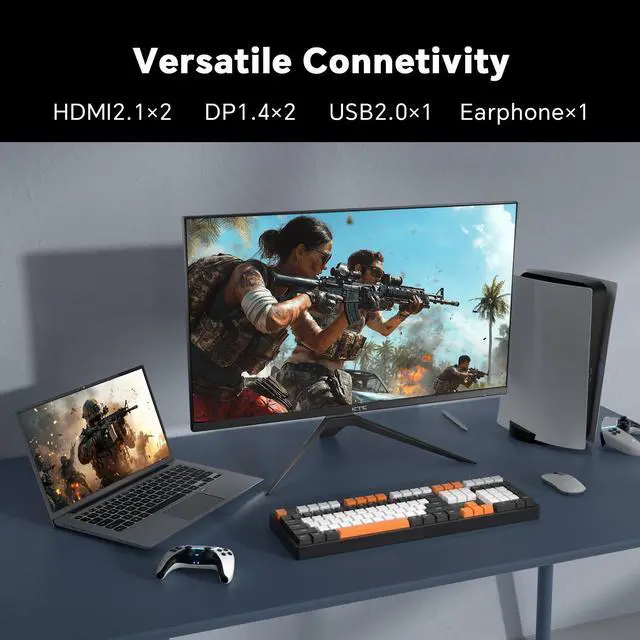
A: The monitor is rated for 3840 x 2160 resolution at up to 144Hz, but achieving 4K at 144Hz depends on the computer's graphics card, the game, the cable, and the input being used. The provided product information does not specify the HDMI or DisplayPort versions, so users should verify input bandwidth before assuming every connection supports the maximum mode.
Q: Is it a good monitor for office work, note-taking, and meetings?
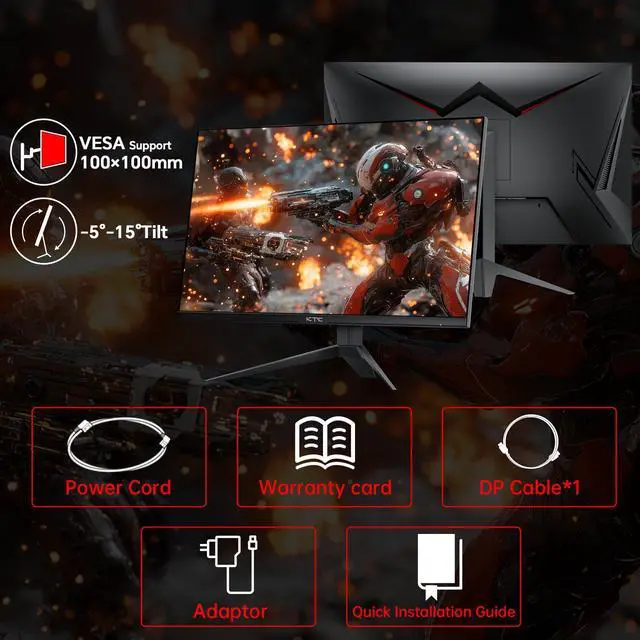
A: Yes, its 27-inch 4K IPS display is well suited to documents, spreadsheets, browsing, note-taking, and video playback because 4K provides high pixel density and IPS panels generally offer consistent viewing angles. The monitor can be tilted and VESA mounted, but a webcam, microphone, speakers, and USB-C laptop docking are not listed, so meeting users may need separate accessories.
Q: Will it work well with a gaming console?
A: It should connect to compatible consoles through HDMI, but the provided specifications do not confirm HDMI 2.1, 4K-at-120Hz support, or console-specific VRR modes. For console gaming, verify the monitor's HDMI bandwidth and the console's supported resolution and refresh-rate combinations before purchase.
Q: Does the HDR and wide color gamut make it a good choice for vivid games and media?
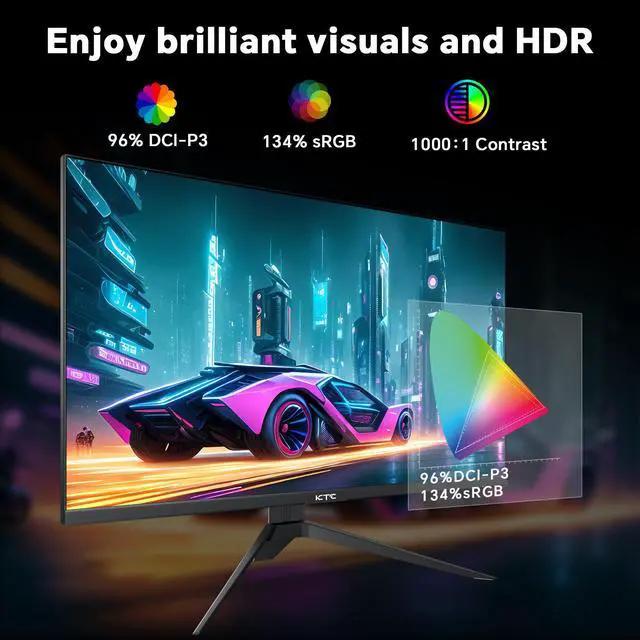
A: The monitor supports HDR and lists a 134% sRGB color gamut with 16.7 million colors and 8-bit color output, so it is designed to display vivid color. However, the provided specifications do not state peak brightness, contrast, or local-dimming performance, so HDR image impact may be more limited than the HDR label alone suggests.
Q: Is the KTC H27P22 a good choice for gaming and everyday desktop use?
A: Yes, it is best suited to users who want a 27-inch 4K IPS display for both gaming and general desktop work. Its 3840 x 2160 resolution supports sharp text and images, while the 144Hz refresh rate and adaptive sync are useful for smoother PC gaming. A sufficiently powerful graphics card is needed to drive demanding games at 4K and high refresh rates.
Q: Is the KTC H27P22 worth considering as a budget 4K 144Hz monitor?
A: It is worth considering when its price is meaningfully below comparable 4K high-refresh IPS monitors. Community and YouTube discussions generally frame the closely related H27P22S as a value-oriented option, but buyers should compare current pricing, warranty coverage, and seller reliability before purchasing.
Q: Is the KTC H27P22 good for work, reading, or note-taking?
A: Yes, the 27-inch 4K resolution is well suited to text-heavy work because it provides high pixel density and a large desktop area. It is a practical choice for users who want one monitor for productivity and gaming, although a conventional IPS panel may be less suitable than a specialized office monitor for professional color-critical work.
Q: Should I buy the KTC H27P22 mainly for HDR?
A: No. The product supports HDR, but HDR should be treated as a secondary feature rather than the main reason to buy it. Discussions about this monitor family question the real HDR benefit of IPS displays without advanced local dimming, so users seeking strong contrast and HDR impact should consider a mini-LED or OLED monitor instead.


