




 here!
I’m your shopping assistant for PC builds, upgrades, and everything tech.
Got questions? Ask away!
Start a conversation
here!
I’m your shopping assistant for PC builds, upgrades, and everything tech.
Got questions? Ask away!
Start a conversation



Any questions? Ask CelesteSM will help you find out quickly.


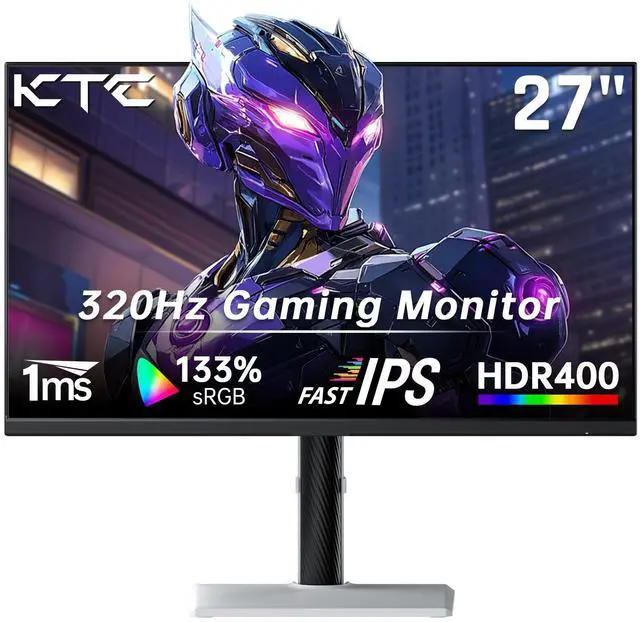
The KTC H27E6 is a 27-inch QHD gaming monitor with a Fast IPS panel, 300Hz refresh rate that can be overclocked to 320Hz, and a 1ms MPRT response time. It is best suited for competitive PC gamers who prioritize fluid motion and fast response at 1440p resolution.
| Attribute | Value |
|---|---|
| Best For | QHD gaming and fast-paced play on a 27-inch flat monitor with a Fast IPS panel, 300Hz refresh rate that overclocks to 320Hz, 1ms response time, Adaptive Sync, and HDR400 |
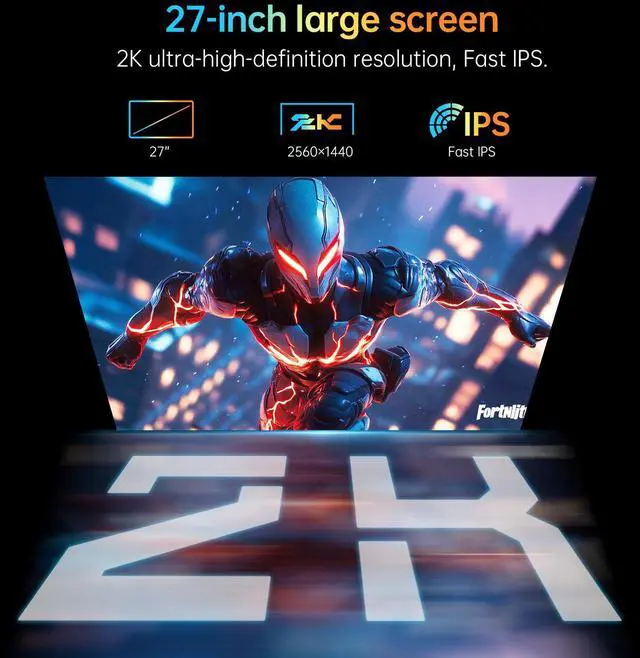
| Panel And Resolution | 27-inch flat Fast IPS display with a 2560 x 1440 QHD resolution, 16:9 aspect ratio, and 16.7 million display colors |
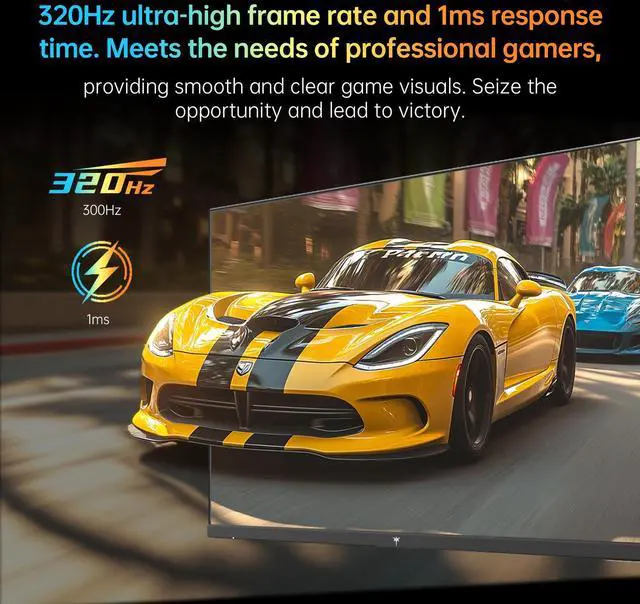
| Refresh Rate And Response | 300Hz refresh rate with overclocking to 320Hz and a 1ms response time for smooth motion in fast-paced content |
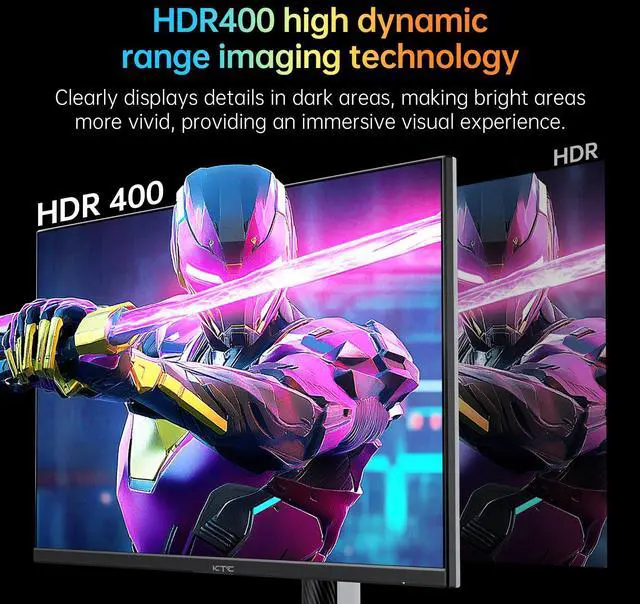
| Picture Quality And HDR | 450 cd/m² brightness, 1000:1 contrast ratio, 144% sRGB color gamut, and HDR400 support for enhanced color and contrast |
| Adaptive Sync | Adaptive Sync technology for smoother gameplay with reduced screen tearing and stuttering |
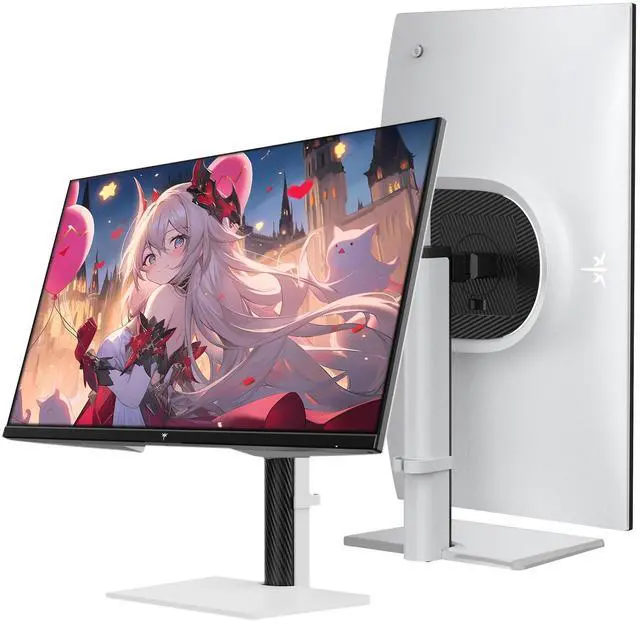
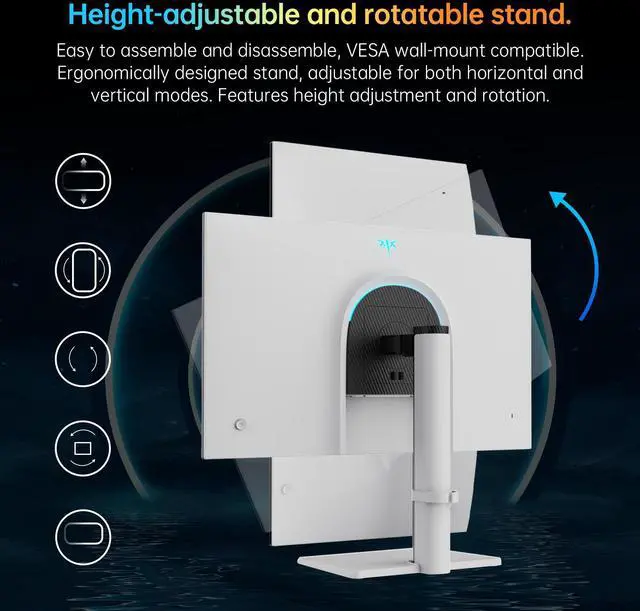
| Stand And Ergonomics | Adjustable height, pivot, swivel, and tilt for flexible viewing-position setup |
| Model Identifiers | KTC H27E6 |
Q: Should I get the KTC H27E6 or a 27-inch 1440p 240Hz monitor like the Gigabyte M27Q X?
A: Choose the KTC H27E6 if you want a higher refresh rate, a fully adjustable stand, and strong 1440p gaming performance. Choose the Gigabyte M27Q X if USB-C, USB ports, a KVM switch, and productivity-focused connectivity matter more than moving from 240Hz to 300Hz or 320Hz. The difference between 240Hz and 320Hz is measurable but subtle, while the KTC lacks the Gigabyte's broader connectivity features.
Q: Is the KTC H27E6 worth choosing over a 144Hz or 165Hz 1440p monitor?
A: The KTC H27E6 is the better choice for competitive shooters, high-refresh esports gaming, and users with a graphics card capable of sustaining high frame rates at 1440p. A 144Hz or 165Hz monitor is the more practical choice when gaming performance is usually below 165 frames per second or when the lower-tier display costs substantially less. The H27E6 also provides a 27-inch QHD workspace, so the upgrade affects motion smoothness rather than resolution or screen size.
Q: Is the KTC H27E6 a better value than a 360Hz 1440p IPS monitor such as the ASUS ROG Swift PG27AQN?
A: Choose the KTC H27E6 when you want most of the high-refresh 1440p gaming experience with a 300Hz native rate and 320Hz overclock, while keeping the feature set simpler. Choose the ASUS PG27AQN when native 360Hz operation, NVIDIA G-SYNC, USB hub connectivity, HDR600 certification, and a more esports-focused feature package justify the higher-tier purchase. The KTC is the more practical fit if your games and hardware rarely exceed 300 frames per second.
Q: Should I buy the KTC H27E6 or a 27-inch 1440p 360Hz OLED monitor like the Alienware AW2725DF?
A: Choose the KTC H27E6 for a bright Fast IPS display, long desktop sessions, a fully adjustable stand, and high-refresh gaming without moving to an OLED panel. Choose the Alienware AW2725DF when OLED contrast, near-instant pixel response, 360Hz operation, and stronger HDR image quality are the priority. The KTC is better suited to users who value a conventional LCD workflow and lower system demands, while the Alienware is aimed at buyers prioritizing image contrast and maximum motion clarity.
Q: Is this monitor suitable for competitive gaming?
A: Yes. The 27-inch QHD Fast IPS panel supports a 300Hz refresh rate, overclockable to 320Hz, with a listed 1ms MPRT response time and Adaptive Sync. It is best suited to competitive PC gaming when the computer can produce high frame rates at 2560 × 1440. For general gaming, the high refresh rate also provides smoother motion, but it may offer less practical benefit if the system cannot sustain high FPS.
Q: Is it good for office work, note-taking, and meetings?
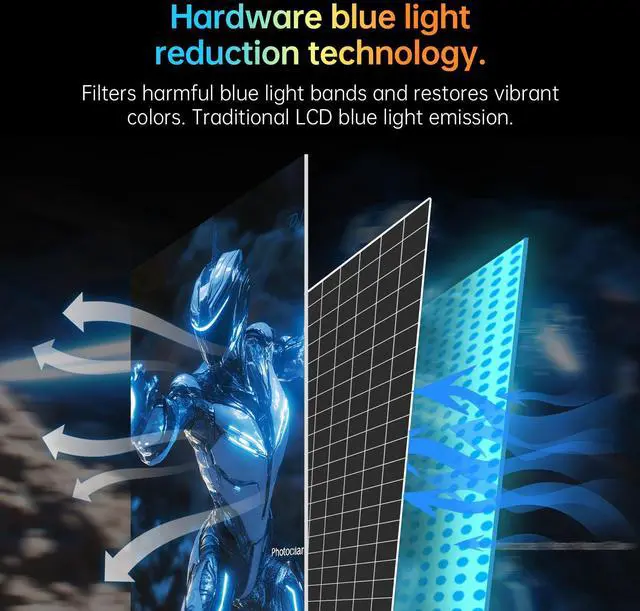
A: Yes, it can work well as a general-purpose office monitor. The 27-inch 2560 × 1440 resolution provides more workspace than 1080p, while the height, pivot, swivel, and tilt adjustments support ergonomic positioning. The Fast IPS panel, flicker-free feature, and blue-light filter are useful for long reading and productivity sessions. However, the provided specifications do not list built-in speakers, a webcam, USB-C, or a microphone, so separate meeting accessories or adapters may be needed.
Q: Which connection should I use to get the highest refresh rate?
A: Use DisplayPort 1.4 for the highest listed refresh rate. The product specifications identify two DP 1.4 ports supporting 300Hz, with overclocking up to 320Hz. The supplied information does not specify the maximum refresh rate available through HDMI, so HDMI should be used only when it meets the requirements of the connected computer or console.
Q: Can the stand be adjusted for a comfortable desk setup?
A: Yes. The included stand supports height adjustment, pivot rotation, swivel, and tilt. This makes the monitor suitable for single-monitor or portrait-oriented workflows, provided the desk has enough clearance. The specifications supplied do not confirm VESA mounting compatibility, so a monitor-arm installation should be verified separately before purchase.
Q: Can I connect a laptop to this monitor?
A: Yes, if the laptop provides HDMI or DisplayPort output. The monitor includes HDMI and two DisplayPort 1.4 inputs, but the provided specifications do not list USB-C video input or USB-C charging. A laptop with only USB-C or Thunderbolt output will require a compatible video adapter or dock.
Q: Is the KTC H27E6 worth buying for a budget 1440p high-refresh gaming setup?
A: It is a strong fit if you want 27-inch 1440p resolution, a Fast IPS panel, and up to 300Hz or 320Hz overclocked refresh rate at a relatively low price. It is less compelling if you mainly play single-player games, cannot maintain high frame rates, or prioritize premium HDR and OLED contrast.
Q: Who is the KTC H27E6 best suited for?
A: It is best suited for PC gamers who play competitive shooters and can use high frame rates, while still wanting sharper 1440p image quality for general gaming. The Fast IPS panel, Adaptive Sync, 1ms MPRT response time, and 300Hz refresh rate are more relevant to competitive gaming than to office work or slower-paced games.
Q: Is the KTC H27E6 suitable for work or as a vertical second monitor?
A: Yes, it can work well for office use or a vertical secondary display because it has 2560×1440 resolution and a stand with height, pivot, swivel, and tilt adjustment. Its 320Hz capability is unnecessary for typical work, so it makes the most sense when gaming performance and workplace ergonomics are both desired.
Q: What are the main trade-offs of the KTC H27E6?
A: The main trade-offs are quality-control variability and limited HDR impact compared with more premium displays. Reddit reports include individual cases of dead pixels and IPS glow, while YouTube testing discussions identify HDR400 as a limitation rather than a replacement for stronger HDR or OLED performance. Check the seller's return and warranty policy before buying.
Q: Is 320Hz at 1440p useful, or is 240Hz enough?
A: The 320Hz mode is most useful for competitive players with a graphics card and games capable of producing very high frame rates. For many users, 240Hz will provide a similar experience, while the H27E6's 1440p resolution and Fast IPS panel may be more noticeable benefits than the jump from 240Hz to 320Hz.


