




 here!
here!
I’m your shopping assistant for PC builds, upgrades, and everything tech.
Got questions? Ask away!
Start a conversation
here!
I’m your shopping assistant for PC builds, upgrades, and everything tech.
Got questions? Ask away!
Start a conversation



Combo Up Savings Up To $210+
The more you add, the more you'll save!
Any questions? Ask CelesteSM will help you find out quickly.


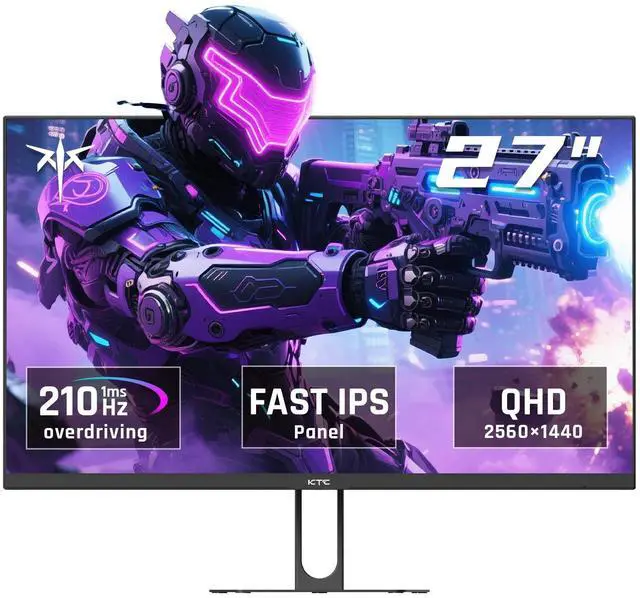
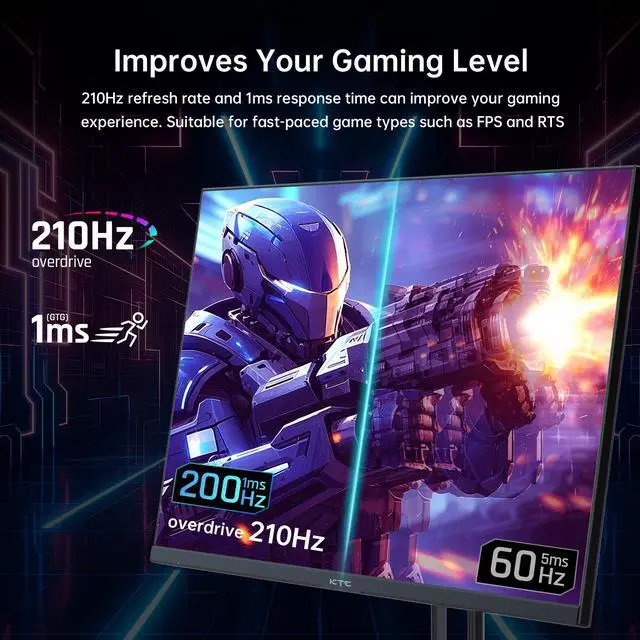
The KTC H27T22C-3 is a 27-inch QHD gaming monitor with a Fast IPS panel, 200Hz refresh rate that can reach 210Hz over DisplayPort, and a 1ms response time. It suits competitive PC gamers who want smooth, responsive gameplay with Adaptive Sync support.
| Attribute | Value |
|---|---|
| Best For | High-refresh-rate gaming and synchronized PC gameplay on a 27-inch QHD display with 1 ms response time and FreeSync and G-Sync compatibility |
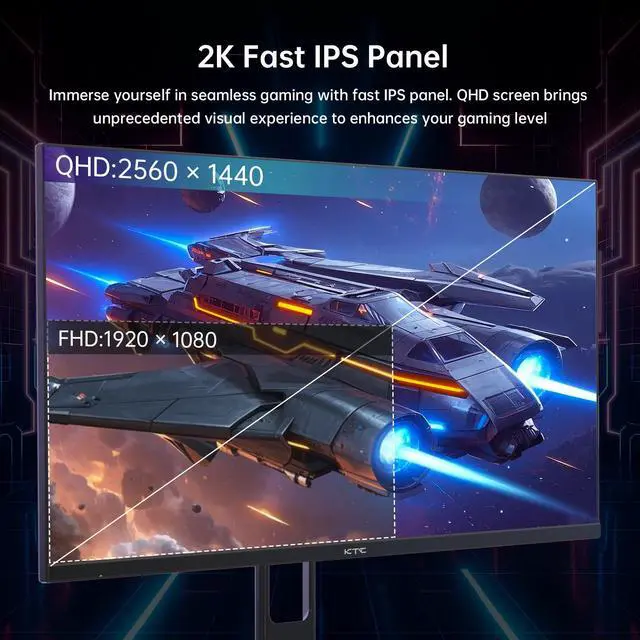
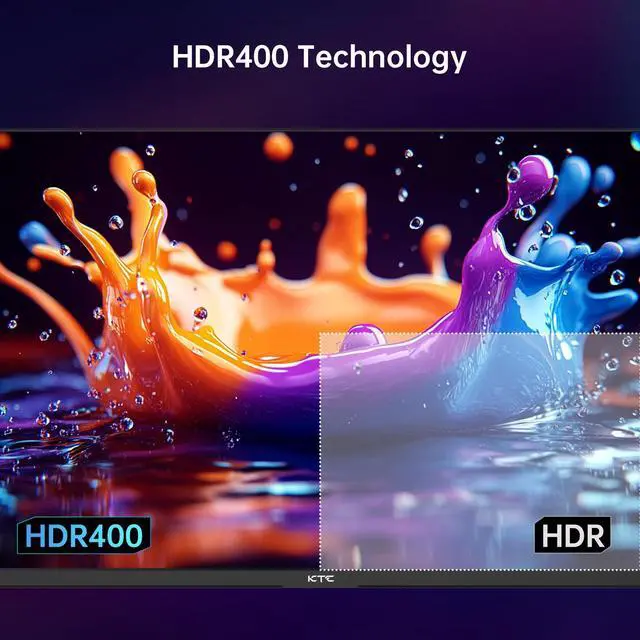
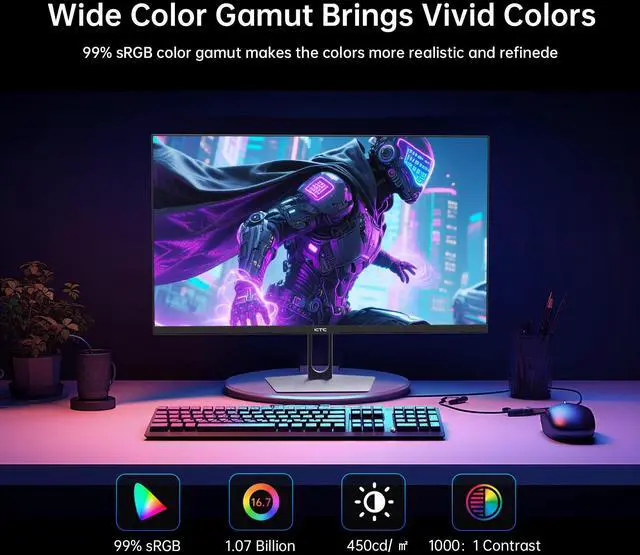
| Panel And Resolution | 27-inch Fast IPS panel with a 2560 x 1440 QHD resolution, 16:9 aspect ratio, 450 cd/m² brightness, 1000:1 contrast ratio, HDR400, 1.07 billion colors, and 131% sRGB color gamut |
| Refresh Rate And Response | 200 Hz refresh rate with support for up to 210 Hz and a 1 ms response time, with FreeSync and G-Sync Compatible adaptive synchronization |
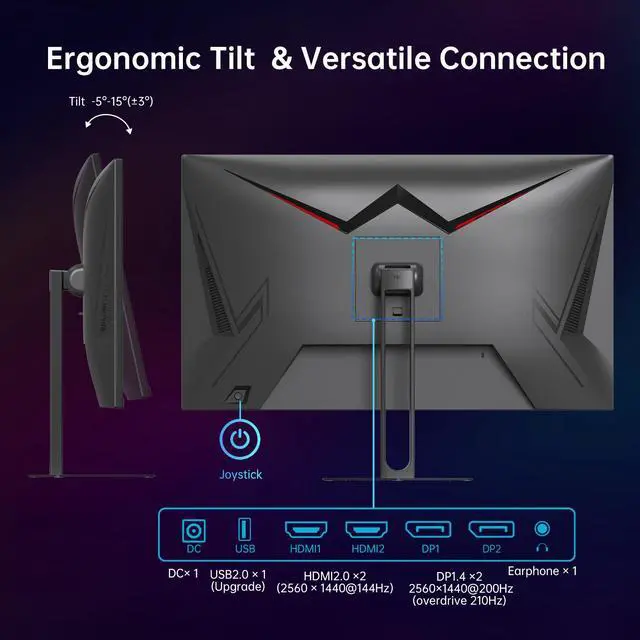
| Ports And Connectivity | Two HDMI 2.0 ports, two DisplayPort 1.4 ports, and one USB 2.0 port for computer and peripheral connectivity |
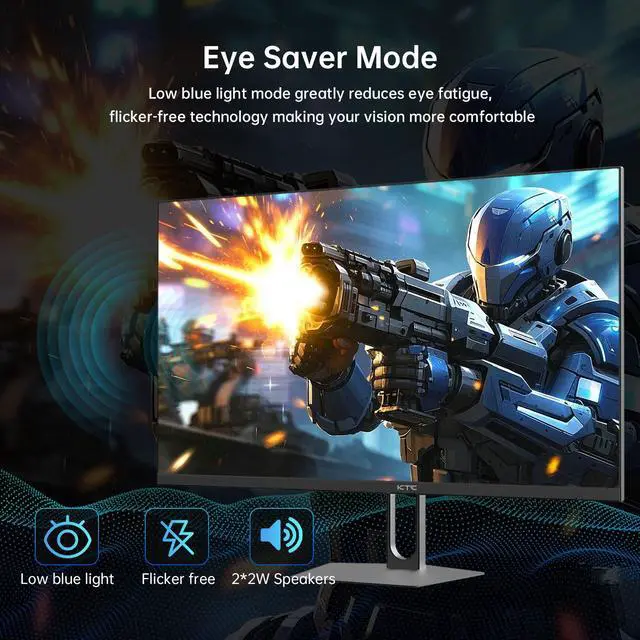
| Audio Setup | Built-in stereo speakers rated at 2 x 2W |
| Model Identifiers | KTC H27T22C-3 |
Q: KTC H27T22C-3 vs Lenovo Legion R27qe Gen 2: which should I buy?
A: Choose the KTC H27T22C-3 if you want the highest refresh rate in this comparison for PC gaming: it supports 200Hz natively and up to 210Hz through DisplayPort. Choose the Lenovo Legion R27qe Gen 2 if you prefer a more adjustable ergonomic stand, two HDMI 2.1 TMDS ports, and Lenovo’s documented three-year limited warranty. Both are 27-inch 2560×1440 IPS monitors with adaptive sync and 1ms-class response-time specifications.
Q: KTC H27T22C-3 vs AOC Q27G3XMN: is higher refresh or better HDR more important?
A: Choose the KTC H27T22C-3 for IPS viewing angles, a 200Hz-to-210Hz refresh rate, and fast PC gaming over DisplayPort. Choose the AOC Q27G3XMN for stronger HDR and dark-room image quality: its Mini-LED backlight has 336 dimming zones, DisplayHDR 1000 certification, and higher native contrast. The AOC runs at 180Hz and uses a VA panel, while the KTC uses a Fast IPS panel with HDR400.
Q: Is the KTC H27T22C-3 a worthwhile upgrade from the older KTC H27T22?
A: The KTC H27T22C-3 is the stronger upgrade for high-refresh gaming. It increases the refresh rate from 165Hz on the H27T22 to 200Hz, with up to 210Hz over DisplayPort, and raises the rated brightness from approximately 350 cd/m² on the earlier model to 450 cd/m². Both models use a 27-inch 2560×1440 Fast IPS design, so the upgrade is mainly about smoother motion, greater brightness, and newer connectivity rather than a resolution change.
Q: KTC H27T22C-3 vs Dell G2724D: which 1440p monitor is better for high-FPS gaming?
A: Choose the KTC H27T22C-3 if your PC can produce more than 165 frames per second and you want up to 210Hz through DisplayPort. Choose the Dell G2724D if 165Hz is sufficient for your games. Both monitors use a 27-inch QHD Fast IPS panel, adaptive sync, and a 1ms-class response-time specification; the Dell supports up to 165Hz through DisplayPort and 144Hz through HDMI, while the KTC supports up to 210Hz through DisplayPort and 144Hz through HDMI.
Q: Is this monitor good for office work, note-taking, and meetings?
A: Yes. The 27-inch QHD resolution provides more workspace and sharper text than a typical 1080p monitor, making it suitable for documents, spreadsheets, note-taking, and multitasking. Its built-in 2 x 2W speakers can handle basic meeting audio and media playback, but a webcam and microphone are not listed, so separate or laptop peripherals may be needed for video meetings.
Q: Who is this monitor suitable for?
A: It is best suited to PC gamers, streamers, and users who want one display for gaming and everyday productivity. The Fast IPS panel, QHD resolution, 200Hz refresh rate, up to 210Hz over DisplayPort, 1ms response time, and adaptive sync support favor fast-paced gaming. It is also suitable for general office work, although users need a capable graphics card and compatible DisplayPort connection to take full advantage of the highest refresh rate.
Q: Is this a 4K monitor?
A: No. Its native resolution is 2560 x 1440, commonly called QHD or 1440p. This is sharper and provides more workspace than 1920 x 1080, but it is not 4K, which is typically 3840 x 2160.
Q: Can this monitor be mounted on a wall or monitor arm?
A: Yes. It supports a standard 100 x 100 mm VESA mount, so the supplied stand can be replaced with a compatible wall mount or monitor arm. Verify that the mount supports a 27-inch monitor and its weight.
Q: Which devices can connect to this monitor, and how do I reach 210Hz?
A: The monitor provides two HDMI 2.0 ports and two DisplayPort 1.4 inputs, allowing connection to compatible desktop PCs, laptops, and gaming consoles. Its standard refresh rate is 200Hz, while the maximum 210Hz refresh rate is available through DisplayPort overclocking. The connected device, graphics hardware, cable, and selected resolution must also support the desired refresh rate.
Q: Is the KTC H27T22C-3 a good value for a budget 1440p gaming monitor?
A: It is a strong value choice when priced below roughly $200. The monitor combines 27-inch 2560×1440 resolution, a Fast IPS panel, 200Hz refresh rate with up to 210Hz over DisplayPort, Adaptive Sync, and HDR400. The main trade-offs discussed by users are limited adjustability on the included stand, budget-brand quality-control concerns, and occasional questions about color modes.
Q: Who is the KTC H27T22C-3 best suited for?
A: It is best suited for PC gamers who want high-refresh-rate 1440p performance, especially in competitive or fast-paced games, and for buyers upgrading from a 1080p or 75Hz display. It is less compelling if the computer cannot regularly drive high frame rates at 1440p or if premium support, advanced ergonomics, or stronger quality assurance are priorities.
Q: Do I need DisplayPort to use the monitor's full refresh rate?
A: Yes, DisplayPort is the safer choice for the advertised maximum refresh rate. The product supports up to 210Hz through DisplayPort, while users report that HDMI 2.0 limits 1440p output to about 144Hz. The actual refresh rate also depends on the graphics card, cable, and operating-system settings.
Q: What are the main drawbacks of the KTC H27T22C-3?
A: The main reported drawbacks are the relatively limited stock-stand adjustment, uncertainty about long-term quality consistency, and an isolated report of a purple or magenta tint when using sRGB mode. The monitor has VESA compatibility, so the stand limitation can be addressed with a monitor arm or replacement mount; buyers who need consistent factory color calibration should verify the unit after purchase.


