




 here!
here!
I’m your shopping assistant for PC builds, upgrades, and everything tech.
Got questions? Ask away!
Start a conversation
here!
I’m your shopping assistant for PC builds, upgrades, and everything tech.
Got questions? Ask away!
Start a conversation



Any questions? Ask CelesteSM will help you find out quickly.


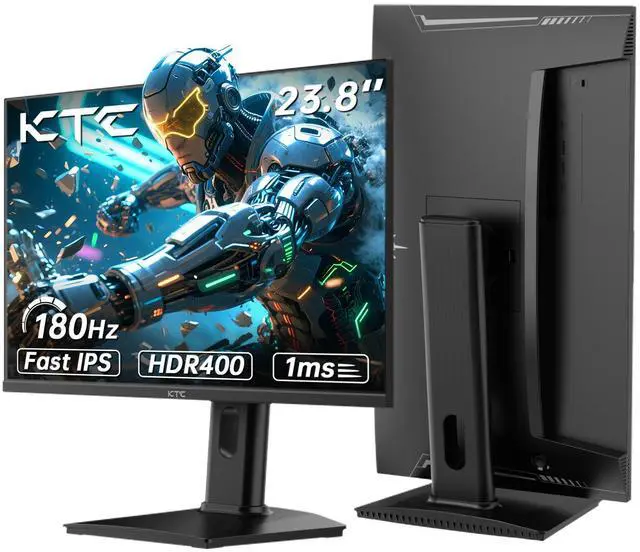
The KTC H24T7 is a 24-inch QHD gaming monitor with a Fast IPS panel, 180Hz refresh rate expandable to 185Hz, 1ms response time, and FreeSync/G-Sync compatibility. It suits competitive PC gamers who want sharp 1440p detail, smooth motion, and responsive gameplay in a compact display.
| Attribute | Value |
|---|---|
| Best For | QHD gaming and fast-moving content, with a 180Hz refresh rate, up to 185Hz support, adaptive sync, and HDR400 |
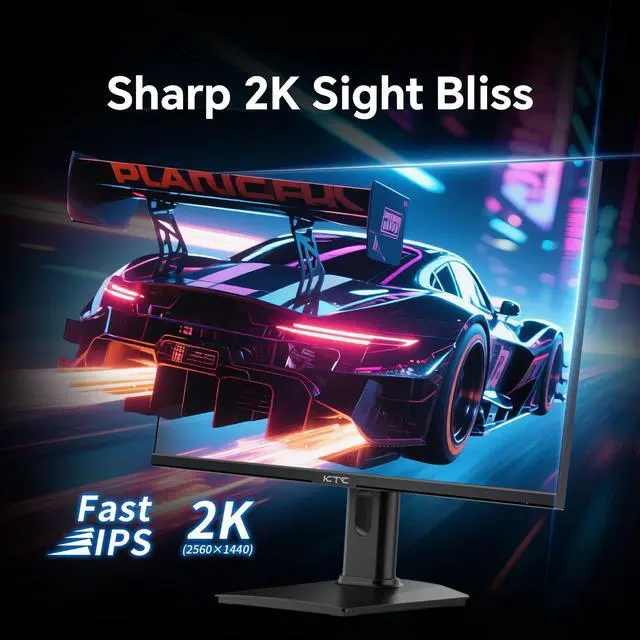
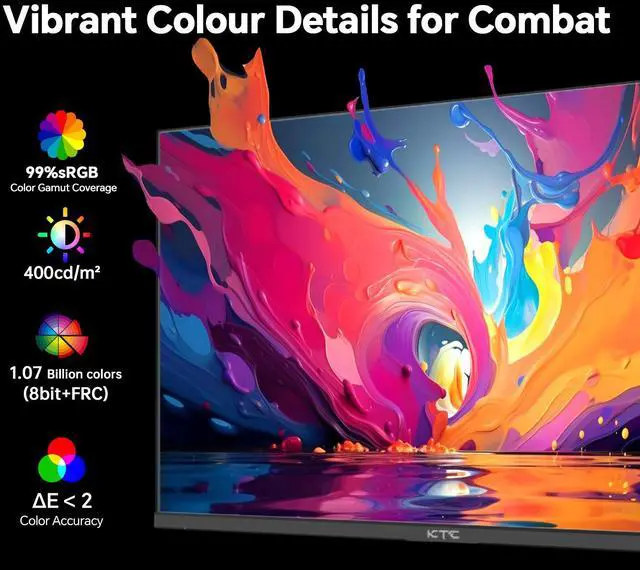
| Panel And Resolution | 24-inch Fast IPS panel with a 2560 x 1440 QHD resolution, 16:9 aspect ratio, 400 cd/m² brightness, 1000:1 contrast ratio, sRGB 127% color gamut, and 1.07 billion colors |
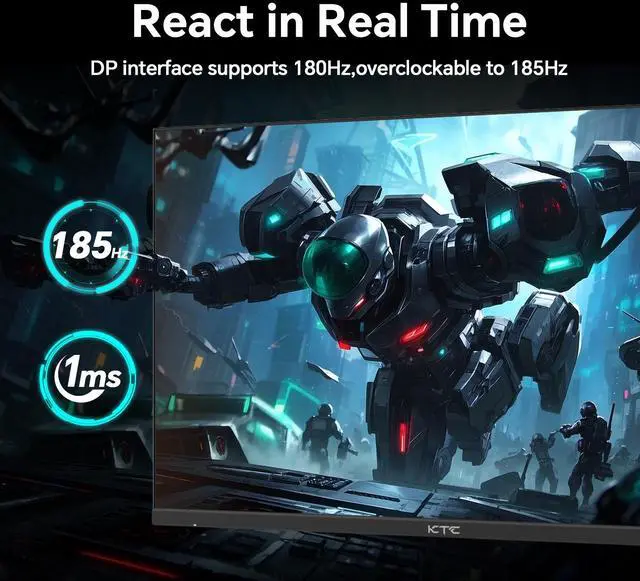
| Refresh Rate And Response | 180Hz refresh rate with support for up to 185Hz for smoother motion in fast-paced content |
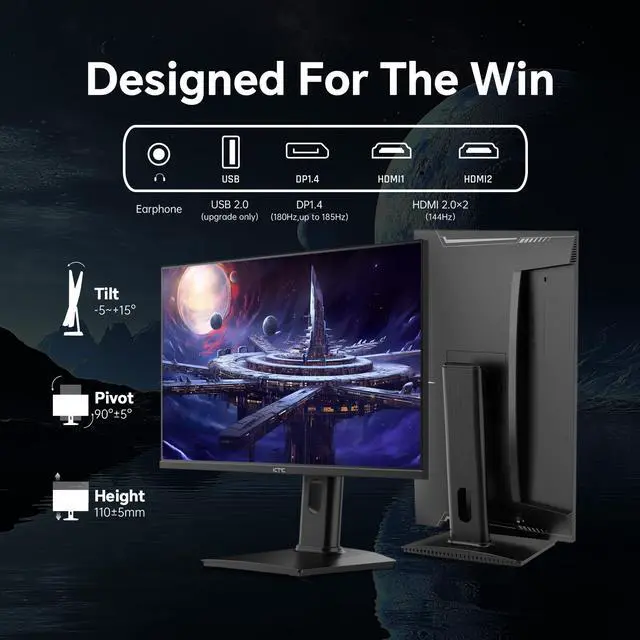
| Ports And Connectivity | Two HDMI 2.0 ports, one DisplayPort 1.4, and one USB 2.0 port for gaming devices and peripherals |
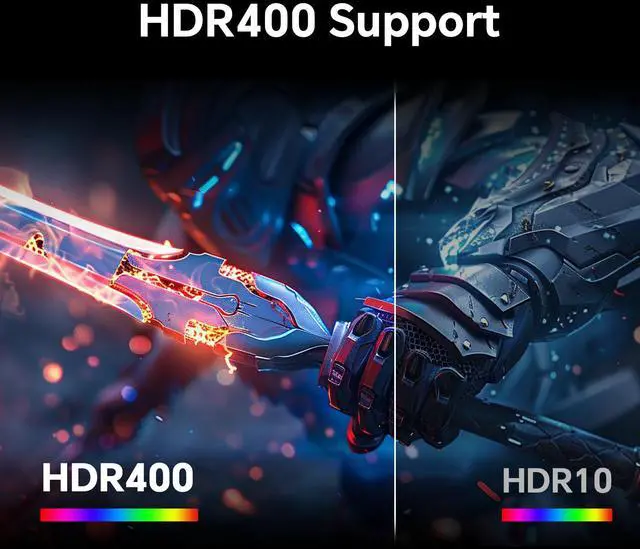
| Adaptive Sync And HDR | FreeSync and G-Sync Compatible adaptive sync with HDR400 support for smoother gameplay and expanded dynamic range |
| Model Identifiers | KTC H24T7 |
Q: Is the KTC H24T7 better than a 24-inch 1080p 144Hz gaming monitor?
A: Choose the KTC H24T7 when you want sharper images, clearer text, and more screen detail without moving to a larger display. Its 2560x1440 resolution provides substantially higher pixel density than a typical 24-inch 1920x1080 monitor, while its 180Hz refresh rate also exceeds common 144Hz models. A 1080p monitor remains the more practical choice when your graphics card cannot consistently drive high frame rates at 1440p. ([us.ktcplay.com](https://us.ktcplay.com/products/24-inch-180hz-hdr400-gaming-monitor?utm_source=openai))
Q: KTC H24T7 or AOC Q24G2A/BK: which 24-inch QHD monitor should I buy?
A: Choose the KTC H24T7 if you prioritize a higher refresh rate, HDR400 support, and the option to reach up to 185Hz through DisplayPort. Choose the AOC Q24G2A/BK if its 165Hz maximum refresh rate is sufficient and you prefer that model’s established product ecosystem or availability. Both monitors target compact 24-inch QHD gaming, so the decision mainly depends on refresh-rate requirements, features, and local pricing. ([us.ktcplay.com](https://us.ktcplay.com/products/24-inch-180hz-hdr400-gaming-monitor?utm_source=openai))
Q: Should I buy the KTC H24T7 or a lower-refresh-rate 24-inch QHD monitor such as the KTC H24T27?
A: Choose the H24T7 for competitive gaming, fast-action games, or a setup where 180Hz motion is important. Choose the H24T27 when your use is mainly office work, browsing, video, and casual gaming, because its 100Hz-class configuration can meet those needs while reducing the emphasis on high-frame-rate gaming. The H24T7 is the performance-focused option; the H24T27 is the simpler lower-refresh alternative. ([us.ktcplay.com](https://us.ktcplay.com/products/24-inch-180hz-hdr400-gaming-monitor?utm_source=openai))
Q: KTC H24T7 or a 27-inch 1440p 180Hz monitor such as the MSI G272QPF E2?
A: Choose the KTC H24T7 for a compact desk, closer viewing distance, and sharper 1440p pixel density. Choose the MSI G272QPF E2 when you want a larger 27-inch image for immersive gaming, multitasking, or a more spacious workspace. Both offer 2560x1440 resolution and 180Hz-class gaming performance, but the H24T7 delivers those specifications in a smaller display, while the MSI provides more physical screen area. ([us.ktcplay.com](https://us.ktcplay.com/products/24-inch-180hz-hdr400-gaming-monitor?utm_source=openai))
Q: Is this monitor good for office work, note-taking, and meetings?
A: Yes. The 2560 x 1440 resolution provides sharp text and workspace for documents, research, and multitasking, while the height-adjustable stand, low-blue-light mode, and flicker-free design support longer work sessions. However, the product specifications do not list a built-in webcam, microphone, USB-C video input, or docking features, so laptop meetings may require separate accessories.
Q: Who is the KTC H24T7 best suited for?
A: It is best suited for PC gamers who want high refresh-rate gaming, sharp QHD detail, and a compact 24-inch screen. It also fits general productivity, browsing, and content consumption. It is less suitable for users who prioritize built-in speakers, USB-C one-cable laptop connectivity, a webcam, or a large-screen viewing experience.
Q: Can I use this monitor with a laptop, desktop, or gaming console?
A: Yes, it can connect to compatible devices through two HDMI 2.0 ports or one DisplayPort 1.4 port. The connected device, graphics hardware, cable, and selected input determine the maximum resolution and refresh rate. To use the monitor's full gaming capability, the source must support QHD output at a high refresh rate.
Q: Does this monitor have built-in speakers for gaming or meetings?
A: The provided specifications do not list built-in speakers or a 3.5mm audio output. Do not assume the monitor provides audio; plan to use headphones, external speakers, or the connected computer or console's audio output unless the final product documentation confirms otherwise.
Q: Is this a practical monitor to take between home, school, and work?
A: It can serve as a secondary monitor for a laptop or desktop, but it is not designed as a highly portable travel display. Its 24-inch size, separate power requirement, and lack of listed USB-C video connectivity make it better for a permanent or semi-permanent desk setup than frequent transport. Its main portability trade-off is the larger workspace compared with compact travel monitors.
Q: Is the KTC H24T7 worth buying for 24-inch 1440p gaming?
A: It is a reasonable choice for buyers who want a compact 24-inch QHD monitor with a high refresh rate. Its Fast IPS panel, 2560×1440 resolution, 180Hz refresh rate, and Adaptive-Sync suit competitive and general gaming. The main trade-offs discussed by users are the lightweight stand, limited USB functionality, and uncertain long-term durability.
Q: Is the KTC H24T7 good for reading, office work, and text-heavy use?
A: It is well suited to users who want sharper text in a small workspace. At 24 inches, 2560×1440 resolution provides higher pixel density than a typical 24-inch 1080p monitor, which users specifically reported as a noticeable improvement for reading and general productivity. Scaling may be useful because text and interface elements appear smaller at this resolution.
Q: What are the main drawbacks of the KTC H24T7?
A: The main reported drawbacks are a very light stand that can slide when touched, no conventional USB pass-through hub, basic monitor controls, and imperfect input switching when two computers are connected. Users also reported that HDR was less appealing than standard mode, so buyers prioritizing HDR image quality should compare other monitors.
Q: Is 180Hz enough, or should I choose a 240Hz 1440p monitor instead?
A: The H24T7 is suitable for buyers who value 1440p image quality and compact size more than maximum esports refresh rate. Its 180Hz native refresh rate, with up to 185Hz overclocking, is below 240Hz, so users seeking the lowest possible latency or specifically targeting 240Hz competitive gaming should choose a faster model.


