




 here!
I’m your shopping assistant for PC builds, upgrades, and everything tech.
Got questions? Ask away!
Start a conversation
here!
I’m your shopping assistant for PC builds, upgrades, and everything tech.
Got questions? Ask away!
Start a conversation



Any questions? Ask CelesteSM will help you find out quickly.


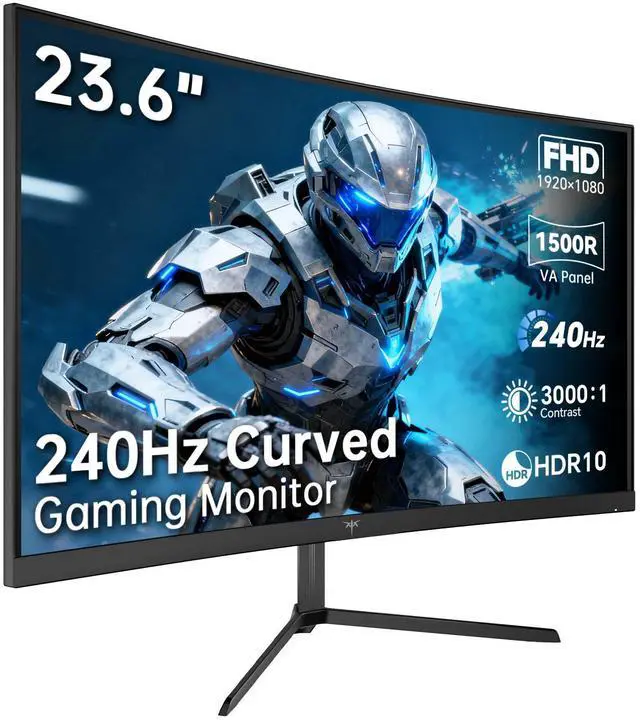
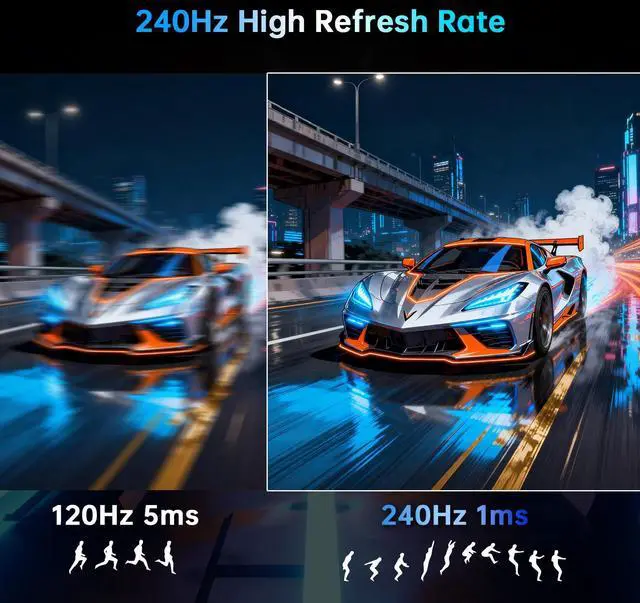
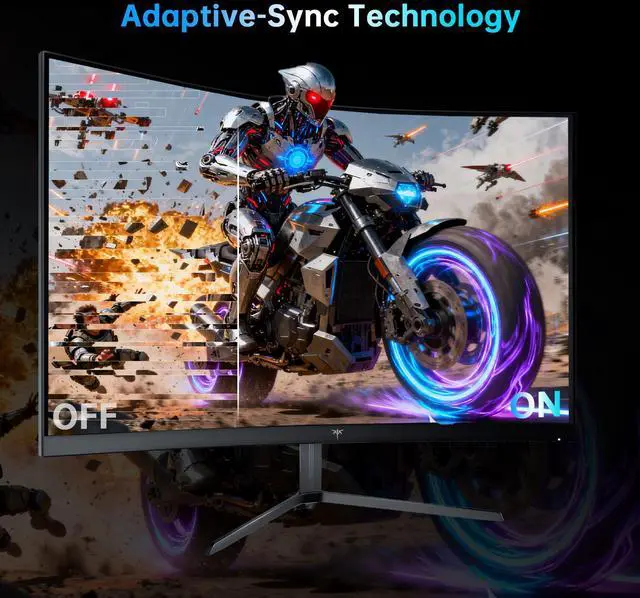
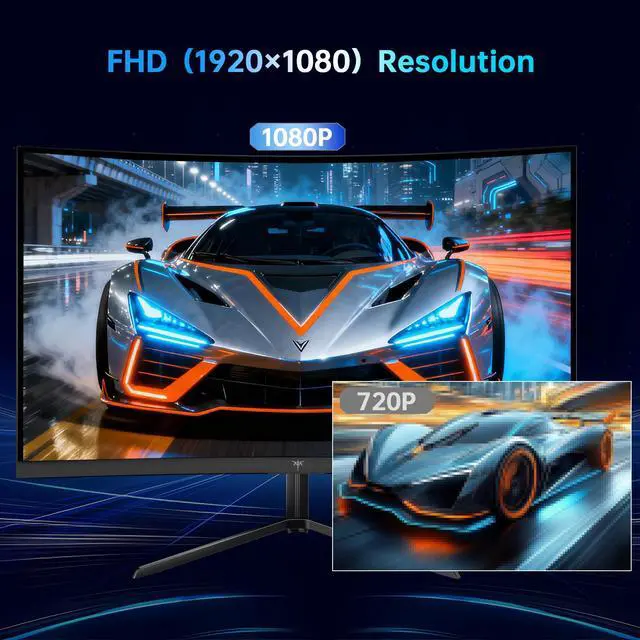
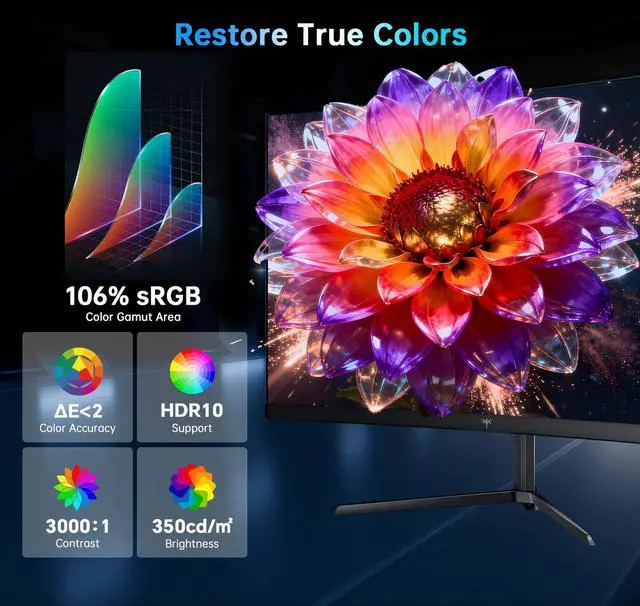
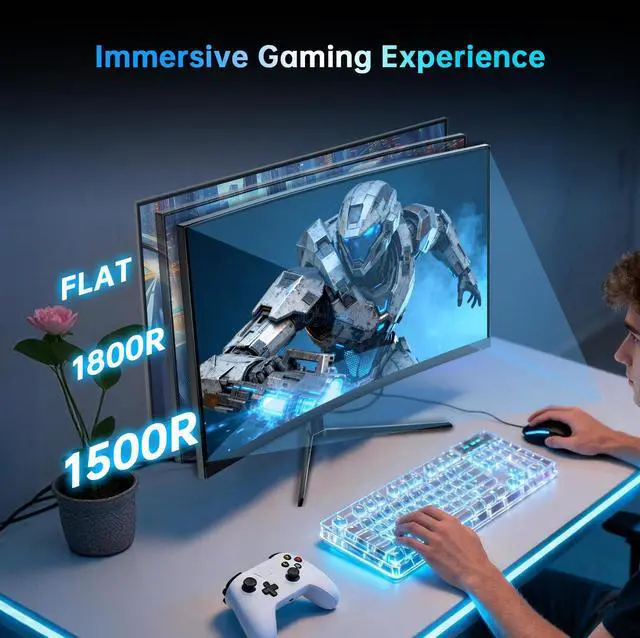
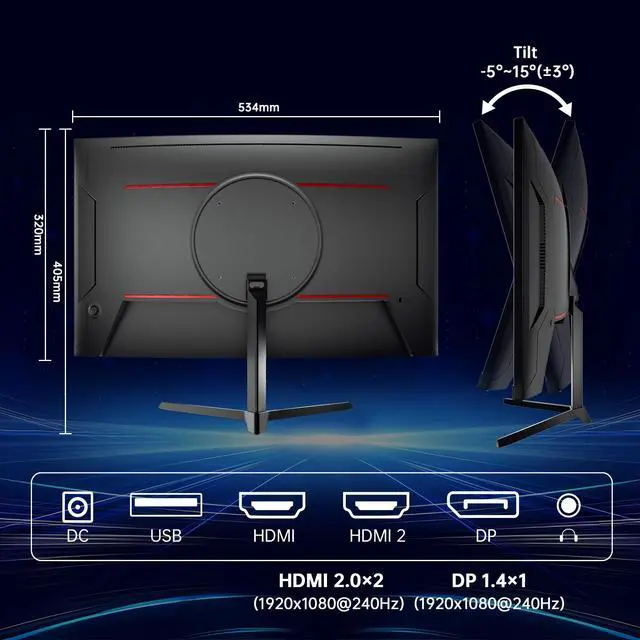
KTC 24 inch 1500R curved gaming monitor features FHD (1920×1080) resolution, ideal for both gaming and entertainment.240Hz refresh rate that gives you a competitive edge in games while delivering stunning clarity.It covers 106% sRGB color gamut area, offers 350cd/m² brightness, 16.7 million colors and 3000:1 contrast ratio to bring you a lifelike color experience. Flicker-free and low blue light technology reduce eye fatigue. Adaptive-Sync technology reduces screen tearing and latency to maintain sharp and clear image details. KTC 24-inch 240Hz curved monitor comes with multi-functional connectivity options including HDMI 2.0 and DP 1.4 ports, supports 100mm*100mm wall mounting, and offers -5° to 15° tilt adjustment for flexible placement.
The KTC H24S17P is a 23.6-inch FHD curved gaming monitor with a 240Hz refresh rate, 1ms response time, VA panel, and Adaptive-Sync support. It is best suited for competitive PC gamers who prioritize smooth motion and responsive gameplay at 1920×1080 resolution.
| Attribute | Value |
|---|---|
| Best For | High-refresh gaming on a 23.6-inch FHD curved VA display, with 240Hz operation, 1ms response, HDR10, and gaming-focused display features |
| Panel And Resolution | 23.6-inch matte VA LCD panel with 1920 × 1080 FHD resolution, 16:9 aspect ratio, curved surface, 350 cd/m² brightness, 3000:1 contrast, 16.7 million colors, and 99% sRGB gamut; supports HDR10 |
| Refresh Rate And Response | 240Hz vertical refresh rate with a 1ms response time for fast-moving gameplay |
| Ports And Connectivity | Two HDMI ports, one DisplayPort 1.4, and one USB 2.0 port |
| Model Identifiers | KTC H24S17P gaming monitor |
Q: Is the KTC H24S17P better than a 1080p 144Hz or 165Hz gaming monitor?
A: Choose the KTC H24S17P if you play competitive games and your PC can produce well over 144 FPS. Its 240Hz refresh rate provides smoother motion and lower refresh-related latency than 144Hz or 165Hz displays, while its 1920×1080 resolution is relatively easy for gaming hardware to drive. A 144Hz or 165Hz monitor is the more practical choice for casual gaming, slower-paced titles, or systems that rarely exceed 165 FPS. ([us.ktcplay.com](https://us.ktcplay.com/products/24-240hz-1500r-curved-gaming-monitor?utm_source=openai))
Q: Should I buy the KTC H24S17P or a 1440p 165Hz monitor?
A: Buy the KTC H24S17P when competitive-game responsiveness and consistently high frame rates matter more than image sharpness. Choose a 1440p 165Hz monitor when you want clearer text, more desktop space, and sharper visuals in single-player games or general use. The KTC’s 1080p resolution places less rendering demand on the GPU, while 1440p provides higher image detail. ([rtings.com](https://www.rtings.com/monitor/learn/1080p-vs-1440p?utm_source=openai))
Q: Is the KTC H24S17P a better choice than an IPS 240Hz monitor?
A: Choose the KTC H24S17P if you prefer a 24-inch curved display, stronger native contrast, and deeper blacks for a value-oriented gaming setup. Choose an IPS 240Hz monitor if fast-motion clarity, wider viewing angles, or more consistent colors from different seating positions are higher priorities. Independent testing found noticeable dark-transition smearing on the H24S17P’s VA panel, despite its 240Hz refresh rate, so motion-sensitive competitive players may prefer a well-tuned IPS model. ([displayninja.com](https://www.displayninja.com/ktc-h24s17p-review/?utm_source=openai))
Q: Should I upgrade from a 1080p 144Hz monitor to the KTC H24S17P?
A: Upgrade to the KTC H24S17P if your computer regularly exceeds 144 FPS and you mainly play fast competitive games. The upgrade increases the refresh ceiling from 144Hz to 240Hz, but the improvement is smaller than the jump from 60Hz to 144Hz and may be less noticeable if frame rates fluctuate or remain below 200 FPS. If your current 144Hz monitor already feels smooth, a 1440p display may provide a more visible upgrade in image detail. ([displayninja.com](https://www.displayninja.com/ktc-h24s17p-review/?utm_source=openai))
Q: Is the KTC H24S17P worth choosing over a 1440p 240Hz monitor?
A: Choose the KTC H24S17P when you want to reach high frame rates with a midrange GPU, play primarily at 1080p, or prefer a smaller 24-inch competitive-gaming format. Choose a 1440p 240Hz monitor when you have a high-end GPU that can sustain high frame rates at 2560×1440 and want sharper visuals for both gaming and desktop use. The higher-resolution option offers more image detail, while the KTC requires less GPU rendering power. ([rtings.com](https://www.rtings.com/monitor/learn/1080p-vs-1440p?utm_source=openai))
Q: Can this monitor run at 240Hz over HDMI and DisplayPort?
A: Yes. The monitor has HDMI 2.0 and DisplayPort 1.4 inputs and is specified for up to 240Hz at 1920×1080. To reach 240Hz, the connected computer, graphics output, cable, and operating-system display settings must also support that refresh rate. DisplayPort is the safest choice when HDMI limits the available refresh rate.
Q: Is this monitor compatible with a VESA arm or wall mount?
A: Yes. The monitor supports a 100×100mm VESA mounting pattern. A compatible mounting arm or wall bracket is required and may not be included. The supplied stand provides tilt adjustment from -5° to 15° but does not provide height, swivel, or pivot adjustment.
Q: Will this monitor work with a gaming console?
A: It should work with consoles that provide video through HDMI. The monitor includes HDMI 2.0 inputs and supports 1920×1080 resolution. Console refresh-rate support depends on the console, game, HDMI connection, and monitor settings; the 240Hz specification is primarily useful with compatible PCs.
Q: Is this monitor suitable for office work, video meetings, and everyday computer use?
A: Yes, it is suitable for documents, browsing, note-taking, and general office work because it provides a 23.6-inch Full HD display, tilt adjustment, low-blue-light features, and HDMI or DisplayPort connectivity. The listed specifications do not include a built-in webcam or microphone, so video meetings require separate peripherals. Its 240Hz refresh rate is useful for gaming but is not necessary for typical office tasks.
Q: Does this monitor support HDR, and is it suitable for HDR gaming?
A: Yes. The monitor is specified with HDR10 support, 350cd/m² brightness, a 3000:1 contrast ratio, and a VA panel. HDR can improve supported content, but this is still a Full HD LCD gaming monitor rather than a high-end HDR display, so buyers seeking stronger HDR highlights or more advanced local dimming should set expectations accordingly.
Q: Is the KTC H24S17P worth buying for budget gaming?
A: It is a reasonable budget choice if you want a 24-inch curved Full HD monitor with a 240Hz refresh rate and Adaptive-Sync. The main trade-off is that it prioritizes refresh rate and price over higher resolution, premium ergonomics, and fully competitive-grade motion performance.
Q: Is the KTC H24S17P good for competitive FPS gaming?
A: It can work well for budget competitive gaming because it supports 240Hz, 1ms MPRT, and Adaptive-Sync. However, its VA panel may show more dark-scene smearing than a fast IPS, TN, or OLED monitor, so players who are highly sensitive to ghosting may prefer another panel type.
Q: Who is the KTC H24S17P best suited for?
A: It is best suited for gamers who want high refresh rate performance at 1080p, especially users with hardware that can produce high frame rates. It is less suitable for users who need 1440p or 4K detail, height adjustment, or the clearest possible motion in fast esports games.
Q: What are the main trade-offs of the KTC H24S17P?
A: The main benefits are its 240Hz refresh rate, high VA contrast, curved design, Adaptive-Sync, and VESA support. The main compromises are the 1920×1080 resolution, tilt-only stand, VA-related motion-smearing risk, and limited information about long-term support compared with larger monitor brands.


