




 here!
I’m your shopping assistant for PC builds, upgrades, and everything tech.
Got questions? Ask away!
Start a conversation
here!
I’m your shopping assistant for PC builds, upgrades, and everything tech.
Got questions? Ask away!
Start a conversation



Any questions? Ask CelesteSM will help you find out quickly.


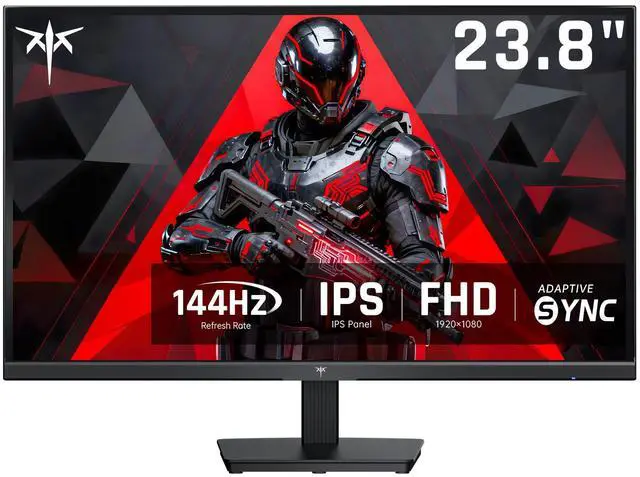
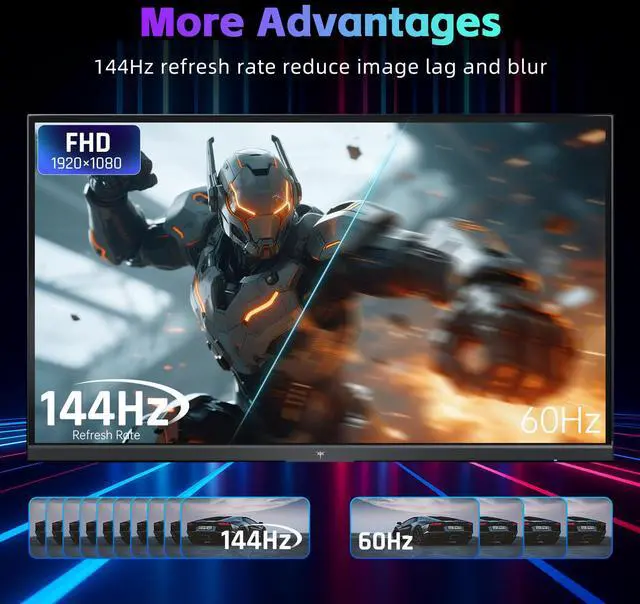
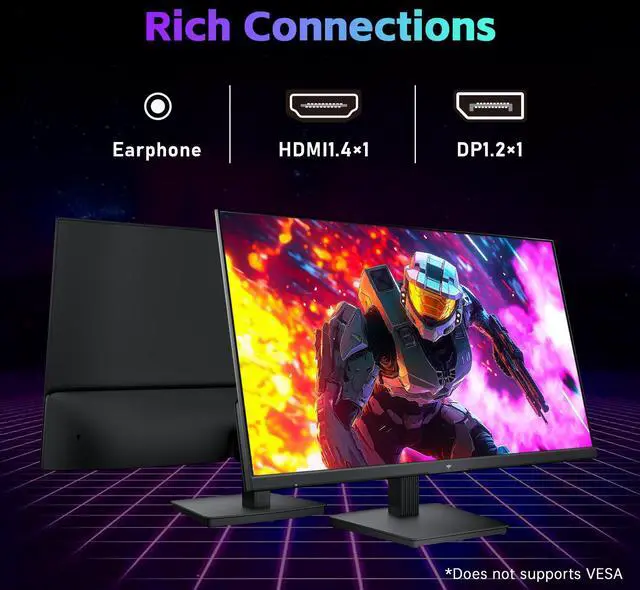
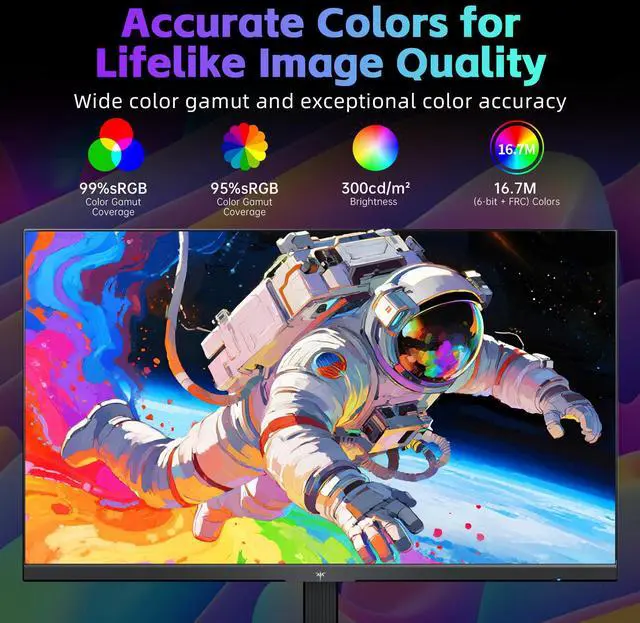
KTC 24-inch gaming monitor has full hd 1920×1080 resolution, making it ideal for use as a PC gaming monitor, office monitor. 144Hz refresh rate ensure a smooth gaming experience for gaming working. This affordable computer monitor 144hz offers HDMI 1.4 and DisplayPort 1.2 port. 16. 7 M (6-bit + FRC) Colors, 1500:1 Contrast, 300cd/ brightness ktc monitor 144+hz small computer monitor
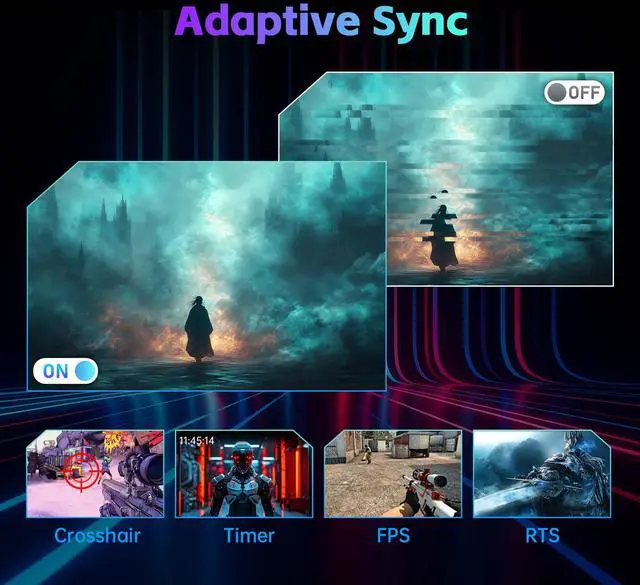
The KTC H24B9S is a 24-inch Full HD IPS monitor with a 144Hz refresh rate, 3ms response time, Adaptive-Sync, and HDMI and DisplayPort connectivity. It suits gamers and office users who want smooth motion, accurate color, and a versatile everyday display.
| Attribute | Value |
|---|---|
| Best For | Office work and gaming with a 24-inch FHD IPS display, 144Hz refresh rate, and 3ms response time |
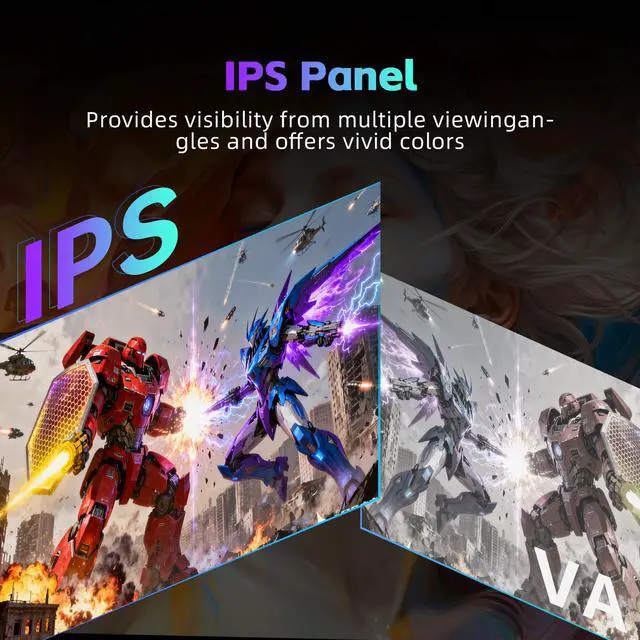
| Panel And Resolution | 24-inch flat IPS LCD panel with a matte finish, 1920 x 1080 FHD resolution, 16:9 aspect ratio, 300 cd/m² brightness, and 1500:1 contrast ratio |
| Refresh Rate And Response | 144Hz refresh rate with a 3ms response time for smoother motion in gaming and everyday screen use |
| Color And Image Quality | Displays 16.7 million colors with 99% sRGB coverage |
| Stand And Ergonomics | Tilt-adjustable stand |
| Power | Supports 90–264 VAC input at 47/63Hz |
| Model Identifiers | KTC H24B9S |
Q: Is the KTC H24B9S better than a standard 60Hz office monitor for gaming?
A: The KTC H24B9S is the better choice for gaming because it combines a 144Hz refresh rate, IPS panel, Adaptive-Sync, and DisplayPort connectivity. A standard 60Hz monitor is sufficient for basic office work and video playback, but the KTC should provide smoother motion when the computer can produce higher frame rates. Choose the 60Hz model only when gaming performance is not a priority or the lower price is more important.
Q: KTC H24B9S vs AOC 24G2: which 24-inch 1080p monitor should I buy?
A: Choose the KTC H24B9S when you want a budget 24-inch IPS monitor with 144Hz operation, Adaptive-Sync, DisplayPort, and a stated 1500:1 contrast ratio. Choose the AOC 24G2 when tested motion performance, a height-adjustable stand, and a more established review record are more important than buying the least expensive option. Both models target 1080p gaming with IPS panels and high refresh rates, so price, warranty, and stand requirements should decide between them.
Q: Should I buy the KTC H24B9S or a 240Hz 1080p gaming monitor?
A: Buy the KTC H24B9S for general gaming, office use, and systems that typically run below 240 frames per second. Choose a 240Hz monitor when competitive gaming is the main use and the graphics card and games can consistently exceed 144 frames per second. The higher-refresh model can display more frequent updates, while the KTC generally offers a simpler and lower-demand 1080p setup.
Q: KTC H24B9S vs a 1440p monitor: which is better for gaming and work?
A: Choose the KTC H24B9S when you want lower GPU requirements, high frame rates at 1920x1080, and a compact 24-inch display. Choose a 1440p monitor when sharper text, more desktop workspace, and finer image detail are more important than maintaining the lowest graphics workload. The KTC is more practical for entry-level or midrange gaming PCs, while 1440p is the stronger fit for productivity and systems with enough graphics performance to drive the higher resolution.
Q: Is the KTC H24B9S suitable for laptop use compared with a portable USB-C monitor?
A: The KTC H24B9S is the better choice for a fixed desk setup when smooth 144Hz gaming, a larger 24-inch screen, and DisplayPort or HDMI connectivity are priorities. A portable USB-C monitor is more suitable for travel because it is designed around compact size and easier laptop connection. The KTC requires a desktop-style power connection and offers tilt adjustment rather than portability, so it is better for performance-first use than mobile work.
Q: Is this monitor suitable for office work, note-taking, and video meetings?
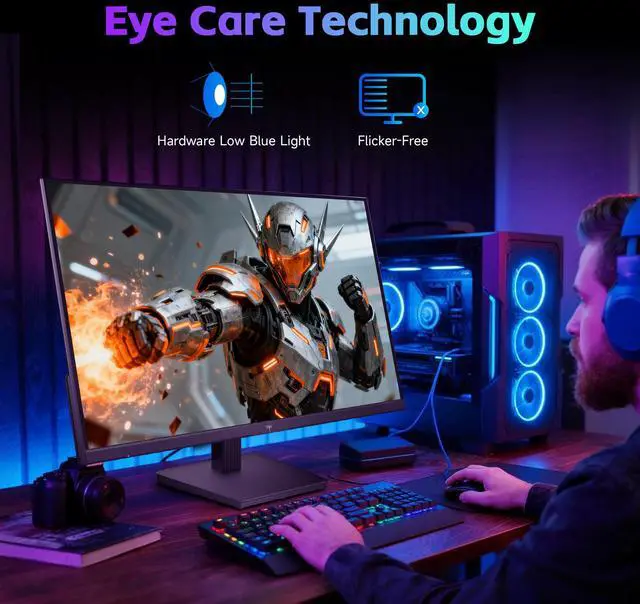
A: Yes. Its 24-inch Full HD IPS display is suitable for documents, browsing, note-taking, and video meetings. The 144Hz refresh rate can make scrolling and window movement feel smoother, while the low-blue-light feature may improve comfort during extended use. The monitor does not list a built-in webcam, microphone, or speakers, so those functions must come from the computer or separate accessories.
Q: Who is this 24-inch 144Hz monitor best suited for?
A: It is best suited for users who want one monitor for everyday work and mainstream PC gaming. The 1920×1080 resolution is appropriate for a 24-inch screen, while the 144Hz refresh rate, 3ms response time, IPS panel, and Adaptive-Sync support are designed for smoother gameplay. It is less suitable for users who require 4K resolution, professional HDR performance, built-in speakers, or extensive ergonomic adjustment.
Q: Can I use this monitor with a laptop as a second display?
A: Yes, if the laptop provides HDMI or DisplayPort video output. This monitor has one HDMI 1.4 port and one DisplayPort 1.2 port. A laptop with only USB-C video output will need a compatible USB-C hub or adapter. The monitor can function as an extended or mirrored display, but the computer determines the available resolution and refresh rate.
Q: Does this monitor have built-in speakers, or do I need separate audio?
A: The provided specifications do not list built-in speakers or an audio-output port. Plan to use the computer’s speakers, headphones, or separate external speakers unless the final product documentation confirms otherwise. HDMI and DisplayPort carry digital audio, but the monitor must include compatible audio hardware to play it.
Q: Is the stand adjustable enough for a comfortable desk setup?
A: The included stand supports tilt adjustment from -5° to 15°, with an approximately ±3° tolerance. The listed specifications do not include height adjustment, swivel, or portrait rotation. Users who need those functions should verify mounting compatibility before choosing an external monitor arm or stand.
Q: Is the KTC H24B9S suitable for both gaming and everyday work?
A: Yes. Its 1920×1080 IPS panel, 144Hz refresh rate, Adaptive-Sync, and 3ms response time suit casual or competitive gaming, while the 24-inch size and IPS viewing angles also work well for office tasks. It is best for users who want one budget monitor for mixed use.
Q: Is 1080p enough on a 24-inch monitor, or should I choose 1440p?
A: 1080p is a practical choice for a 24-inch budget gaming monitor and is easier for lower- and mid-range graphics hardware to drive at high frame rates. A 1440p monitor provides sharper text and more workspace, but usually costs more and requires more GPU performance. Choose the H24B9S if smooth 1080p gaming and affordability matter more than pixel density.
Q: Is the KTC H24B9S a good choice for a budget gaming setup?
A: It can be a good fit when the priority is a 24-inch IPS display with 144Hz performance at a low cost. The main compromises are Full HD resolution, a tilt-only stand, and basic connectivity with one HDMI 1.4 and one DisplayPort 1.2. It is less suitable for buyers seeking 1440p resolution, height adjustment, or premium HDR.
Q: Is the KTC H24B9S appropriate for long work or study sessions?
A: It is suitable for general office work and study because it uses a matte IPS panel, includes a low-blue-light feature, and supports tilt adjustment. However, ergonomics are limited because the stand does not provide height, swivel, or pivot adjustment. Users with strict ergonomic requirements may need a monitor arm or a different monitor.


