




 here!
here!
I’m your shopping assistant for PC builds, upgrades, and everything tech.
Got questions? Ask away!
Start a conversation
here!
I’m your shopping assistant for PC builds, upgrades, and everything tech.
Got questions? Ask away!
Start a conversation



Combo Up Savings Up To $210+
The more you add, the more you'll save!
Any questions? Ask CelesteSM will help you find out quickly.


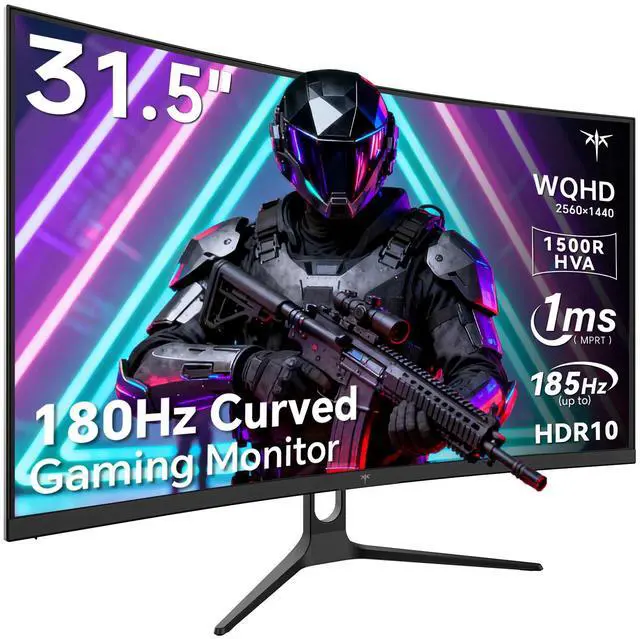
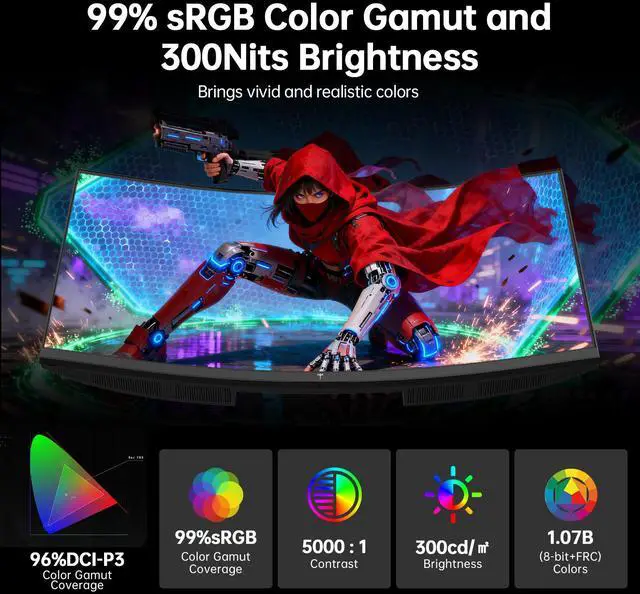
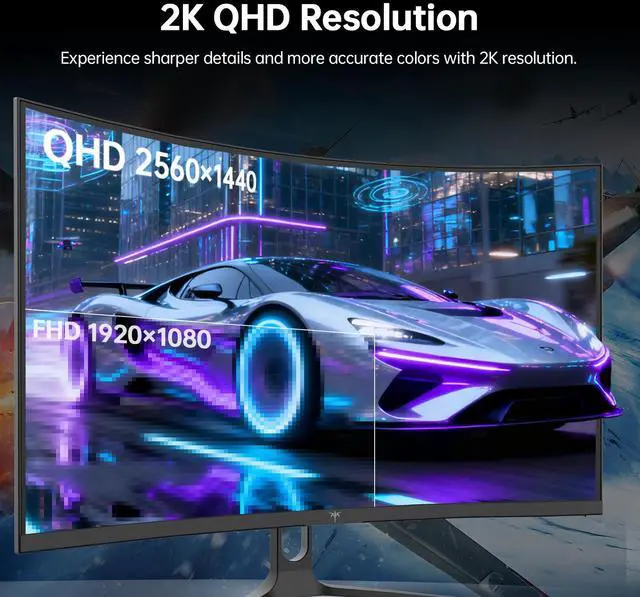
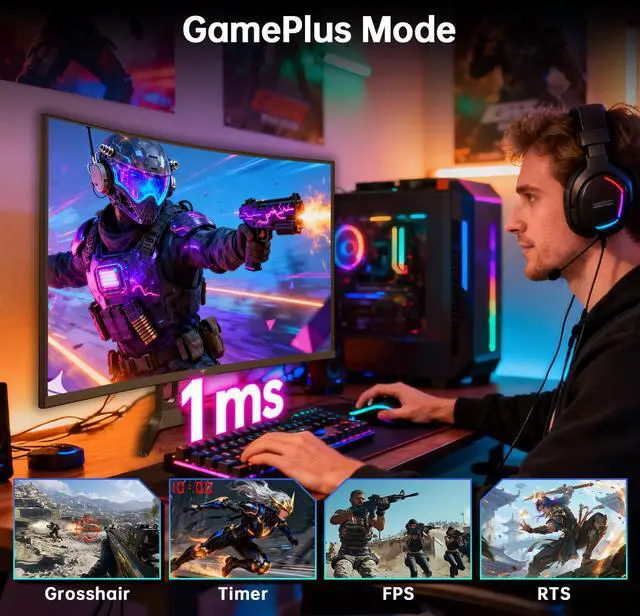
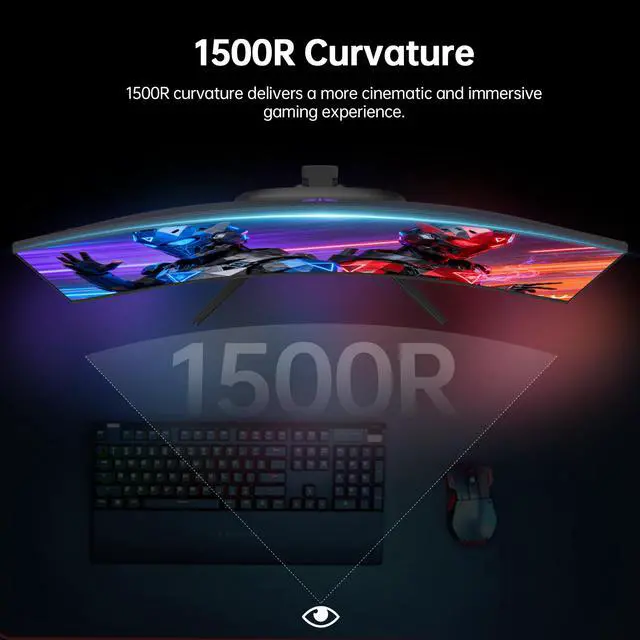
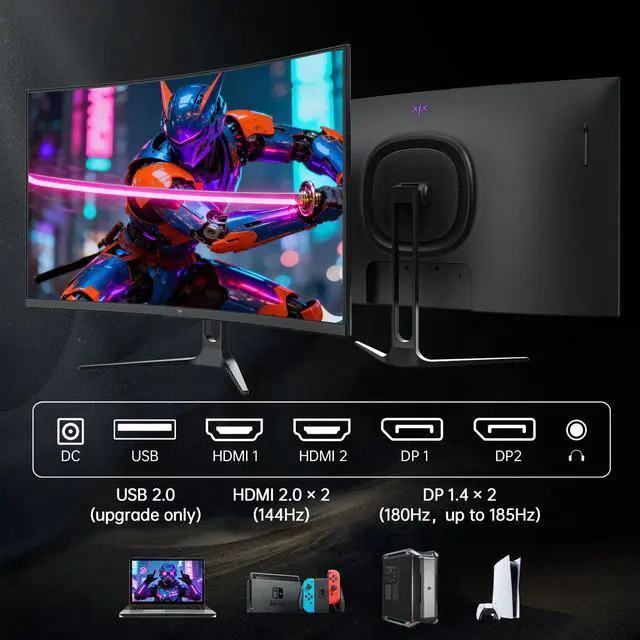
KTC 32 inch 2K 1440p curved gaming monitor boasts an ultra-fast 1ms (MPRT) response time and a 180Hz refresh rate. Its 1500R curved design delivers an immersive gaming experience. Adaptive-Sync technology eliminates screen tearing and stuttering. 300cd/m² brightness, 5000:1 contrast ratio. 126% sRGB color gamut, 1.07B colors. Adjustable tilt provides a comfortable viewing angle. VESA compatibility allows for quick and easy installation. KTC H32S5 31.5" pc gaming monitor with adaptive-sync, this QHD (2560×1440) monitor offers multiple interfaces: HDMI 2.0×2 (144Hz), DP 1.4×2 (180Hz up to 185Hz) and USB 2.0×1.
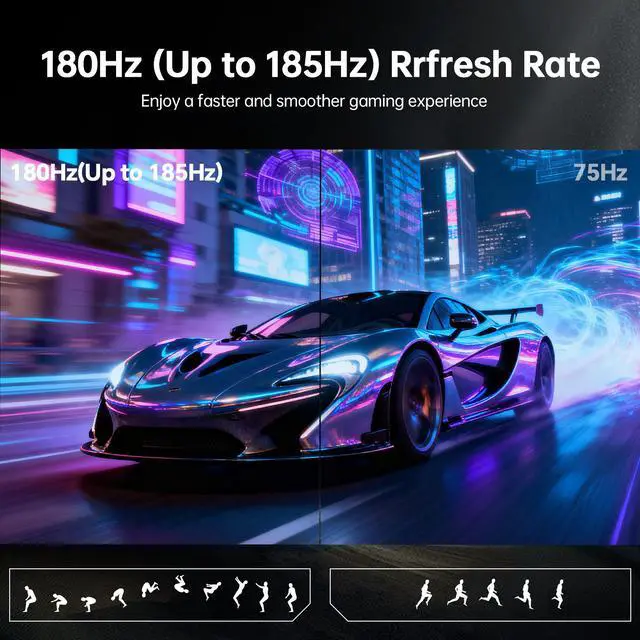
The KTC H32S5 is a 32-inch curved QHD gaming monitor with a 180Hz refresh rate, overclockable to 185Hz via DisplayPort, and a 1ms MPRT response time, making it suitable for PC gamers who want smooth performance in fast-paced games.
| Attribute | Value |
|---|---|
| Best For | Gaming setups needing a 32-inch curved QHD display with 180Hz refresh (up to 185Hz) and adaptive sync |
| Panel And Resolution | 32-inch curved HVA panel with a 16:9 aspect ratio, QHD 2560 x 1440 resolution, 300 cd/m² brightness, 5000:1 contrast ratio, HDR support, and 1.07 billion display colors |
| Refresh Rate And Response | 180Hz refresh rate with overclocking up to 185Hz and a 1ms response time for fast-moving gameplay, supported by Adaptive Sync technology |
| Ports And Connectivity | Includes two HDMI ports and one USB 2.0 port for connecting compatible devices and peripherals |
| Stand And Ergonomics | Tilt-adjustable stand for positioning the display to suit the viewing setup |
| Model Identifiers | KTC H32S5 gaming monitor |
Q: KTC H32S5 vs Gigabyte M32Q: which 32-inch 1440p gaming monitor should I choose?
A: Choose the KTC H32S5 if you prefer a 1500R curved VA-style display, deeper rated contrast, and up to 185Hz for 1440p gaming. Choose the Gigabyte M32Q if you want a flat IPS panel, USB-C connectivity, KVM support, a USB 3.0 hub, and a more adjustable stand. Both provide a 32-inch QHD gaming format with high refresh rates, but the KTC emphasizes immersion and contrast while the M32Q emphasizes connectivity, ergonomics, and productivity features.
Q: Should I buy the KTC H32S5 or a 27-inch 1440p 180Hz monitor?
A: Choose the KTC H32S5 if you want a larger 31.5-inch viewing area, a 1500R curve, and more immersive single-player, racing, or entertainment use. Choose a 27-inch 1440p monitor if you sit close to the screen or prioritize sharper text and finer image detail. At the same 2560 x 1440 resolution, 27-inch monitors provide about 109 pixels per inch, compared with about 93 pixels per inch for a 32-inch display. The KTC is the better fit when screen size and immersion matter more than pixel density.
Q: KTC H32S5 vs Gigabyte M32U: is 1440p or 4K better for a 32-inch gaming monitor?
A: Choose the KTC H32S5 if your priority is high-frame-rate 1440p gaming and easier GPU performance at up to 180Hz, or if you want a curved screen with higher rated contrast. Choose the Gigabyte M32U if you want sharper 4K detail, HDMI 2.1 for 4K console gaming up to 120Hz, USB-C connectivity, and KVM functionality. The M32U provides substantially higher pixel density, while the H32S5 generally requires less rendering power to drive high refresh rates at its native resolution.
Q: Is the KTC H32S5 a worthwhile upgrade from the KTC H32S17?
A: The KTC H32S5 is the stronger choice when upgrading from the H32S17 because KTC positions it as the newer version with a higher rated contrast ratio, 1.07 billion display colors, and up to 185Hz over DisplayPort. The H32S17 remains suitable if its 32-inch QHD curved format and up to 180Hz are sufficient, but the H32S5 adds incremental display and refresh-rate improvements rather than changing the core 32-inch, 1440p, 1500R gaming format.
Q: Is this monitor suitable for competitive PC gaming?
A: Yes. It is suitable for fast-paced PC gaming because it combines 2560 × 1440 resolution, a 180Hz refresh rate with up to 185Hz over DisplayPort, 1ms MPRT response time, and Adaptive Sync. The highest advertised 185Hz mode requires DisplayPort, and actual performance also depends on the graphics card and game settings. ([bestbuy.com](https://www.bestbuy.com/site/questions/msi-optix-g27c5-27-fhd-led-curved-freesync-monitor-displayport-hdmi-black/6425570?utm_source=openai))
Q: Is it good for office work, meetings, and note-taking?
A: It can work well as a fixed-desk office monitor for documents, video meetings, and multitasking because its 32-inch 16:9 QHD screen provides more workspace than a typical 1080p display. However, it has tilt adjustment only, and USB-C laptop charging or one-cable docking is not listed, so it is less convenient for mobile laptop-based workstations. ([bestbuy.com](https://www.bestbuy.com/site/questions/samsung-49-odyssey-1000r-curved-dual-qhd-240hz-1ms-freesync-gaming-monitor-with-hdr1000-hdmi-x2-dp-usb-black/6564042?includeAiContent=true&page=2&pageSize=20&sku=6564042&utm_source=openai))
Q: Can I use it with a gaming console or laptop?
A: Yes. The monitor can connect to consoles, laptops, and desktops through its two HDMI 2.0 ports or two DisplayPort 1.4 ports. The 185Hz overclocked mode is specified for DisplayPort; console refresh rates and supported resolutions depend on the connected device and its output limits. USB-C video input and USB-C power delivery are not listed. ([bestbuy.com](https://www.bestbuy.com/site/questions/aoc-cu34g2xp-34-va-curved-gaming-monitor-wqhd-3440x1440-180hz-1ms-freesync-hdr-400-black-silver-red/6574263?page=3&utm_source=openai))
Q: Does it have built-in speakers?
A: Built-in speakers are not listed in the provided specifications, so buyers should plan to use headphones, external speakers, or a separate audio device unless the seller confirms otherwise. This is an important check because built-in audio is a recurring question for gaming monitors. ([bestbuy.com](https://www.bestbuy.com/site/questions/gigabyte-32-led-curved-qhd-freesync-monitor-with-hdr-hdmi-displayport-usb-black/6437137?utm_source=openai))
Q: Can it be mounted on a wall or monitor arm?
A: Yes. It supports the standard 100mm × 100mm VESA mounting pattern. The included stand provides tilt adjustment from -5° to 20°, but height adjustment is not listed, so a monitor arm may be useful for more flexible positioning. ([bestbuy.com](https://www.bestbuy.com/site/questions/gigabyte-32-led-curved-qhd-freesync-monitor-with-hdr-hdmi-displayport-usb-black/6437137?utm_source=openai))
Q: Is the KTC H32S5 worth buying for affordable 1440p gaming?
A: It is a reasonable value choice if you want a large 32-inch QHD display with 180Hz refresh, Adaptive Sync, and a curved HVA panel at a lower price than many established-brand alternatives. The main trade-off is greater panel-quality and support uncertainty than with premium brands, so buy from a seller with a clear return policy.
Q: Should I choose the H32S5 or a 27-inch 1440p monitor?
A: Choose the H32S5 if you prioritize a larger, more immersive screen for gaming, movies, or general desktop use. Choose a 27-inch 1440p monitor if you sit close to the display or prioritize sharper text and higher pixel density; 32 inches at 2560×1440 can appear less crisp, especially for browser and Windows text.
Q: Is the KTC H32S5 suitable for work as well as gaming?
A: It can work well as a mixed-use monitor when you want a large workspace, high refresh rate, and strong contrast for games and media. However, it is not the best fit for users who sit close and need very sharp text, because a 32-inch 2560×1440 screen has lower pixel density than a 27-inch 1440p monitor. The stand also provides tilt adjustment only; VESA mounting may be preferable for ergonomic positioning.
Q: What are the main trade-offs of the H32S5's curved HVA panel?
A: The HVA panel provides a 5000:1 contrast ratio and deeper blacks than typical IPS monitors, which benefits games and movies. The trade-offs reported in discussions include possible dark-scene ghosting or smearing, light bleed, and inconsistent panel quality. These issues vary by unit, so return and warranty terms are important.


