




 here!
I’m your shopping assistant for PC builds, upgrades, and everything tech.
Got questions? Ask away!
Start a conversation
here!
I’m your shopping assistant for PC builds, upgrades, and everything tech.
Got questions? Ask away!
Start a conversation



Combo Up Savings Up To $220
The more you add, the more you'll save!
Any questions? Ask CelesteSM will help you find out quickly.
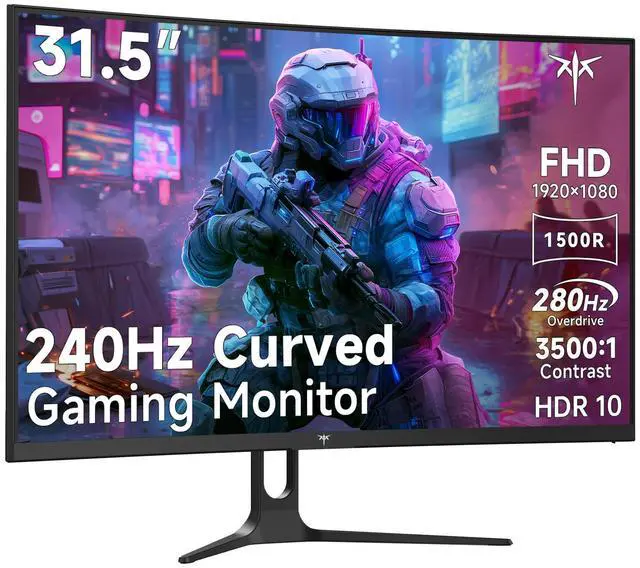
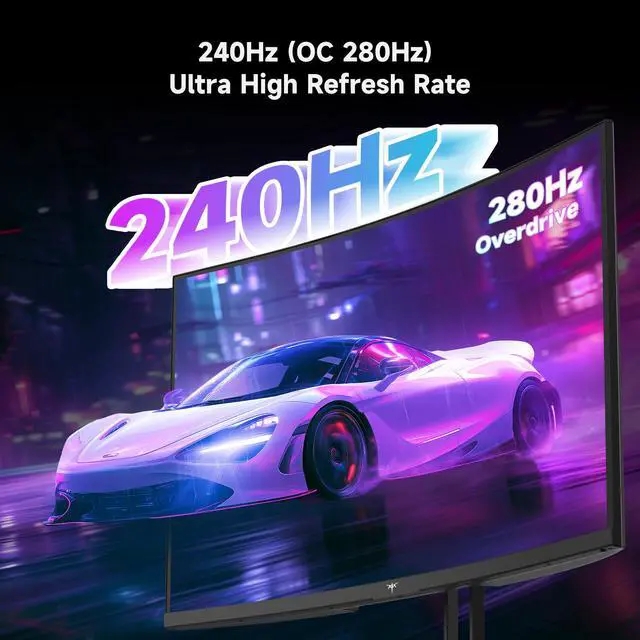
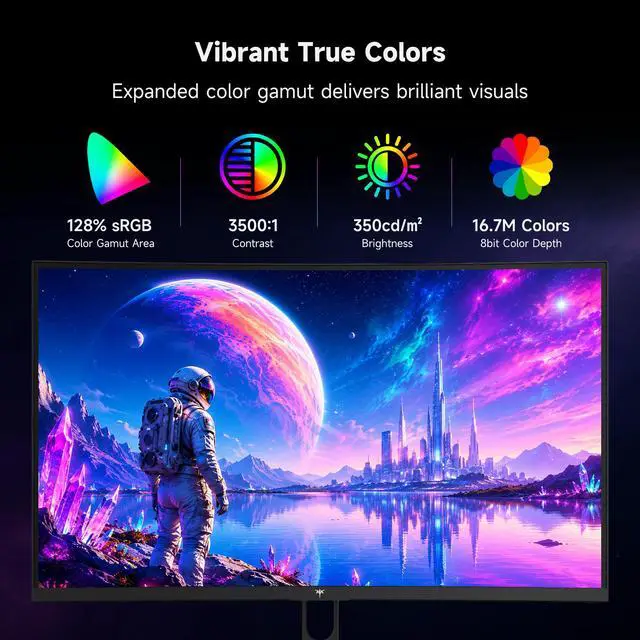
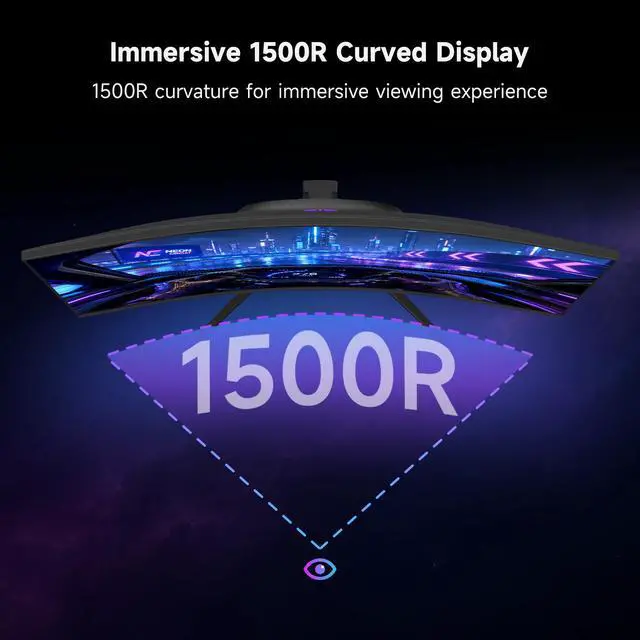
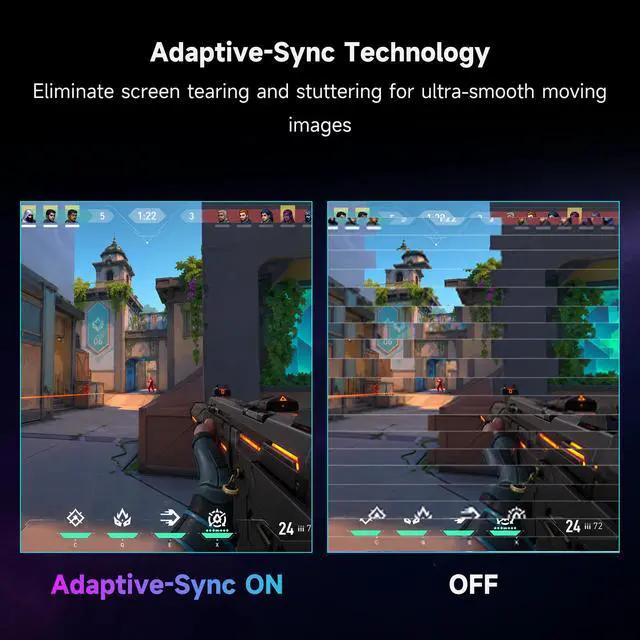
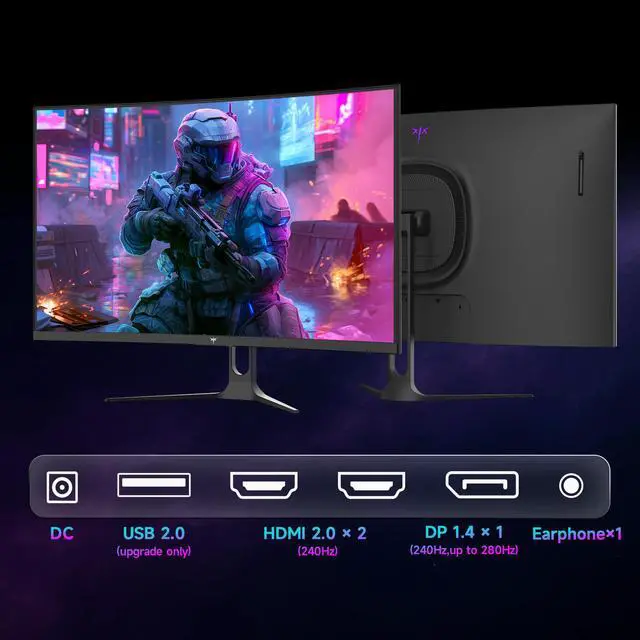
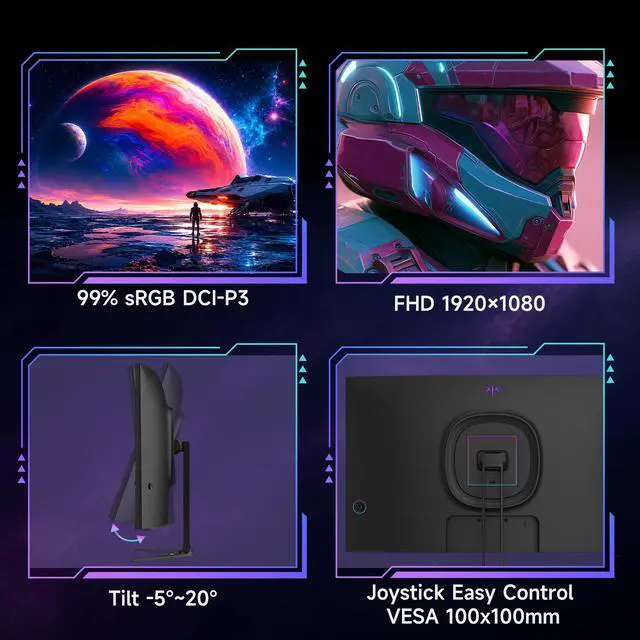
KTC 32 inch H32C5 240Hz curved gaming monitor with OC 280Hz. Adaptive-Sync eliminates screen tearing and motion blur to deliver ultra-smooth visuals for competitive gaming. 1500R HVA curved panel and a 178° wide viewing angle, it provides immersive, consistent and vivid visuals with low blue light protection for extended comfortable viewing. Boasting 1080P FHD resolution, 128% sRGB wide color gamut, 3500:1 high contrast ratio and HDR10 enhancement, it restores lifelike, bright and detailed picture quality for games and videos. Equipped with 2×HDMI 2.0 (240Hz), DP 1.4 (up to 280Hz) and a headphone jack, it supports stable connection with PCs, game consoles and audio devices for versatile daily use. Additionally, the monitor features -5° to 15° tilt adjustment and 100×100mm VESA mount compatibility, allowing flexible angle customization and easy installation for home, office and desktop setups.
The KTC H32C5 is a 31.5-inch curved FHD gaming monitor with a native 240Hz refresh rate and up to 280Hz over DisplayPort, making it suitable for competitive PC gamers who prioritize smooth motion and fast response in esports titles.
| Attribute | Value |
|---|---|
| Best For | Fast-paced gaming on a 31.5-inch Full HD monitor with a 280Hz refresh rate |
| Panel And Resolution | 31.5-inch display with a 1920 × 1080 Full HD resolution |
| Refresh Rate And Response | 280Hz refresh rate for smooth motion in fast-paced gameplay |
Q: Should I buy the KTC H32C5 or upgrade to the KTC H32S25E?
A: Choose the KTC H32C5 if you want a large 31.5-inch curved display with up to 280Hz and your gaming PC is optimized for 1080p high-frame-rate gaming. Choose the KTC H32S25E if sharper image quality is more important: it raises the resolution to 2560×1440 while retaining a fast 240Hz refresh rate. The H32C5 is easier to drive at very high frame rates, while the H32S25E provides clearer text and greater desktop detail.
Q: Is the KTC H32C5 worth choosing over the KTC H32S17F?
A: Choose the KTC H32C5 when you want the highest refresh rate in this 32-inch FHD curved format, since it supports up to 280Hz compared with the H32S17F’s 240Hz. Choose the H32S17F when its lower price or 240Hz limit already matches your gaming hardware. Both models target large-screen 1920×1080 gaming with a 1500R curve, so the upgrade mainly concerns refresh-rate headroom and model-specific features rather than resolution.
Q: KTC H32C5 or KTC H27E22P: which is better for competitive gaming?
A: Choose the KTC H32C5 for a larger, more immersive 31.5-inch curved screen. Choose the KTC H27E22P for a smaller desk footprint and a more compact competitive-gaming setup. Both use 1920×1080 resolution and support up to 280Hz, so the main decision is screen size and curvature: the H32C5 favors viewing area, while the H27E22P favors compact positioning and shorter viewing distance.
Q: How does the KTC H32C5 compare with the AOC C32G2ZE?
A: Choose the KTC H32C5 if you want up to 280Hz, HDR10 support, and a 1500R curved 32-inch FHD format. Choose the AOC C32G2ZE if you prefer a model with established professional review coverage and strong VA contrast performance. Both are large 1920×1080 curved gaming monitors, so image sharpness remains a trade-off at this size; the higher refresh rate on the H32C5 is most useful when your system can consistently exceed 240 frames per second.
Q: Can this monitor reach 280Hz, and which connection should I use?
A: Yes. The monitor supports up to 280Hz through its DisplayPort 1.4 input. Its HDMI 2.0 inputs support up to 240Hz, so DisplayPort is required for the maximum refresh rate. The connected PC and graphics card must also support the selected refresh rate.
Q: Is this monitor suitable for PS5, Xbox, or other consoles?
A: Yes, it can connect to compatible consoles through HDMI. However, consoles generally will not use the monitor's full 240Hz or 280Hz capability. The monitor is best suited to PC gaming when high frame rates are available, while console gaming will typically use a lower refresh rate.
Q: Is this monitor good for office work, meetings, and note-taking?
A: It can handle general office work, web browsing, video meetings, and note-taking, but its 1920×1080 resolution is less spacious than a higher-resolution monitor at 31.5 inches. It is a better choice for users who want one display for gaming and everyday tasks than for users prioritizing maximum text sharpness or desktop workspace.
Q: Can the monitor be mounted on a wall or monitor arm?
A: Yes. It supports a standard 100×100mm VESA mounting pattern, so it can be used with a compatible wall mount or monitor arm. The included stand provides tilt adjustment from -5° to 15°.
Q: Who is this monitor best suited for?
A: It is best suited for PC gamers who play fast-paced competitive games and have hardware capable of producing high frame rates. The 31.5-inch curved FHD panel also suits users who want an immersive gaming screen for streaming and general entertainment. It is less suitable for buyers who primarily want high-resolution productivity, professional color accuracy, or a compact travel display.
Q: Is a 32-inch 1080p monitor sharp enough for gaming and everyday use?
A: It is suitable if you prioritize a large, immersive screen and high frame rates, but 1920×1080 spread across 31.5 inches produces relatively low pixel density. Reddit discussions repeatedly describe 32-inch 1080p monitors as less sharp for text and desktop use than smaller 1080p or 27-inch 1440p displays.
Q: Who is the KTC H32C5 best suited for?
A: It is best suited for PC gamers who want a large curved display, can drive high frame rates at 1080p, and value smooth motion over high desktop sharpness. It is less suitable for users who mainly read text, edit detailed content, or prefer a sharper 1440p image at normal desk distance.
Q: Is 280Hz worth choosing over a lower-refresh-rate monitor?
A: The 280Hz mode is most worthwhile for competitive PC gaming when the system can consistently produce very high frame rates. The benefit is smaller for slower-paced games, general use, or console gaming, where available frame rates are typically much lower. DisplayPort is required for the advertised 280Hz mode; HDMI supports up to 240Hz according to the product specifications.
Q: Is KTC a reliable choice for a budget gaming monitor?
A: Community experience is mixed but generally positions KTC as a budget-oriented brand with competitive specifications. Some Reddit owners report good long-term performance, while others raise concerns about quality control, factory calibration, dead pixels, firmware, or customer support. Buying from a seller with a clear return and warranty policy is important.


