here!
I’m your shopping assistant for PC builds, upgrades, and everything tech.
Got questions? Ask away!
Start a conversation
here!
I’m your shopping assistant for PC builds, upgrades, and everything tech.
Got questions? Ask away!
Start a conversation



Any questions? Ask CelesteSM will help you find out quickly.

| Products | ||||
|---|---|---|---|---|
| Screen Size | 24 | 27 | 27 | 27 |
| Resolutio | 1920 x 1080 (1K) | 2560 x 1440 (2K) | 2560 x 1440 (2K) | 2560 x 1440 (2K) |
| Refresh Rate | 200Hz | 200Hz | 180Hz | 240Hz |
| Curved Surface Screen | ||||
| HDR Standard | HDR 400 | HDR 400 | HDR 10 | HDR 400 |
| Panel | IPS | IPS | VA | VA |
| Aspect Ratio | 16:9 | 16:9 | 16:9 | 16:9 |
| Display Colors | 8bit | 8bit | 8bit+FRC | 8bit |
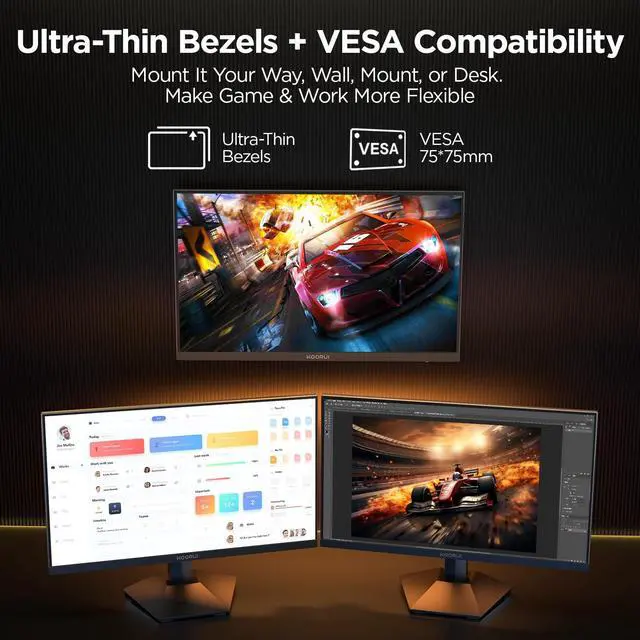
| VESA | 75 x 75mm | 75 x 75mm | 100 x 100mm | 75 x 75mm |
| Maximum Operating Plan DP interface | FHD200Hz | QHD200Hz | QHD180Hz | QHD240Hz |
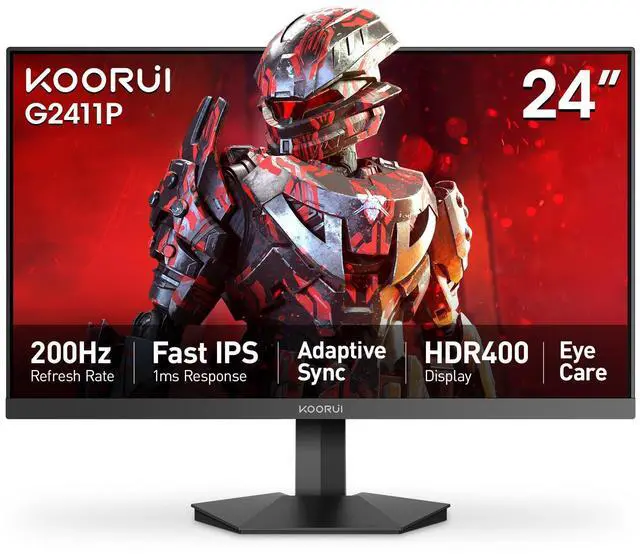
24" Gaming Monitor, 200Hz 1ms Fast IPS, FHD HDR400 Display, 90% DCI-P3 Color Gamut, Adaptive Sync, Ultra Slim Frame, VESA Mountable, HDMI 2.0, DP 1.4
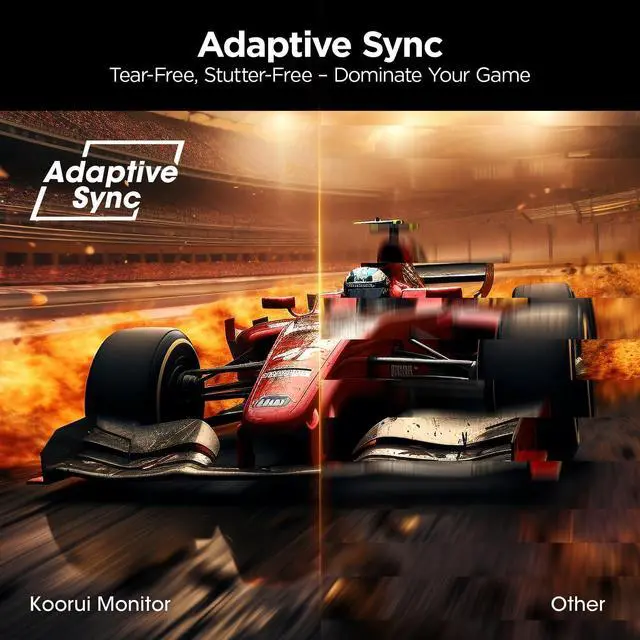
The KOORUI G2411P is a 24-inch FHD gaming monitor with a 200Hz refresh rate, 1ms response time, IPS panel, HDR400, and Adaptive Sync. It suits gamers who want smooth, responsive performance for competitive and fast-paced PC gaming.
| Attribute | Value |
|---|---|
| Best For | Fast-paced gaming and vivid FHD viewing, with a high-refresh IPS panel, 1 ms response time, and HDR400 support |
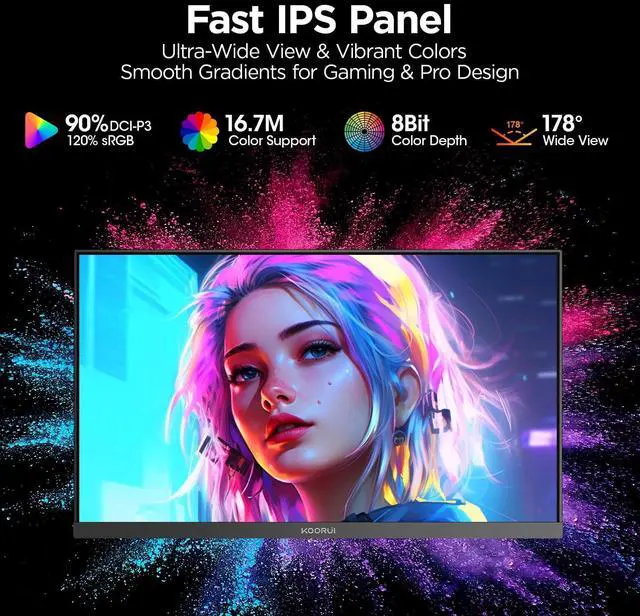
| Panel And Resolution | 24-inch widescreen IPS display with a 16:9 aspect ratio, 1920 x 1080 FHD resolution, 178° horizontal and vertical viewing angles, 350 cd/m² brightness, 1000:1 contrast, 16.7 million colors, and 99% sRGB coverage |
| Refresh Rate And Response | 200Hz refresh rate with a 1 ms response time for smooth motion in fast-paced content |
| HDR And Backlight | HDR400 support with LED backlighting and a glare screen |
| Ports And Connectivity | Two HDMI 2.0 ports, one DisplayPort 1.4, and an audio connector support video and audio connections |
| Stand And Ergonomics | Tilt-adjustable stand with a 6.77 weight rating |
| Design And Physical Details | Black cabinet with a three-sided frameless bezel design |
| Power | Uses a 12V2.5A power supply and has 30W power consumption |
| Model Identifiers | Model G2411P |
Q: KOORUI G2411P vs a typical 144Hz or 165Hz 24-inch gaming monitor: which should I buy?
A: Choose the KOORUI G2411P if you play competitive PC games and your system can sustain frame rates above 165 FPS. Its 23.8-inch 1080p IPS panel reaches 200Hz, while common 144Hz and 165Hz alternatives provide slightly less motion fluidity. Choose a lower-refresh model if your games or hardware rarely exceed 144–165 FPS, because the practical difference will be smaller. Independent testing reported smoother tracking and flick response versus 144Hz and 165Hz competitors, although results depend on game settings and the monitor’s overdrive mode. ([koorui.com](https://koorui.com/products/koorui-24-inch-fhd-200hz-ips-hdr400-g2411p?utm_source=openai))
Q: KOORUI G2411P vs Xiaomi Gaming Monitor G24i: which is better for 1080p gaming?
A: Choose the KOORUI G2411P if you prioritize a 200Hz refresh rate, 350-nit brightness, HDR400 support, and two HDMI 2.0 inputs. Choose the Xiaomi G24i if you prefer Xiaomi’s individually calibrated color claim of ΔE<2, a slimmer design, or a simpler monitor setup. The standard Xiaomi G24i is rated at 180Hz, while the newer 2026 version reaches 200Hz, so verify the exact model before comparing. Both are 23.8-inch 1080p IPS gaming monitors with adaptive-sync support. ([koorui.com](https://koorui.com/products/koorui-24-inch-fhd-200hz-ips-hdr400-g2411p?utm_source=openai))
Q: KOORUI G2411P vs LG UltraGear 24GS65F-B: which is the better buy?
A: Choose the KOORUI G2411P if you want the higher 200Hz refresh rate and HDR400 support for competitive gaming. Choose the LG 24GS65F-B if desk ergonomics and broad compatibility matter more: it offers a 180Hz IPS panel, G-SYNC Compatible and FreeSync support, plus height, pivot, swivel, and tilt adjustments. The KOORUI’s included stand is tilt-only, so the LG is more suitable for a workstation or multi-purpose setup where monitor positioning is important. ([koorui.com](https://koorui.com/products/koorui-24-inch-fhd-200hz-ips-hdr400-g2411p?utm_source=openai))
Q: Should I buy the KOORUI G2411P or upgrade to a 240Hz monitor such as the Samsung Odyssey G4?
A: Choose the KOORUI G2411P when you want high-refresh 1080p gaming at a lower performance and hardware requirement. Choose a 240Hz monitor such as the Samsung Odyssey G4 when you consistently play competitive titles at 240 FPS or higher and want the additional motion-update headroom. The G2411P already provides 200Hz, so the upgrade is most meaningful for high-frame-rate esports users rather than general gaming. Samsung also adds G-SYNC compatibility and an ergonomic stand, while the KOORUI uses a tilt-only stand. ([koorui.com](https://koorui.com/products/koorui-24-inch-fhd-200hz-ips-hdr400-g2411p?utm_source=openai))
Q: Is this monitor suitable for competitive gaming?
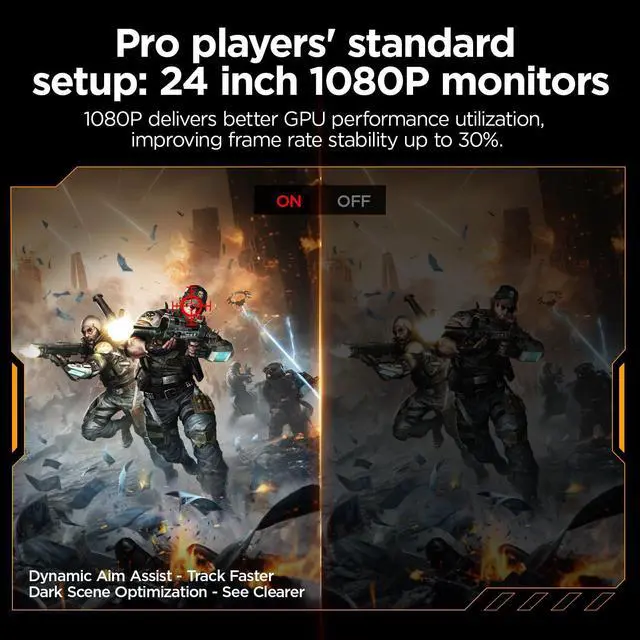
A: Yes. It is suitable for fast-paced PC gaming because it combines a 200Hz refresh rate, 1ms response time, FHD resolution, IPS panel, and Adaptive Sync. It is best for users who prioritize smooth motion and responsiveness over higher-than-1080p resolution.
Q: Is this monitor good for office work, note-taking, and web browsing?
A: Yes, it can handle office work, note-taking, meetings, and web browsing, but it is optimized for gaming rather than productivity. The 24-inch FHD IPS display provides wide viewing angles and clear text, while the tilt-only stand offers less ergonomic adjustment than a height-adjustable office monitor.
Q: Can this monitor run at 200Hz with any computer or laptop?
A: Not necessarily. The monitor supports refresh rates up to 200Hz, but the actual refresh rate depends on the computer, graphics hardware, cable, output port, resolution, and configured display settings. A device with a lower refresh-rate limit will not deliver 200Hz.
Q: Can I connect multiple devices to this monitor?
A: Yes. It has two HDMI 2.0 ports and one DisplayPort 1.4 input, allowing multiple computers, consoles, or other video sources to remain connected. You may need to switch the monitor's input source when changing devices.
Q: Is this a practical monitor for travel or temporary work setups?
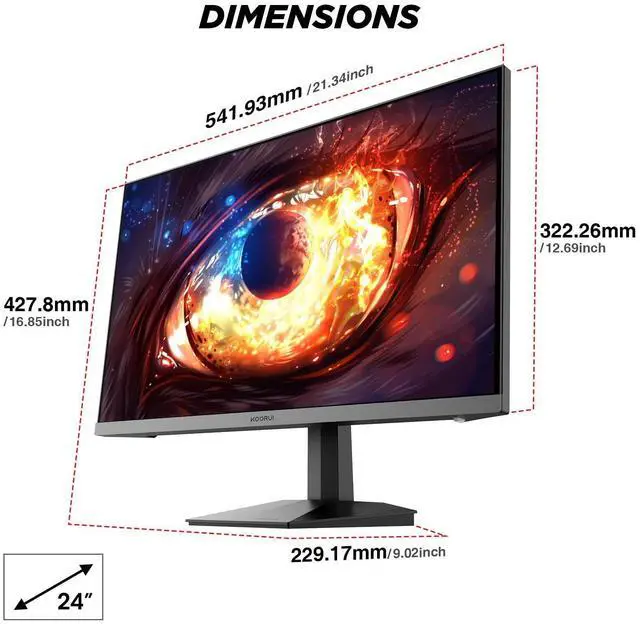
A: It is practical as a portable second monitor for occasional relocation, but it is not especially travel-friendly. The 24-inch size, approximately 6.77-pound weight, separate 12V power adapter, and tilt-only stand make it better for dorm rooms, offices, and temporary desks than frequent air or backpack travel.
Q: Is the KOORUI G2411P worth buying for budget 1080p gaming?
A: It is a reasonable value option when the priority is a 24-inch FHD IPS display with up to 200Hz at a lower price than many better-known brands. The main trade-off is that buyers may place more importance on brand reputation, warranty coverage, and long-term support than on the extra refresh rate.
Q: Who is the KOORUI G2411P best suited for?
A: It is best suited for users who want competitive 1080p gaming on a 24-inch screen, especially for games such as Valorant, Apex, Dota 2, and similar titles. It can also work as a general-purpose or secondary monitor, but users wanting higher resolution, a larger workspace, or professional color accuracy should consider a different class of display.
Q: Is 200Hz noticeably better than 165Hz or 180Hz on the G2411P?
A: The difference is relatively small: 200Hz can provide slightly smoother motion than 165Hz or 180Hz, but it is not usually the most important buying factor. The benefit depends on whether the computer can consistently produce frame rates near 200 FPS; otherwise, panel quality, warranty, price, and adaptive-sync support may matter more.
Q: Is the G2411P suitable for programming and everyday work?
A: Yes, for basic programming, browsing, documents, and multitasking, but its 24-inch 1920x1080 resolution provides less workspace than a larger or higher-resolution monitor. The 200Hz refresh rate is mainly useful for gaming, so users focused only on coding or office work may get better value from a lower-refresh-rate display with more screen area or higher resolution.