




 here!
I’m your shopping assistant for PC builds, upgrades, and everything tech.
Got questions? Ask away!
Start a conversation
here!
I’m your shopping assistant for PC builds, upgrades, and everything tech.
Got questions? Ask away!
Start a conversation





Any questions? Ask CelesteSM will help you find out quickly.


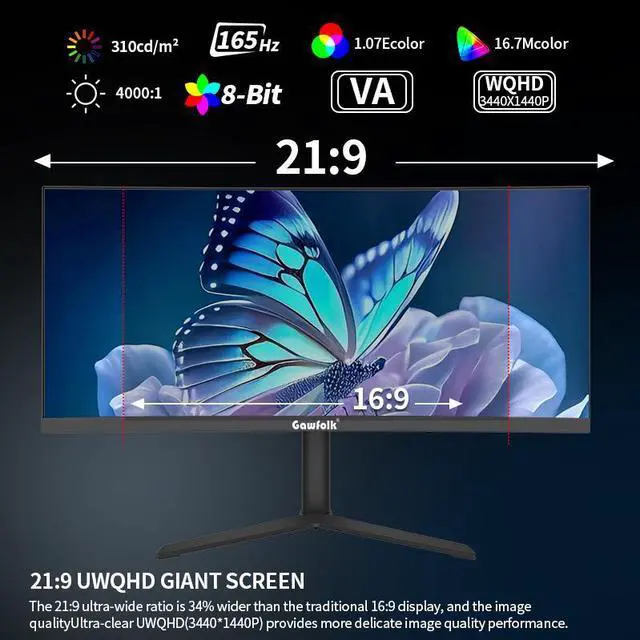
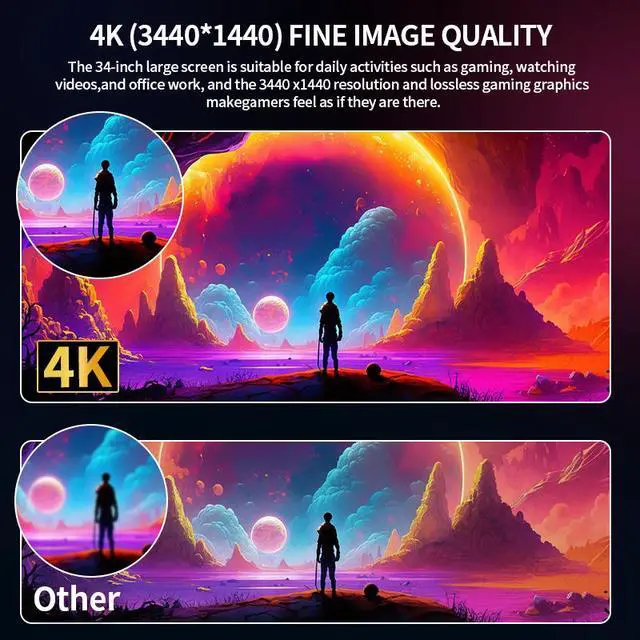
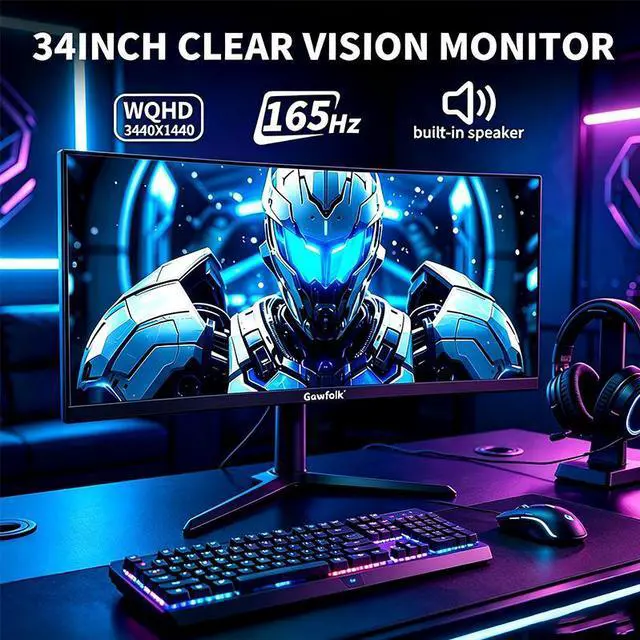
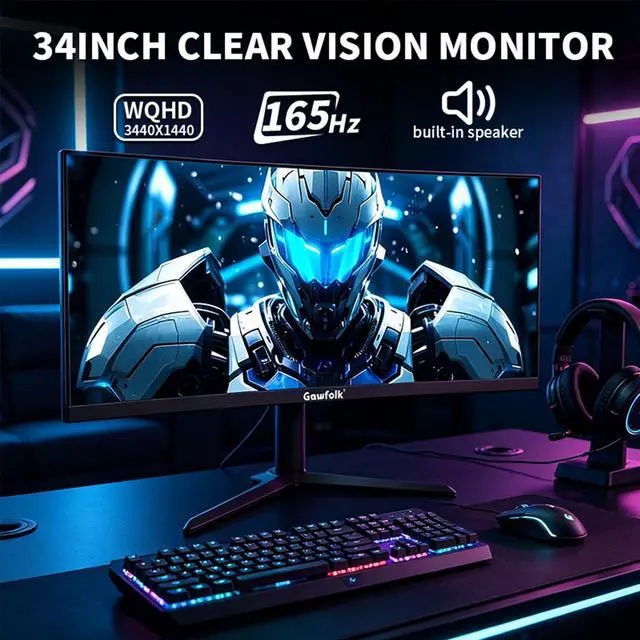
The GAWFOLK 34-inch curved ultrawide gaming monitor is designed for PC gamers and multitaskers who want a 3440 x 1440 UWQHD display, 165Hz refresh rate, 1ms response time, HDR10, and Adaptive Sync for smooth, immersive gameplay and expanded desktop space.
| Attribute | Value |
|---|---|
| Best For | Ultrawide PC gaming and multitasking with a 34-inch 3440 × 1440 curved VA panel, 165Hz refresh rate, 1 ms response time and AMD FreeSync |
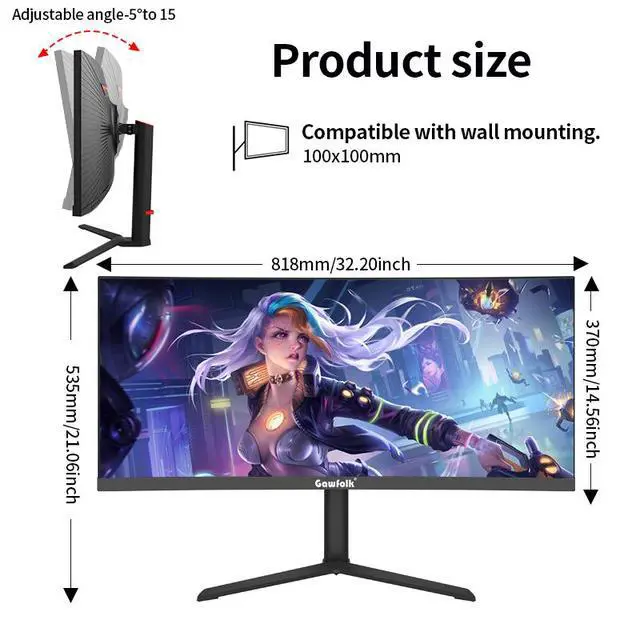
| Panel And Resolution | 34-inch curved UWQHD VA display with 3440 × 1440 resolution, 21:9 aspect ratio, 3800R curvature, anti-glare surface, LED backlight, 310 cd/m² brightness, 4000:1 contrast ratio, HDR10 and 100% sRGB coverage |
| Refresh Rate And Response | 165Hz refresh rate with 1 ms response time and AMD FreeSync adaptive sync for smoother motion and reduced screen tearing |
| Ports And Connectivity | Two HDMI ports, two DisplayPort ports and one headphone output, with HDCP support for compatible protected content |
| Audio And Built-In Features | Built-in speakers provide audio directly from the monitor |
| Power And Included Items | Supports 90–264 VAC at 50/60Hz and includes the monitor, stand, HDMI cable, DisplayPort cable, power adapter and user manual |
| Model Identifiers | GAWFOLK monitor with a black cabinet |
Q: Is the GAWFOLK 34-inch 165Hz monitor better than the Samsung Odyssey G5 34?
A: Choose the GAWFOLK when you want more built-in connectivity and desk features: the listing specifies two HDMI ports, two DisplayPort inputs, built-in speakers, and PIP/PBP. Choose the Samsung Odyssey G5 34 when its 1000R curvature, FreeSync Premium branding, or Samsung support ecosystem matters more. Both target the same core use case with a 34-inch 3440 x 1440 VA panel and up to 165Hz. The GAWFOLK listing has inconsistent curvature information—1500R in one bullet and 3800R in the specifications—so confirm the actual radius before buying.
Q: Should I buy this GAWFOLK instead of a 27-inch 1440p 165Hz monitor?
A: Choose the GAWFOLK for ultrawide gaming, side-by-side windows, video timelines, and productivity because its 34-inch 21:9 panel provides a 3440 x 1440 workspace. Choose a 27-inch 1440p monitor for a smaller desk, lower display cost, or easier GPU performance at high frame rates. The GAWFOLK is the more suitable format when horizontal workspace and immersion matter more than compact size and lower rendering demand.
Q: Is the GAWFOLK 34-inch a good alternative to the AOC CU34G3S?
A: Choose the GAWFOLK if its additional inputs, built-in speakers, and PIP/PBP are more useful to you than brand-specific features. Choose the AOC CU34G3S if you prefer AOC's established ultrawide gaming range and its published 34-inch 3440 x 1440 VA configuration with 165Hz refresh. The two monitors are positioned for similar gaming and multitasking use, so the decision should focus on price, warranty, measured response behavior, stand adjustment, and return support rather than the advertised 1ms figure alone.
Q: Should I upgrade from the GAWFOLK 34-inch VA monitor to a 34-inch OLED ultrawide?
A: Upgrade to a 34-inch OLED ultrawide when HDR impact, near-instant pixel response, wide color coverage, and deep per-pixel contrast are priorities. Stay with the GAWFOLK when you mainly want 3440 x 1440 resolution, 165Hz gaming, ultrawide workspace, built-in speakers, and a conventional VA-panel design. For example, the Alienware AW3423DWF keeps the same 3440 x 1440 format and 165Hz DisplayPort refresh rate but adds QD-OLED technology, DisplayHDR TrueBlack 400, a USB hub, and a stated 0.1ms response time. The OLED option is a display-quality upgrade rather than a resolution or refresh-rate upgrade.
Q: Is this monitor suitable for PC gaming?
A: Yes. It is best suited to PC gaming because it combines a 3440 x 1440 ultrawide resolution, 165Hz refresh rate, 1ms response time, curved VA panel, and adaptive sync support. A compatible graphics card is recommended to drive demanding games at high frame rates.
Q: Is it good for office work and multitasking?
A: Yes. The 21:9 aspect ratio and 3440 x 1440 resolution provide more horizontal workspace than a standard monitor, making it useful for side-by-side documents, spreadsheets, browser windows, and productivity applications. Its 34-inch size is better suited to a fixed desk than to compact workspaces.
Q: Will it work well with a game console?
A: It can connect to compatible consoles through HDMI, but console support for the native 21:9 ultrawide format may be limited. Some consoles may display the image at a standard 16:9 format with black bars or use a lower supported resolution. PC users are more likely to use the monitor’s full 3440 x 1440 and 165Hz capabilities.
Q: Can I connect multiple computers or devices at the same time?
A: Yes. The monitor includes two HDMI ports and two DisplayPort ports, allowing multiple video sources to remain connected. Its listed PIP/PBP features can display content from more than one input, although the available layouts and refresh rates may vary by mode and source.
Q: Are the built-in speakers suitable for meetings and everyday use?
A: The monitor includes built-in speakers for basic system audio, videos, and casual calls. It does not list an integrated webcam or microphone, so video meetings still require separate peripherals or a connected laptop with those components. Headphones or external speakers may provide better sound for frequent meetings or gaming.
Q: Is the GAWFOLK 34-inch ultrawide worth buying for budget gaming?
A: It can be a reasonable budget option if you prioritize a 34-inch 3440×1440 ultrawide display and 165Hz refresh rate over brand reputation and long-term support. User discussions describe good value and acceptable gaming image quality, but also mention possible ghosting, difficult controls, and uncertain quality consistency. ([reddit.com](https://www.reddit.com/r/Monitors/comments/1rnnc7h/anyone_have_experience_with_gawfolk_monitors/?utm_source=openai))
Q: Is this monitor suitable for work and multitasking?
A: Yes, the 34-inch 21:9 format and 3440×1440 resolution provide substantial horizontal workspace for multiple windows, documents, and applications. It is better suited to desk-based productivity than portable use, and users should not buy it primarily for USB-C docking or USB hub features because those are not listed in the specifications. ([reddit.com](https://www.reddit.com/r/ultrawidemasterrace/comments/1twp5ds/i_bought_a_gawfolk_45monitor_for_300_ama/?utm_source=openai))
Q: What are the main trade-offs of buying this GAWFOLK monitor?
A: The main trade-off is lower purchase cost versus less established quality assurance and support. Reddit users report inexpensive construction, weak or inconvenient stands and controls, occasional dead pixels, ghosting in some games, and isolated screen or backlight failures across GAWFOLK models. These reports are community experiences, not a defect rate for this exact listing. ([reddit.com](https://www.reddit.com/r/Monitors/comments/1rnnc7h/anyone_have_experience_with_gawfolk_monitors/?utm_source=openai))
Q: Is it a noticeable upgrade from an older 29-inch ultrawide?
A: The upgrade is most apparent in refresh rate, brightness, and total resolution rather than in a universally dramatic image-quality improvement. One 34-inch owner reported that the monitor looked good but did not seem substantially better than an older LG 29-inch ultrawide after accounting for brightness and refresh-rate differences. ([reddit.com](https://www.reddit.com/r/Monitors/comments/1rnnc7h/anyone_have_experience_with_gawfolk_monitors/?utm_source=openai))


