




 here!
here!
I’m your shopping assistant for PC builds, upgrades, and everything tech.
Got questions? Ask away!
Start a conversation
here!
I’m your shopping assistant for PC builds, upgrades, and everything tech.
Got questions? Ask away!
Start a conversation Top Rated



Any questions? Ask CelesteSM will help you find out quickly.


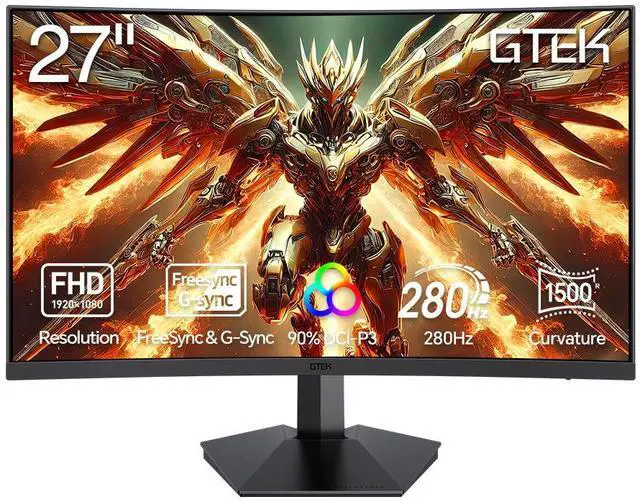
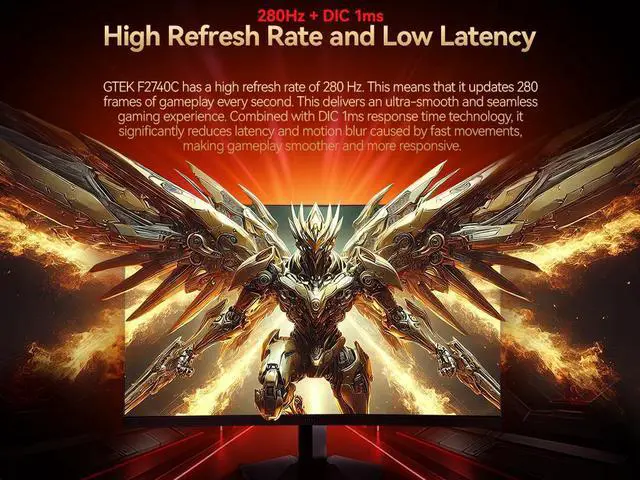
The GTek F2740C is a 27-inch curved Full HD gaming monitor with a 280Hz refresh rate, 1ms MPRT response time, and FreeSync, suited to competitive FPS and other fast-paced games where smooth motion matters.
| Attribute | Value |
|---|---|
| Best For | Gaming on a 27-inch Full HD display with a 280Hz refresh rate, 1ms response time, and FreeSync |
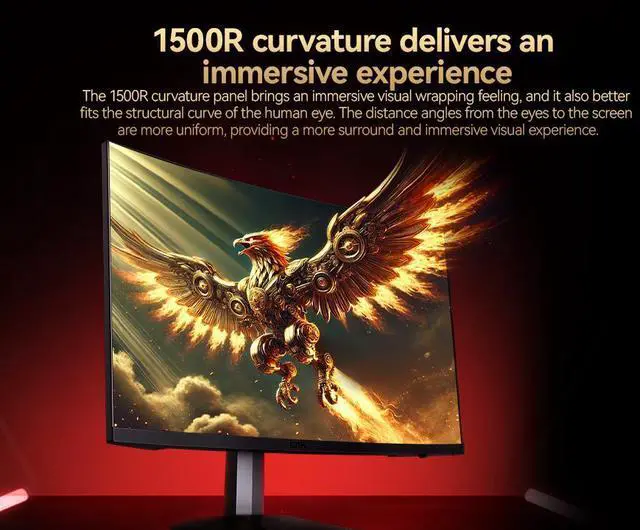
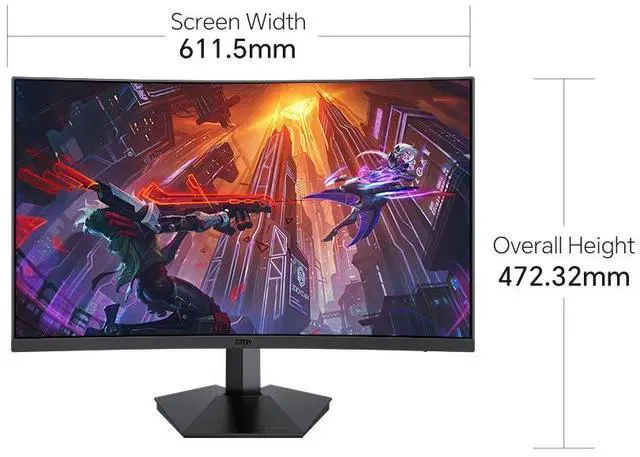
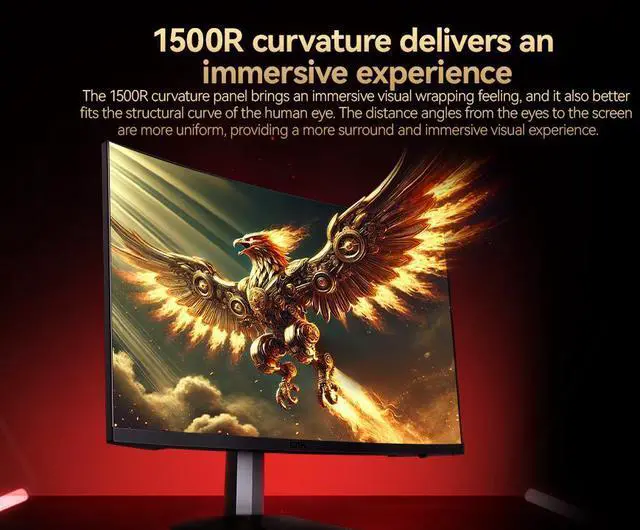
| Panel And Resolution | 27-inch LCD panel with 1920 × 1080 Full HD resolution, 16:9 aspect ratio, 1500R curve, 4000:1 contrast ratio, 178-degree viewing angle, glossy finish, and 90% DCI-P3 color gamut |
| Refresh Rate And Response | 280Hz refresh rate, 1ms response time, and AMD FreeSync adaptive sync |
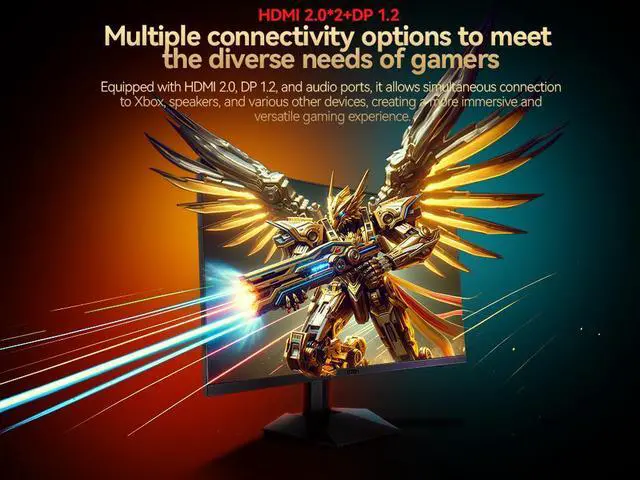
| Ports And Connectivity | One HDMI port and one DisplayPort; HDMI and DisplayPort connectivity for compatible devices |
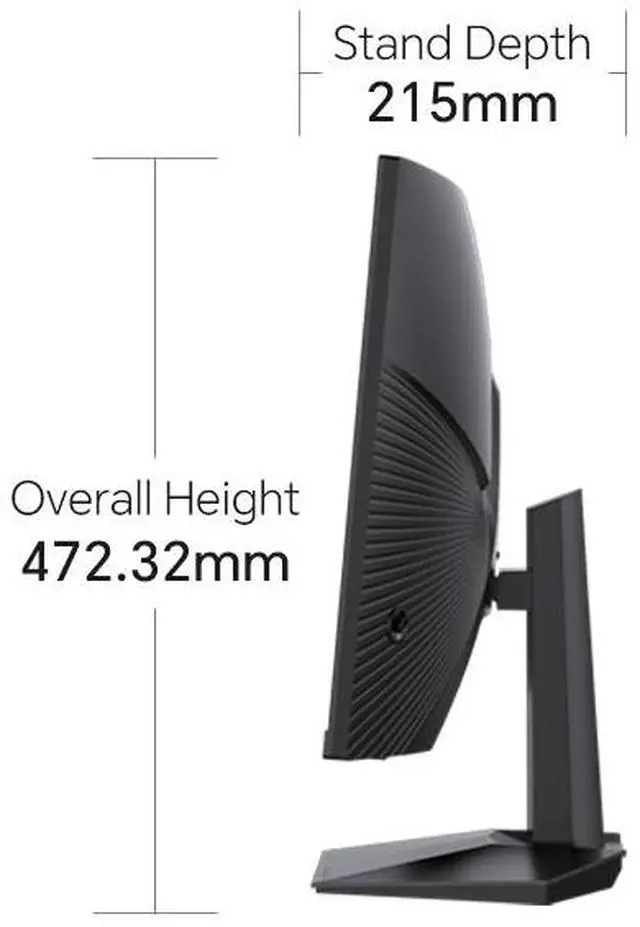
| Stand And Ergonomics | Desk-mountable, wall-mountable design with tilt adjustment and a frameless bezel |
| Additional Features | Includes a blue light filter |
| Model Identifiers | GTek F2740C |
Q: Should I get the GTEK F2740C or a 27-inch 1440p 165–180Hz monitor?
A: Choose the F2740C if you prioritize a refresh rate of up to 280Hz, mainly play competitive games, and want to keep the rendering load lower. Choose a 27-inch 1440p monitor if sharper detail for games, browsing, and work matters more and your PC can handle the higher resolution. The F2740C is 27-inch 1080p; 1440p has about 78% more pixels, so it requires more rendering work.
Q: Is the GTEK F2740C a better fit than a 24- or 25-inch 1080p esports monitor?
A: Choose the F2740C if you want a larger 27-inch curved screen alongside its up-to-280Hz refresh rate. A 24- or 25-inch 1080p monitor may suit competitive play better if you prefer a smaller screen that is easier to take in at close range; those sizes are also common among high-refresh gaming monitors. Both choices keep the 1080p resolution, but the smaller screen has higher pixel density.
Q: Should I upgrade from a 1080p 144Hz monitor to the GTEK F2740C?
A: The F2740C is worth considering if your games and PC can take advantage of refresh rates above 144Hz: it raises the listed maximum to 280Hz while keeping the resolution at 1080p. If you mainly want sharper images or clearer text, this is not a resolution upgrade; consider a 1440p monitor instead.
Q: Is this monitor suitable for competitive PC gaming?
A: Yes. It is designed for fast-paced gaming, with a 280Hz maximum refresh rate, 1ms MPRT response time, and FreeSync. To benefit from 280Hz, your computer, connection, and game must support and deliver a high refresh rate; the product information does not specify the maximum refresh rate for each input.
Q: What devices can I connect to this monitor?
A: It has HDMI and DisplayPort inputs for connecting compatible computers, laptops, and game consoles. Check that your device has a matching video output; the listing does not specify the supported refresh rate for each input.
Q: Is it suitable for office work as well as gaming?
A: It can be used for everyday office tasks and gaming, with a 27-inch Full HD screen and HDMI and DisplayPort inputs. Its 1920 × 1080 resolution is a practical trade-off to consider if you want more workspace or finer text detail than Full HD provides. The listing does not specify features such as a webcam, USB-C, or an adjustable stand.
Q: Can I use it with a game console?
A: The product information says consoles can connect through HDMI. It does not specify console compatibility testing or the refresh rates supported over HDMI, so check your console’s output requirements and do not assume it will use the monitor’s full 280Hz.
Q: Does it have built-in speakers?
A: Built-in speakers are not listed in the provided product specifications, so confirm this with the seller before buying if monitor audio is important to you. You may need separate speakers or headphones.
Q: Will 27-inch 1080p look sharp if I’m upgrading from a 24-inch 1080p monitor?
A: The resolution stays the same across a larger screen, so the image may look less sharp than on a 24-inch 1080p display. In a Reddit discussion about the F2740C, users raised this pixel-density trade-off; consider a 27-inch 1440p monitor if sharpness is your priority.
Q: Can I use FreeSync with a PS5 on the GTEK F2740C?
A: The provided product information lists FreeSync, but it does not confirm PS5 compatibility. A Reddit owner asked about using the feature with a PS5 and did not report a confirmed result, so verify compatibility for your console and setup before relying on it.
Q: What should I do if the monitor shows a black screen?
A: One Reddit user reported a black-screen problem with an F2740C even after trying other cables and devices, but a single report does not establish how common the issue is. Check the connection and input, then contact support if it persists; the provided product information lists a three-year warranty for manufacturing defects, repairs, or replacements.


 XTRASAVER STORE