




 here!
I’m your shopping assistant for PC builds, upgrades, and everything tech.
Got questions? Ask away!
Start a conversation
here!
I’m your shopping assistant for PC builds, upgrades, and everything tech.
Got questions? Ask away!
Start a conversation
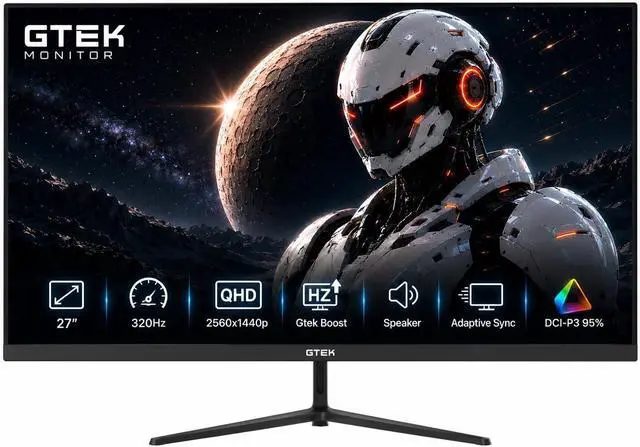
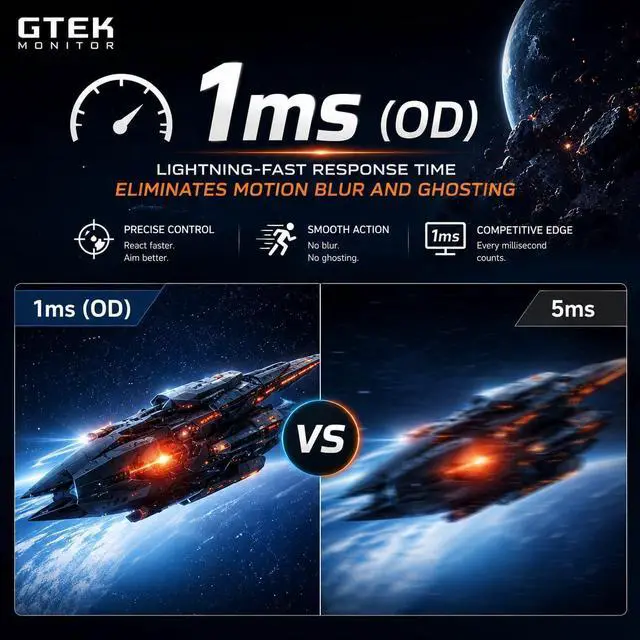
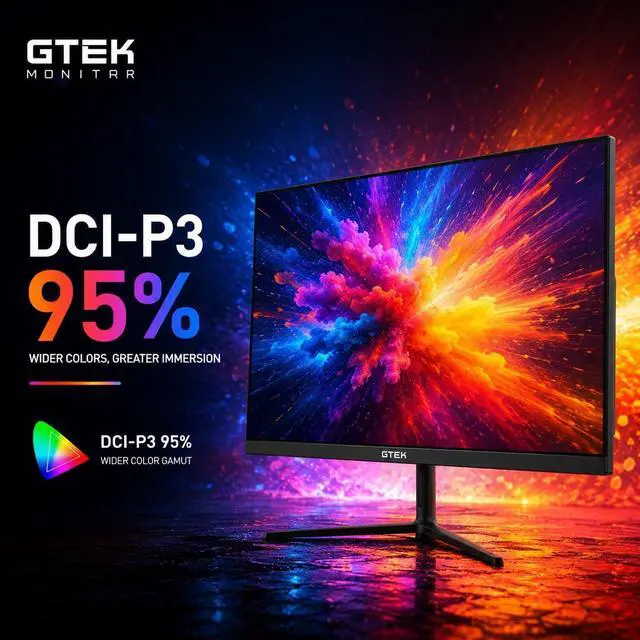
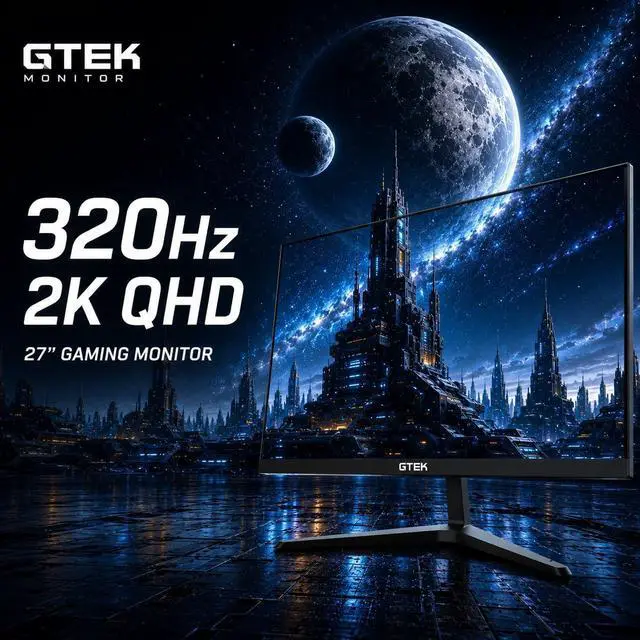


| Screen Size | 27" |
|---|---|
| Panel | IPS |
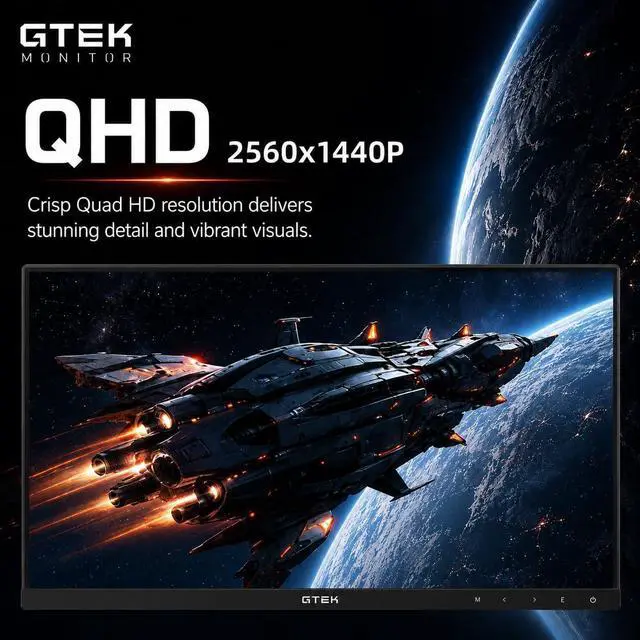
| Resolution | 2560 x 1440P |
| Aspect Ratio | 16:9 |
| Response Time | 1 ms |
| Refresh Rate | 320Hz |
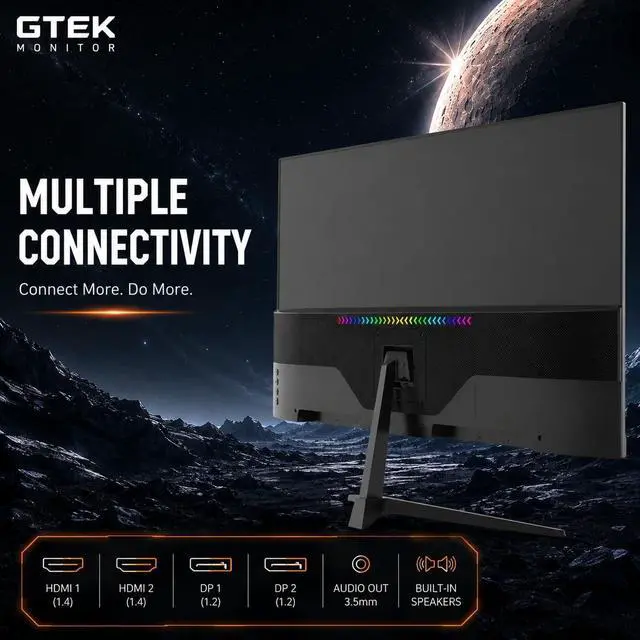
| HDMI | 2 |
|---|
| Built-in Speakers | Yes |
|---|
| First Listed on Newegg | July 29, 2026 |
|---|
We want to ensure your holiday shopping this year is hassle-free. That’s why we’re automatically extending our return policies on almost every product! For purchases placed between November 1st, 2026 and December 31, 2026 you will have until January 31, 2027 to return your product.
The GTek 27-inch gaming monitor combines 2560 × 1440 QHD resolution with a 320Hz refresh rate and 1ms response time, making it suitable for competitive gamers who want fast, detailed gameplay on an IPS display.
| Attribute | Value |
|---|---|
| Best For | Business and gaming use with desktop computers, laptops, or smartphones |
| Panel And Resolution | 27-inch flat IPS LCD with 2560 × 1440 resolution, 16:9 aspect ratio, 178-degree viewing angle, 95% sRGB color gamut, and 1000:1 contrast ratio |
| Refresh Rate And Response | 320 Hz refresh rate with 1 ms response time |
| Ports And Connectivity | 2 HDMI ports and DisplayPort connectivity |
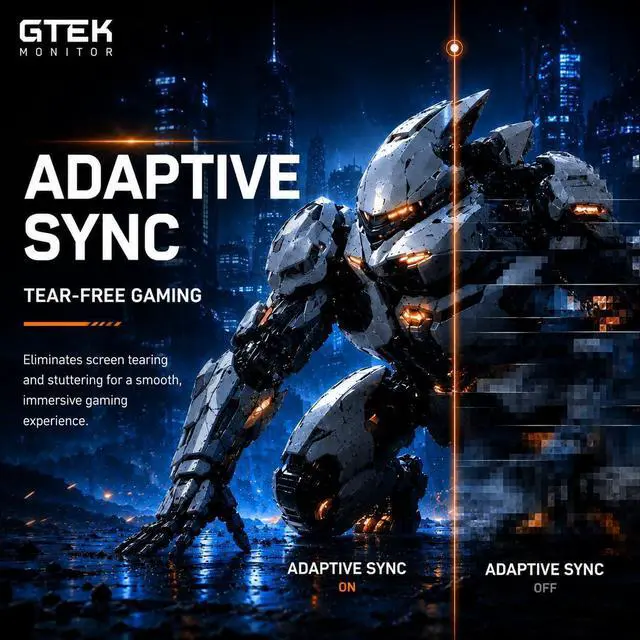
| Adaptive Sync And Eye Care | FreeSync and G-Sync compatible, with flicker-free and low blue light features |
| Stand And Ergonomics | Height-adjustable desk stand; wall mountable |
| Audio | Built-in speakers |
| Brightness | 300 lm |
| Included Components | DisplayPort cable, power adapter, and monitor stand |
| Model Identifiers | GTek Q2732PS, black |
Q: GTek 27-inch QHD 320Hz vs. Acer Nitro XV272U F3: which should I choose?
A: Choose the GTek if its listed 320Hz maximum is confirmed by the seller and you need its advertised two DisplayPort inputs. Choose the Acer if you prefer a 27-inch 1440p IPS monitor with a manufacturer-confirmed 300Hz specification and an independent review. The GTek’s Newegg listing is inconsistent: its title and description mention both 300Hz and 320Hz, and it has no reviews listed there, so confirm the supported refresh rate before buying. Neither listing alone establishes which panel has better real-world motion performance.
Q: Should I get this GTek or a 27-inch 1440p 240Hz monitor like the LG UltraGear 27GR83Q-B?
A: Choose the GTek if you play competitive games and your PC can consistently deliver frame rates near its advertised 300–320Hz range. Choose the LG if 240Hz meets your needs and you prefer a model with manufacturer-published 1440p and refresh-rate specifications. Both are 27-inch QHD options; the GTek listing’s 300Hz/320Hz inconsistency makes it sensible to verify its actual maximum refresh rate before treating the higher figure as an advantage.
Q: GTek 1440p high-refresh monitor or a 27-inch 1080p 240Hz monitor for competitive gaming?
A: Choose the GTek if you want QHD resolution for clearer detail in games and everyday use, while still targeting a very high refresh rate. Choose a 1080p 240Hz option, such as the ASUS TUF Gaming VG279QML5A, if your priority is a lower-resolution competitive setup and 240Hz is sufficient. The trade-off is QHD detail and the GTek’s higher advertised refresh rate versus the potentially lighter rendering workload of 1080p; actual frame rates depend on the PC and game settings.
Q: Does this monitor really run at 320Hz?
A: The supplied product details are inconsistent: the specifications list 320Hz, while the title and bullet description also refer to 300Hz. Confirm the supported maximum refresh rate before buying. Reaching a monitor’s maximum refresh rate also depends on the connected device, cable, input, and settings; the supplied details do not specify the maximum supported over each input.
Q: Is it suitable for both gaming and everyday work?
A: It can serve both uses: the 27-inch IPS display has 2560 × 1440 resolution, and the stand is described as height-adjustable. Its high-refresh-rate gaming features are most relevant when the connected computer can support them. The supplied information does not list a webcam or microphone, so plan on separate equipment if you need those for meetings.
Q: Can I use it with a game console?
A: The product information lists two HDMI inputs, so it can connect to a console with HDMI output. However, the listing does not specify HDMI versions or console-specific resolution and refresh-rate support. Check the console’s supported display modes and confirm the monitor’s limits for HDMI before relying on a particular resolution or refresh rate.
Q: Does it have speakers, and can I use it without separate speakers?
A: Yes. The supplied product information says the monitor has built-in speakers, so it can provide audio without a separate speaker set. Speaker loudness and sound quality are not specified; consider external audio if those are important to you.


 XTRASAVER STORE
