here!
I’m your shopping assistant for PC builds, upgrades, and everything tech.
Got questions? Ask away!
Start a conversation
here!
I’m your shopping assistant for PC builds, upgrades, and everything tech.
Got questions? Ask away!
Start a conversation

Any questions? Ask CelesteSM will help you find out quickly.
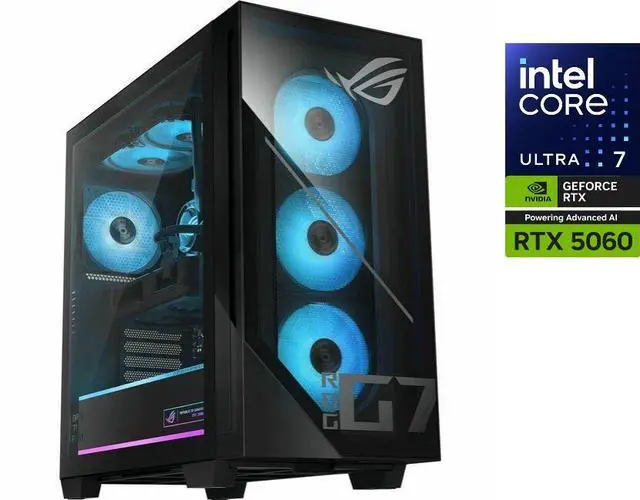
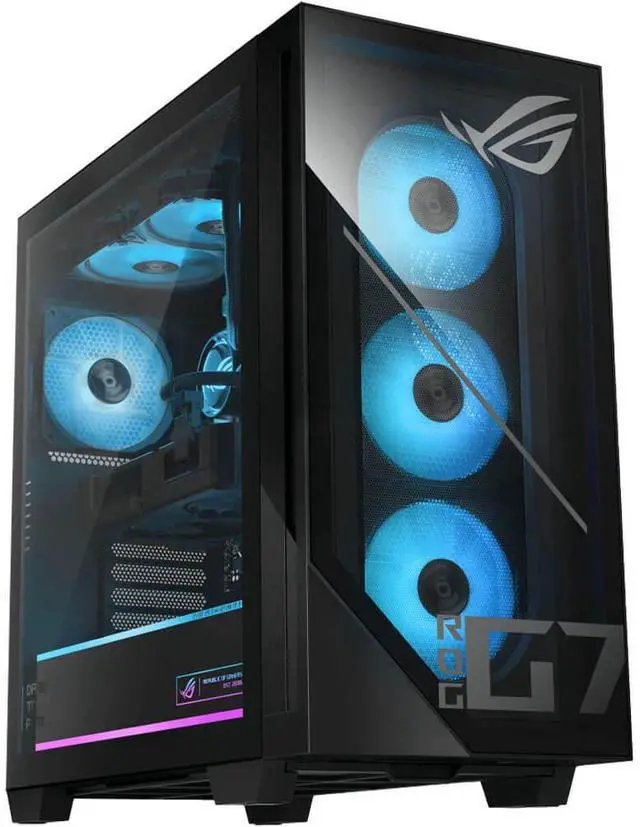
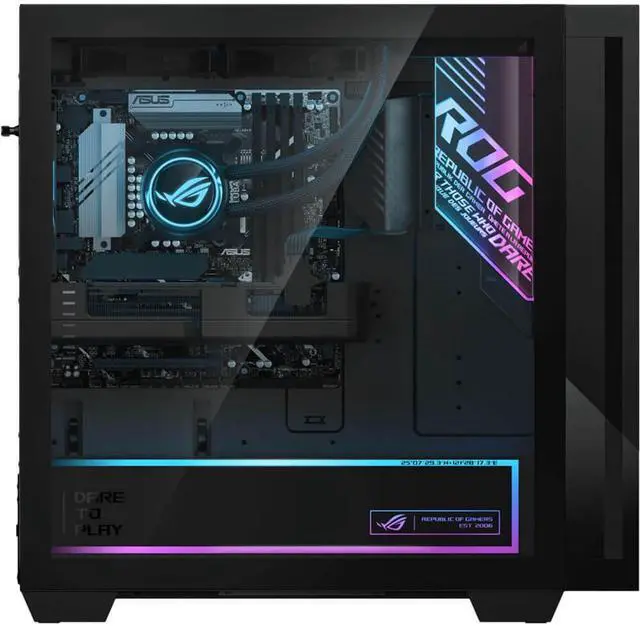
Power through gaming and creative workloads with this Asus desktop, driven by an Intel Core Ultra 7 265F processor and NVIDIA GeForce RTX 5060 DUAL 8GB graphics card. An Intel B860 chipset and 600W 80+ Gold power supply ensure stable, efficient performance, while the aircooled design keeps temperatures in check. Comes complete with an RGB gaming keyboard and mouse so youre ready to play right out of the box.
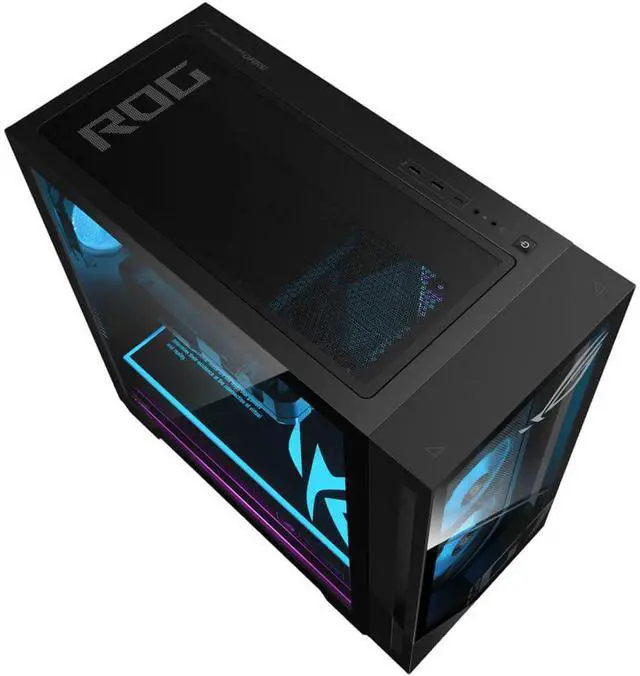
The ASUS ROG G700 is a Windows 11 gaming desktop with an Intel Core Ultra 7 265F processor, GeForce RTX 5060 8GB GDDR7 graphics, 32GB DDR5 memory, and a 1TB PCIe 4.0 NVMe SSD. It suits gamers, content creators, and users who want a ready-to-use desktop with gaming keyboard and mouse included.
| Attribute | Value |
|---|---|
| Best For | Gaming, content creation, work, business, and workstation use with a 20-core Intel processor, discrete GeForce graphics, 32GB of memory, and a 1TB NVMe SSD |
| Processor And Core Count | Intel Core Ultra 7 265F from the Series 2 family with a 64-bit 20-core design |
| Cache And Chipset | 36MB L2 cache, 30MB L3 cache, and Intel B860 chipset |
| GPU And VRAM | NVIDIA GeForce RTX 5060 DUAL graphics with 8GB of GDDR7 memory |
| Memory Configuration | 32GB of DDR5 memory configured as 2 x 16GB modules, with 4 total slots, 2 available slots, and support for up to 128GB |
| Storage And Expansion | 1TB NVMe M.2 solid-state storage with PCIe 4.0 connectivity; the system lists PCIe 4.0 x16 expansion slots, with availability affected when the graphics card is mounted vertically |
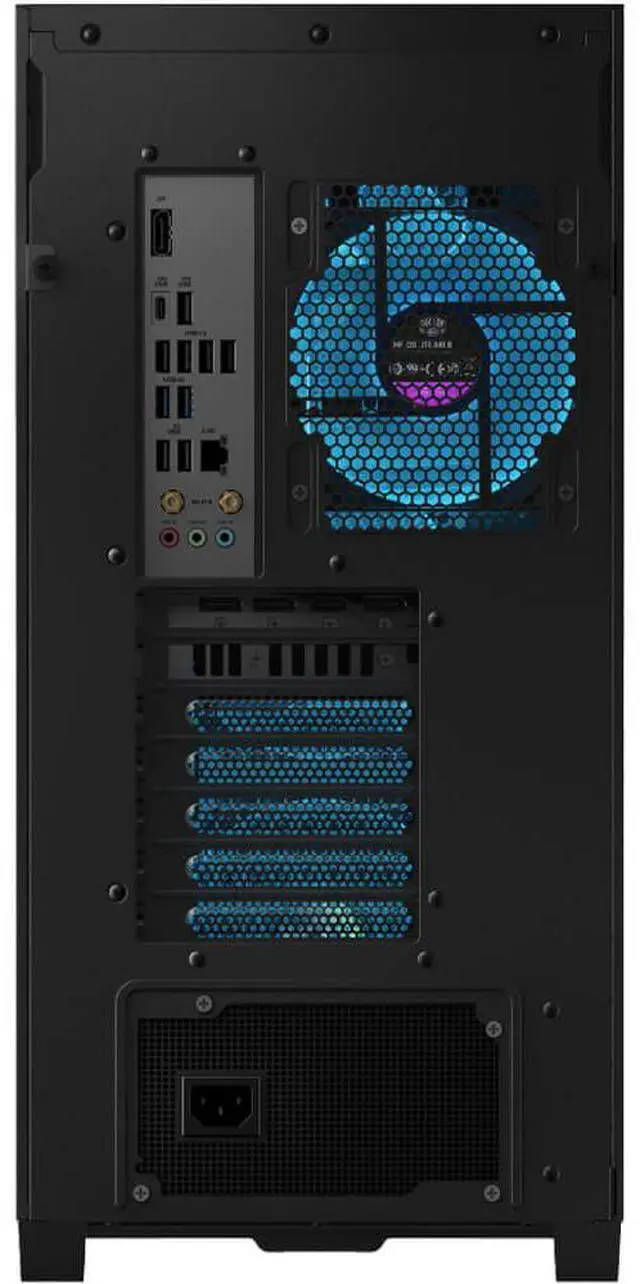
| High Speed I O | Front I/O includes 2 USB 3.2 Gen 1 Type-A ports, 1 USB 3.2 Gen 1 Type-C port, and 2 audio ports; rear I/O includes 4 USB 2.0 Type-A, 4 USB 3.2 Gen 1 Type-A, 1 USB 3.2 Gen 2 Type-A, 1 USB 3.2 Gen 2 Type-C, and 3 audio ports |
| Display Connectivity | Video output includes 1 HDMI port and 3 DisplayPort connections |
| Wired Networking | Gigabit Ethernet through a single RJ45 port with 10/100/1000Mbps support |
| Audio Setup | High Definition 7.1-channel audio |
| Power And Cooling | 600W power supply with 80+ Gold efficiency and air cooling |
| Operating System And Features | Windows 11 Home with AI Ready capability |
| Included Peripherals | Gaming RGB keyboard and gaming RGB mouse |
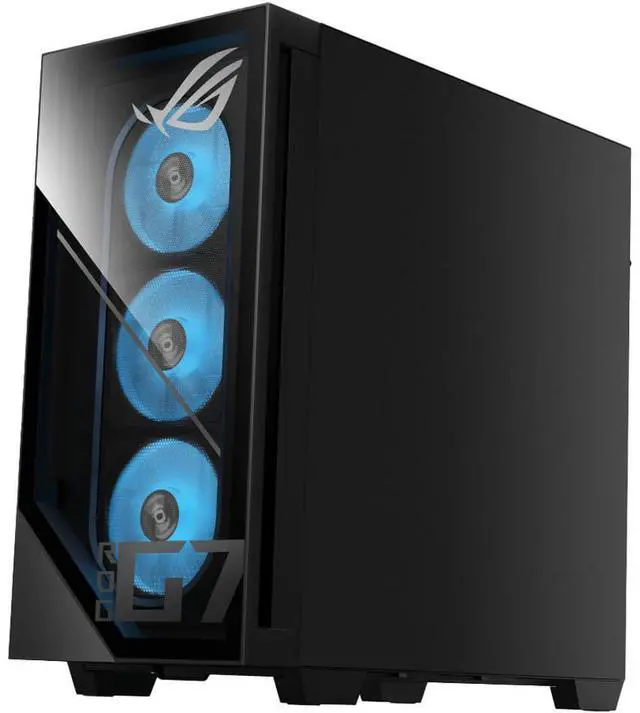
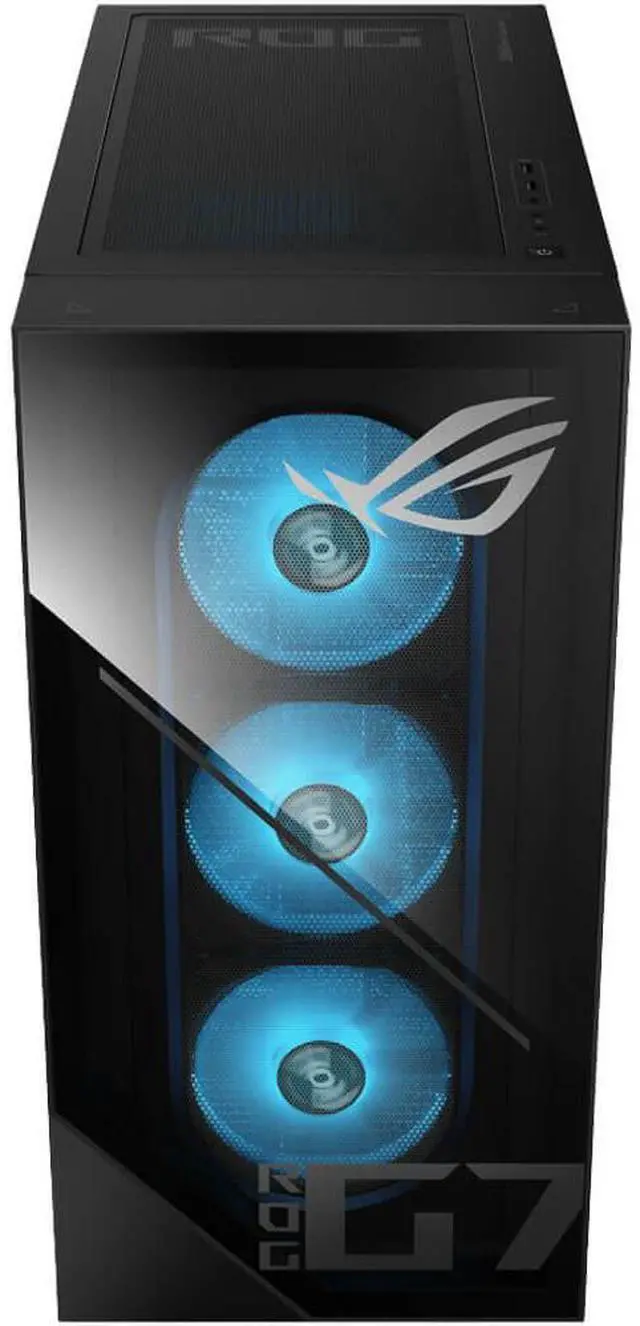
| Physical Specifications | Black desktop chassis measuring 18.88 x 9.45 x 20.05 inches and weighing 40.39 pounds |
| Model Identifiers | ASUS ROG G700 series gaming desktop, model G700TF-PS766, part number 90PF05Q1-M001R0 |
Q: Is the ASUS ROG G700 with RTX 5060 better than a similar RTX 5060 desktop with 16GB RAM and a 512GB SSD?
A: Choose the ASUS ROG G700 when you want more out-of-the-box capacity for gaming, multitasking, and content creation. Its 32GB of DDR5 memory and 1TB PCIe 4.0 NVMe SSD provide twice the listed memory and storage of a typical 16GB/512GB configuration. Gaming frame rates should be similar when both systems use the same RTX 5060, but the G700 reduces the need for immediate memory or storage upgrades.
Q: Should I buy the ASUS ROG G700 RTX 5060 or pay more for an RTX 5070 desktop?
A: Choose the ASUS ROG G700 RTX 5060 for primarily 1080p gaming, mainstream ray tracing, and a lower system cost. Choose an RTX 5070 desktop when you plan to play more demanding games at 1440p, use higher visual settings, or want more performance headroom. Reviews place the RTX 5070 substantially above the RTX 5060 in gaming performance, while the G700’s RTX 5060 remains better aligned with a 1080p-focused build.
Q: How much faster is the ASUS ROG G700 RTX 5060 than an RTX 4060 gaming desktop?
A: The RTX 5060 is generally a meaningful upgrade over the RTX 4060, with published testing showing gains that vary by game and settings. GamersNexus measured the RTX 5060 roughly 6% to 27% ahead of the RTX 4060, commonly around 20%. Choose the G700 when you are replacing an older RTX 4060 system and want newer Blackwell features, including improved frame-generation support; keep the RTX 4060 system if your current 1080p performance is already sufficient.
Q: Is the ASUS ROG G700 RTX 5060 better than an RTX 5060 Ti desktop?
A: Choose the ASUS ROG G700 RTX 5060 when its price and included 32GB RAM, 1TB SSD, keyboard, and mouse provide the better overall system value. Choose an RTX 5060 Ti desktop when you want higher GPU performance or a 16GB graphics-memory configuration for more demanding games and creative workloads. Testing generally places the RTX 5060 Ti about 15% to 25% ahead of the RTX 5060, depending on the game and resolution.
Q: Should I choose the ASUS ROG G700 or a gaming laptop for gaming and school or work?
A: Choose the ASUS ROG G700 when performance, cooling, connectivity, and future upgrades matter more than portability. Its full-tower design includes a desktop RTX 5060, 32GB DDR5 memory, four memory slots, multiple rear USB ports, and a 600W 80+ Gold power supply. Choose a gaming laptop when you regularly need to carry the computer, display, keyboard, and battery-powered system between locations; laptops provide mobility but typically use more constrained cooling and upgrade options.
Q: Can the RAM be upgraded later, and how much memory can it support?
A: Yes. The desktop includes 32GB of DDR5 memory configured as two 16GB modules, with four total memory slots and two available slots. It supports up to 128GB of RAM, subject to compatible DDR5 modules and system configuration.
Q: Can this desktop connect to multiple monitors or a TV?
A: Yes. The system provides one HDMI output and three DisplayPort outputs through the GeForce RTX 5060 graphics card. It can connect to compatible monitors or TVs, although an adapter may be required if a display uses a different input type.
Q: What power supply and cooling does this gaming desktop use?
A: It uses a 600W 80 Plus Gold power supply and an air cooler. The configuration is designed around the included Core Ultra 7 265F processor and GeForce RTX 5060 graphics card. Any future graphics-card upgrade should be checked for power, connector, cooling, and case-clearance requirements.
Q: Does the desktop include a keyboard and mouse?
A: Yes. The ASUS ROG G700 includes a gaming RGB keyboard and a gaming RGB mouse.
Q: Who is this gaming desktop suitable for?
A: It is suitable for users who want one desktop for gaming, general productivity, and content-creation workloads. Its Core Ultra 7 265F processor, 32GB of DDR5 RAM, RTX 5060 8GB graphics, and 1TB NVMe SSD provide a balanced configuration, but game performance will vary by title, resolution, graphics settings, and software.
Q: Is the ASUS ROG G700 with an RTX 5060 worth buying instead of building a PC?
A: It is most suitable for buyers who want a ready-to-use system and do not want to build a PC. Community discussions repeatedly note that a custom build may provide better gaming value, especially with a faster GPU or more VRAM, so the G700's value depends heavily on its selling price.
Q: Who is the ASUS ROG G700 RTX 5060 suitable for?
A: It is suitable for users who want one computer for gaming, everyday tasks, work, and general content creation. The Core Ultra 7 265F, 32GB of DDR5 memory, and 1TB NVMe SSD support multitasking, while the RTX 5060 targets mainstream gaming rather than high-end graphics performance.
Q: Is the RTX 5060 configuration well balanced with the Core Ultra 7 265F?
A: The configuration pairs a relatively strong 20-core processor with a mainstream RTX 5060 8GB graphics card. Community discussions describe the GPU as potentially underpowered relative to the CPU for a gaming-focused purchase, so the system is better suited to buyers who also value productivity or multitasking rather than maximum gaming performance per dollar.
Q: Can the ASUS ROG G700 be upgraded later?
A: Some upgrades are available: the system has four memory slots, two of them currently unused, and supports up to 128GB of DDR5 RAM. However, the 600W power supply limits practical GPU upgrades, and community discussions raise concerns that the Intel platform may offer limited future CPU-upgrade flexibility. It is therefore better viewed as a complete system than as a long-term upgrade platform.
Q: Is the 600W power supply enough for this ASUS ROG G700?
A: Yes, 600W is generally sufficient for the listed Core Ultra 7 265F and RTX 5060 configuration. Community discussion indicates that a higher-wattage PSU becomes more relevant when installing substantially more power-hungry graphics cards, so the included supply is adequate for the current hardware but leaves less headroom for major GPU upgrades.