





More Products
 MIWISE 10mm Connectors |  RGB Smart IC COB LED Kit |  5V USB RGB COB LED Strip | 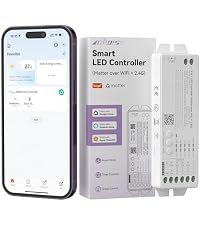 Matter LED Controller | 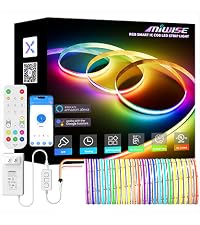 RGB Smart IC COB LED Kit | 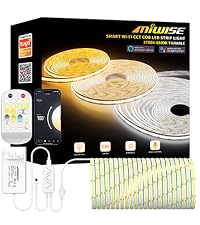 CCT COB LED STRIP KIT | 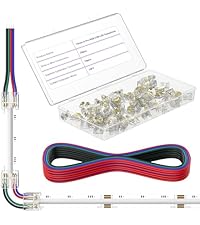 MIWISE 10mm Connectors | |
|---|---|---|---|---|---|---|---|
Customer Reviews | — | — | — | — | — | — | — |
Price | — | — | — | — | — | — | — |
Color | / | RGB Full Color(Chasing Color) | RGB Full Color | White | RGB Full Color(Chasing Color) | 2700K-6500K Tunable White | / |
Length | / | 25ft/7.5m | 9.84ft/3m | / | 20ft/6.1m | 32.8ft/10m | / |
Voltage | 0-36V | DC24V | USB5V | DC12V-48V | DC24V | DC24V | 0-36V |
Width | 10mm | 12mm | 10mm | / | 12mm | 10mm | 10mm |
CRI | / | 90+ | 90+ | / | 90+ | 90+ | / |
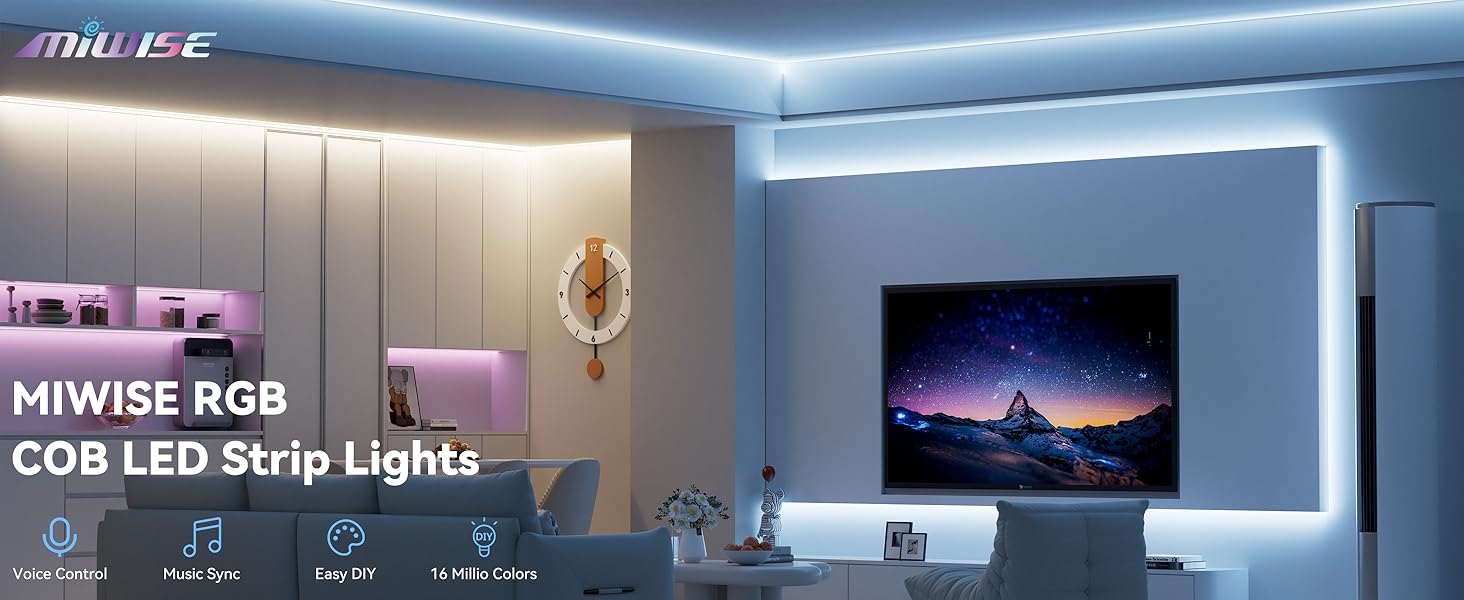
Professional quality, improve your project level!

Product Parameters
I can't find my RGB LED strip light when trying to connect it to the app.
Make sure the strip light is in pairing mode. To do this, hold down the power button on the controller until the lights start blinking.
My RGB LED strip light won’t connect to the app.
First, check that you’re connected to a 2.4GHz Wi-Fi network and that Bluetooth is turned on. If it still doesn’t connect, try unplugging your router for about five minutes to reset it and clear any connected devices, then try pairing again.
Part of my LED strip light won’t light up.
Sometimes a section can get damaged during installation if it’s bent or pinched, causing dead LEDs. You can cut out the faulty section and reconnect the strip using a connector (ASIN: B0F8Z832F5) or by soldering the wires.
After using a connector, some colors on my strip light don’t work.
Check if any wires are accidentally touching at the connection point. Also, make sure the connector is pressed on firmly and securely.
Can I extend my LED strip light?
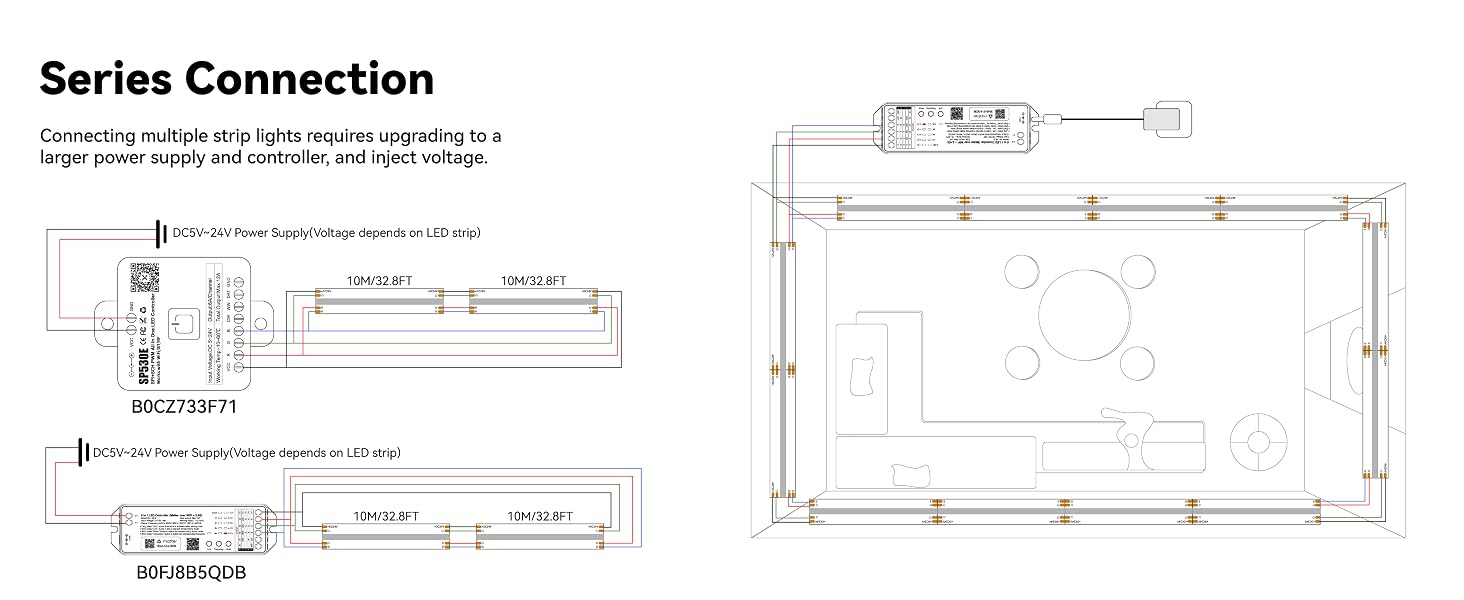
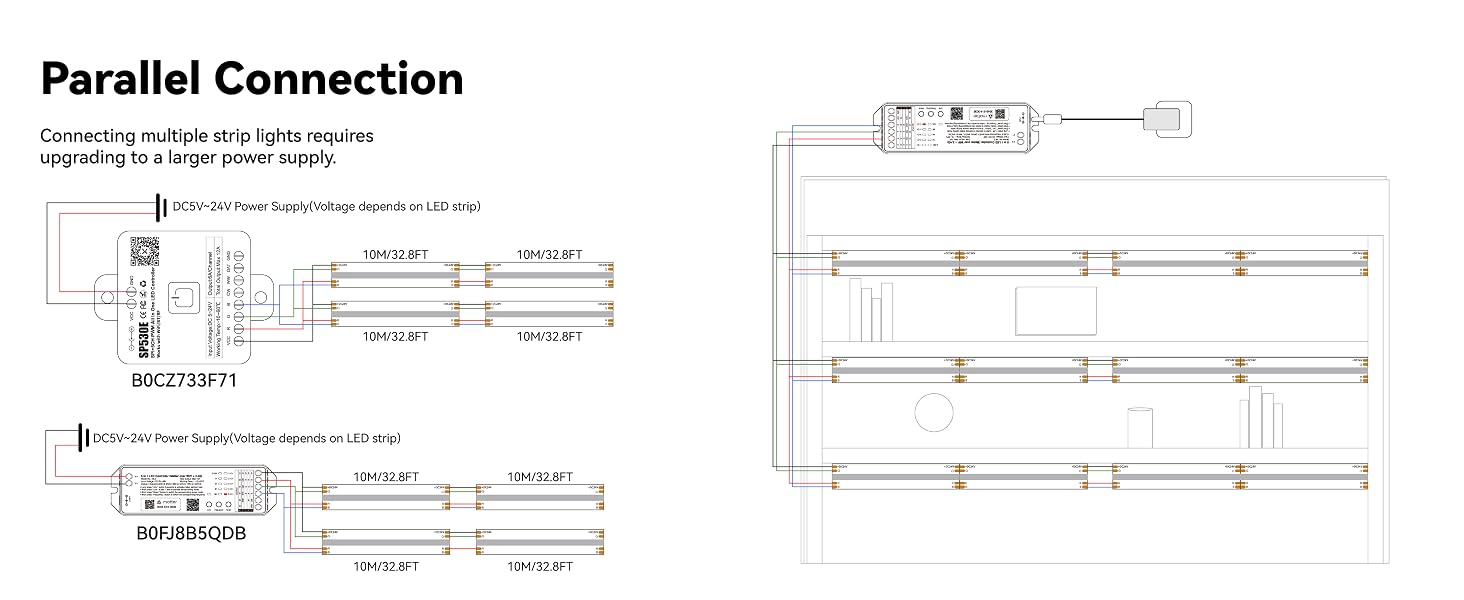
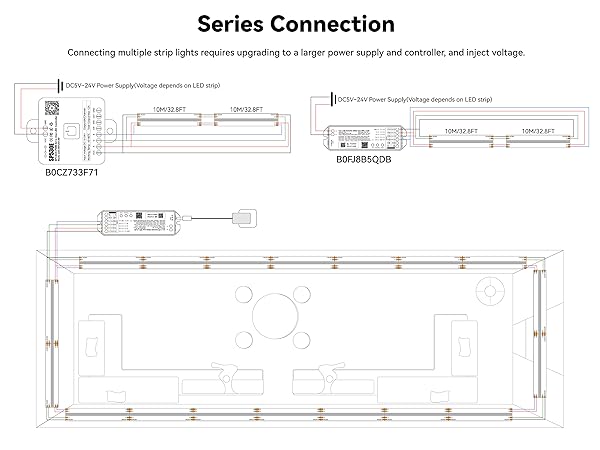
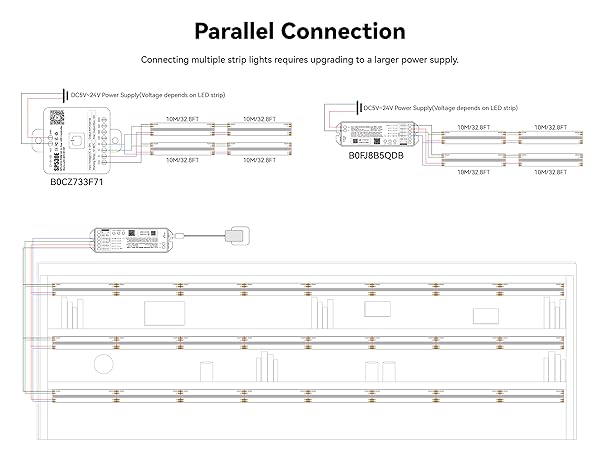
Yes, you can extend it, but you'll need to upgrade to a higher-wattage power supply and controller. Also, for longer strips, you may run into voltage drop, which can cause dimming. To fix that, you'll need to inject voltage.
MIWISE Pro COB LED Strip Light
- DC24V COB LED Strip Light
- High CRI 90+
- Flexible & Uniform

As the leading brand of COB LED strip lights, MIWISE is committed to providing every customer with high-quality products and excellent services! MIWISE has excellent product design in the COB LED strip light category. Our main business is 24V COB LED strip lights, with product lines in multiple categories such as single color temperature, CCT dual color temperature, RGB, etc.! Choose MIWISE, choose high quality!
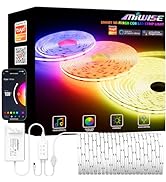
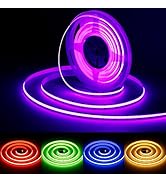
MIWISE RGB COB LED Strip Light
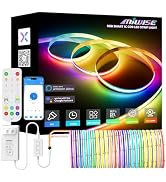
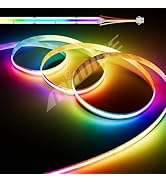
MIWISE RGB Smart IC COB LED
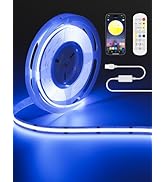
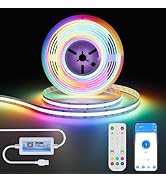
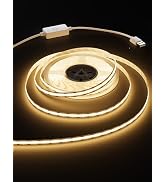
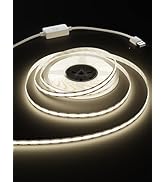
MIWISE USB COB LED Strip Light
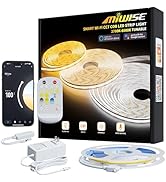
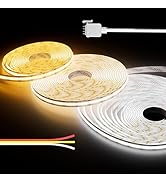
MIWISE CCT COB LED Strip Light
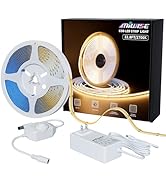
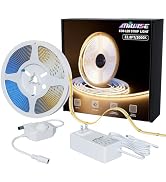
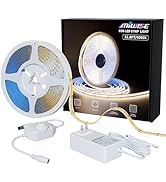
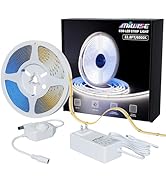
MIWISE Single Color COB Kits
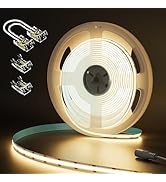
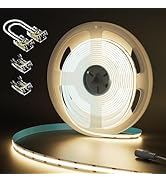
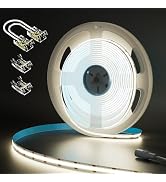
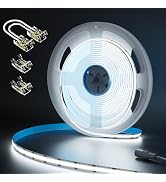
MIWISE Single Color COB Strips
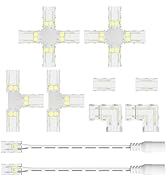
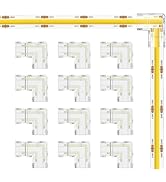
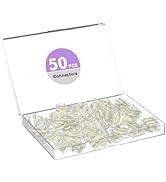
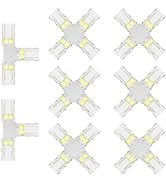
MIWISE 8mm COB Connectors
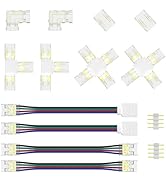
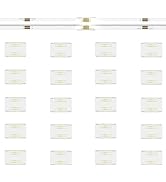
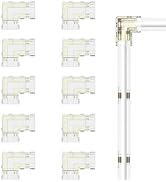
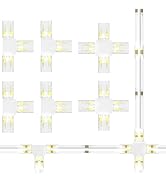
MIWISE 10mm RGB COB Connectors
More Products
MIWISE 10mm Connectors | RGB Smart IC COB LED Kit | 5V USB RGB COB LED Strip | 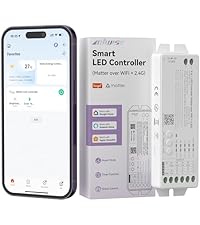 Matter LED Controller |  RGB Smart IC COB LED Kit |  CCT COB LED STRIP KIT | MIWISE 10mm Connectors |
|---|---|---|---|---|---|---|
| Customer Reviews | ||||||
| — | — | — | — | — | — | — |
| Price | ||||||
| — | — | — | — | — | — | — |
| Color | ||||||
| / | RGB Full Color(Chasing Color) | RGB Full Color | White | RGB Full Color(Chasing Color) | 2700K-6500K Tunable White | / |
| Length | ||||||
| / | 25ft/7.5m | 9.84ft/3m | / | 20ft/6.1m | 32.8ft/10m | / |
| Voltage | ||||||
| 0-36V | DC24V | USB5V | DC12V-48V | DC24V | DC24V | 0-36V |
| Width | ||||||
| 10mm | 12mm | 10mm | / | 12mm | 10mm | 10mm |
| CRI | ||||||
| / | 90+ | 90+ | / | 90+ | 90+ | / |
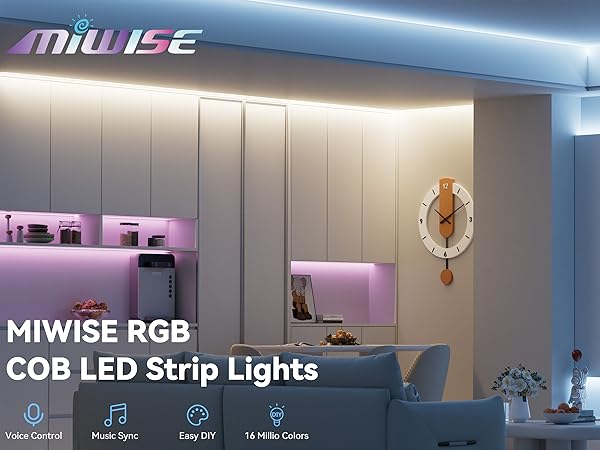
Professional quality, improve your project level!
RGB Strip Light Installation Showcase
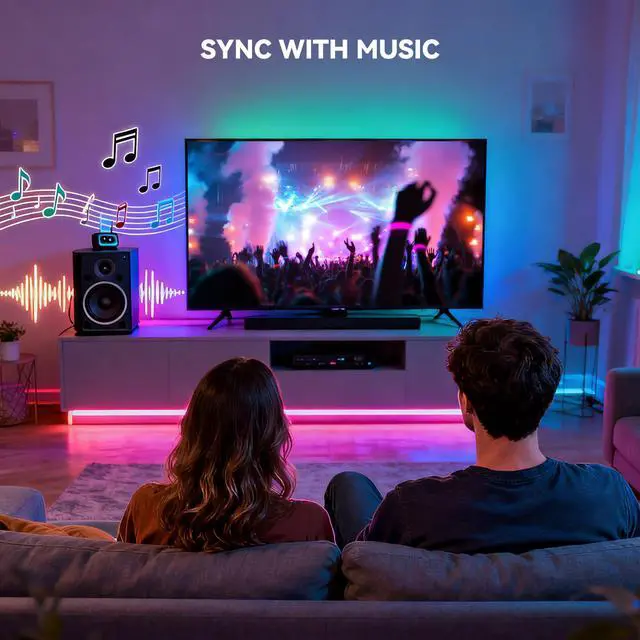
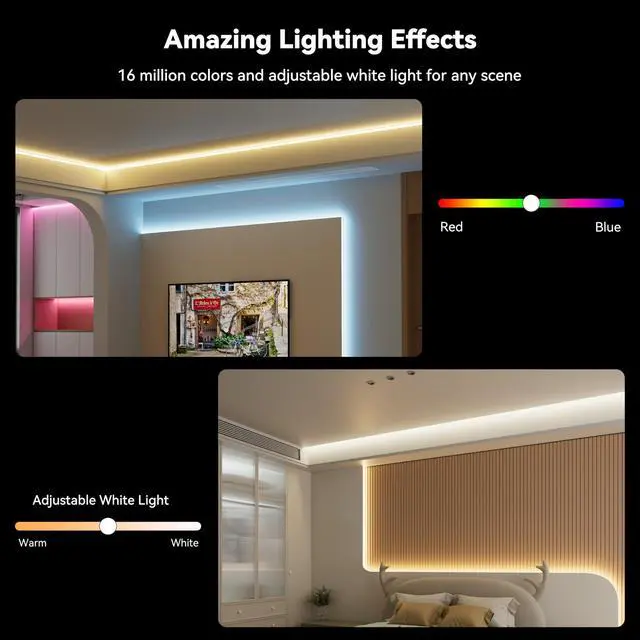
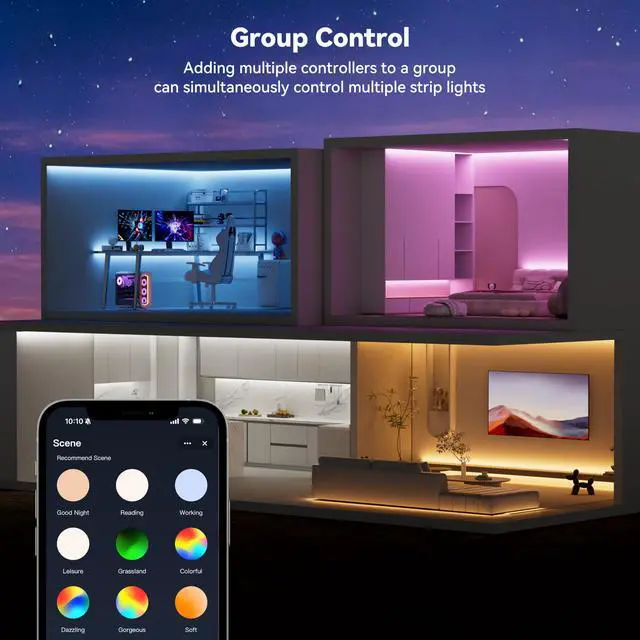
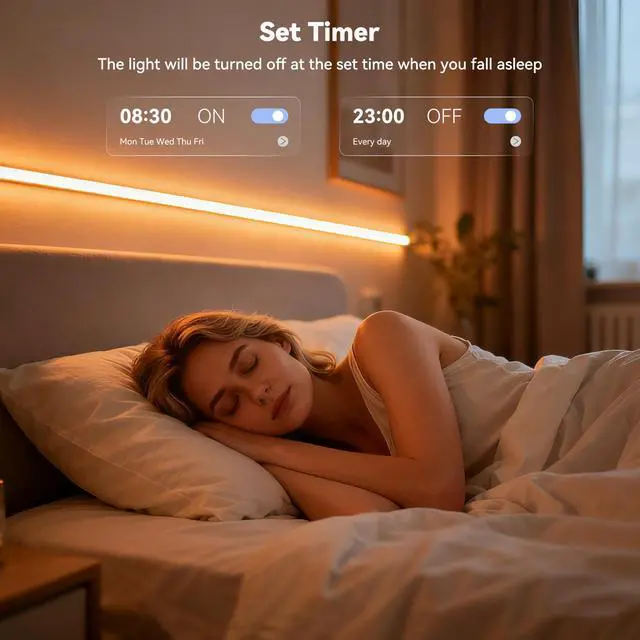
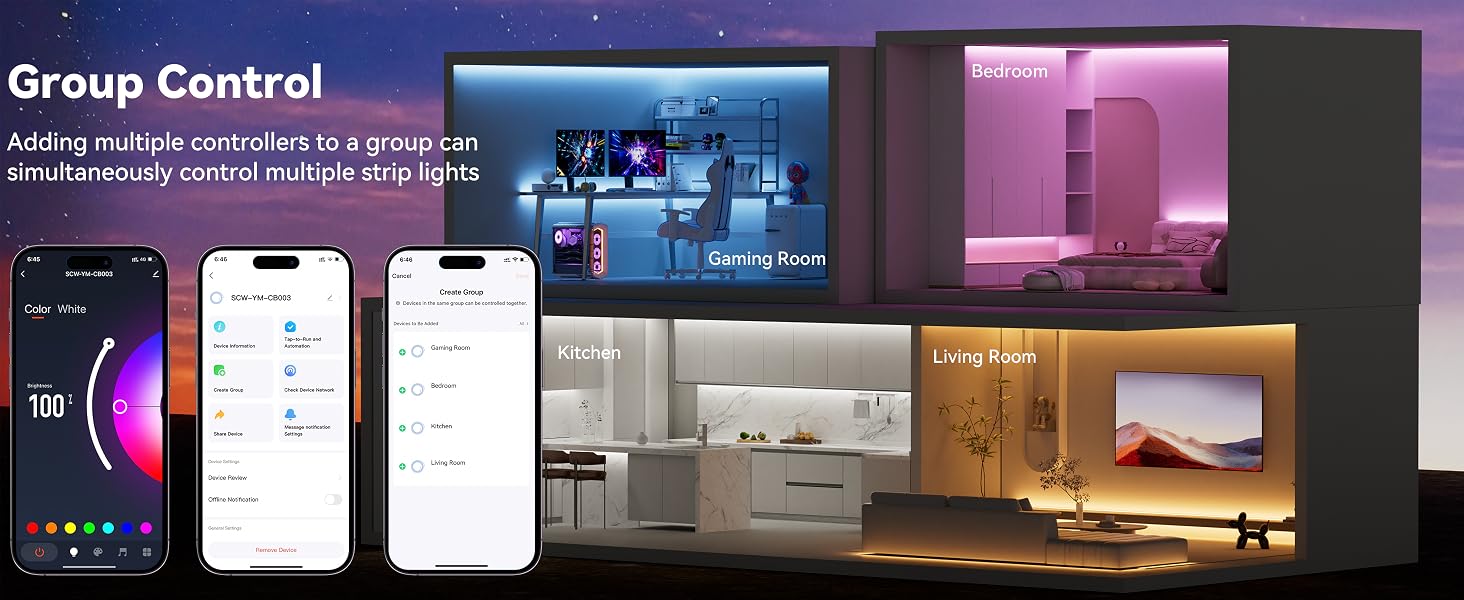
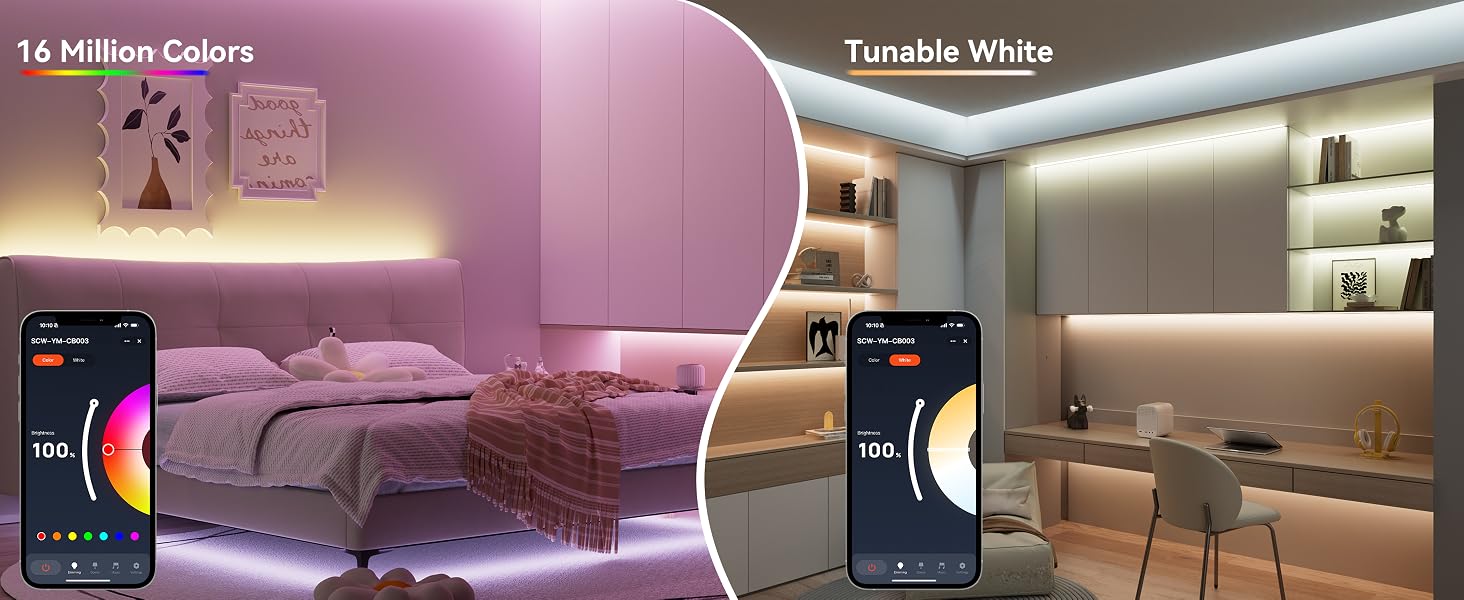
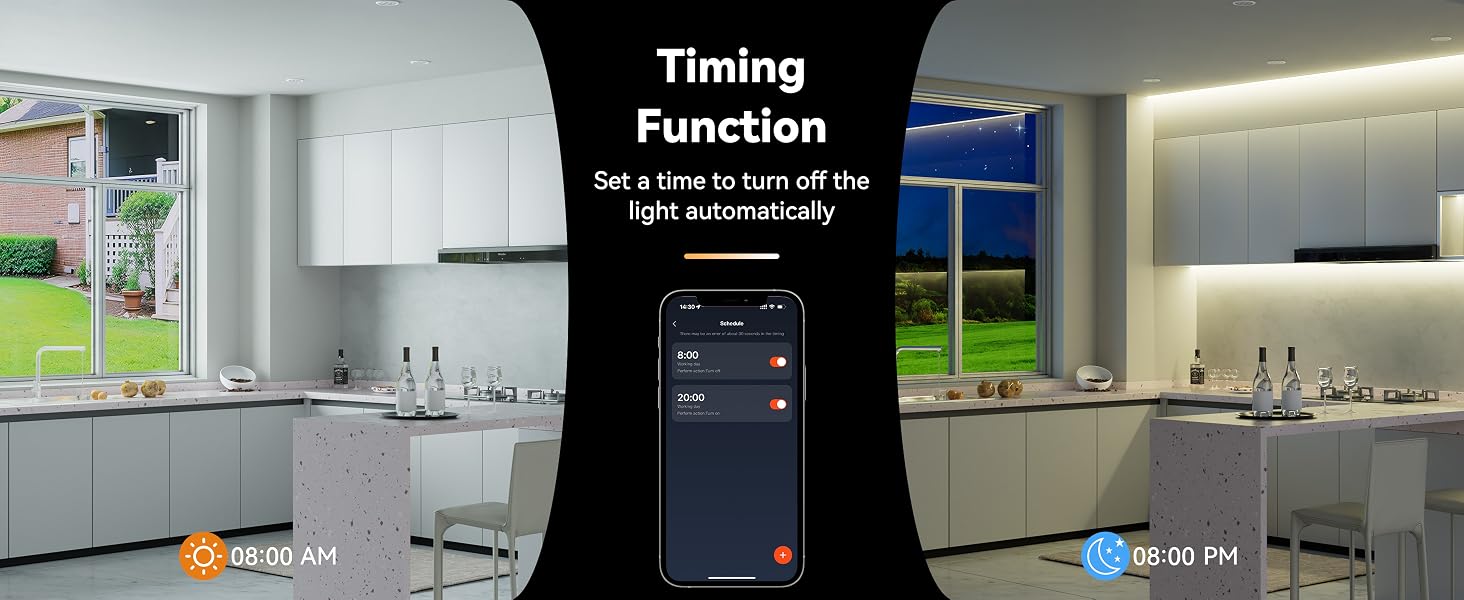
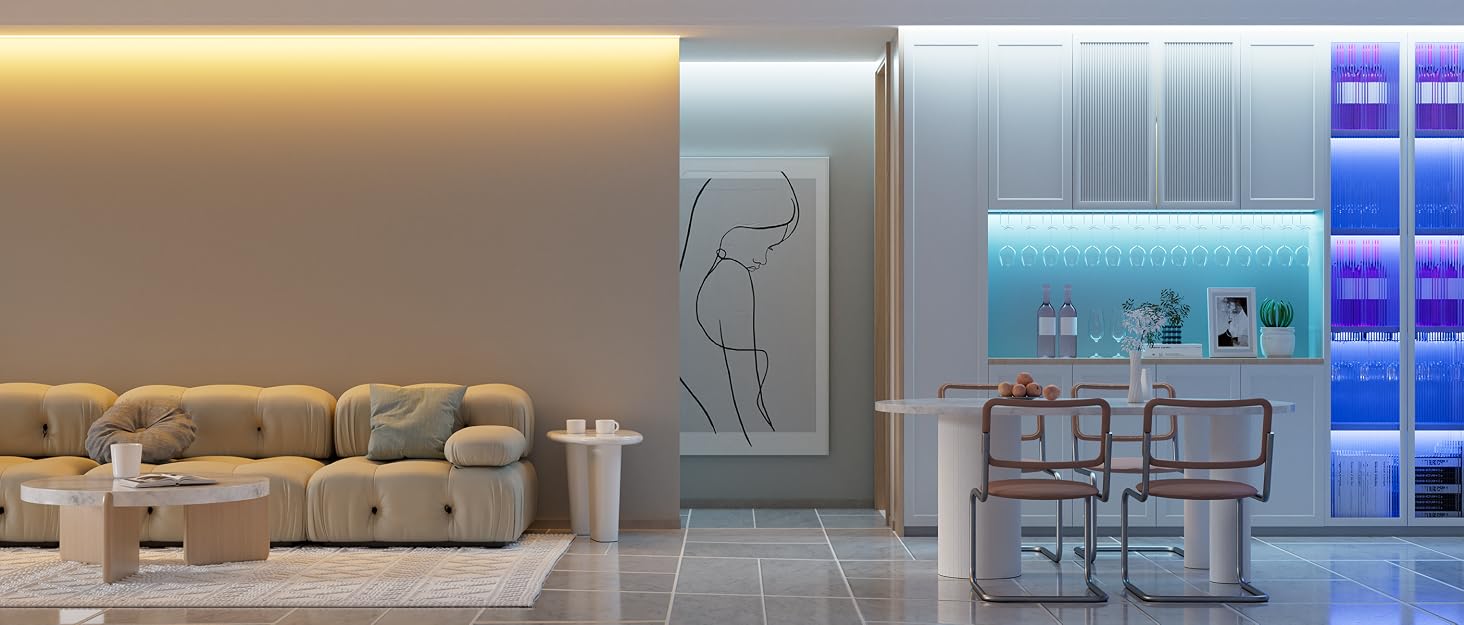
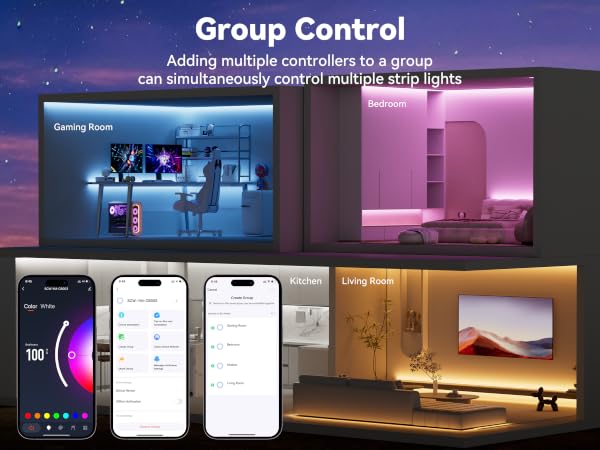
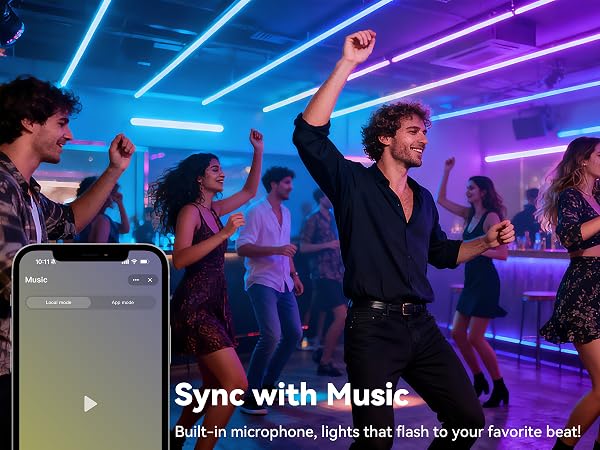
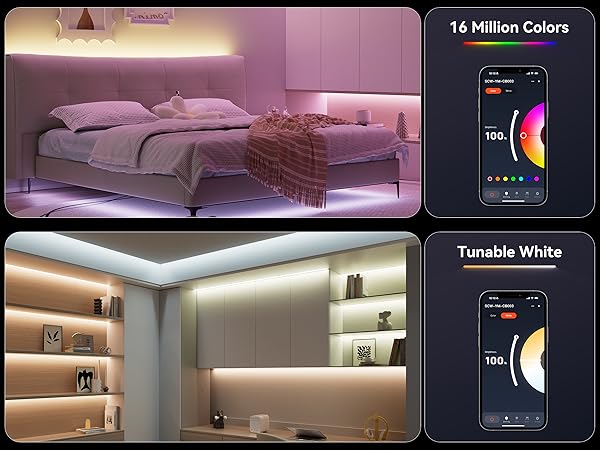
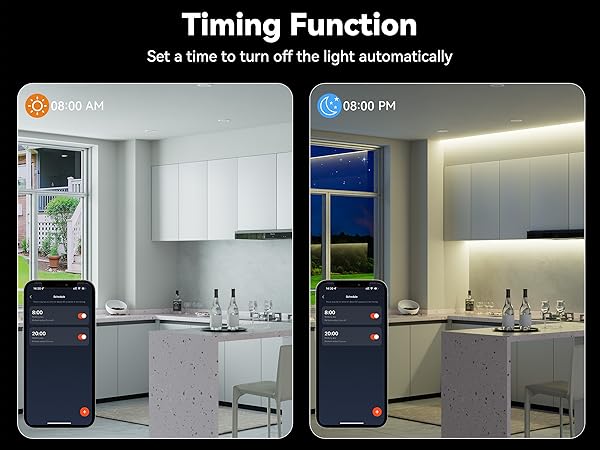
MIWISE RGB LED strips are packed with smart features to light up your space just the way you like. They come with a music-sync mode that pulses to your beats, group control for multiple strips, a built-in timer, dynamic lighting effects, and adjustable white light from warm to cool tones.
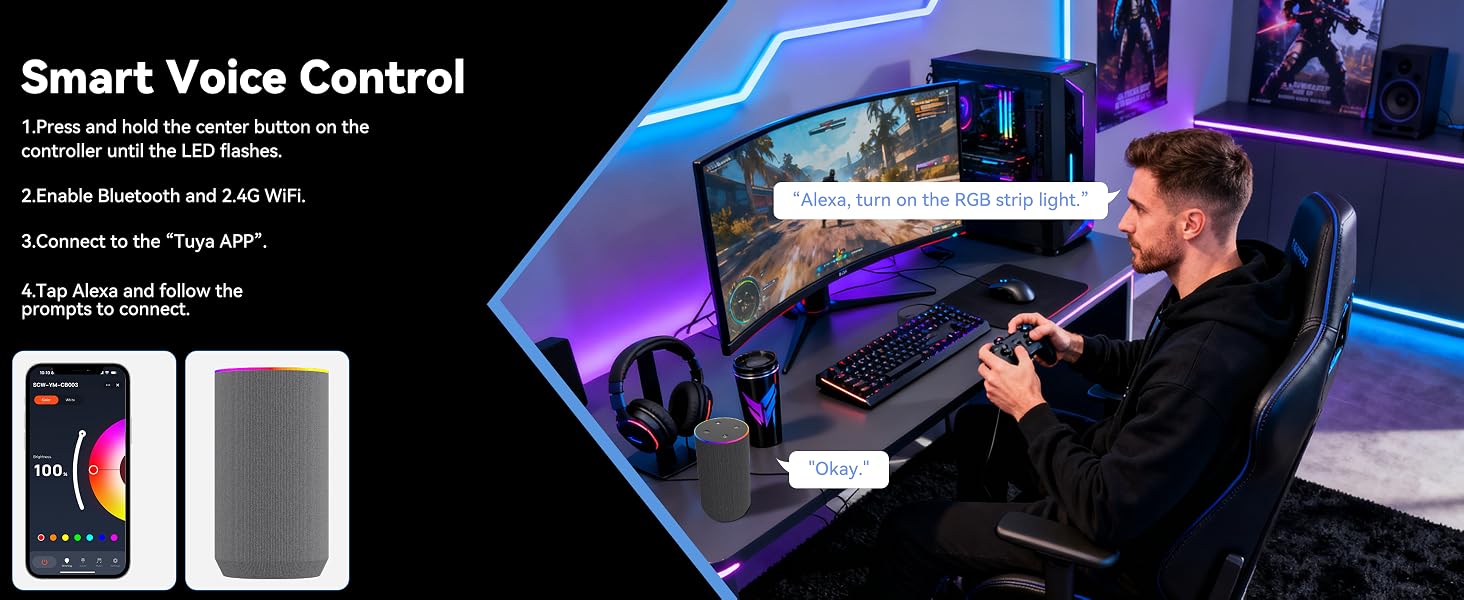
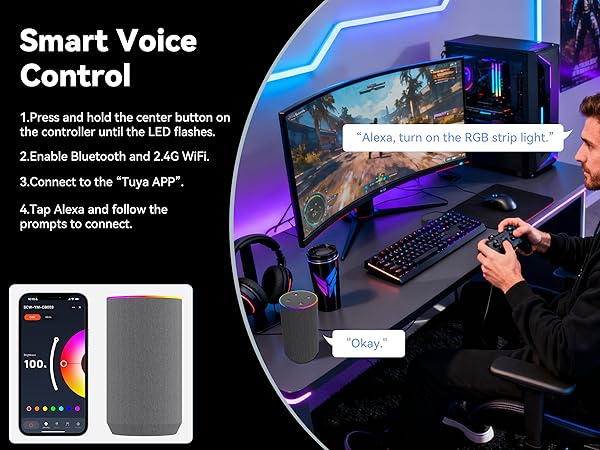
How to Connect RGB Strip Lights to the App and Alexa
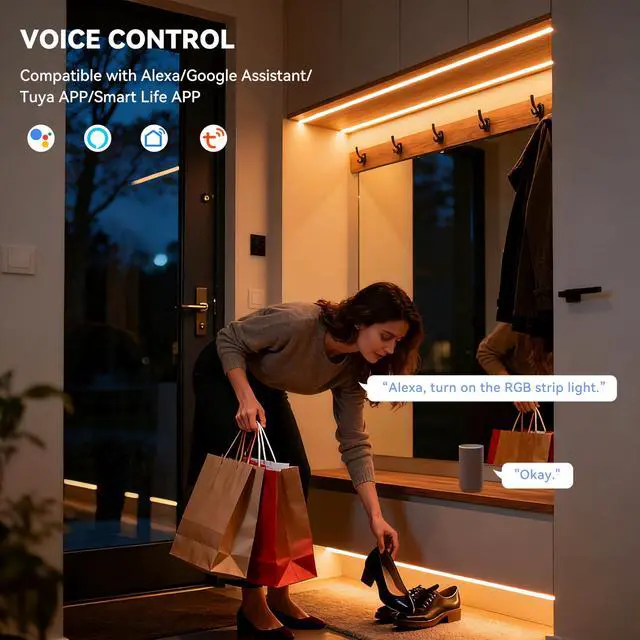
Want hands-free control? These LED strips work with Alexa and Google Assistant, letting you adjust the lights with simple voice commands. For step-by-step setup instructions, check out MIWISE quick video tutorial.
RGB Strip Light Installation Display
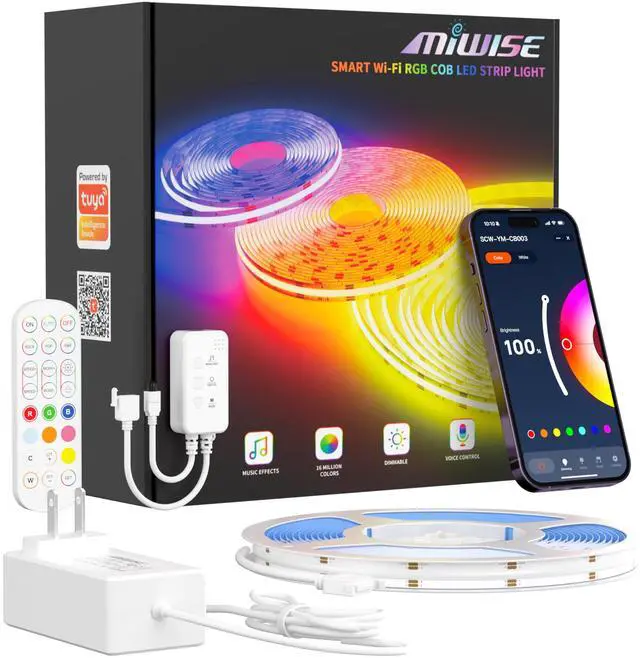
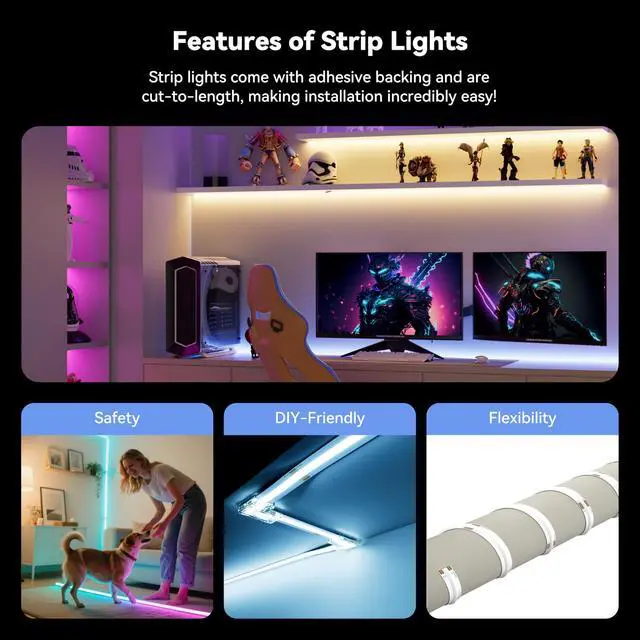
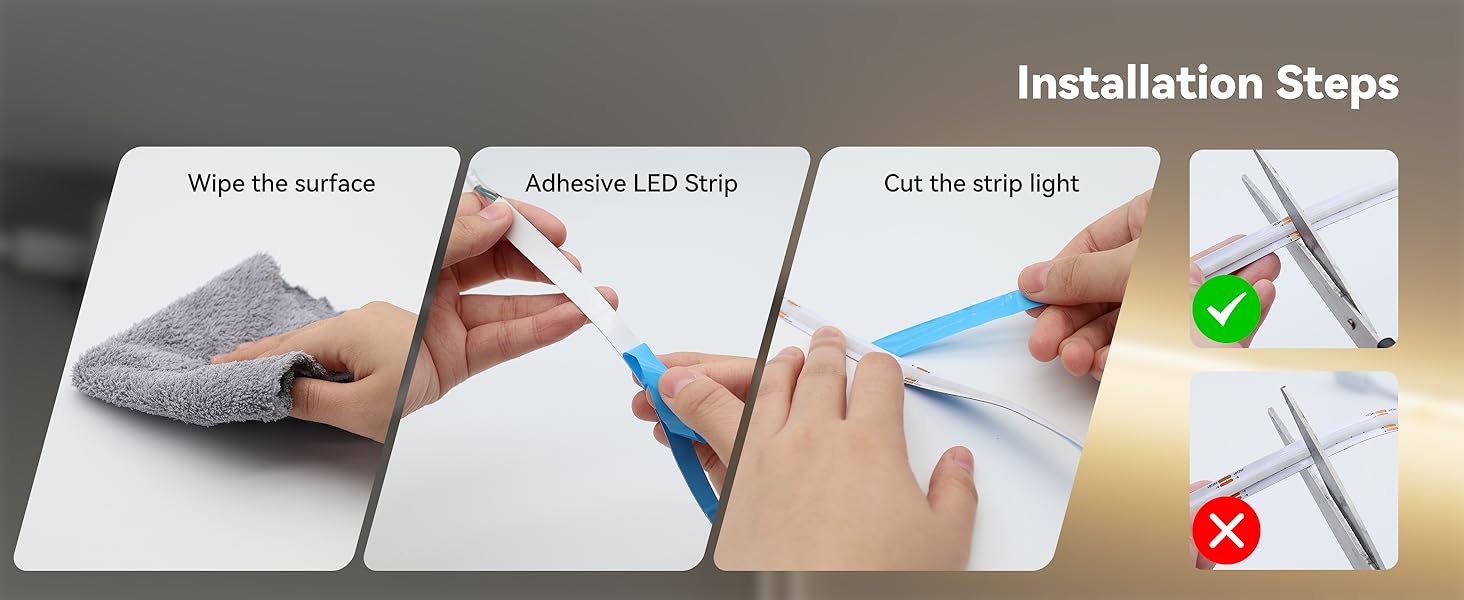
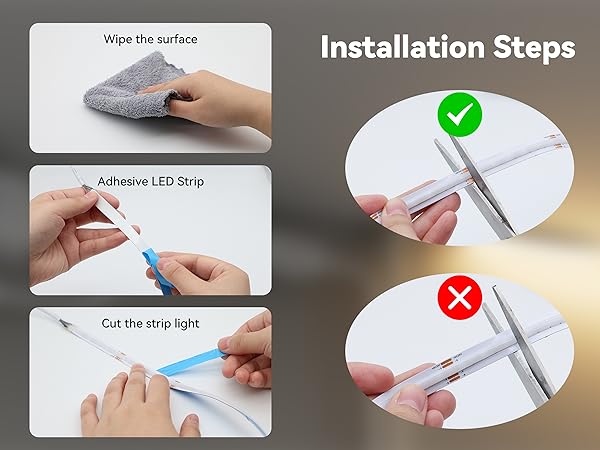
You’ve got plenty of ways to take charge: use the included remote, the physical controller, your smartphone via the app, or just your voice. Plus, the strips are fully customizable—you can cut them to fit your space and reconnect segments whenever you need.
Product Parameters
| Types & Levels | COB(Chip on Board) RGB LED Strip Light (PWM); MIWISE Professional Grade |
|---|---|
| Operating Voltage | DC24V |
| Color | RGB |
| Rated Power | 13 watts per meter(3.96 watts/ft); 72 watts per spool(32.8ft) . |
| Number of Chips | 5760 |
| Length/Width/Thickness | 32.8ft/10mm/1.6±0.3mm |
| Luminous Flux | 70-120 Lumens per watt |
| Cutting Unit | 63mm/2.48in |
| Dimmable | Control Method |
| Lifespan | =65000 hrs |
| Waterproof Level | IP20-Non Waterproof |
| PCB | Double layer pure copper PCB(White) |
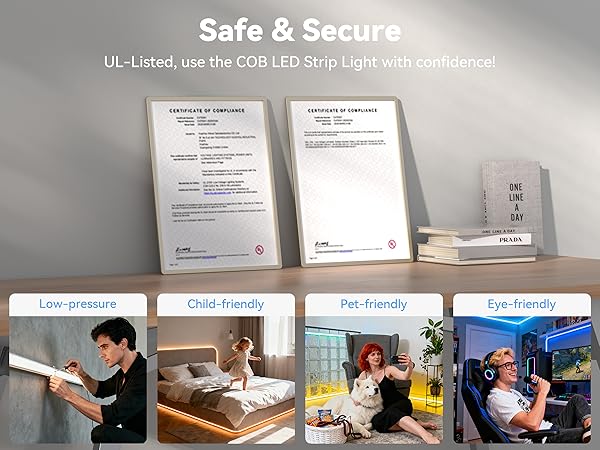
| About The Controller | Support 2.4G Wi-Fi or Bluetooth; maximum output: 3A/(DC24V-72W). NOTE: Please replace the controller and power supply with a higher output if you connect more strip lights and the total power of the strip lights is higher than 72W. |
| Packing List | 1 * 32.8ft RGB COB LED strip light; 1 * Controller/Dimmer; 1 * 24V 84W power supply; 1 * User manual |
| Brand | MIWISE |
I can't find my RGB LED strip light when trying to connect it to the app.
Make sure the strip light is in pairing mode. To do this, hold down the power button on the controller until the lights start blinking.
My RGB LED strip light won’t connect to the app.
First, check that you’re connected to a 2.4GHz Wi-Fi network and that Bluetooth is turned on. If it still doesn’t connect, try unplugging your router for about five minutes to reset it and clear any connected devices, then try pairing again.
Part of my LED strip light won’t light up.
Sometimes a section can get damaged during installation if it’s bent or pinched, causing dead LEDs. You can cut out the faulty section and reconnect the strip using a connector (ASIN: B0F8Z832F5) or by soldering the wires.
After using a connector, some colors on my strip light don’t work.
Check if any wires are accidentally touching at the connection point. Also, make sure the connector is pressed on firmly and securely.
Can I extend my LED strip light?
Yes, you can extend it, but you'll need to upgrade to a higher-wattage power supply and controller. Also, for longer strips, you may run into voltage drop, which can cause dimming. To fix that, you'll need to inject voltage.
MIWISE Pro COB LED Strip Light
- DC24V COB LED Strip Light
- High CRI 90+
- Flexible & Uniform

As the leading brand of COB LED strip lights, MIWISE is committed to providing every customer with high-quality products and excellent services! MIWISE has excellent product design in the COB LED strip light category. Our main business is 24V COB LED strip lights, with product lines in multiple categories such as single color temperature, CCT dual color temperature, RGB, etc.! Choose MIWISE, choose high quality!
MIWISE RGB COB LED Strip Light
MIWISE RGB Smart IC COB LED
MIWISE USB COB LED Strip Light
MIWISE CCT COB LED Strip Light
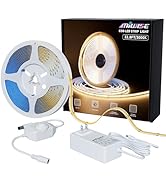
MIWISE Single Color COB Kits
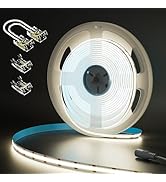
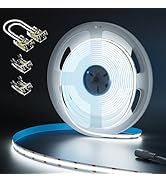
MIWISE Single Color COB Strips
MIWISE 8mm COB Connectors
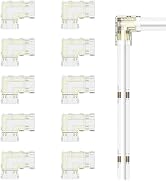
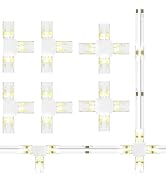
MIWISE 10mm RGB COB Connectors
