




 here!
I’m your shopping assistant for PC builds, upgrades, and everything tech.
Got questions? Ask away!
Start a conversation
here!
I’m your shopping assistant for PC builds, upgrades, and everything tech.
Got questions? Ask away!
Start a conversation




Any questions? Ask CelesteSM will help you find out quickly.


 LitONES 682 Ring Lamp |  LitONES 630 Ring Light |  LitONES H02 Ring Light |  LitONES 630 Ring Light |  LitONES H02 Desk Lamp | |
|---|---|---|---|---|---|
Customer Reviews | — | — | — | — | — |
Price | — | — | — | — | — |
Diffused Light | ? | ? | ? | ? | ? |
Edge Lighting | ? | ? | ? | ? | ? |
CRI=95 | ? | ? | ? | ? | ? |
Adapter | ? | ? | ? | ? | ? |
Control Method | Switch | Touch | Knob Remote & Touch | Touch | Knob Remote & Touch |
Number of LED Beads | 84 | 84 | 126 | 84 | 126 |
How do I install this ring light on my monitor?
Installation is simple. Just follow these three steps:
Step 1: Twist the Standard Screw.
Step 2: Perches on Top of Screen.
Step 3: Adjust the flexible arm and light head for the best lighting angle.
Can I power this light through my laptop?
For the best experience, we recommend using a 5V 2A USB adapter instead of relying on your laptop’s USB port. A dedicated power source ensures stable lighting and protects your devices.
Why should I choose this over a regular ring light?
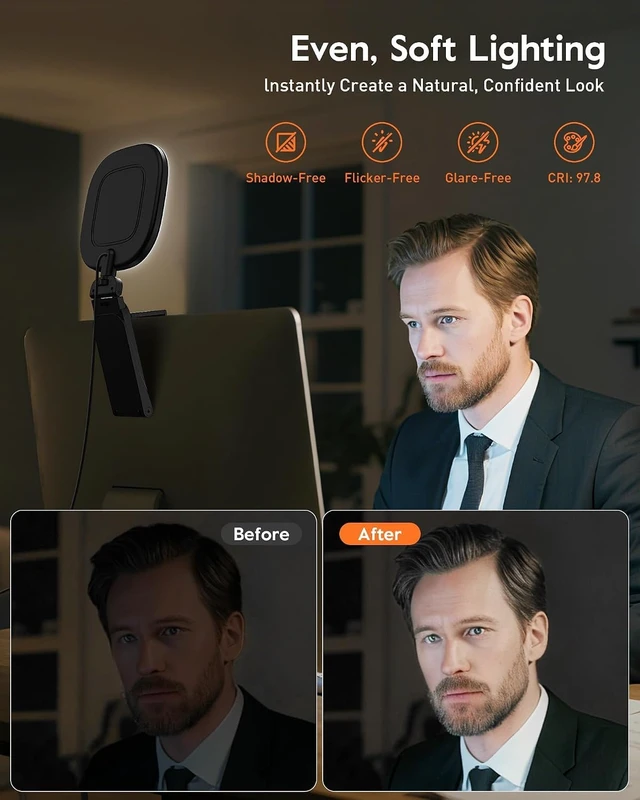
Designed for computer users, this light uses diffused LED technology to deliver soft, even lighting, reduce harsh shadows, and prevent distracting circular reflections common with traditional ring lights.
Why choose LitONES?
We offer our customers a 2-year free replacement and our team provides 24 hours after-sales service. We have a strong R&D team and a strong supply chain. We attach great importance to customer experience and constantly improve product functions.
If there are problems with the product or you have any questions, how to contact LitONES?
Contact LitONES directly on or enter our brand official website marked on the product label and user manual.


 LitONES 682 Ring Lamp | LitONES 630 Ring Light |  LitONES H02 Ring Light | LitONES 630 Ring Light | LitONES H02 Desk Lamp |
|---|---|---|---|---|
| Customer Reviews | ||||
| — | — | — | — | — |
| Price | ||||
| — | — | — | — | — |
| Diffused Light | ||||
| ? | ? | ? | ? | ? |
| Edge Lighting | ||||
| ? | ? | ? | ? | ? |
| CRI=95 | ||||
| ? | ? | ? | ? | ? |
| Adapter | ||||
| ? | ? | ? | ? | ? |
| Control Method | ||||
| Switch | Touch | Knob Remote & Touch | Touch | Knob Remote & Touch |
| Number of LED Beads | ||||
| 84 | 84 | 126 | 84 | 126 |
How do I install this ring light on my monitor?
Installation is simple. Just follow these three steps:
Step 1: Twist the Standard Screw.
Step 2: Perches on Top of Screen.
Step 3: Adjust the flexible arm and light head for the best lighting angle.
Can I power this light through my laptop?
For the best experience, we recommend using a 5V 2A USB adapter instead of relying on your laptop’s USB port. A dedicated power source ensures stable lighting and protects your devices.
Why should I choose this over a regular ring light?
Designed for computer users, this light uses diffused LED technology to deliver soft, even lighting, reduce harsh shadows, and prevent distracting circular reflections common with traditional ring lights.
Why choose LitONES?
We offer our customers a 2-year free replacement and our team provides 24 hours after-sales service. We have a strong R&D team and a strong supply chain. We attach great importance to customer experience and constantly improve product functions.
If there are problems with the product or you have any questions, how to contact LitONES?
Contact LitONES directly on or enter our brand official website marked on the product label and user manual.


| Brand | LitONES |
| Connectivity Technology | Powered Via USB-A Cable (Excluding Adapters) |
| Hardware Interface | USB |
| Product Dimensions | 5"L x 1"W x 11"H |
| UPC | 721722950090 |
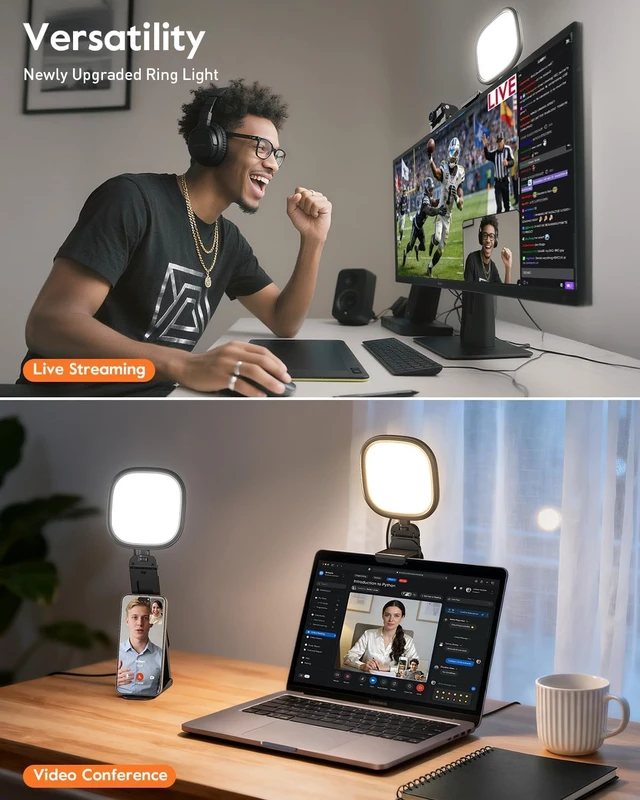
| Item Highlight | Soft Computer Light with Screen-Safe Clip, Adjustable Mount, CRI 97.8+, 50 Lighting Modes for Zoom, Video Calls & Streaming |
| Number of Items | 1 |
| Unit Count | 1 Count |
| Number of Packs | 1 |
| Built-In Media | On-Off Switch*1, Power Cable*1, User Manual*1, Video Conference Fill Light*1 |
| Item Weight | 11.8 ounces |
| Manufacturer | LitONES |
| Model Name | F-682B-Black |
| Model Number | F-682B-Black |
| Manufacturer Part Number | F-682B-Black |
| Warranty Description | 1 Year Manufacturer |
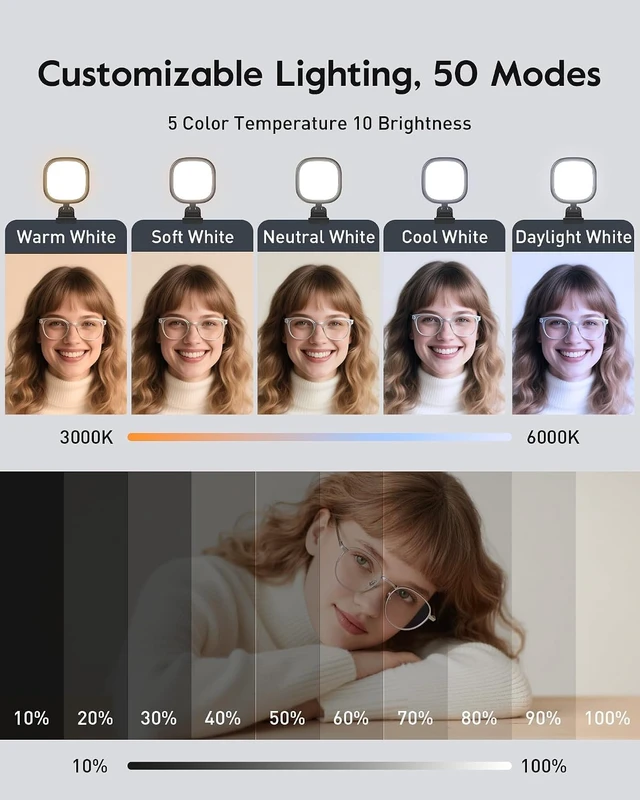
| Flash Modes Description | Constant illumination, adjustable brightness (10 levels), adjustable color temperature (5 options: 3000K6000K) |
| Water Resistance Level | Not Water Resistant |
| Item Dimensions L x W x H | 5"L x 1"W x 11"H |
| Screen Size | 5 inches |
| Color | Black 1 Pack |
| Compatible Devices | Laptops, Desktops, Phones, Tablets |
| Media Type | ProductImage |


