here!
here!
I’m your shopping assistant for PC builds, upgrades, and everything tech.
Got questions? Ask away!
Start a conversation
here!
I’m your shopping assistant for PC builds, upgrades, and everything tech.
Got questions? Ask away!
Start a conversation



Any questions? Ask CelesteSM will help you find out quickly.


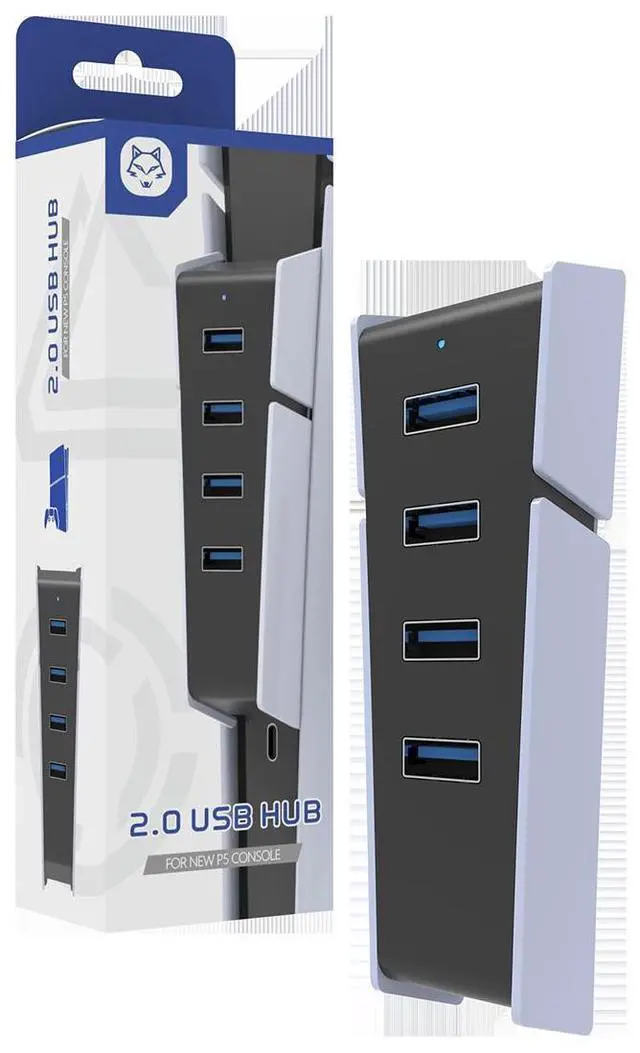
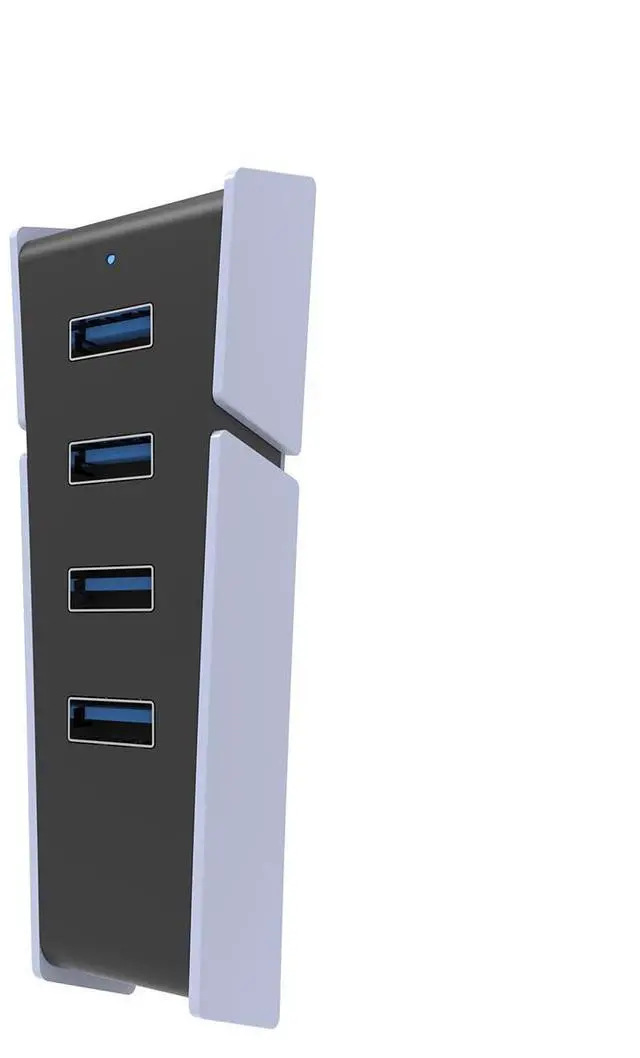
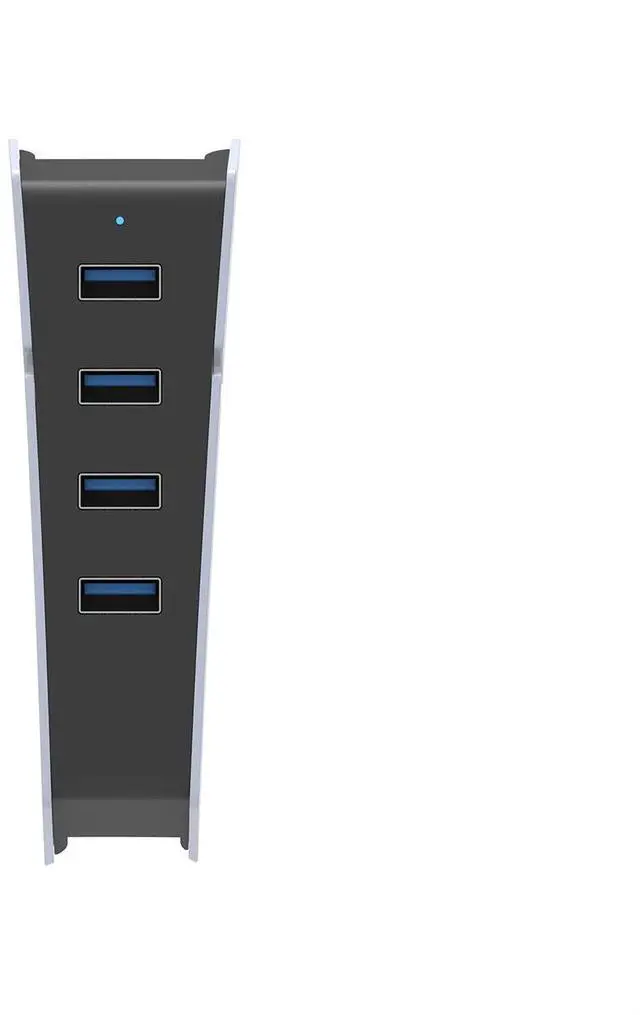
Handy Extension: USB adapter provides 1 x Type C port to 4 x USB 3.0 ports, allowing you to connect multiple devices like mouse, keyboard, and USB drive simultaneously, meeting all your multitasking needs.
Fast Data Transfer: With USB 3.0 interface, transfer speeds of up to 5Gbps can handle large file transfers and high definition video playback effortlessly, ensuring quicker data processing efficiency.
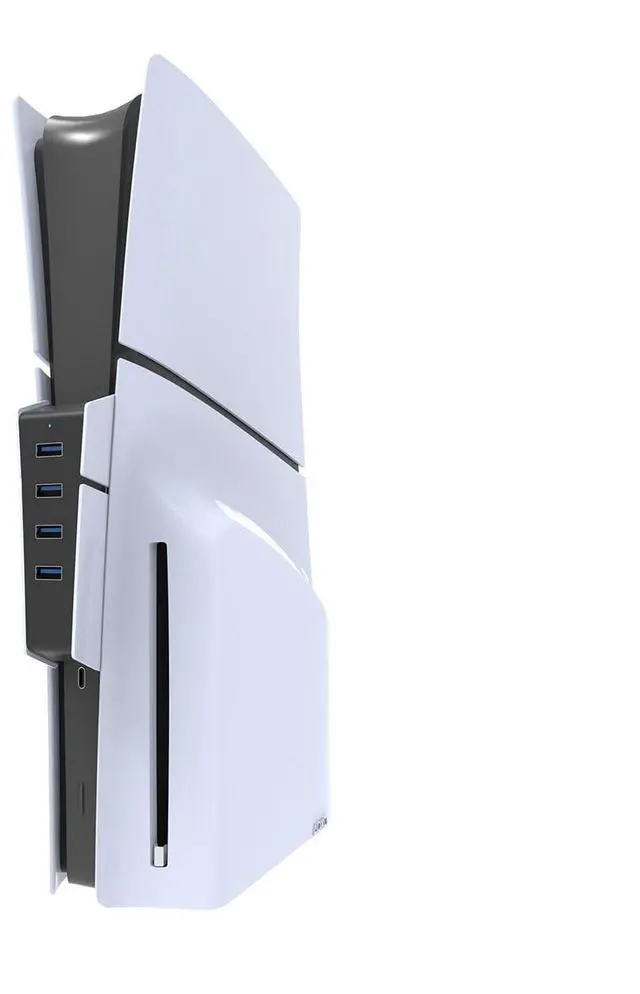
Strong Compatibility: Specifically designed for Slim gaming console, this USB hub offers excellent compatibility without the need for driver installation, plug and play for convenient .
Sleek Design: Portable and space saving, made of ABS material, the USB dock features a compact design ensuring a snug fit for long term use, preventing loose connections during plug in and removal.
and Built in premium chips ensure stable for all ports, safeguarding your devices from overheating or voltage spikes, as well as preventing data transfer interruptions.
The TOPWOLF HS-P5S002 is a USB hub for PS5 Slim that expands one USB Type-C connection into four USB 3.0 data ports, making it suitable for gamers who need to connect peripherals such as a keyboard, mouse, or USB drive at the same time.
| Attribute | Value |
|---|---|
| Best For | PS5 Slim users who need expanded USB connectivity for peripherals and data devices |
| Model Identifiers | TOPWOLF HS-P5S002 |
| Color | White |
Q: Is the TOPWOLF PS5 Slim hub better than a basic USB 2.0 hub?
A: Yes, the TOPWOLF hub is the better choice when you need faster transfers for USB drives or other SuperSpeed accessories. It provides four USB-A data ports rated up to 5Gbps, while a USB 2.0 hub is generally limited to 480Mbps. Choose a USB 2.0 hub only when your devices are limited to keyboards, mice, or other low-bandwidth peripherals.
Q: Should I buy the TOPWOLF 5Gbps hub or a 10Gbps USB-C hub for PS5 Slim?
A: Choose TOPWOLF when you mainly need extra ports for controllers, keyboards, mice, headset adapters, and USB drives. Choose a 10Gbps hub when you regularly move large files and want to preserve more of the PS5 Slim's available USB-C bandwidth. TOPWOLF's 5Gbps rating is sufficient for common accessories, but connected devices share the hub's bandwidth.
Q: Can the TOPWOLF hub replace a direct PS5 Slim USB connection for external storage?
A: No. Use the TOPWOLF hub for peripherals and general USB data access, but connect PS5 extended storage directly to a SuperSpeed USB port on the console. Sony specifically identifies SuperSpeed ports for extended storage, and community testing reports that external drives connected through hubs may not be recognized.
Q: Is the TOPWOLF hub better than a powered USB hub for PS5 Slim?
A: TOPWOLF is the more convenient option when you want a compact, plug-and-play hub without a separate power adapter. A powered hub is the better fit when several connected accessories draw power at the same time or when a wireless adapter has connection or startup issues. Because the TOPWOLF listing does not specify an external power input, it is best suited to standard low- to moderate-power peripherals rather than multiple high-draw devices.
Q: Is this USB hub suitable for expanding the ports on a PS5 Slim?
A: Yes. It is designed to connect to a PS5 Slim USB-C port and expand it into four USB 3.0 data ports. It is best suited for plug-and-play peripherals such as keyboards, mice, USB accessories, and compatible controllers.
Q: What devices can I connect to this PS5 Slim hub?
A: The hub can connect multiple USB peripherals at the same time, including a keyboard, mouse, controller cable, and compatible USB accessories. All connected devices share the bandwidth and power available through the single PS5 USB-C connection, so performance may vary with high-power or high-bandwidth devices.
Q: Can I use an external hard drive through this hub on a PS5 Slim?
A: It should not be treated as a solution for PS5 extended storage. External storage should be connected directly to a compatible SuperSpeed USB port on the console because USB hubs may not be supported for PS5 extended-storage use.
Q: Can this hub charge PS5 controllers and other USB accessories?
A: It can provide power for compatible charging cables and lower-power USB accessories, but it is primarily described as a data hub rather than a dedicated multi-device charging station. Charging speed and simultaneous charging performance depend on the console's available USB power and the connected devices.
Q: Is this hub appropriate for PS5 VR, cameras, or wireless headset adapters?
A: Use caution with power- or bandwidth-sensitive devices. Basic USB peripherals are the safest use case, while PS VR2, cameras, external storage, and some wireless headset adapters may require a direct connection to a specific PS5 port. Check the accessory manufacturer's compatibility requirements before routing it through a hub.