





3 Connection Types

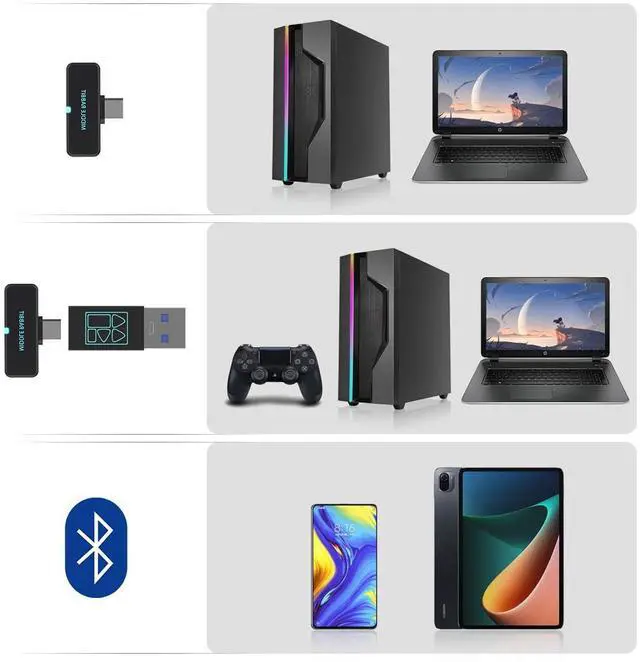
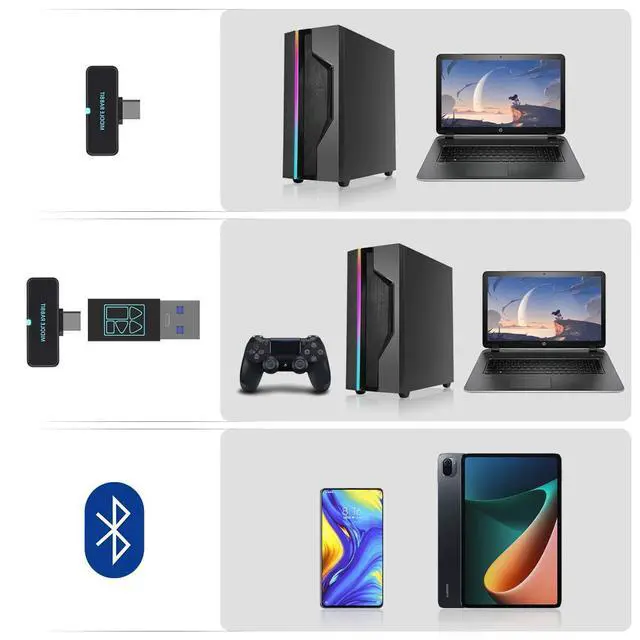
Connection Type 1: USB-C Connection
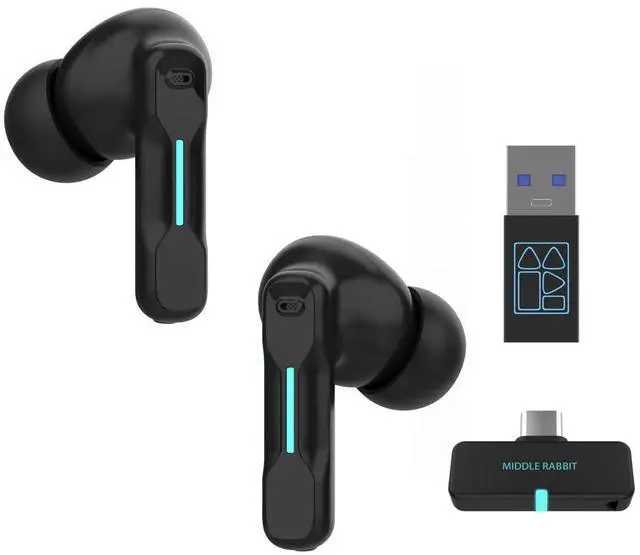
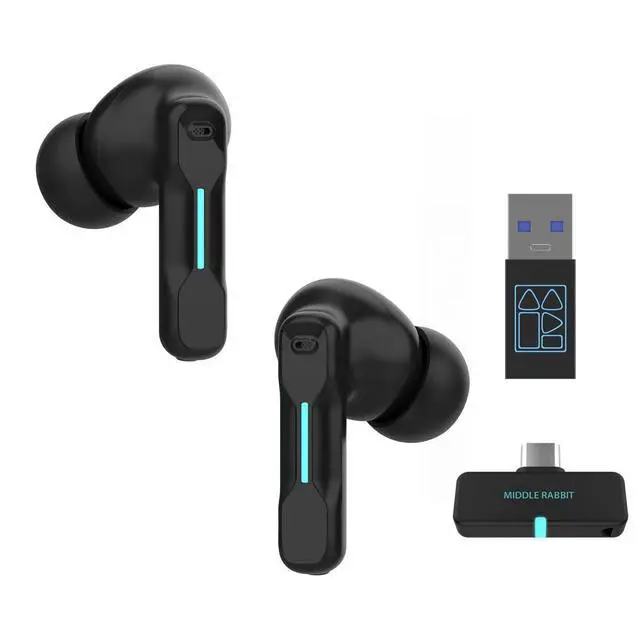
Perfect for devices such as PCs, laptops, desktops, tablets, mobile phones, and Switch consoles that feature a USB-C port.
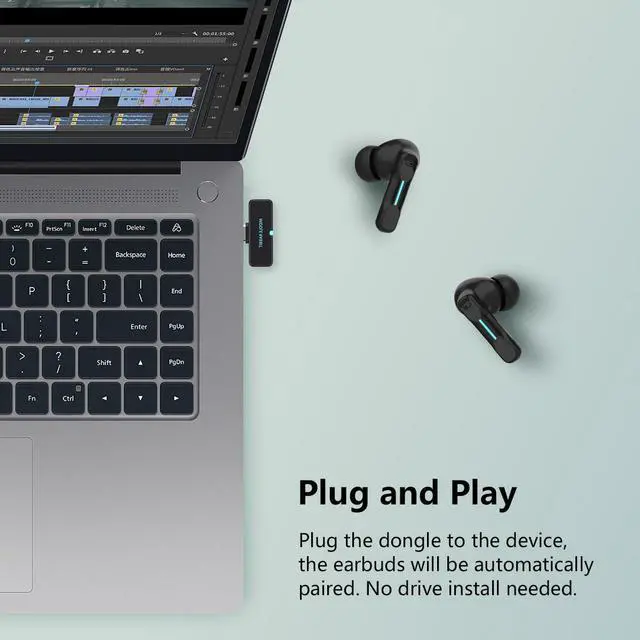
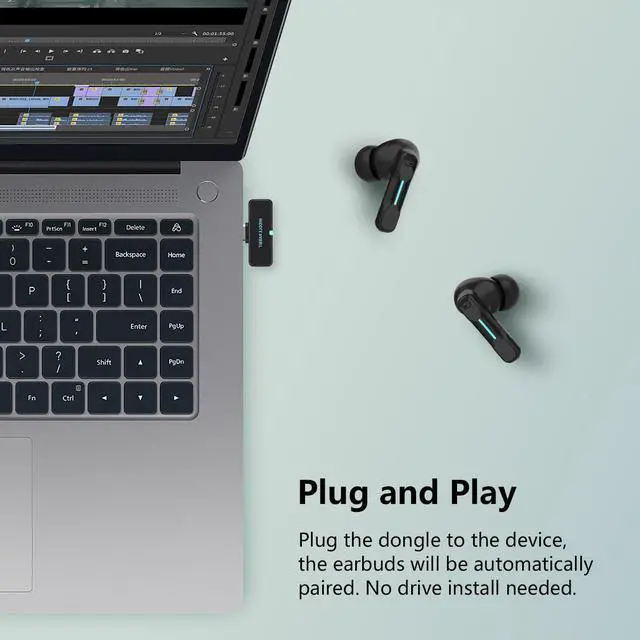
* Plug and play — no need to pair via Bluetooth on the same device.
* Long press the touch button on either earbud to switch to Dongle mode.

Connection Type 2: USB-A Connection
Designed for PCs, laptops, desktops, PS4, PS5, etc. with a USB-A port.
Please note that the USB-A adapter (USB-C female to USB-A male adapter) should be connected with the USB-C dongle first when using the USB-A connection.

Connection Type 3: Bluetooth
Ideal for devices with Bluetooth functionality, including mobile phones (iPhone, Android, Samsung, etc.), tablets, and laptops.
*Bluetooth can be used to connect to a second device.
* Long press the touch button on either earbud to switch to Bluetooth mode.


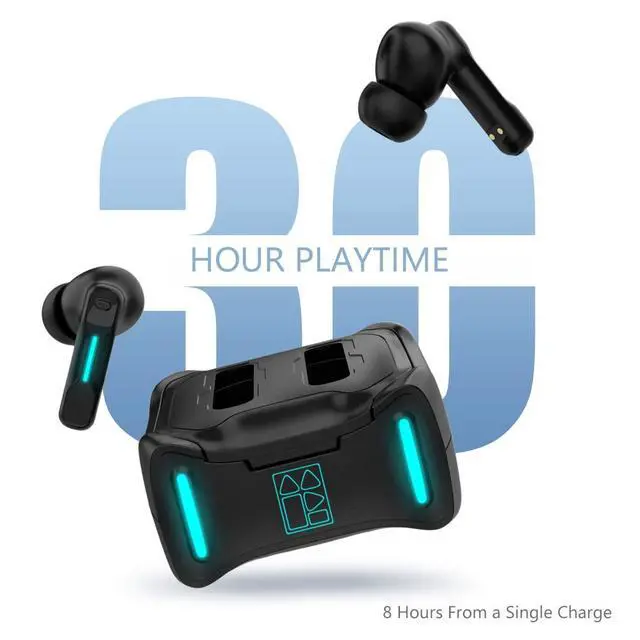
Extended Playtime of Up to 30 Hours
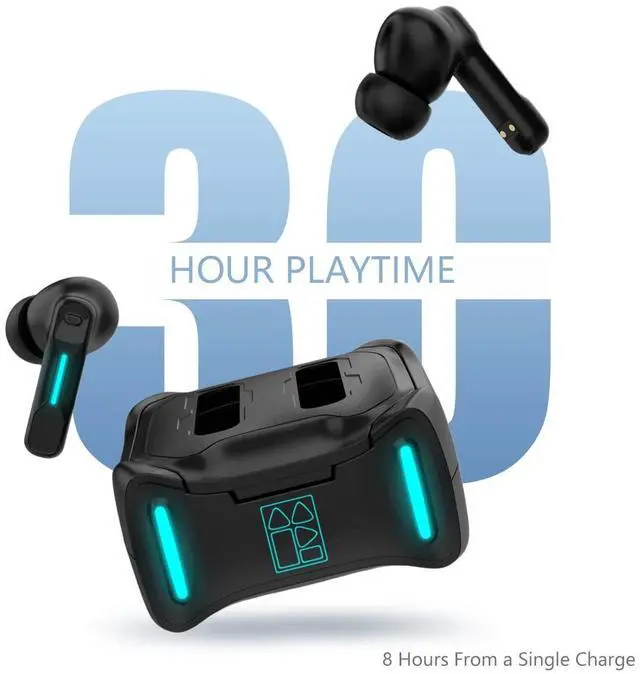
Never fret over battery life again. Enjoy 6-8 hours of uninterrupted listening on a single charge, and secure an additional 3 full charges from the accompanying charging case.

Exceptional Audio and Microphone Quality
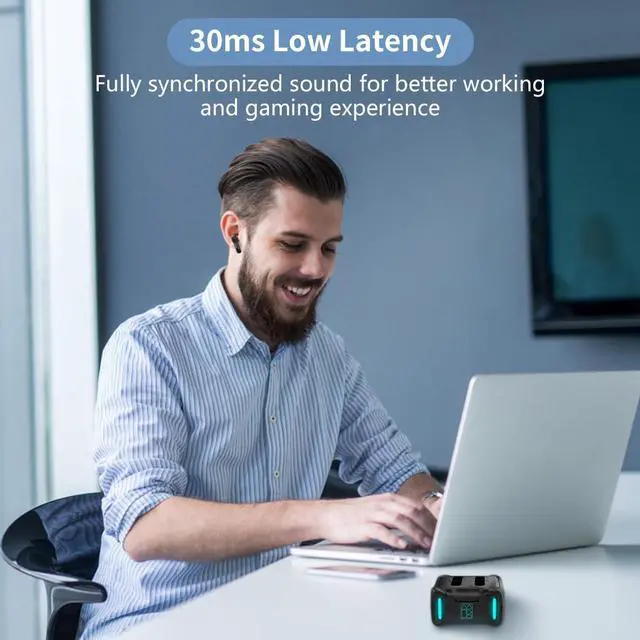
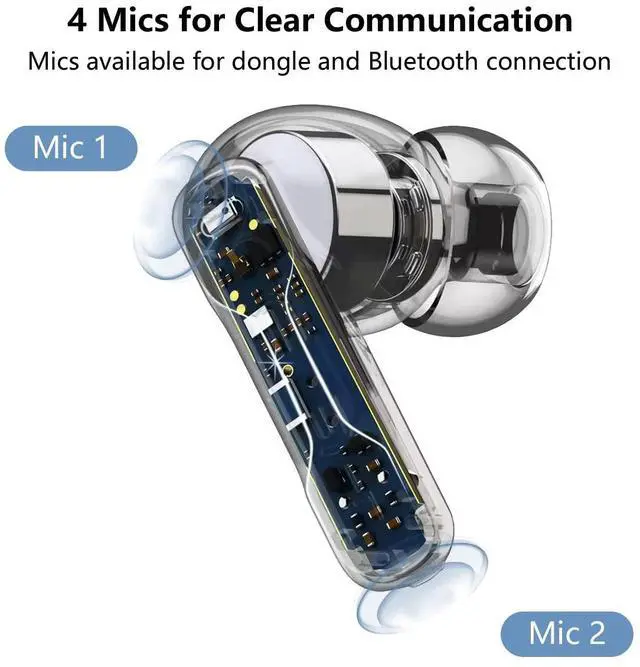
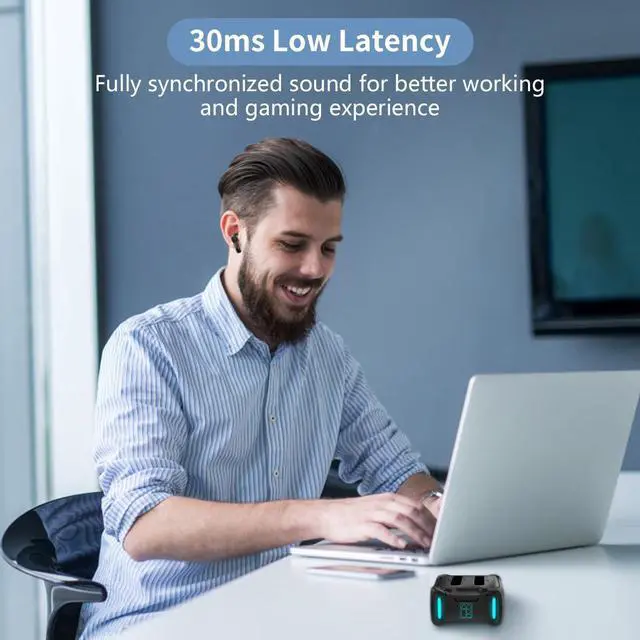
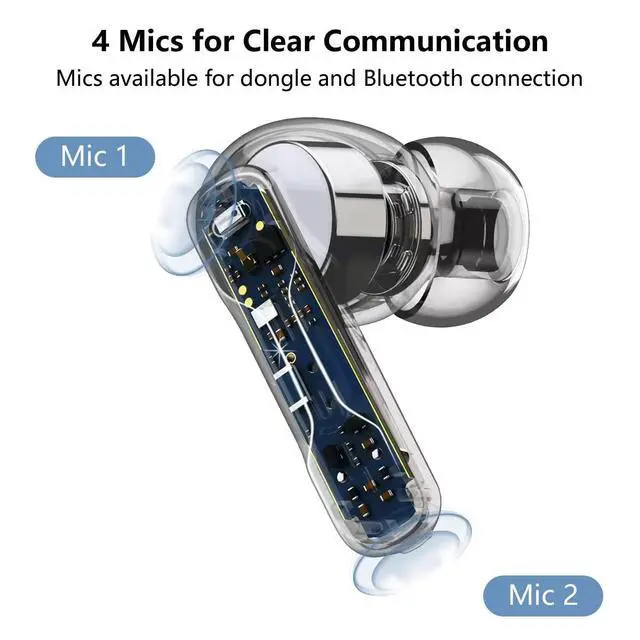
Elevate your communication experience. Our earbuds deliver crystal clear audio and provide high-quality microphones, making them ideal for Zoom meetings, web conferences, gaming interactions, video calls, phone calls, and more.

Customizable Touch Controls with App
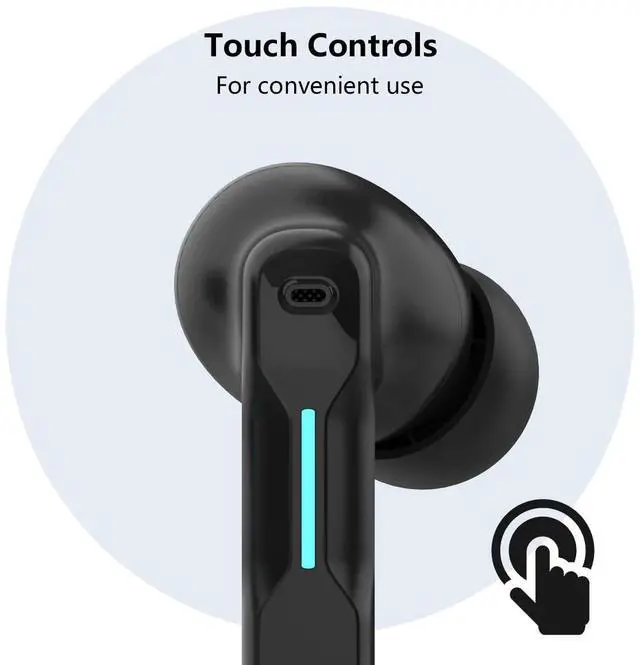
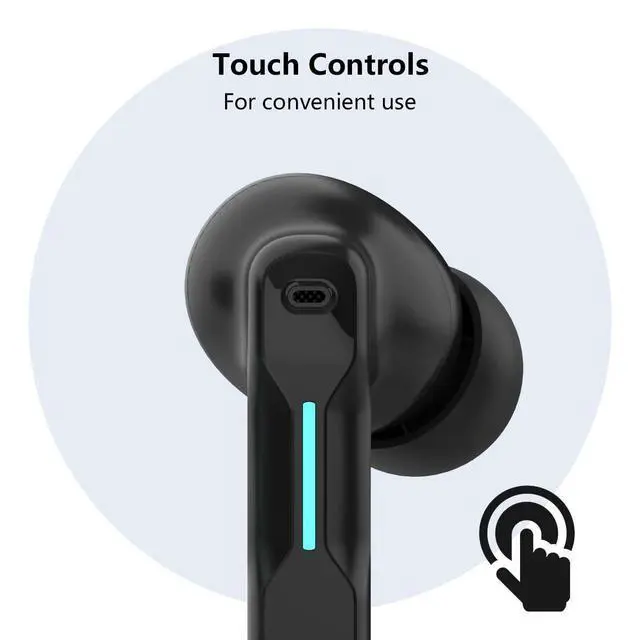
Manage your audio experience effortlessly with the easy-to-use touch controls. With our dedicated app, personalize your touch commands to control volume, manage calls, mute/unmute, and more. The power is at your fingertips.
APP for More Convenient Use

MUST READ: Manually switch between Dongle Mode(Dongle Device) and Bluetooth Mode(Another Bluetooth Device) by long press one earbud.
Remove the red protective film: Before first use, make sure to remove the red protective film between the earbuds and the charging case. Then place the earbuds back into the case, close the lid, and reopen it to power them on.
Dongle Connection Steps
- Connect the Dongle: Insert the USB-C dongle into your device. The dongle light will turn solid once paired successfully.
- No Sound Output(Dongle Flashing): Long press the touch button on one earbud for 2 seconds to ensure the earbuds are in dongle mode, not Bluetooth mode.
- No Sound Output(Dongle Steady): Check the sound settings on your device. Ensure that "SW4" is selected as the audio output device as well as the microphone audio input device.
Bluetooth Connection(Connect to a second device): Pair the SW4 in your device’s Bluetooth settings. Remember to long press the touch button on one earbud to switch the earbuds from dongle mode to Bluetooth mode.
FAQs
- Q: My earbuds keep disconnecting intermittently?
- A: Please plug the dongle directly into your device instead of using a docking station or hub. Also, try inserting the dongle into a front port of your device, as using a rear port (e.g., on a PC) may cause interference.
- Q: The dongle won't connect to my PC? A: The SW4 earbuds are compatible with PCs. If the dongle does not connect, please check the following:
- Make sure the earbuds are in dongle mode. If they are in Bluetooth mode, you will not hear sound from the dongle.
- Ensure that "SW4 Dongle" is selected as the audio output device in your PC's sound settings.
- Restart your device, reset the earbuds, and then reinsert the dongle to try again.
Defective? 1-Year Return & Exchange! Please reach out to us directly. Our products are backed by a 1-year commitment to quality, and we offer solutions for any defective items.
Middle Rabbit app: You can download and install the Middle Rabbit app by searching for "Middle Rabbit" in the Apple App Store or Google Play Store and then installing it on your device.


FEDIKER, as an authorized dealer of Middle Rabbit, takes pride in offering their high-quality and innovative headphones on . We focus on product excellence, user happiness, and innovation, striving to provide outstanding service. By delivering exceptional audio enjoyment for gamers, remote workers, and daily users, we help support Middle Rabbit's vision while meeting and surpassing user expectations.
How will FEDIKER enhance users' audio experience?
FEDIKER focuses on improving the headphone app and innovating features to ensure seamless smartphone integration and better user interactions.
How does FEDIKER handle after-sales support?
FEDIKER provides effective support, handling issues such as refunds, replacements, and offering timely help for product-related concerns.
What sets FEDIKER apart from other headset brands?
FEDIKER is dedicated to providing innovative, affordable, high-quality headphones to meet customer needs at competitive prices.
3 Connection Types
Connection Type 1: USB-C Connection
Perfect for devices such as PCs, laptops, desktops, tablets, mobile phones, and Switch consoles that feature a USB-C port.
* Plug and play — no need to pair via Bluetooth on the same device.
* Long press the touch button on either earbud to switch to Dongle mode.
Connection Type 2: USB-A Connection
Designed for PCs, laptops, desktops, PS4, PS5, etc. with a USB-A port.
Please note that the USB-A adapter (USB-C female to USB-A male adapter) should be connected with the USB-C dongle first when using the USB-A connection.
Connection Type 3: Bluetooth
Ideal for devices with Bluetooth functionality, including mobile phones (iPhone, Android, Samsung, etc.), tablets, and laptops.
*Bluetooth can be used to connect to a second device.
* Long press the touch button on either earbud to switch to Bluetooth mode.
Extended Playtime of Up to 30 Hours
Never fret over battery life again. Enjoy 6-8 hours of uninterrupted listening on a single charge, and secure an additional 3 full charges from the accompanying charging case.
Exceptional Audio and Microphone Quality
Elevate your communication experience. Our earbuds deliver crystal clear audio and provide high-quality microphones, making them ideal for Zoom meetings, web conferences, gaming interactions, video calls, phone calls, and more.
Customizable Touch Controls with App
Manage your audio experience effortlessly with the easy-to-use touch controls. With our dedicated app, personalize your touch commands to control volume, manage calls, mute/unmute, and more. The power is at your fingertips.
APP for More Convenient Use
MUST READ: Manually switch between Dongle Mode(Dongle Device) and Bluetooth Mode(Another Bluetooth Device) by long press one earbud.
Remove the red protective film: Before first use, make sure to remove the red protective film between the earbuds and the charging case. Then place the earbuds back into the case, close the lid, and reopen it to power them on.
Dongle Connection Steps
- Connect the Dongle: Insert the USB-C dongle into your device. The dongle light will turn solid once paired successfully.
- No Sound Output(Dongle Flashing): Long press the touch button on one earbud for 2 seconds to ensure the earbuds are in dongle mode, not Bluetooth mode.
- No Sound Output(Dongle Steady): Check the sound settings on your device. Ensure that "SW4" is selected as the audio output device as well as the microphone audio input device.
Bluetooth Connection(Connect to a second device): Pair the SW4 in your device’s Bluetooth settings. Remember to long press the touch button on one earbud to switch the earbuds from dongle mode to Bluetooth mode.
FAQs
- Q: My earbuds keep disconnecting intermittently?
- A: Please plug the dongle directly into your device instead of using a docking station or hub. Also, try inserting the dongle into a front port of your device, as using a rear port (e.g., on a PC) may cause interference.
- Q: The dongle won't connect to my PC? A: The SW4 earbuds are compatible with PCs. If the dongle does not connect, please check the following:
- Make sure the earbuds are in dongle mode. If they are in Bluetooth mode, you will not hear sound from the dongle.
- Ensure that "SW4 Dongle" is selected as the audio output device in your PC's sound settings.
- Restart your device, reset the earbuds, and then reinsert the dongle to try again.
Defective? 1-Year Return & Exchange! Please reach out to us directly. Our products are backed by a 1-year commitment to quality, and we offer solutions for any defective items.
Middle Rabbit app: You can download and install the Middle Rabbit app by searching for "Middle Rabbit" in the Apple App Store or Google Play Store and then installing it on your device.
FEDIKER, as an authorized dealer of Middle Rabbit, takes pride in offering their high-quality and innovative headphones on . We focus on product excellence, user happiness, and innovation, striving to provide outstanding service. By delivering exceptional audio enjoyment for gamers, remote workers, and daily users, we help support Middle Rabbit's vision while meeting and surpassing user expectations.
How will FEDIKER enhance users' audio experience?
FEDIKER focuses on improving the headphone app and innovating features to ensure seamless smartphone integration and better user interactions.
How does FEDIKER handle after-sales support?
FEDIKER provides effective support, handling issues such as refunds, replacements, and offering timely help for product-related concerns.
What sets FEDIKER apart from other headset brands?
FEDIKER is dedicated to providing innovative, affordable, high-quality headphones to meet customer needs at competitive prices.