




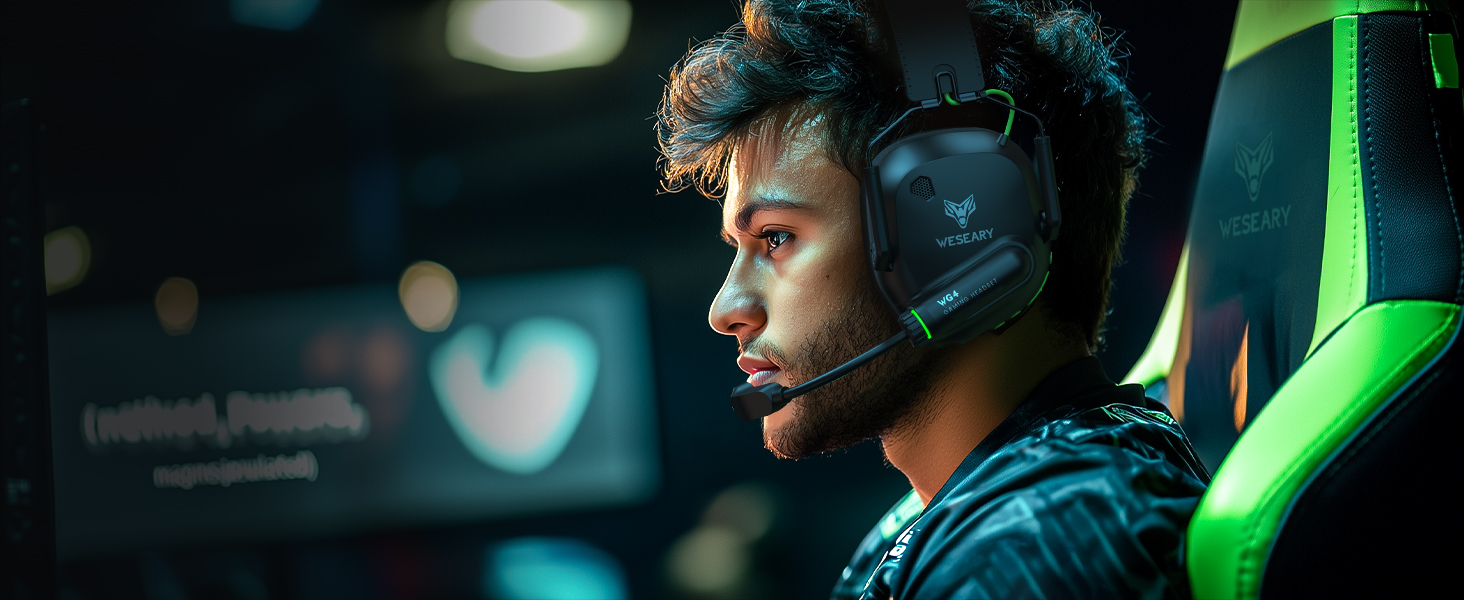
Gaming Headset for Men
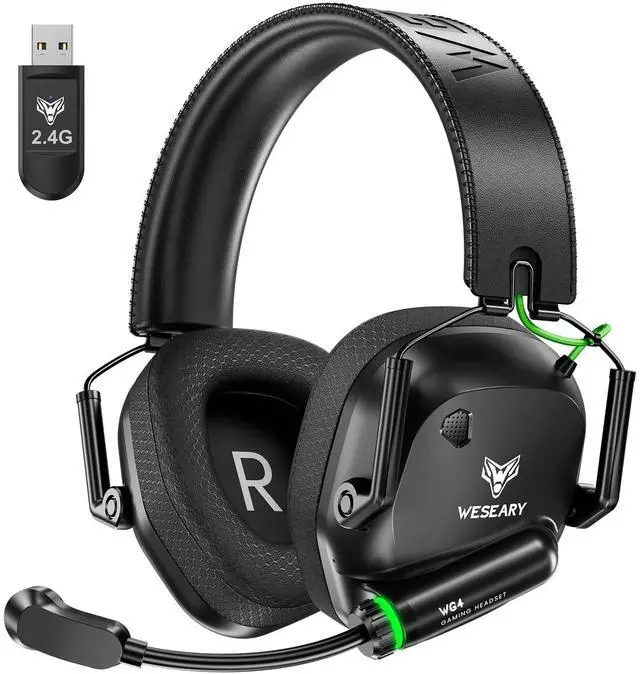
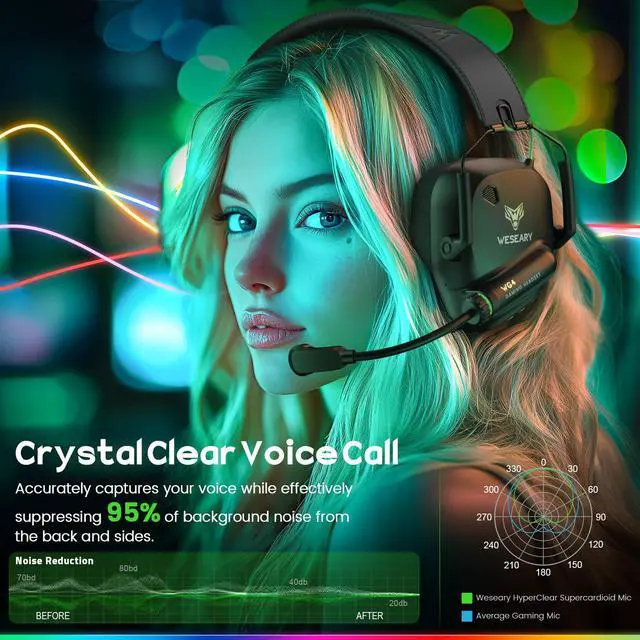
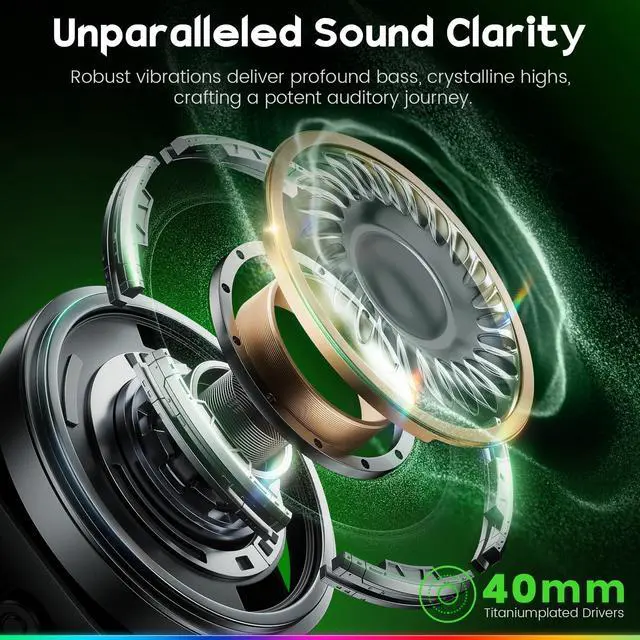
Level up your game with Gaming headsets—3D sound, crystal-clear mic, and ultimate comfort for non-stop gaming.

Comfortable & Crystal-Clear Mic for Gamers
Elevate your gaming with wireless gaming headphones—stylish design, 3D sound, crystal-clear mic, and ultimate comfort for endless play.
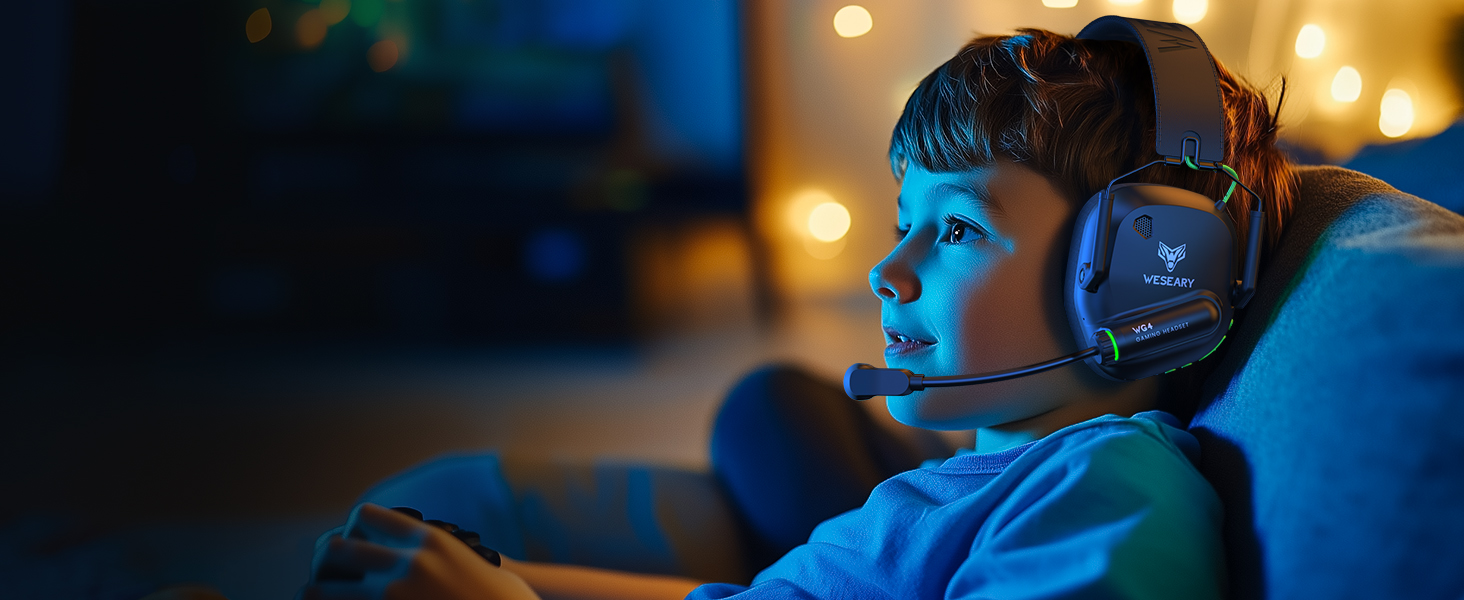
Perfect for Young Gamers with Clear Sound/Comfort
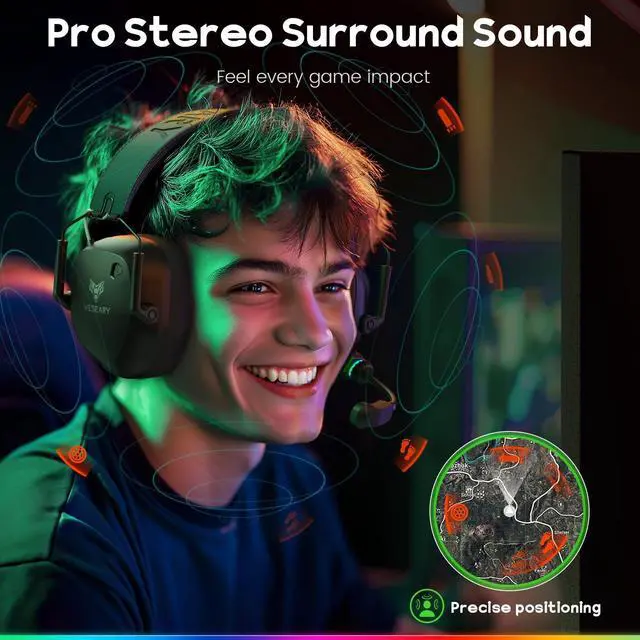
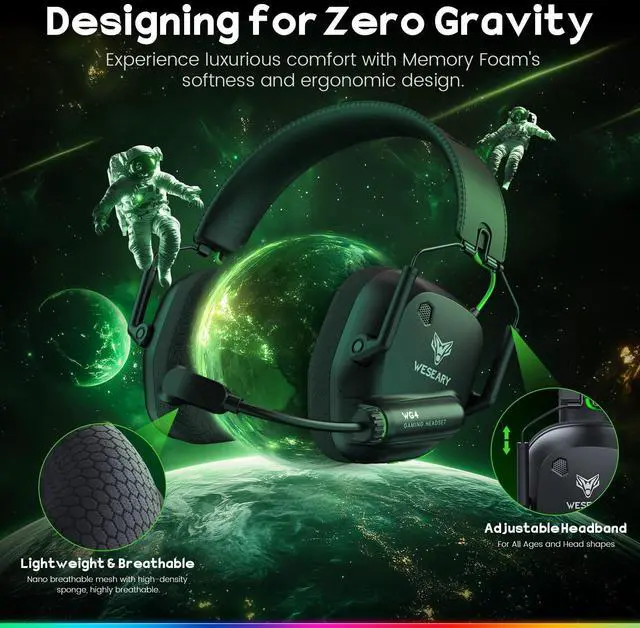
Ideal for young gamers, the wireless gaming headset offers clear sound, comfort, and easy communication. With soft ear cups and an adjustable headband, it’s perfect for hours of gaming fun!
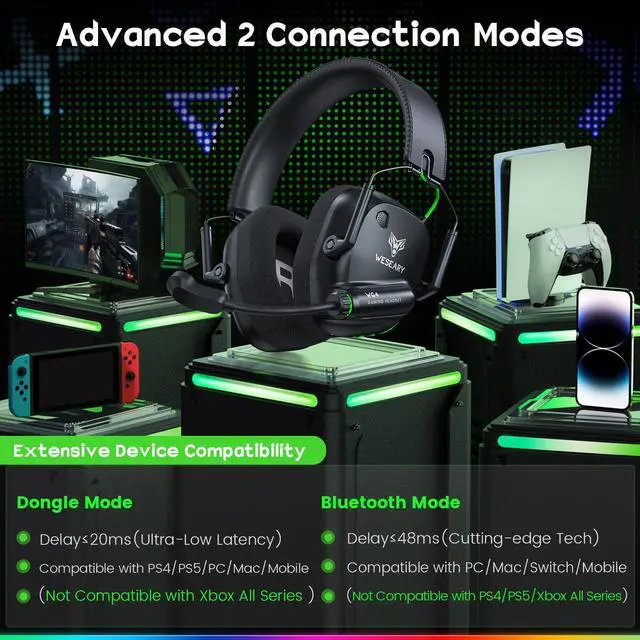
How to connect for PS4/PS5?
1. Insert the USB dongle into the PS5/PS4 USB port.
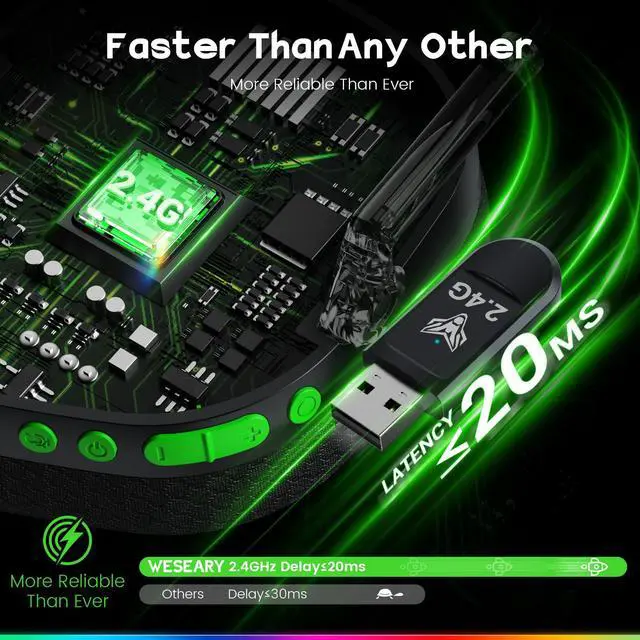
2. Short press the circular button to switch to USB 2.4GHz Dongle mode.
3. PS4/PS5 Console settings: Settings-Audio-Audio devices-Set input & output device to "WG4"
Is Bluetooth mode compatible with PS4/PS5?
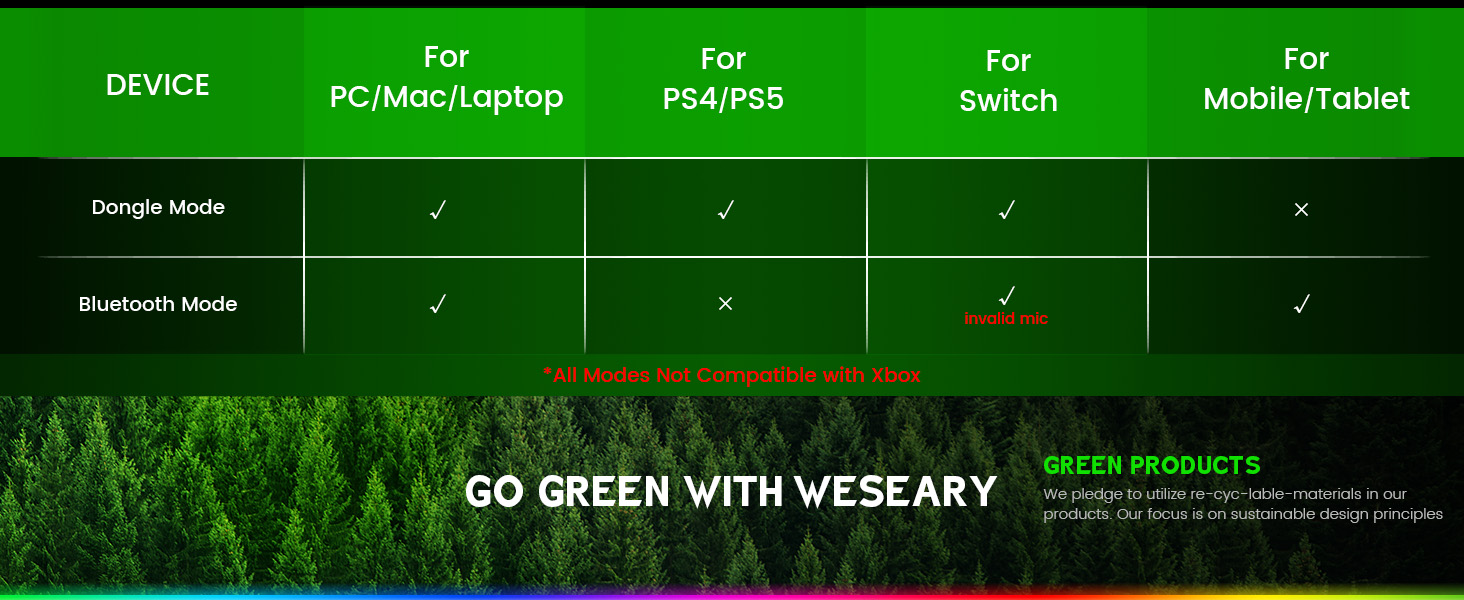
Bluetooth mode is not compatible with PS4/PS5. To ensure compatibility, please use the 2.4GHz dongle mode when connecting to these consoles.
Is this headset compatible with xbox devices?
Neither mode of our WG4 Wireless Gaming Headset is not compatible with Xbox, Xbox 360, Xbox One, Xbox One S, Xbox One X, Xbox Series X, or Xbox Series S.
Is WG4 headset compatible with Nintendo Switch?
1. WG4 wireless headset is compatible with Nintendo Switch for audio only.
2. The microphone isn’t supported in either Bluetooth or 2.4GHz mode, as the Switch system does not allow external voice input.
My Mic is no longer picking up any sound. What should l do?
1. Please check if the mic is turned on and clean.
2. Make sure it's selected in your device's audio settings.
3. Adjust input volume if needed.
4. Try it on another device and avoid interference from wind or nearby electronics.
WESEARY Gaming Headsets
 WG4 Gaming Headphones |  Gaming Headphones for PS5 |  Gaming Headphones for PS4 |  Gaming Headphones for PS4 |  Gaming Headphones for PC |  WG2 Gaming Headphones |  WG4 Gaming Headphones | |
|---|---|---|---|---|---|---|---|
Customer Reviews | — | — | — | — | — | — | — |
Price | — | — | — | — | — | — | — |
Is it a USB Headset? | ? | ? | ? | ? | ? | ? | ? |
Wireless or Wired | Wireless | Wireless | Wireless | Wireless | Wireless | Wireless | Wireless |
Headphones Form Factor | Over Ear | Over Ear | Over Ear | Over Ear | Over Ear | Over Ear | Over Ear |
LED Light | Dynamic Gradient Lighting | Dynamic Gradient Lighting | Dynamic Gradient Lighting | Dynamic Gradient Lighting | Dynamic Gradient Lighting | Dynamic Gradient Lighting | Dynamic Gradient Lighting |
Surround Sound | Enhance 3D Surround Sound | Enhance 3D Surround Sound | Enhance 3D Surround Sound | Enhance 3D Surround Sound | Enhance 3D Surround Sound | Enhance 3D Surround Sound | Enhance 3D Surround Sound |
Headband | Adjustable | Adjustable | Adjustable | Adjustable | Adjustable | Adjustable | Adjustable |

WG4 GAMING HEADSET
Unleash True Audio Precision
Note: The wireless NOT support XBOX
Note: wireless Mic NOT Supported on Switch

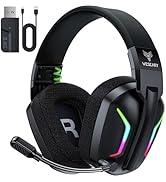
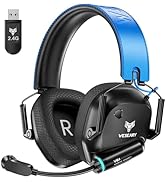
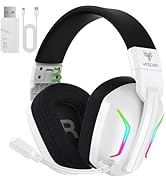
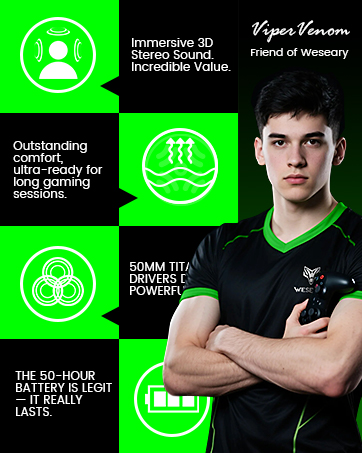

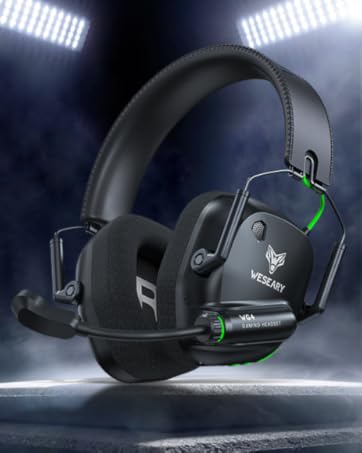



WG4 GAMING HEADSET
Unleash True Audio Precision
Note: The wireless NOT support XBOX
Note: wireless Mic NOT Supported on Switch
WESEARY GAMING HEADSET
Unleash Your Power
Next-Gen Gaming Headset with 3D Sound and All-Day Comfort
Stylish Gaming Headset
Designed for comfort, built for play—game all day with style that stands out.
Pro Gaming Audio
Gear up, lock in, and dominate—this headset was made for your next victory.


Gaming Headset for Men
Comfortable & Crystal-Clear Mic for Gamers
Perfect for Young Gamers with Clear Sound/Comfort


Level up your game with Gaming headsets—3D sound, crystal-clear mic, and ultimate comfort for non-stop gaming.
Elevate your gaming with wireless gaming headphones—stylish design, 3D sound, crystal-clear mic, and ultimate comfort for endless play.
Ideal for young gamers, the wireless gaming headset offers clear sound, comfort, and easy communication. With soft ear cups and an adjustable headband, it’s perfect for hours of gaming fun!
How to connect for PS4/PS5?
1. Insert the USB dongle into the PS5/PS4 USB port.
2. Short press the circular button to switch to USB 2.4GHz Dongle mode.
3. PS4/PS5 Console settings: Settings-Audio-Audio devices-Set input & output device to "WG4"
Is Bluetooth mode compatible with PS4/PS5?
Bluetooth mode is not compatible with PS4/PS5. To ensure compatibility, please use the 2.4GHz dongle mode when connecting to these consoles.
Is this headset compatible with xbox devices?
Neither mode of our WG4 Wireless Gaming Headset is not compatible with Xbox, Xbox 360, Xbox One, Xbox One S, Xbox One X, Xbox Series X, or Xbox Series S.
Is WG4 headset compatible with Nintendo Switch?
1. WG4 wireless headset is compatible with Nintendo Switch for audio only.
2. The microphone isn’t supported in either Bluetooth or 2.4GHz mode, as the Switch system does not allow external voice input.
My Mic is no longer picking up any sound. What should l do?
1. Please check if the mic is turned on and clean.
2. Make sure it's selected in your device's audio settings.
3. Adjust input volume if needed.
4. Try it on another device and avoid interference from wind or nearby electronics.
WESEARY Gaming Headsets
WG4 Gaming Headphones | Gaming Headphones for PS5 | Gaming Headphones for PS4 | Gaming Headphones for PS4 | Gaming Headphones for PC | WG2 Gaming Headphones | WG4 Gaming Headphones |
|---|---|---|---|---|---|---|
| Customer Reviews | ||||||
| — | — | — | — | — | — | — |
| Price | ||||||
| — | — | — | — | — | — | — |
| Is it a USB Headset? | ||||||
| ? | ? | ? | ? | ? | ? | ? |
| Wireless or Wired | ||||||
| Wireless | Wireless | Wireless | Wireless | Wireless | Wireless | Wireless |
| Headphones Form Factor | ||||||
| Over Ear | Over Ear | Over Ear | Over Ear | Over Ear | Over Ear | Over Ear |
| LED Light | ||||||
| Dynamic Gradient Lighting | Dynamic Gradient Lighting | Dynamic Gradient Lighting | Dynamic Gradient Lighting | Dynamic Gradient Lighting | Dynamic Gradient Lighting | Dynamic Gradient Lighting |
| Surround Sound | ||||||
| Enhance 3D Surround Sound | Enhance 3D Surround Sound | Enhance 3D Surround Sound | Enhance 3D Surround Sound | Enhance 3D Surround Sound | Enhance 3D Surround Sound | Enhance 3D Surround Sound |
| Headband | ||||||
| Adjustable | Adjustable | Adjustable | Adjustable | Adjustable | Adjustable | Adjustable |