




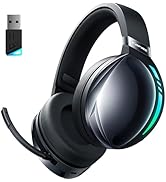
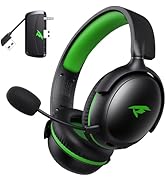
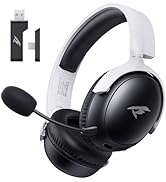
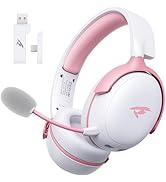


How to switch between Bluetooth mode and 2.4G transmitter mode?
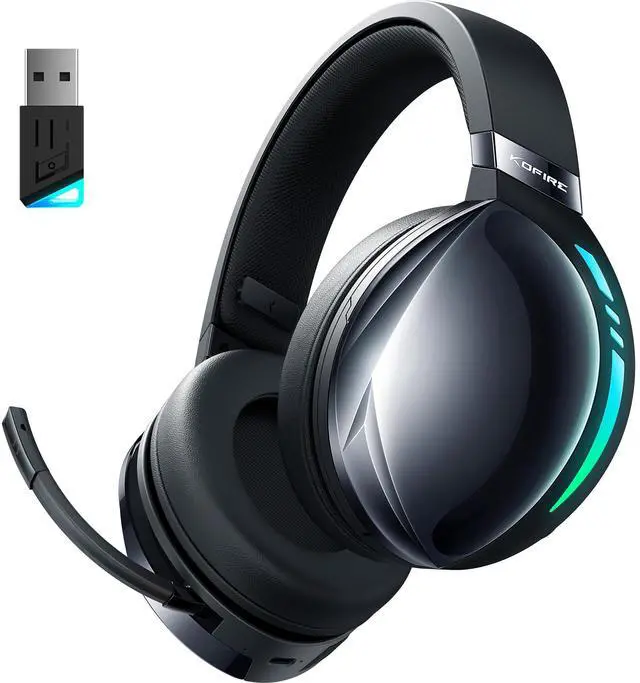
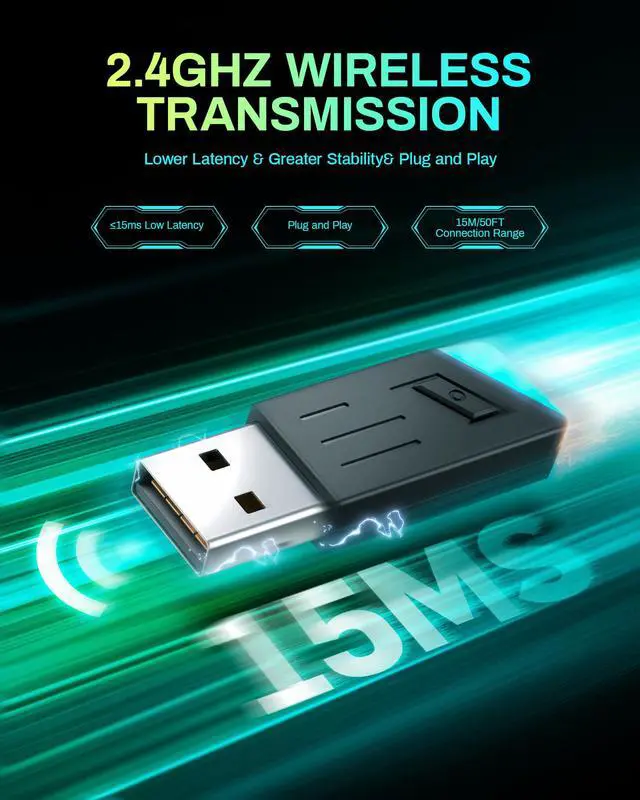
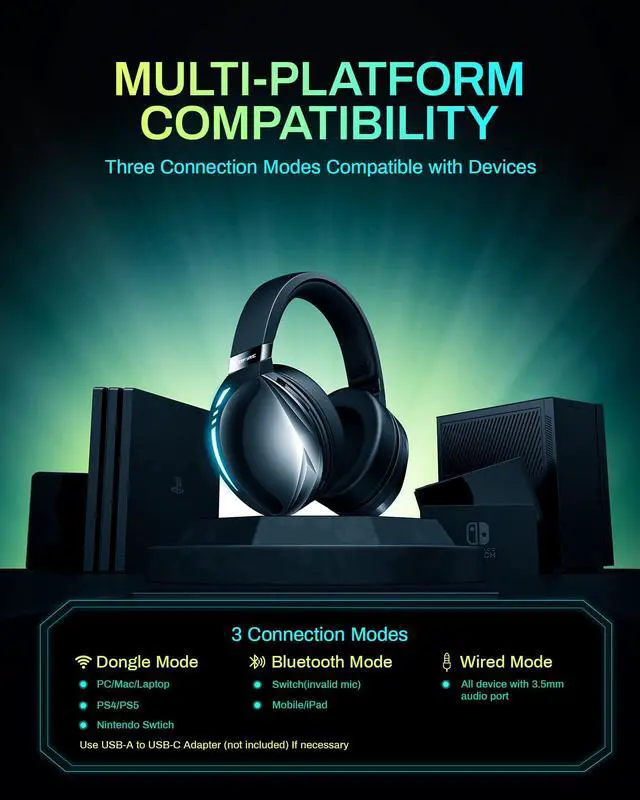
If Bluetooth mode is displayed after powering on, press the power button 3 times to switch to Dongle mode, and press the power button 3 times again to switch back to Bluetooth mode.
How to connect my gaming device?
PS4/PS5/PC connects via the included USB adapter, Switch connects via Bluetooth to game controller (mic may not work), USB can be connected to the Switch dock.
Why is there no volume on my headset or microphone when connected to PS4/PS5?
1. Insert the USB into the PS4/5 console
2. Set the headset to Dongle Mode, and the dongle turns blue after connection
3. Console setting: Settings-Device-Audio-Audio Device-Select kofire UG-06-Set the headset output to all audio-Turn up the volume
Can this headset be used in wired mode?
Yes, we include a 3.5mm cable that works with all devices with an audio jack, so when the headset battery is low, you can continue to play games with a wired connection.
Is the UG-06 gaming headset compatible with the Xbox console?
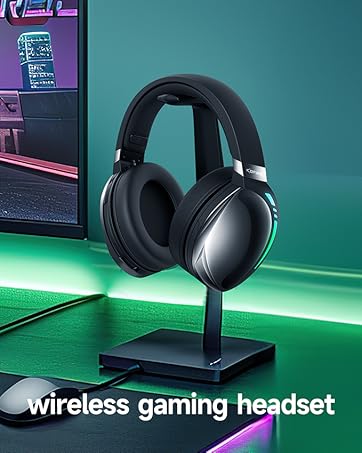
UG-06 wireless gaming headset does not support wireless connection to Xbox, but can be connected by wire (Except Xbox One, which requires an additional adapter)


How to switch between Bluetooth mode and 2.4G transmitter mode?
If Bluetooth mode is displayed after powering on, press the power button 3 times to switch to Dongle mode, and press the power button 3 times again to switch back to Bluetooth mode.
How to connect my gaming device?
PS4/PS5/PC connects via the included USB adapter, Switch connects via Bluetooth to game controller (mic may not work), USB can be connected to the Switch dock.
Why is there no volume on my headset or microphone when connected to PS4/PS5?
1. Insert the USB into the PS4/5 console
2. Set the headset to Dongle Mode, and the dongle turns blue after connection
3. Console setting: Settings-Device-Audio-Audio Device-Select kofire UG-06-Set the headset output to all audio-Turn up the volume
Can this headset be used in wired mode?
Yes, we include a 3.5mm cable that works with all devices with an audio jack, so when the headset battery is low, you can continue to play games with a wired connection.
Is the UG-06 gaming headset compatible with the Xbox console?
UG-06 wireless gaming headset does not support wireless connection to Xbox, but can be connected by wire (Except Xbox One, which requires an additional adapter)
Perfect design
