








Why the volume is low while connect to the PS5?
First: Roll the volume control wheel to adjust the volume.
Second: Set up--Sound--Audio Output--Output Device--Choose USB Headset(US-08S)
Third: Volume Headphones
When connected to the PS5, No sound from the microphone? Microphone sound too low?
First: Set up--Sound--Microphone--Input Device--Choose USB Headset(US-08S)
Second: Adjust Microphone Level
Third: Mircophone Status When Logged in
Fourth: Mircophone Status When Starting Voice
Fifth: Volume--Controller Speaker
The UG-08S's wireless mode can not compatible with an XBOX!!!
Sure, The headset's wireless function not compatible with any xbox series.
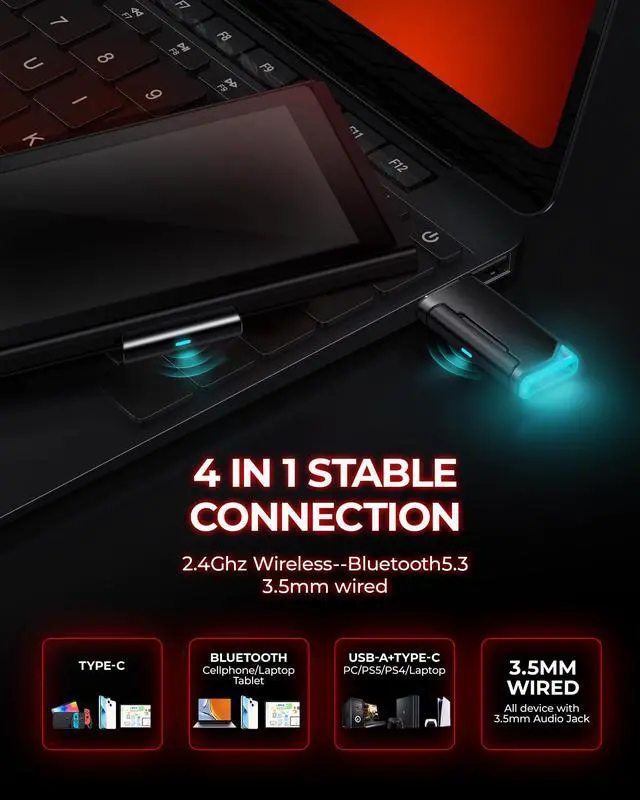
How to switch between 2.4GHz dongle modes and Bluetooth modes to pair with gaming devices
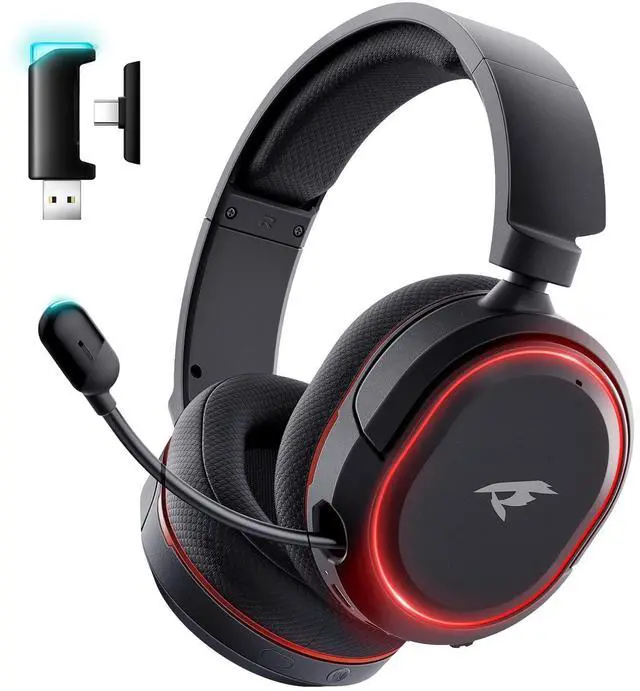
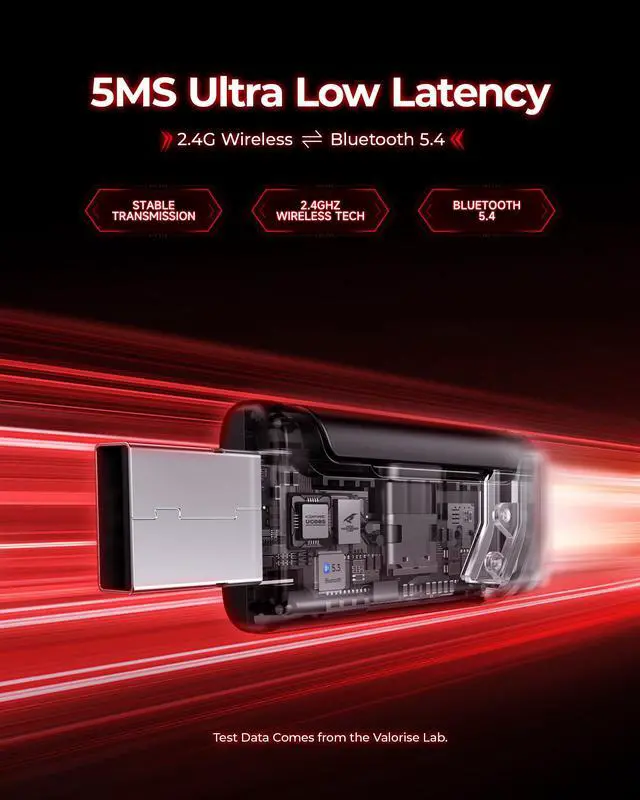
You can switch between 2.4GHz dongle modes and Bluetooth modes by pressing the power button three times.


Why the volume is low while connect to the PS5?
First: Roll the volume control wheel to adjust the volume.
Second: Set up--Sound--Audio Output--Output Device--Choose USB Headset(US-08S)
Third: Volume Headphones
When connected to the PS5, No sound from the microphone? Microphone sound too low?
First: Set up--Sound--Microphone--Input Device--Choose USB Headset(US-08S)
Second: Adjust Microphone Level
Third: Mircophone Status When Logged in
Fourth: Mircophone Status When Starting Voice
Fifth: Volume--Controller Speaker
The UG-08S's wireless mode can not compatible with an XBOX!!!
Sure, The headset's wireless function not compatible with any xbox series.
How to switch between 2.4GHz dongle modes and Bluetooth modes to pair with gaming devices
You can switch between 2.4GHz dongle modes and Bluetooth modes by pressing the power button three times.
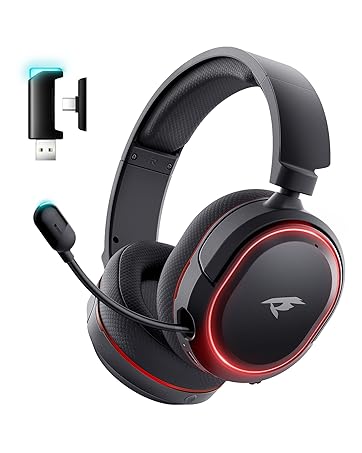
Multiple colorways
Expert technical service team
- Fast and reliable answers to your questions
- We’ll fix it fast and value your feedback
High-quality factory
- Top-notch production strength
- Straight from our factory to your doorstep