




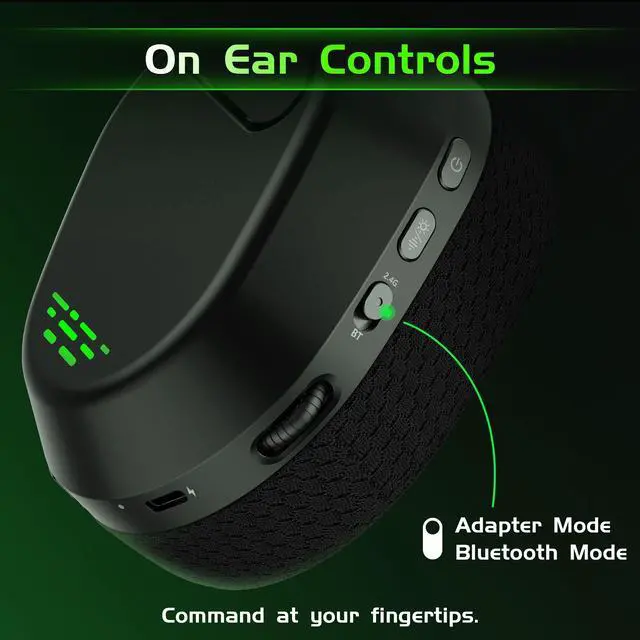


Wireless Gaming Headset for Xbox
Merchant Video


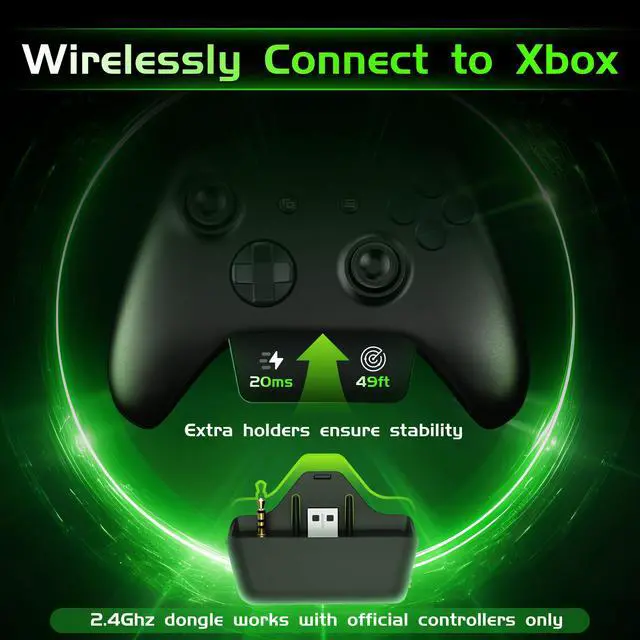
How to connect to Xbox? (Must read for the initial use)
1. Switch the gaming headset to 2.4G Adaptor Mode.
2. Fully insert the transmitter into your official Xbox controller(no gap) until the blue light stays solid on.
3. Go to Xbox Settings and adjust the volume settings.
What should I adjust on the Xbox settings? (Must read for the initial use)
1. Headset Mic - On
2. Headset volume - Maximum
3. Headset chat mixer - just in the middle, to balance the volume between chat and game
4. Mic Monitoring - Off/Minimum, to avoid echoes
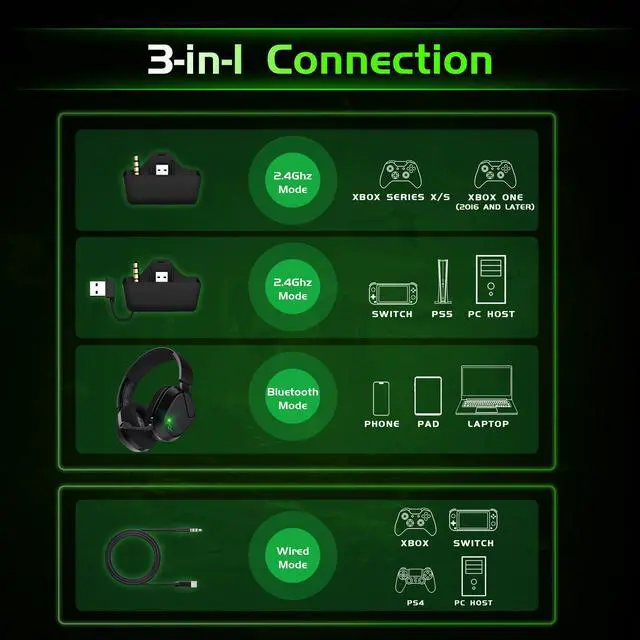
Can I use Bluetooth with Xbox/PS5/PS4?
Bluetooth is designed for use with mobile phones, tablets, and PCs. For gaming consoles, please use the 2.4GHz wireless or wired connection. (Note that a USB-A port is inserted at the bottom of the dongle; you can pull it out and use it with PS5.)
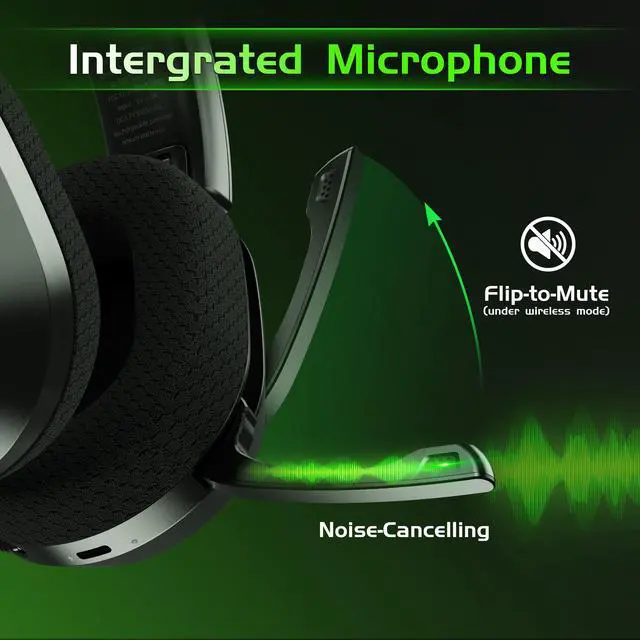
Why can't I mute the microphone on the gaming headset?
When using the headset in wired mode, the flip-to-mute function is disabled. You can mute the microphone normally when using wireless modes.
Why can't I use the wireless gaming headset with my Xbox One?
This gaming headset is compatible with Xbox One controllers released in 2016 or later. Older versions require an additional transmitter or adapter with a 3.5mm jack to work properly. Older versions of Xbox controllers might also have noise issues.


Captain 560 Headset for Xbox
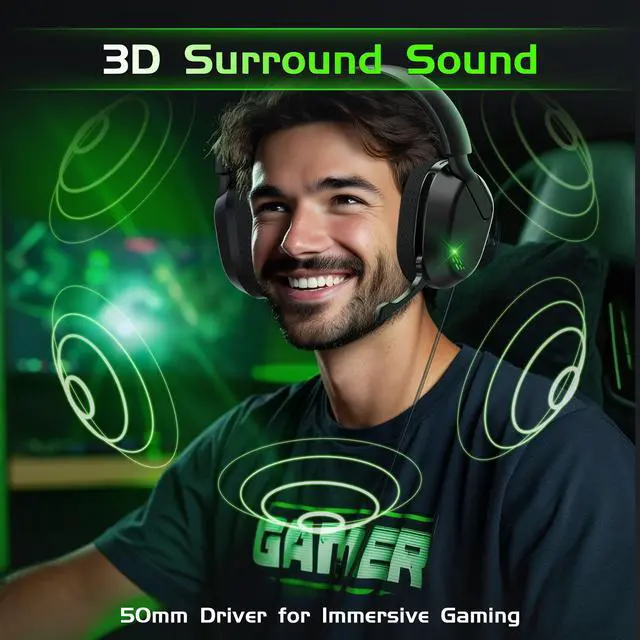
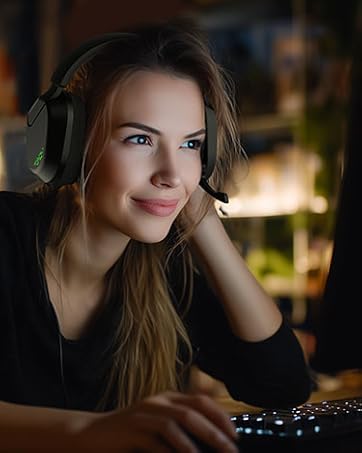
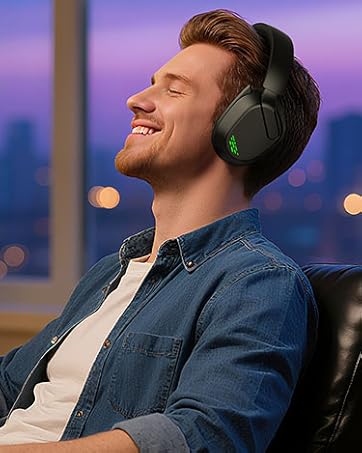
The Captain 560 Xbox headset wireless is designed for Xbox Series X/S and multi-platform play. Featuring ultra-low-latency 2.4GHz, a flip-to-mute mic, immersive 50mm drivers, and foldable breathable cushions, Captain 560 combines precision, comfort, and control to keep you in the zone.
We back every purchase with a 12-month dedicated service and 45-day return — we’ll make sure everything is resolved.
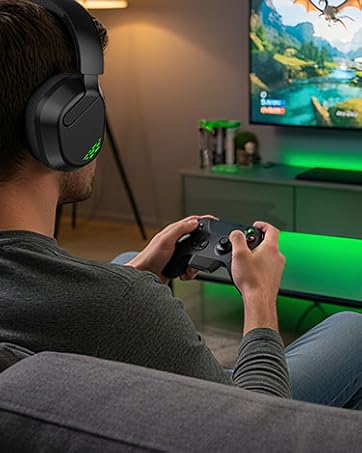
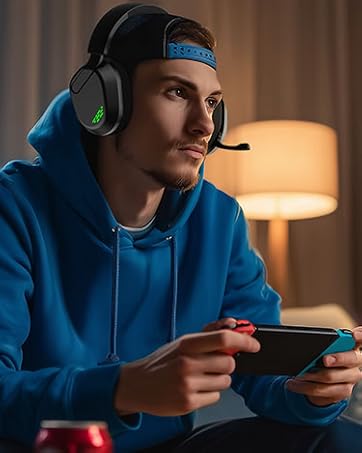
Wireless Gaming Headset for Xbox
Merchant Video


How to connect to Xbox? (Must read for the initial use)
1. Switch the gaming headset to 2.4G Adaptor Mode.
2. Fully insert the transmitter into your official Xbox controller(no gap) until the blue light stays solid on.
3. Go to Xbox Settings and adjust the volume settings.
What should I adjust on the Xbox settings? (Must read for the initial use)
1. Headset Mic - On
2. Headset volume - Maximum
3. Headset chat mixer - just in the middle, to balance the volume between chat and game
4. Mic Monitoring - Off/Minimum, to avoid echoes
Can I use Bluetooth with Xbox/PS5/PS4?
Bluetooth is designed for use with mobile phones, tablets, and PCs. For gaming consoles, please use the 2.4GHz wireless or wired connection. (Note that a USB-A port is inserted at the bottom of the dongle; you can pull it out and use it with PS5.)
Why can't I mute the microphone on the gaming headset?
When using the headset in wired mode, the flip-to-mute function is disabled. You can mute the microphone normally when using wireless modes.
Why can't I use the wireless gaming headset with my Xbox One?
This gaming headset is compatible with Xbox One controllers released in 2016 or later. Older versions require an additional transmitter or adapter with a 3.5mm jack to work properly. Older versions of Xbox controllers might also have noise issues.
Captain 560 Headset for Xbox
The Captain 560 Xbox headset wireless is designed for Xbox Series X/S and multi-platform play. Featuring ultra-low-latency 2.4GHz, a flip-to-mute mic, immersive 50mm drivers, and foldable breathable cushions, Captain 560 combines precision, comfort, and control to keep you in the zone.
We back every purchase with a 12-month dedicated service and 45-day return — we’ll make sure everything is resolved.