




FIFINE Headset/Headphone
USB or 3.5mm | Connector | USB |
50mm | Driver Size | 50mm |
Leatherette | Padding materials | Leatherette |
Include Microphone | ||
32O±15% | Impedance | 32O±15% |
Total 10ft (3.15m) | Cable Length | 7.55ft (2.3m) |
Gaming/Streaming | Suitable for | Gaming/Streaming |
USB or 3.5mm | Connector | USB |
50mm | Driver Size | 50mm |
Leatherette | Padding materials | Leatherette |
Include Microphone | ||
32O±15% | Impedance | 32O±15% |
Total 10ft (3.15m) | Cable Length | 6.6ft (2m) |
Gaming/Streaming | Suitable for | Gaming/Streaming |
USB or 3.5mm | Connector | 3.5mm |
50mm | Driver Size | 50mm |
Leatherette | Padding materials | Leatherette |
Include Microphone | ||
32O±15% | Impedance | 32O±15% |
Total 10ft (3.15m) | Cable Length | Total 4.9ft (1.5m) |
Gaming/Streaming | Suitable for | Gaming/Streaming |
USB or 3.5mm | Connector | Bluetooth |
50mm | Driver Size | 40mm |
Leatherette | Padding materials | Leatherette |
Include Microphone | ||
32O±15% | Impedance | 32O+15% |
Total 10ft (3.15m) | Cable Length | Wireless |
Gaming/Streaming | Suitable for | Music/Sport Travel |


How can I connect the H9 gaming headset to my PC/PlayStation5?
First connect the 3.5mm plug and the USB control box of the H9 PC/PS5 headset,then plug in the USB adaptor to the USB port your gaming device, the gaming headset will be recognized by the system as input&output device automatically.
Is the H9 compatible with other game consoles other than PlayStation4, such as Xbox one?
H9 gaming headset has a wide range of compatibility. Enjoy intensive game sessions by plugging the 3.5mm jack of the gamer headset to Xbox controller’s headphone jack, or have fun on Nintendo Switch by plugging the gaming headset into the console.
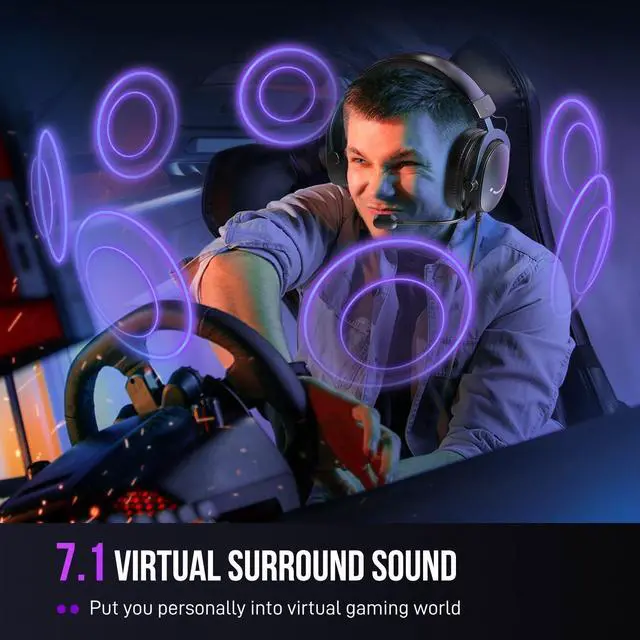
How would the 7.1 surround sound effect benefits my game experience via the gaming PC headset?
When the virtual 7.1 surround sound of the gaming headset is turned on, you can have the amazing spacial audio experience in game, which will allow you to locate every movement and predict the distance, gain the in-game advantage on your opponents.
How to turn up the volume level of mic on gamer headset?
Make sure that the mute switch on USB control box is pushed to “mic on”. Press “+”/”-” to turn up or down mic volume via the USB control box of gaming headset or computer setting.
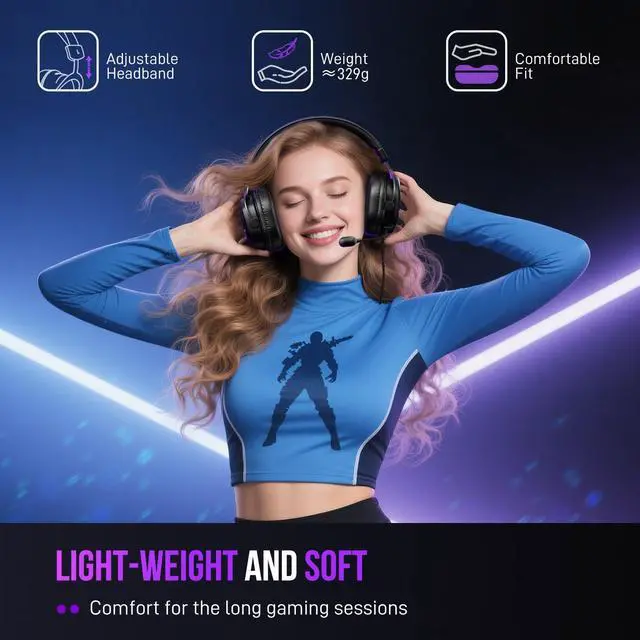
Is the PS5 headset comfortable for gaming marathon?
The H9 xbox headset is designed to be light-weighted and paired with ear pads & headband made in ventilating material, which will cause less pressure and help you focus in your gaming marathon.




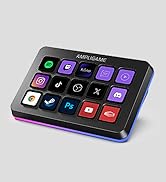
USB and 3.5mm Compatibility
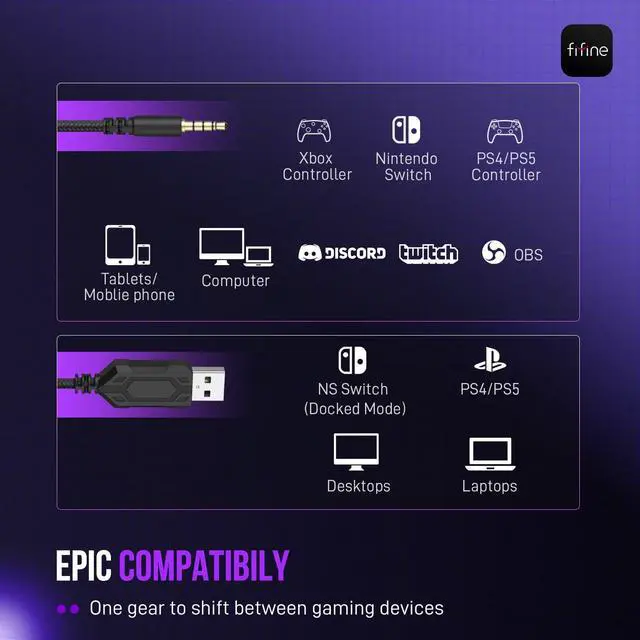
Step into the realm of limitless gaming possibilities with H9 gaming headset for compatibility across a multitude of platforms. The USB connector syncs with PS4, PS5, desktops and laptops, immersing you in a gaming aura that intensifies every battle and adventure. The 3.5mm connector adapts to Switch, Xbox, PS4/PS5 controllers, mobile players and computers, unlocking a world of gaming ecstasy. Level up your gaming prowess and embrace the full compatibility potential of the gaming PC headset.
USB Control Box
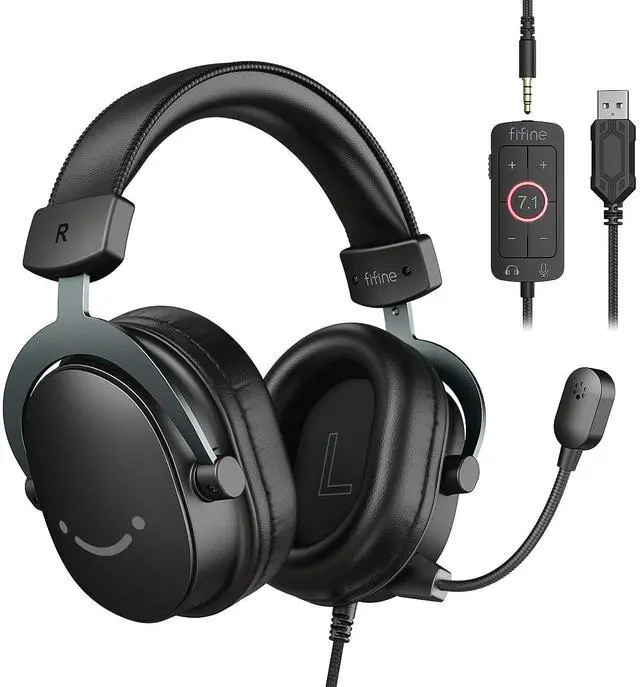
7.1 surround sound switch gives you transcend reality and take you into deeper virtual gaming realm. Take full charge of your gaming destiny as effortlessly control the headset volume to suit your gaming desires. Switch mic mute/unmute at your fingertips and seamlessly adjust the microphone volume to ensure crystal-clear communication with your teammates for triumph. The USB control box unlock gaming experience and crave for more.
Envelope you in a tense shooting world.
Make every explosion reverberate around your ear.
Take you to infiltrate the heart of character role.
Enjoy the roar of the racing engine heartily.


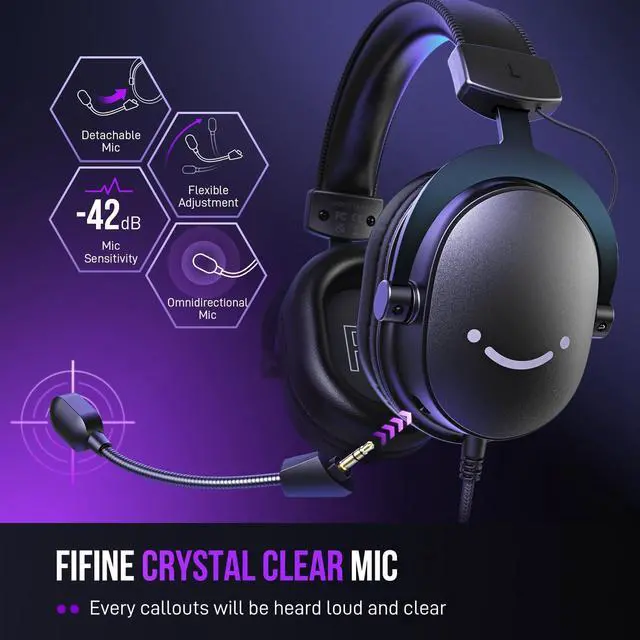
Communicate with ease to dominate the gaming arena.
Loud clarity ensure seamless communication with your team.


Deliver immersive audio that transcends virtual boundaries.
Provide softly comfy for immersive battles that never end.
Take charge of gaming destiny at your fingertips.
Total length of 124 inches is handily accessed from the back of device.
Different degrees of adjustment fit your ear and head.


FIFINE Headset/Headphone
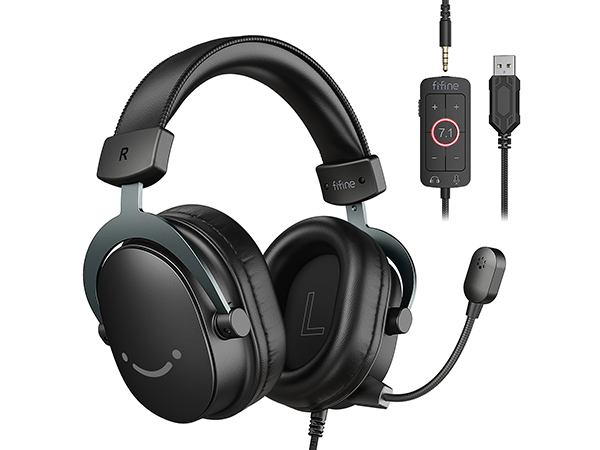
USB/3.5mm Game Headset-H9
Connector
USB or 3.5mm
Driver Size
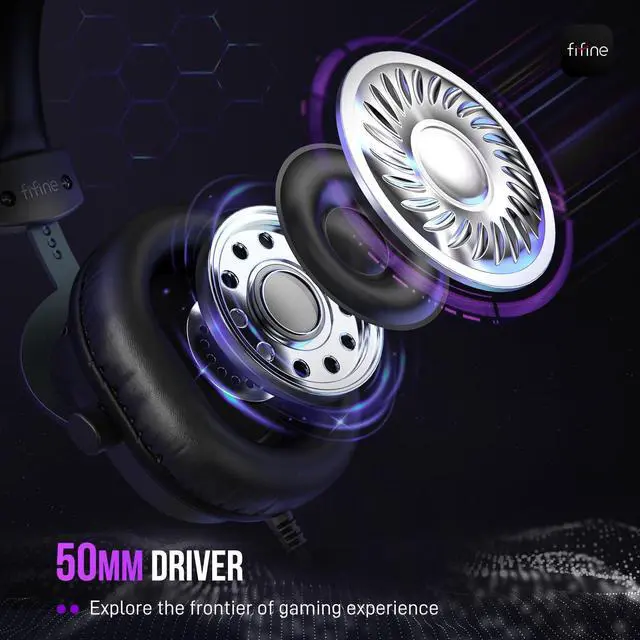
50mm
Padding materials
Leatherette
Include Microphone
Impedance
32O±15%
Cable Length
Total 10ft (3.15m)
Suitable for
Gaming/Streaming
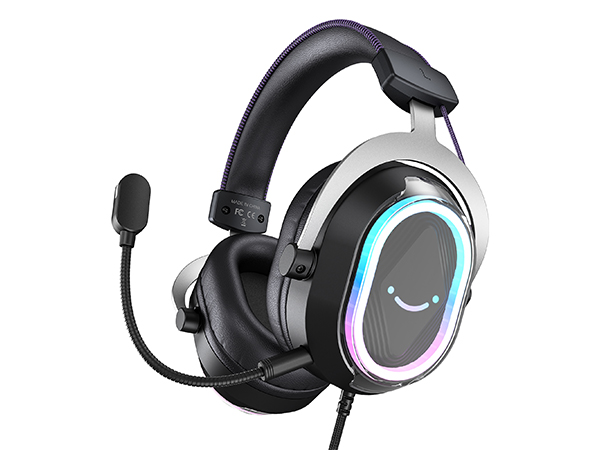
USB Gaming Headset-H13BP
Connector
USB
Driver Size
50mm
Padding materials
Leatherette
Include Microphone
Impedance
32O±15%
Cable Length
7.55ft (2.3m)
Suitable for
Gaming/Streaming
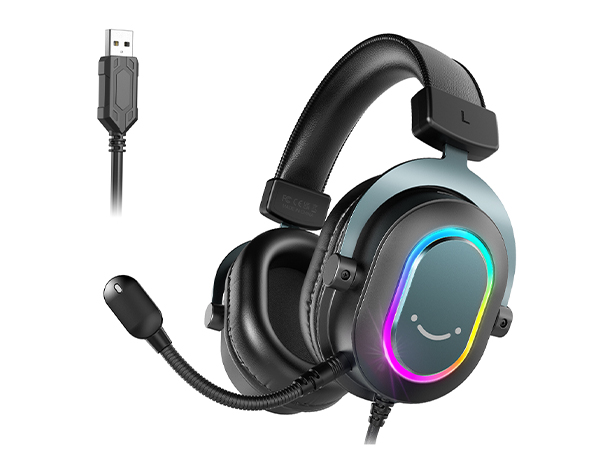
USB Gaming Headset-H6
Connector
USB
Driver Size
50mm
Padding materials
Leatherette
Include Microphone
Impedance
32O±15%
Cable Length
6.6ft (2m)
Suitable for
Gaming/Streaming
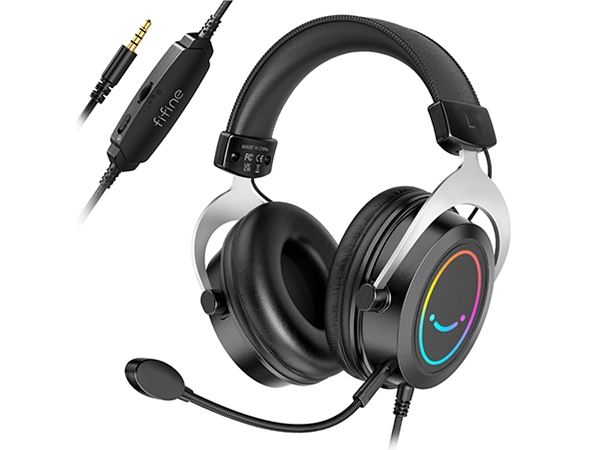
3.5mm Gaming Headset-H3
Connector
3.5mm
Driver Size
50mm
Padding materials
Leatherette
Include Microphone
Impedance
32O±15%
Cable Length
Total 4.9ft (1.5m)
Suitable for
Gaming/Streaming
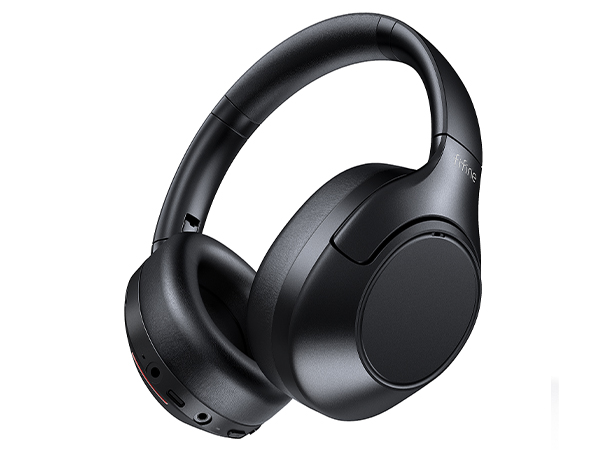
Bluetooth headphone-X3
Connector
Bluetooth
Driver Size
40mm
Padding materials
Leatherette
Include Microphone
Impedance
32O+15%
Cable Length
Wireless
Suitable for
Music/Sport Travel
How can I connect the H9 gaming headset to my PC/PlayStation5?
First connect the 3.5mm plug and the USB control box of the H9 PC/PS5 headset,then plug in the USB adaptor to the USB port your gaming device, the gaming headset will be recognized by the system as input&output device automatically.
Is the H9 compatible with other game consoles other than PlayStation4, such as Xbox one?
H9 gaming headset has a wide range of compatibility. Enjoy intensive game sessions by plugging the 3.5mm jack of the gamer headset to Xbox controller’s headphone jack, or have fun on Nintendo Switch by plugging the gaming headset into the console.
How would the 7.1 surround sound effect benefits my game experience via the gaming PC headset?
When the virtual 7.1 surround sound of the gaming headset is turned on, you can have the amazing spacial audio experience in game, which will allow you to locate every movement and predict the distance, gain the in-game advantage on your opponents.
How to turn up the volume level of mic on gamer headset?
Make sure that the mute switch on USB control box is pushed to “mic on”. Press “+”/”-” to turn up or down mic volume via the USB control box of gaming headset or computer setting.
Is the PS5 headset comfortable for gaming marathon?
The H9 xbox headset is designed to be light-weighted and paired with ear pads & headband made in ventilating material, which will cause less pressure and help you focus in your gaming marathon.
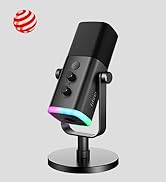
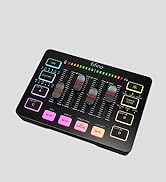
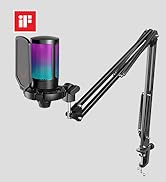
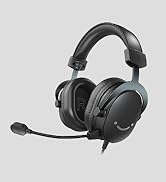
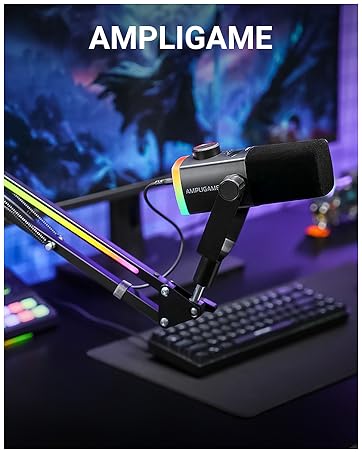
FIFINE AmpliGame Series
Keep Leveling Up for Your Game Victory
FIFINE Gaming Products
FIFINE Streaming Microphone
FIFINE Podcasting Microphone
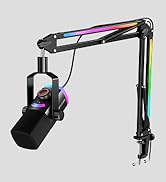
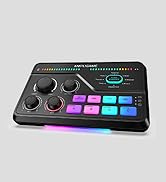
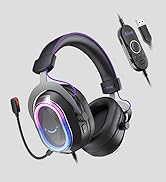
More from AmpliGame Series