




Over-Ear Gaming Headset
RGB Gaming Headset with 3.5mm Jack
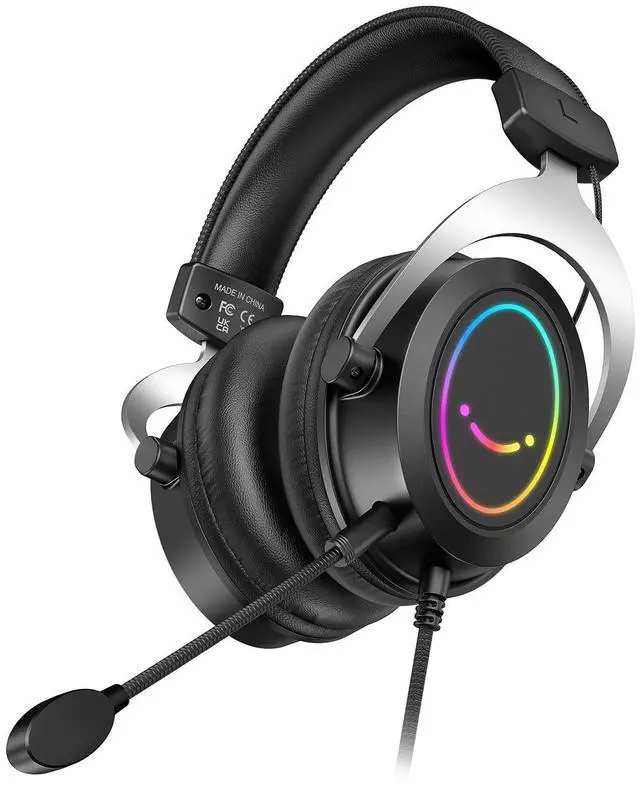
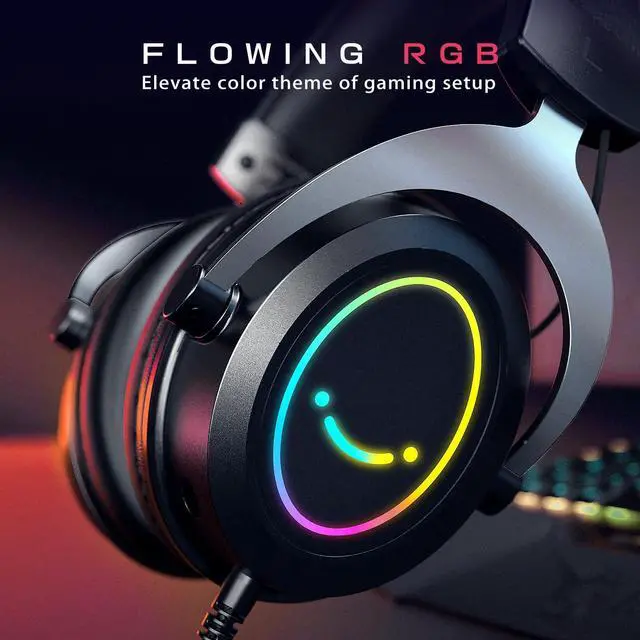
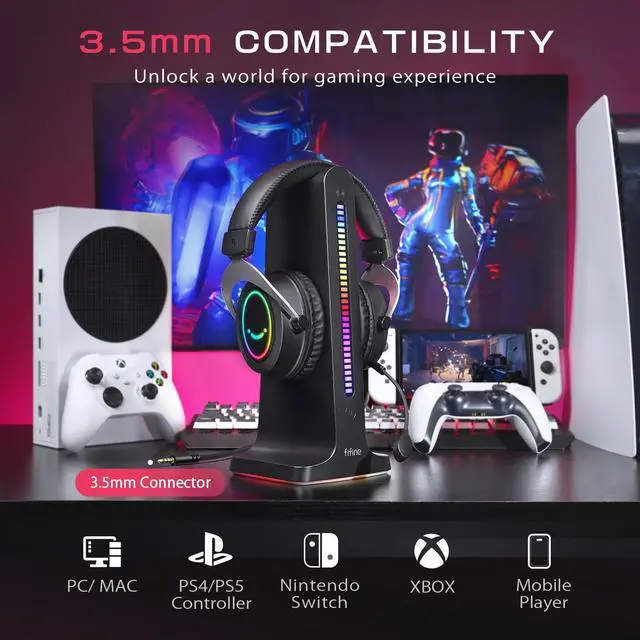
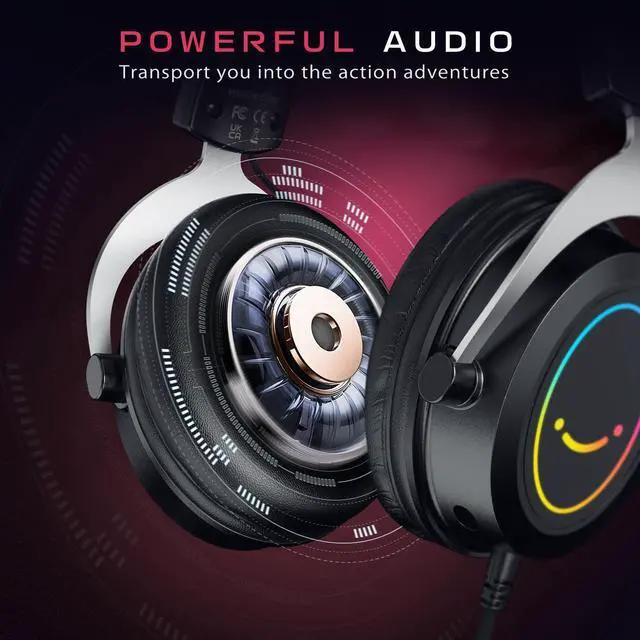
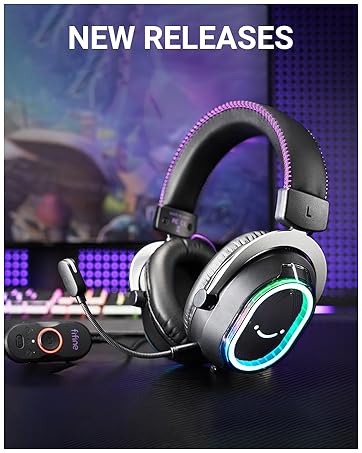
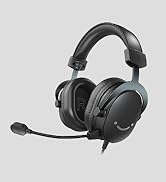
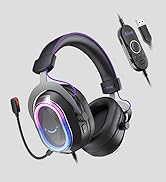
The gaming headset with passive noise canceling and 50mm driver allows you to focus solely on the captivating sounds of your game. Softly comfort material provide a suitable fit and ensure hours of immersive gaming aura. Stylish RGB on the gaming headset elevate your gaming setup to complement your gaming atmosphere. Communicate clearly with teammates and adjust headphones vol. or mic on/off with in-line control. Suits for switch, XBOX controller, PS4/PS5 controller, phone/tablet, computer.
Fifine Ampligame H3
Merchant Video


Stylish RGB Headset
Create visual experience to enhance gaming session.
FIFINE Headset/Headphones
3.5mm | Connector | USB or 3.5mm |
50mm | Driver Size | 50mm |
Leatherette | Padding materials | Leatherette |
Include Microphone | ||
32O±15% | Impedance | 32O±15% |
Total 4.9ft (1.5m) | Cable Length | Total 10ft (3.15m) |
Gaming/Streaming | Suitable for | Gaming/Streaming |
3.5mm | Connector | USB |
50mm | Driver Size | 50mm |
Leatherette | Padding materials | Leatherette |
Include Microphone | ||
32O±15% | Impedance | 32O±15% |
Total 4.9ft (1.5m) | Cable Length | 7.55ft (2.3m) |
Gaming/Streaming | Suitable for | Gaming/Streaming |
3.5mm | Connector | USB |
50mm | Driver Size | 50mm |
Leatherette | Padding materials | Leatherette |
Include Microphone | ||
32O±15% | Impedance | 32O±15% |
Total 4.9ft (1.5m) | Cable Length | 6.6ft (2m) |
Gaming/Streaming | Suitable for | Gaming/Streaming |
3.5mm | Connector | 3.5mm/6.35mm |
50mm | Driver Size | 50mm |
Leatherette | Padding materials | Leatherette |
Include Microphone | ||
32O±15% | Impedance | 32O±15% |
Total 4.9ft (1.5m) | Cable Length | 9.8ft (3m) |
Gaming/Streaming | Suitable for | Monitoring/DJ |


How to connect the 3.5mm gaming headset to my desktop PC?
Connect the splitter cable to the gamer headset, and then plug splitter cable into the microphone & headphone jack on your PC.
Does the over-ear headset work with my Xbox?
Yes, the wired gaming headset can be connected to the Xbox Controller via 3.5mm headphone jack, the game audio will be output from the Xbox controller.
How to light up the RGB on the gaming headset?
When the USB power connector is pluged into any power supply device, the amazing glowing RGB on the gamer headset will be turned on automatically.
How to turn up the volume level of mic on gamer headset?
Make sure that the mute switch on USB control box is pushed to “mic on”. Press “+”/”-” to turn up or down mic volume via the USB control box of gaming headset or computer setting.





Fifine Ampligame H3
Merchant VideoOver-Ear Gaming Headset
RGB Gaming Headset with 3.5mm Jack
The gaming headset with passive noise canceling and 50mm driver allows you to focus solely on the captivating sounds of your game. Softly comfort material provide a suitable fit and ensure hours of immersive gaming aura. Stylish RGB on the gaming headset elevate your gaming setup to complement your gaming atmosphere. Communicate clearly with teammates and adjust headphones vol. or mic on/off with in-line control. Suits for switch, XBOX controller, PS4/PS5 controller, phone/tablet, computer.
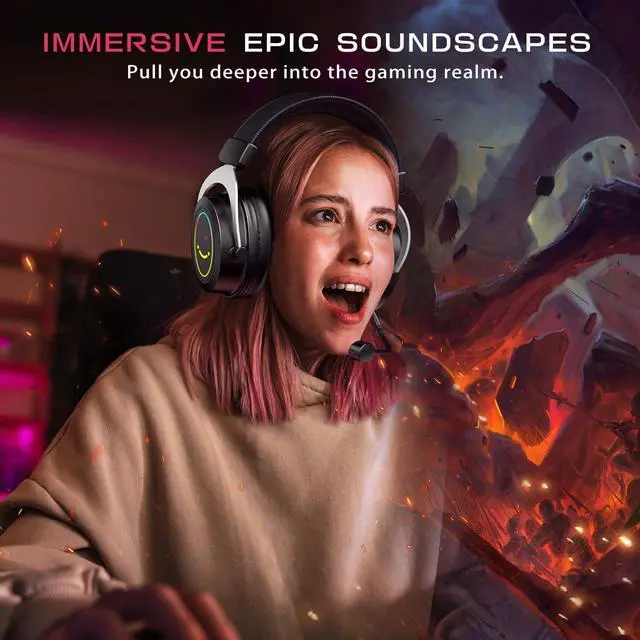
Uncover a sense of immersion in more gaming aura via 50mm driver.
Delve into virtual worlds to achieve triumphs like a gaming legend.
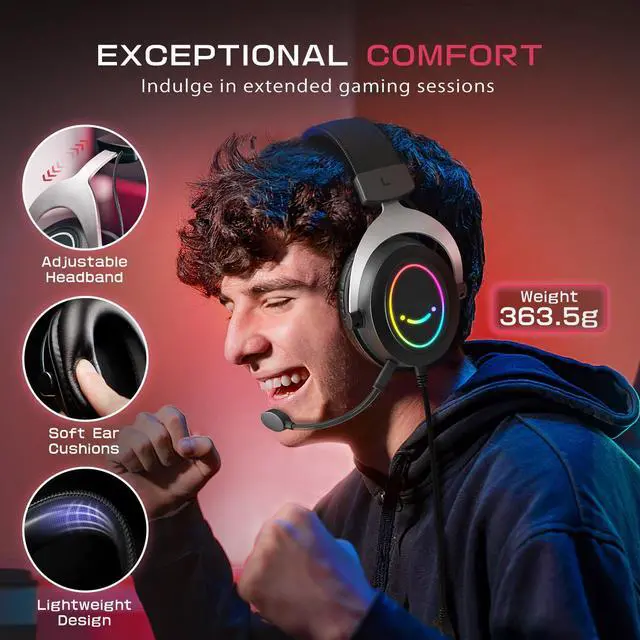
Focus on extended gaming sessions to conquer virtual challenges.


Embrace the gaming feeling in your gaming realm.
Unleash and let the gaming adventures begin.
Heighten your gaming senses and instincts.


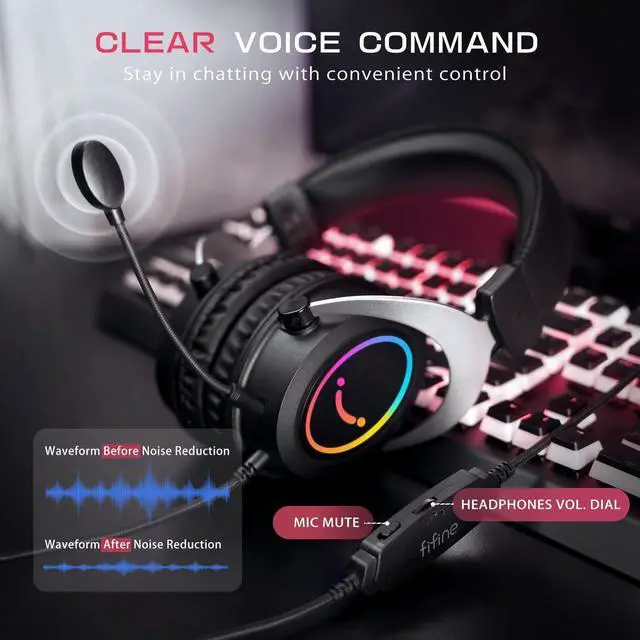
Coordinate with your teammates via detachable microphone.
Grant you easy access to vol. control and mute switch.
Provide simple connection no need additional adapter.
Plug the USB connector to light up RGB.


Stylish RGB Headset
Create visual experience to enhance gaming session.
FIFINE Headset/Headphones
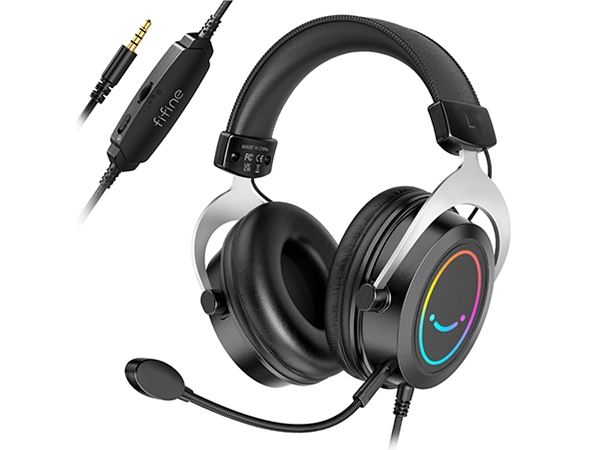
3.5mm Gaming Headset-H3
Connector
3.5mm
Driver Size
50mm
Padding materials
Leatherette
Include Microphone
Impedance
32O±15%
Cable Length
Total 4.9ft (1.5m)
Suitable for
Gaming/Streaming
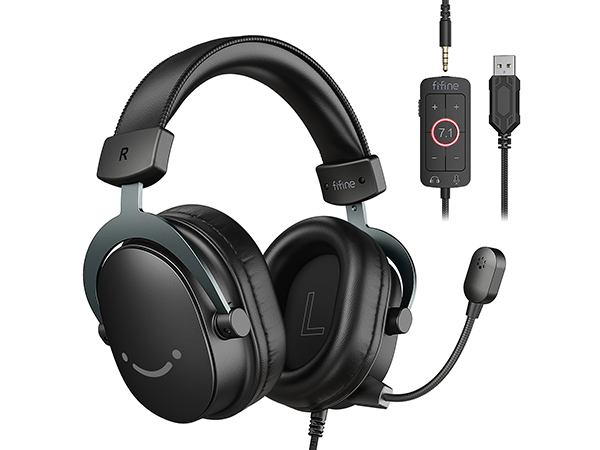
USB/3.5mm Game Headset-H9
Connector
USB or 3.5mm
Driver Size
50mm
Padding materials
Leatherette
Include Microphone
Impedance
32O±15%
Cable Length
Total 10ft (3.15m)
Suitable for
Gaming/Streaming
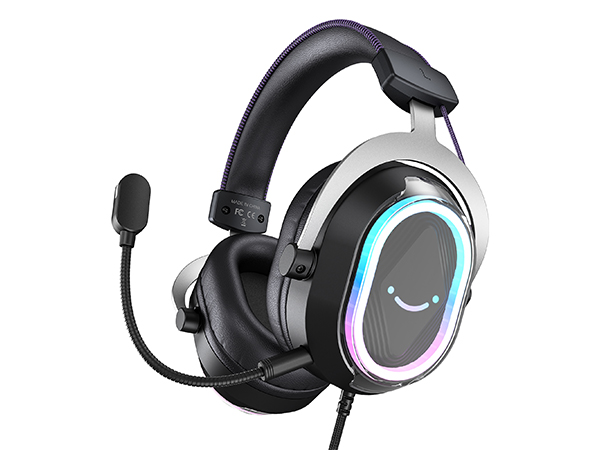
USB GAming Headset-H13BP
Connector
USB
Driver Size
50mm
Padding materials
Leatherette
Include Microphone
Impedance
32O±15%
Cable Length
7.55ft (2.3m)
Suitable for
Gaming/Streaming
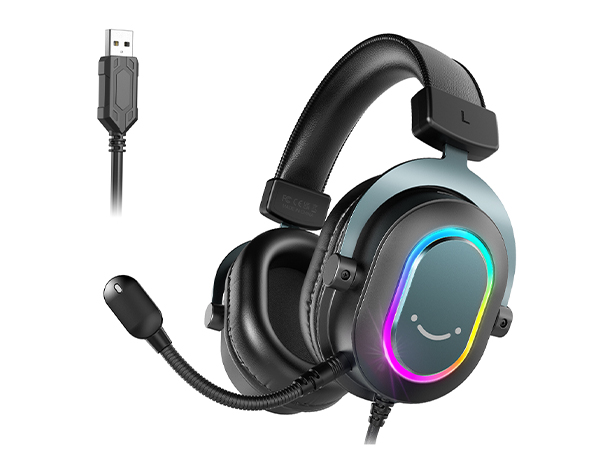
USB Gaming Headset-H6
Connector
USB
Driver Size
50mm
Padding materials
Leatherette
Include Microphone
Impedance
32O±15%
Cable Length
6.6ft (2m)
Suitable for
Gaming/Streaming
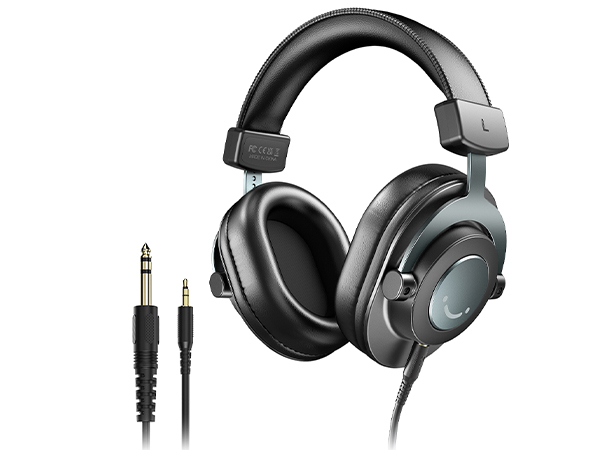
Monitoring Headphones-H8
Connector
3.5mm/6.35mm
Driver Size
50mm
Padding materials
Leatherette
Include Microphone
Impedance
32O±15%
Cable Length
9.8ft (3m)
Suitable for
Monitoring/DJ
How to connect the 3.5mm gaming headset to my desktop PC?
Connect the splitter cable to the gamer headset, and then plug splitter cable into the microphone & headphone jack on your PC.
Does the over-ear headset work with my Xbox?
Yes, the wired gaming headset can be connected to the Xbox Controller via 3.5mm headphone jack, the game audio will be output from the Xbox controller.
How to light up the RGB on the gaming headset?
When the USB power connector is pluged into any power supply device, the amazing glowing RGB on the gamer headset will be turned on automatically.
How to turn up the volume level of mic on gamer headset?
Make sure that the mute switch on USB control box is pushed to “mic on”. Press “+”/”-” to turn up or down mic volume via the USB control box of gaming headset or computer setting.
FIFINE AmpliGame Series
Keep Leveling Up for Your Game Victory
FIFINE Gaming Products
FIFINE Streaming Microphone
FIFINE Podcasting Microphone
More from AmpliGame Series