




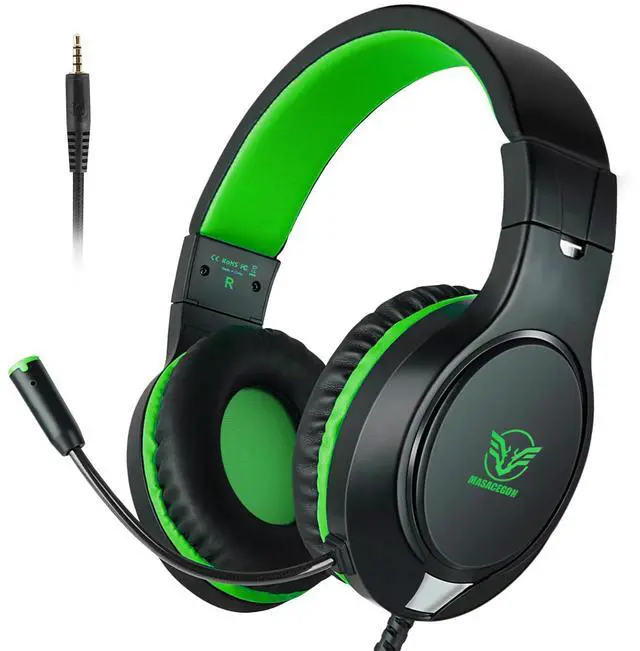
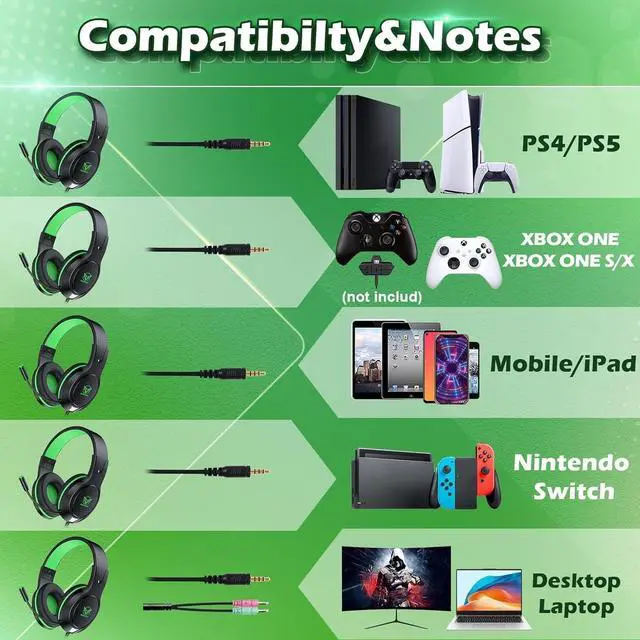

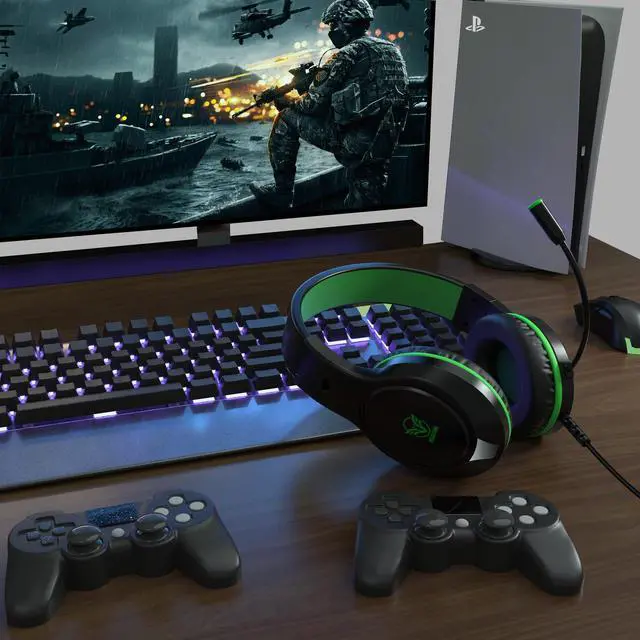



- Multi-Platform Compatible
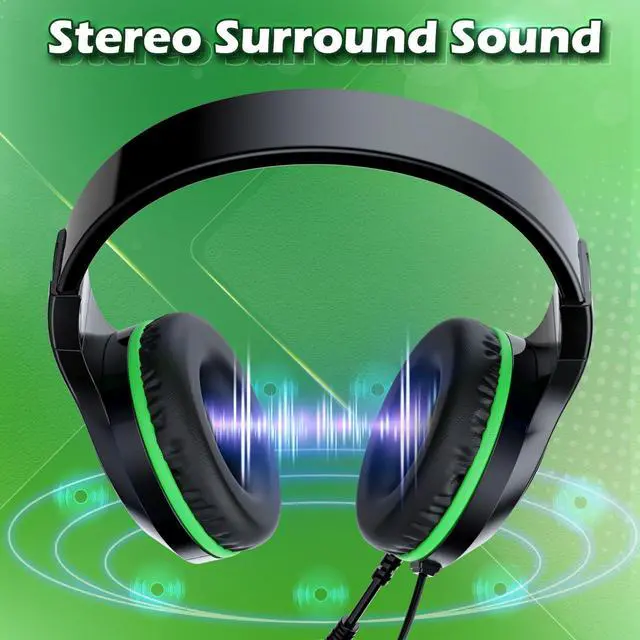
- Surrounding Stereo Subwoofer
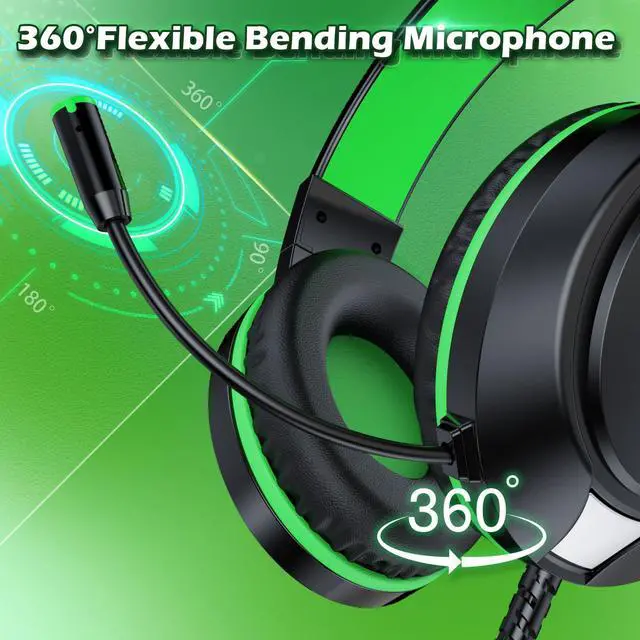
- Noise Isolating Microphone
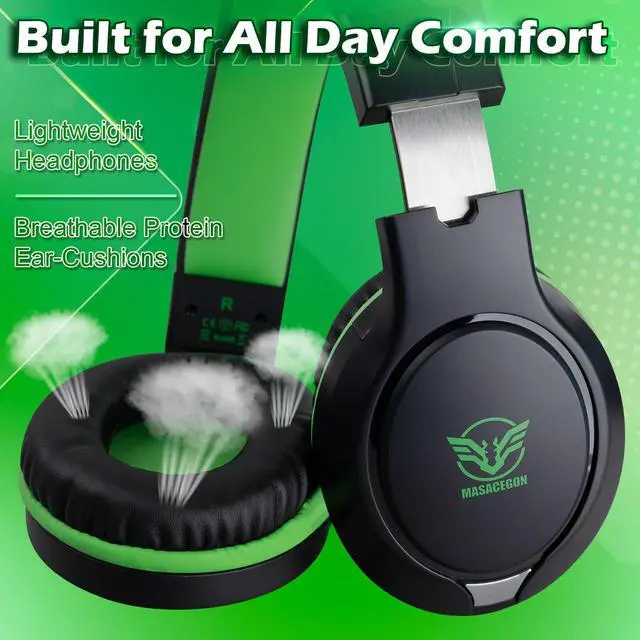
- Great Humanized Design
Connecting to Xbox one
An extra Adapter is needed for Old Version of Xbox One(without 3.5mm interface).
Connecting to PC
Connect the included Y Splitter Adapter when using on computer.
Connecting to Nintendo Switch
1.Form your smart device,download and install the Switch Online app and sign in with your Nintendo Account
2.Form your Switch console,start the compatiable software using the same Nintendo Account as used on the Switch Online app
3.Enter the mode that supports voice chat over the Switch Online app
4.On the smart device,select "Smart"after receiving the prompt asking,"Start voice chat?"


hero-video
Merchant Video


- Multi-Platform Compatible
- Surrounding Stereo Subwoofer
- Noise Isolating Microphone
- Great Humanized Design
Connecting to Xbox one
An extra Adapter is needed for Old Version of Xbox One(without 3.5mm interface).
Connecting to PC
Connect the included Y Splitter Adapter when using on computer.
Connecting to Nintendo Switch
1.Form your smart device,download and install the Switch Online app and sign in with your Nintendo Account
2.Form your Switch console,start the compatiable software using the same Nintendo Account as used on the Switch Online app
3.Enter the mode that supports voice chat over the Switch Online app
4.On the smart device,select "Smart"after receiving the prompt asking,"Start voice chat?"